Buying a Laptop on Black Friday: What a Repair Shop Checks
Before you buy a Black Friday laptop deal, check the RAM, the storage, the full model code and what is soldered down. A repair workshop's checklist for a laptop that lasts.
IT that keeps up with creative work — Mac and PC design suites, dependable backups and networks built for big media files.
Last updated: August 2026
Deadlines don’t move for IT problems. When a designer’s Mac won’t open a client’s artwork, when shared storage crawls just as three people need the same video project, or when a drive fails the night before a pitch, the whole studio feels it. For over 25 years PC Macgicians has supported businesses across South West London, and creative agencies bring their own distinctive mix of demands: mixed Mac and PC setups, enormous media files, colour-critical work and a pace that leaves little room for downtime.
We understand the tools your team lives in. Adobe Creative Cloud, editing suites and design software are only as good as the machines and networks under them — and that’s usually where the bottleneck sits. Whether it’s a MacBook that needs more memory to stop stalling on layered files, a shared drive that can’t keep up, or a network that struggles when the whole studio is pulling large assets at once, we get to the root of it rather than papering over it.
We’re not a faceless managed-services call centre. We’re a local team you can actually reach — happy to come to your studio in Putney, Wandsworth, Richmond or the surrounding area, or to fix many issues remotely so you’re not waiting on a visit. In-store at our Putney workshop, we handle repairs, upgrades and health checks with an honest diagnosis and a clear quote before any work starts.
Below are the IT challenges creative agencies tend to face, and the services we bring to solve them. If your situation isn’t listed, get in touch — chances are we’ve seen something like it before.
Designers on Macs, developers and account teams on Windows, freelancers dropping in with their own kit — a creative agency is rarely one platform. It all has to share files, printers and networks without friction.
Layered PSDs, video projects and RAW libraries run to gigabytes each. Consumer drives and cheap NAS boxes grind to a halt when several people are pulling large assets at once, and that lost time is billable.
A single corrupted project file or a failed drive the day before a client deadline is every studio's nightmare. Creative work in progress is often the least-backed-up thing in the building.
Retouchers and editors need machines with the RAM and speed to scrub through comps without lag, and displays whose colour they can trust before anything goes to print or to a client.
The services our marketing & creative agencies clients rely on most.
Automated, tested backups of live projects and asset libraries so a deadline is never lost to a failed drive.
Fast wired and wireless networks and shared storage built to move large media files between Macs and PCs without the wait.
Repairs, upgrades and setup for the MacBooks and iMacs your design and edit teams rely on.
More memory for creative suites so Photoshop, Premiere and After Effects stop stalling on big projects.
Practical help with your own agency website and hosting, or an extra pair of hands when a client build needs technical support.
Hands-on help at your studio when something breaks — plus remote support for the quick fixes between projects.
Everything on this page can be handled job by job. Most marketing & creative agencies reach a point where that stops being the sensible way to run IT — where they would rather have someone who already knows the setup, monitors it, and picks up the phone. See how our managed IT support works.
Local IT support across South West London:
A long track record supporting South West London homes and businesses.
We fit around how you work — at your premises, over a secure remote session, or at our Putney workshop.
Clear diagnosis and a quote before any work — no jargon, no surprises.
Yes — mixed studios are the norm, not the exception. We look after Macs and Windows machines side by side, and set up networks and shared storage so files, printers and assets move freely between them. See our network setup service.
Usually, yes. Sluggish file access is often a network, storage or configuration problem rather than something you have to live with. We assess how your team actually works and design storage and cabling that keeps big media files moving. Take a look at network setup.
With automated, tested backups of your live projects and asset libraries — not just an occasional copy someone remembers to make. We make sure work in progress and finished files are both protected, so a failed drive never costs you a deadline.
Often, yes. A RAM upgrade or faster storage can transform how a workstation handles heavy creative suites. Bring it to our Putney workshop or we’ll come to you — we’ll give you an honest diagnosis and quote before doing any work.
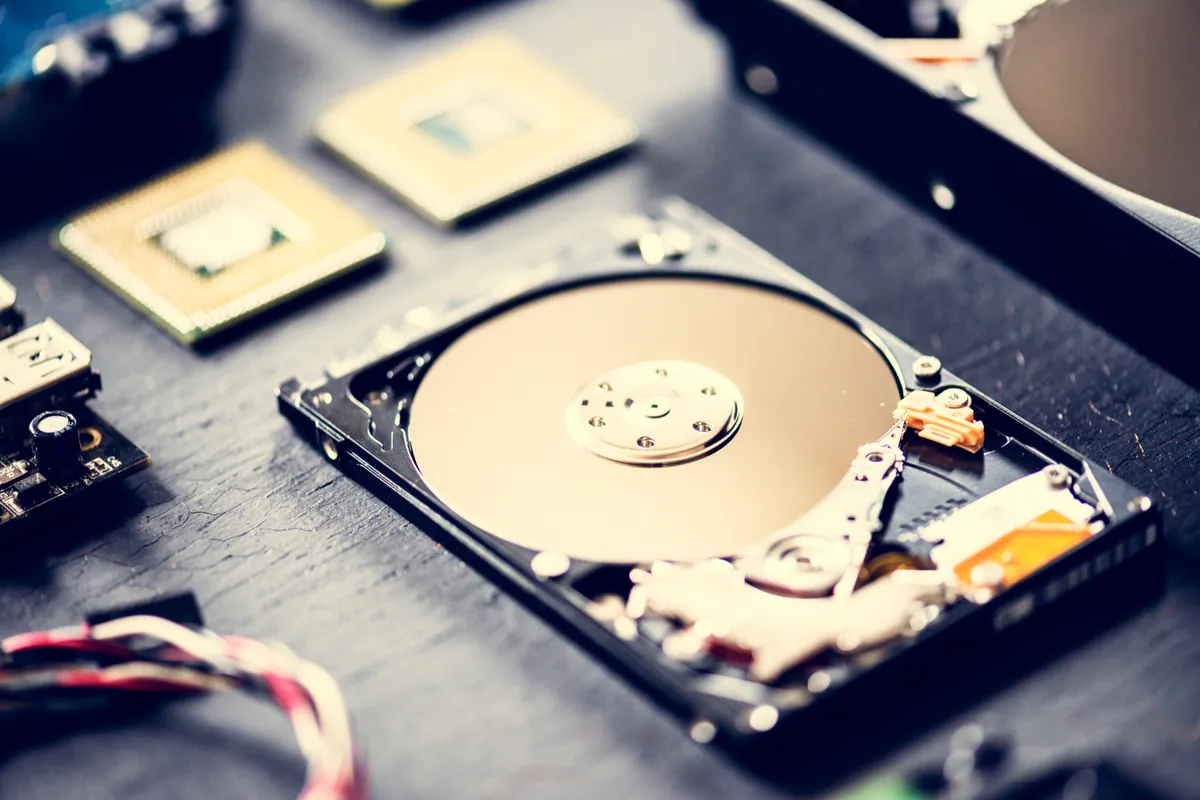
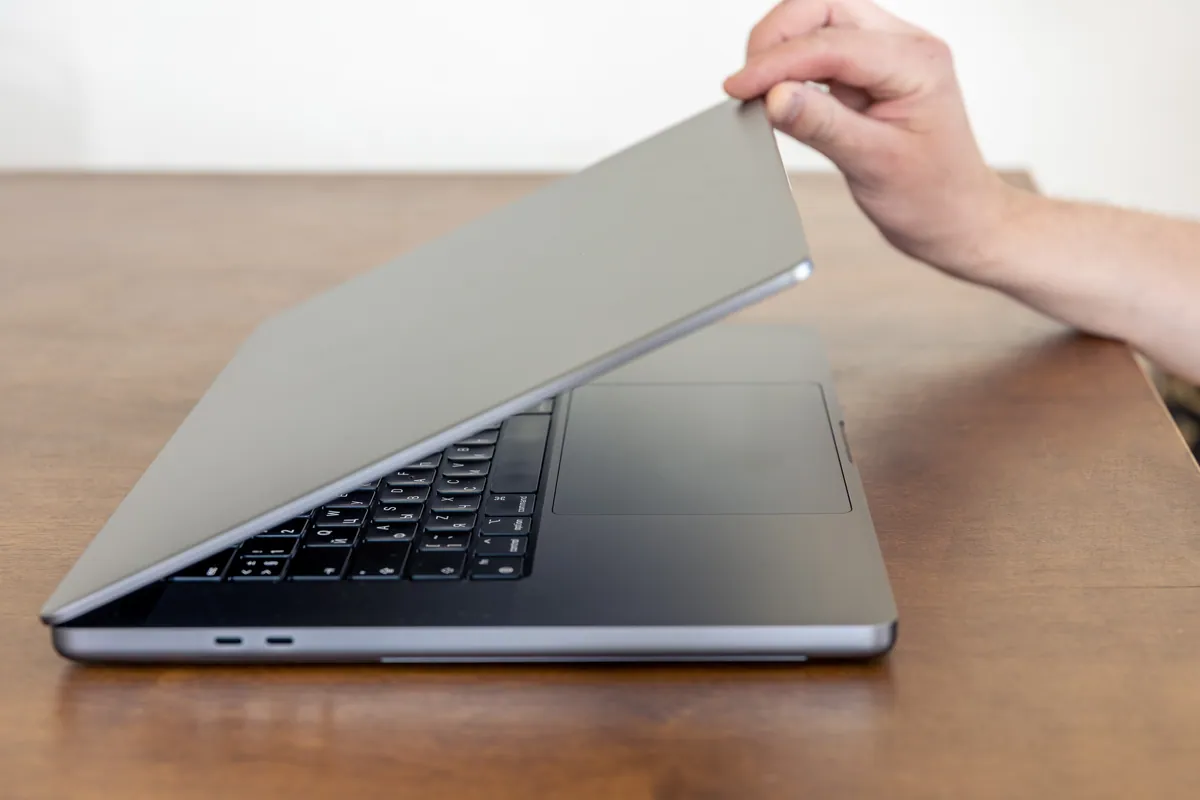
Before you buy a Black Friday laptop deal, check the RAM, the storage, the full model code and what is soldered down. A repair workshop's checklist for a laptop that lasts.
Data recovery costs from £75 for deleted or corrupt files, with an assessment of £60–£120 agreed upfront. What drives the price up, what a dead laptop costs, and when you pay nothing.
A laptop charging port repair costs £60–£120 when the port is on its own cable or board, and £150–£300 when it is soldered to the motherboard. How to tell which you have, and when it is not the port at all.
Call for straight advice or a no-obligation quote. We're local, experienced, and here to help.