HP All-in-One Powers On But No Display in Fulham SW6
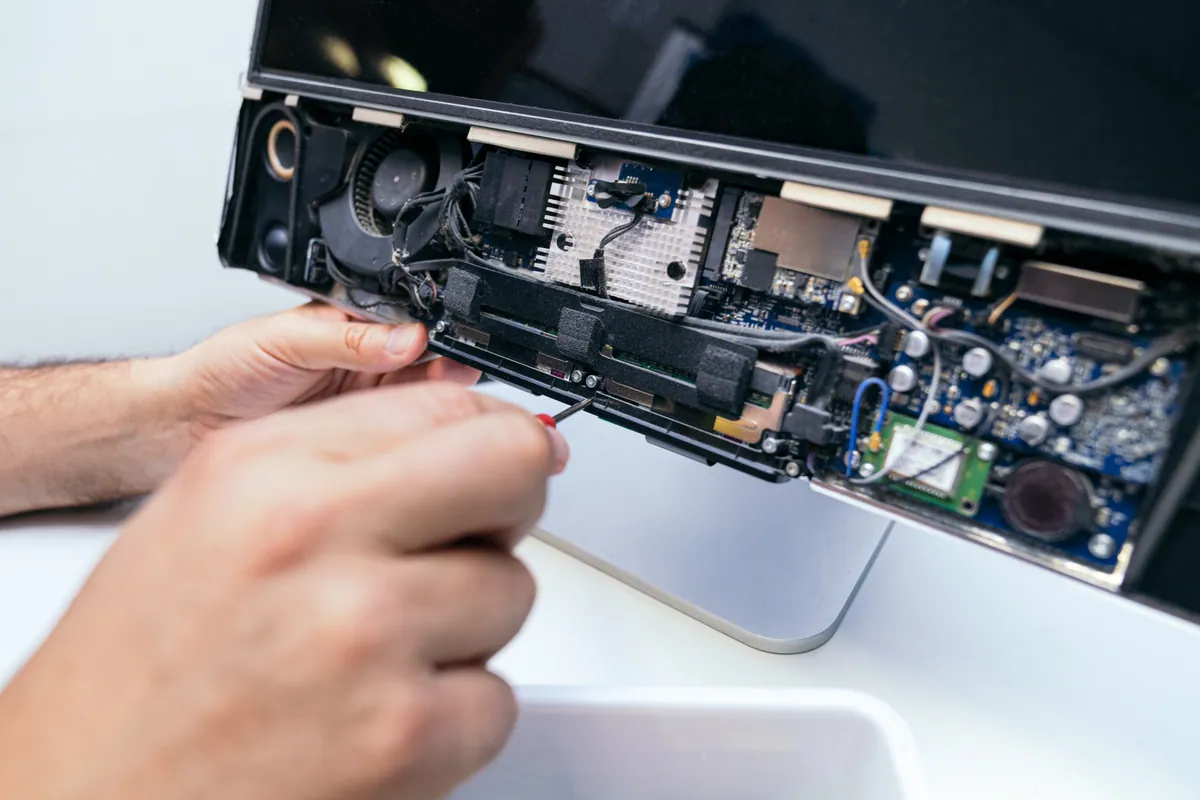
An HP all-in-one in Fulham SW6 powered on to a black screen. We found software at fault, not a dead panel, rebuilt the OS and kept Windows 10 patched.
Hotend, AMS and Annual Servicing for FDM Printers
Last updated: May 2026
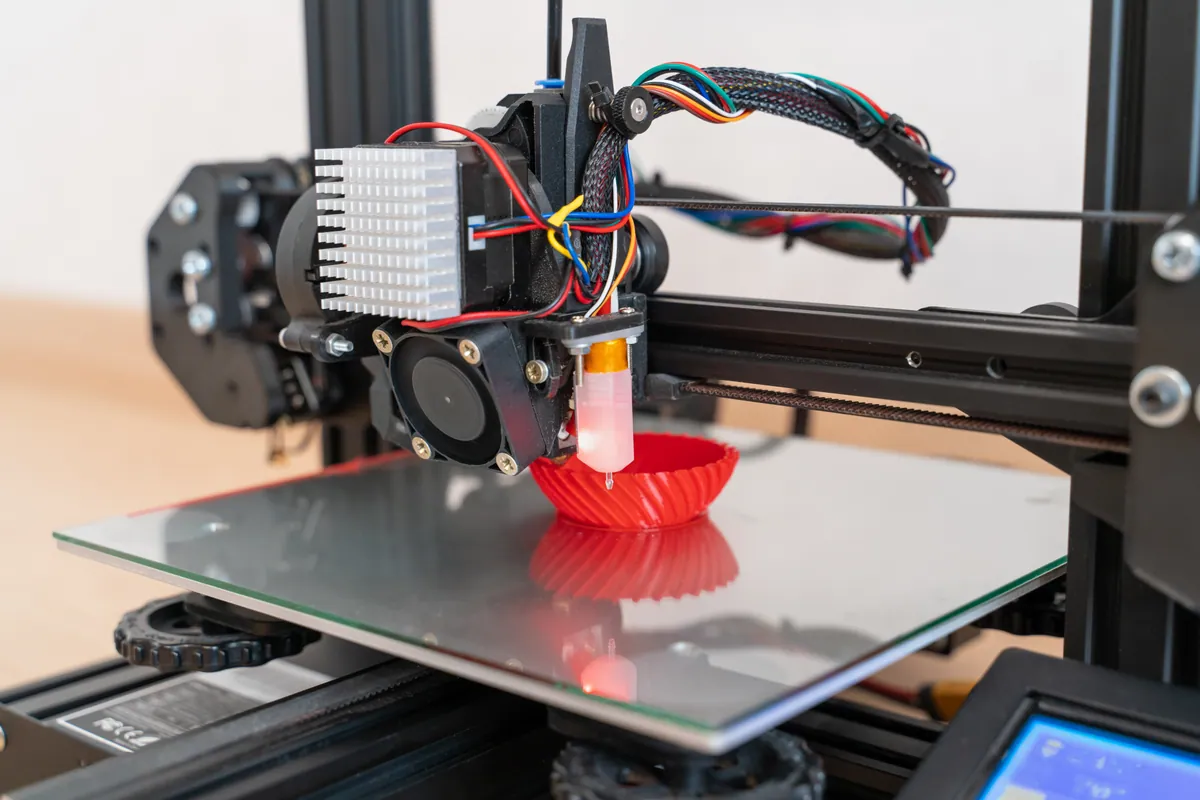
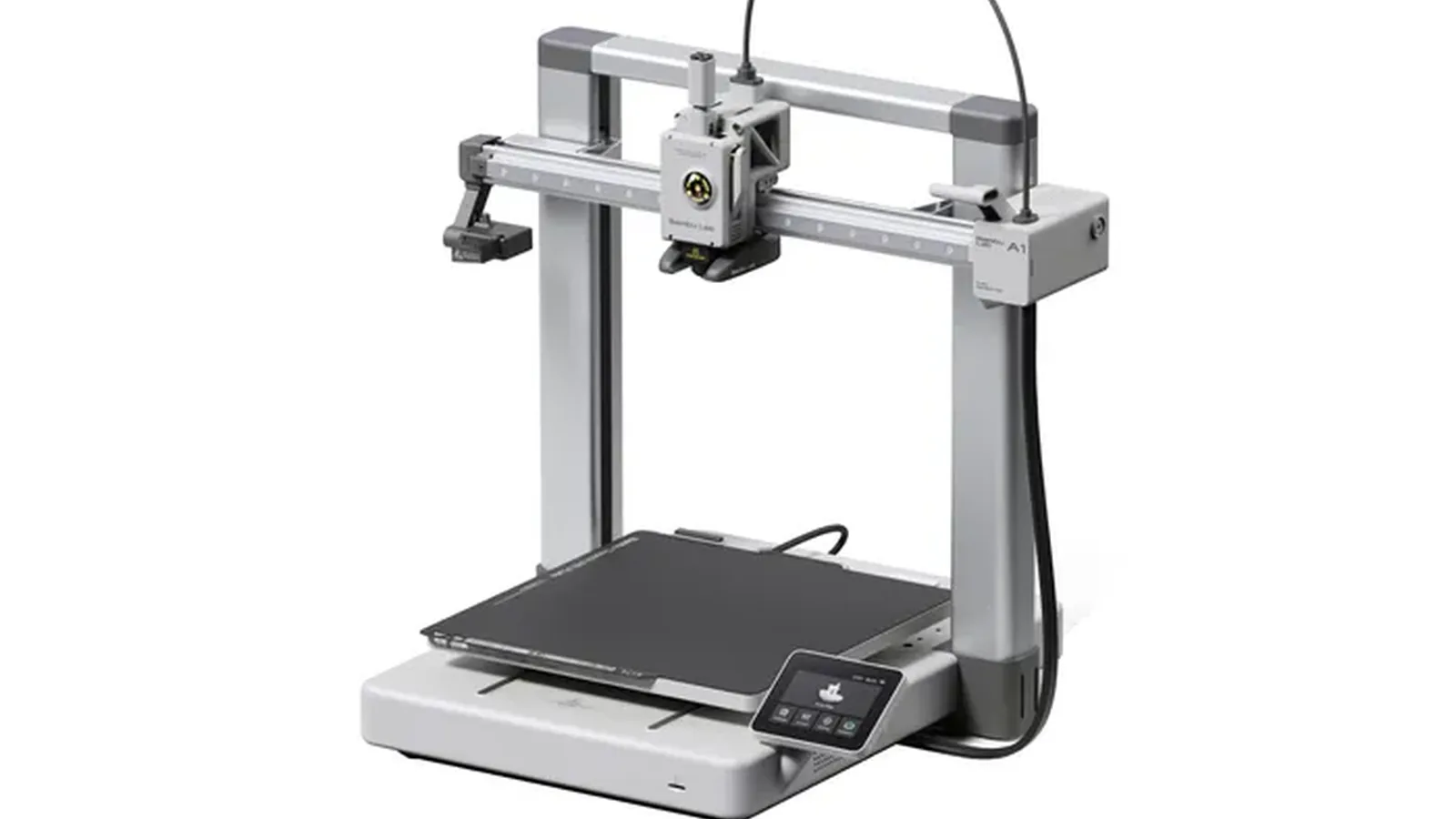
Most 3D printer faults are predictable: a clogged hotend after a few kilos of filament, a worn PTFE tube causing AMS feed errors, a build plate that has lost its grip after months of daily prints. We diagnose the actual fault rather than guessing, replace what needs replacing with the correct parts, then verify with real test prints before you collect. We work on Bambu Lab, Creality, Prusa, Anycubic and other consumer FDM printers from our Putney workshop and on-site across South West London.
Structured fault-finding instead of swapping random parts. We isolate the failure to the hotend, feed path, extruder, motion system or electronics before quoting.
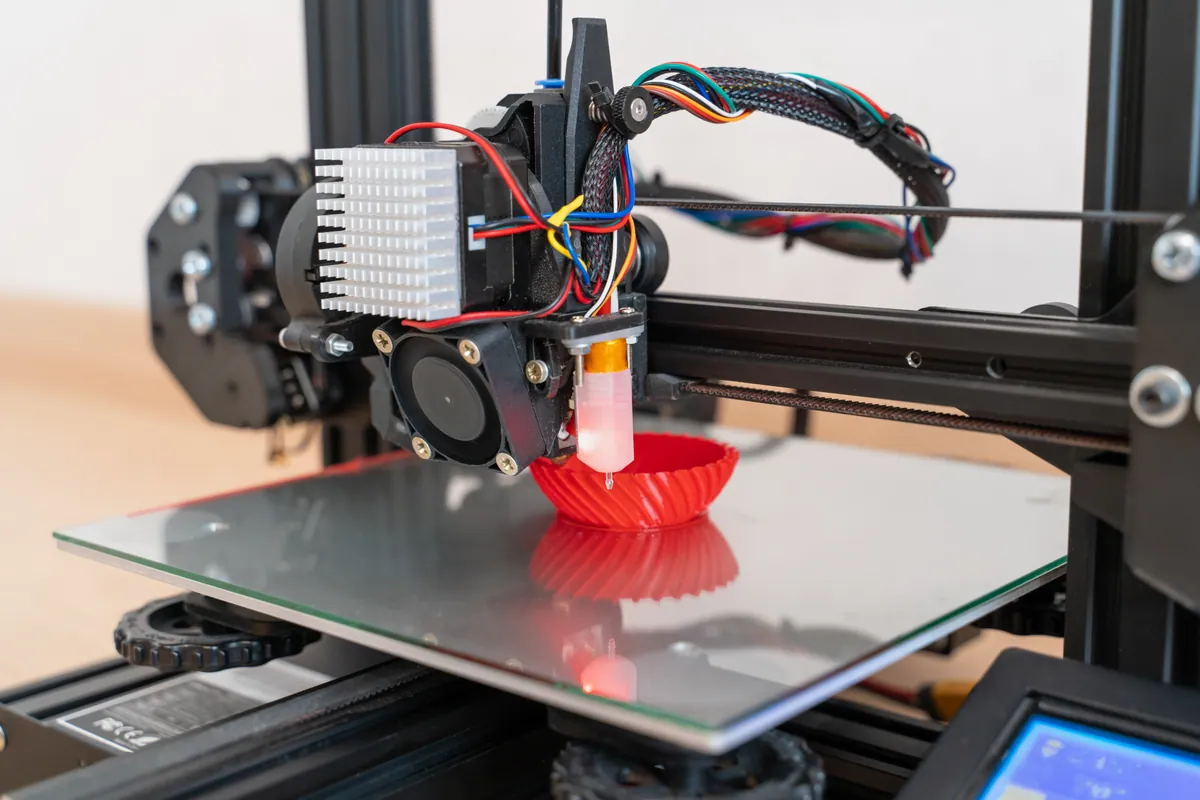
Hotend assembly replacement, nozzle swaps including hardened steel for abrasive filaments, ceramic heater and thermistor faults. Cold-pull cleaning where appropriate.
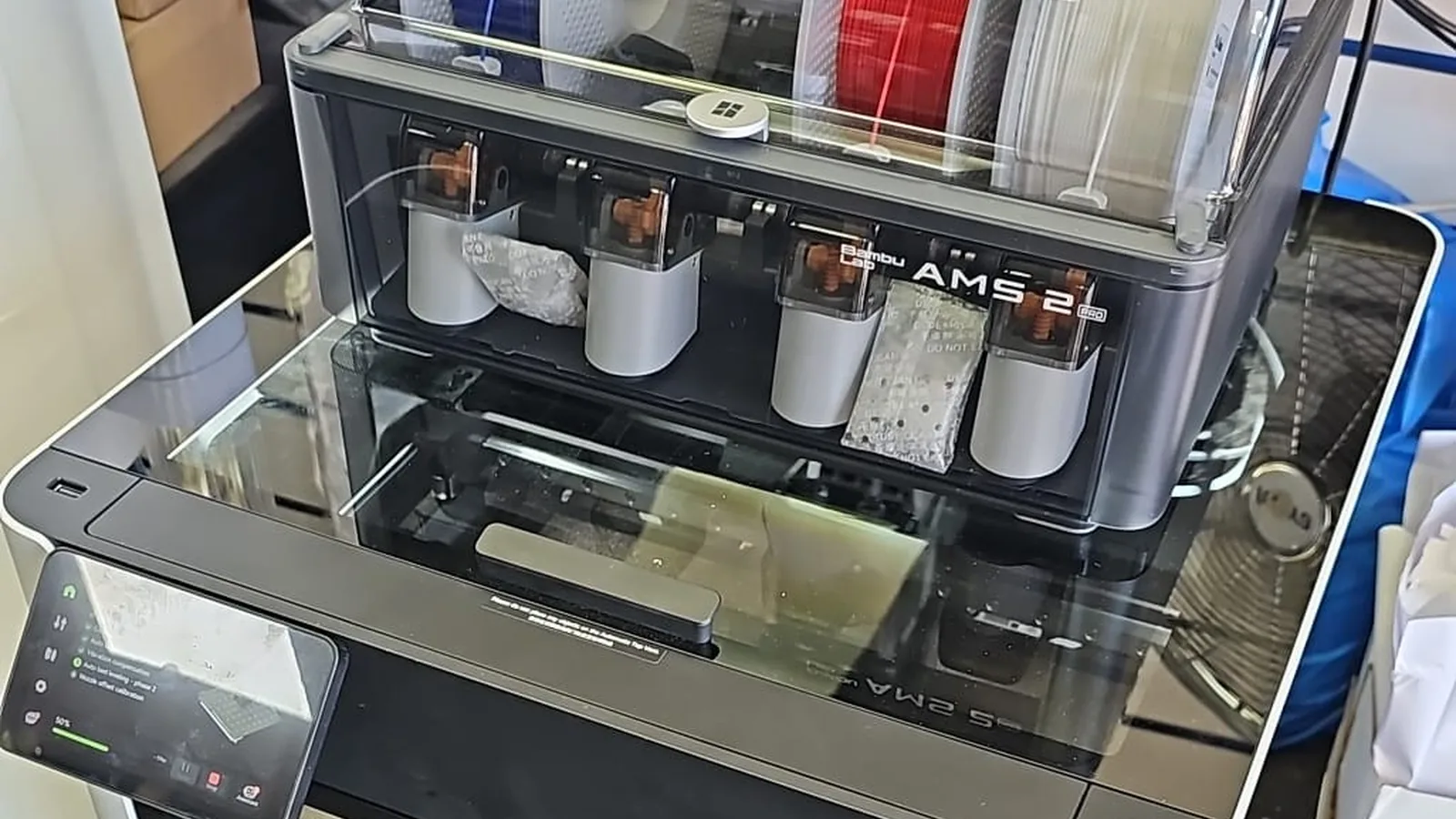
PTFE tube replacement, AMS hub and buffer checks, broken-filament removal from the feed path. Bambu's official guidance is every 2 months for AMS PTFE — we follow it.
Extruder gear cleaning and replacement, AMS first-stage feeder repair, hub sensor diagnosis, and the HMS_0700 error family decoded properly rather than guessed at.
PEI sheet replacement, build plate swaps, heated bed thermistor and heater repair. We test bed mesh and tramming after every plate change so first layers behave.
Preventative service: rod cleaning and lubrication, belt tension check, fan health, firmware update, lead-screw grease, filament path inspection, and a verification print before handover.
Simple steps to get your problem solved quickly and professionally.
Bring the printer in to our Putney workshop. We run a structured fault-find and identify the actual failure rather than guessing.
You get a clear quote with parts, labour and expected turnaround before any work goes ahead. No surprises.
Authorised work proceeds with the correct parts. Where Bambu specifies a procedure, we follow it; aftermarket parts only when you've agreed.
Every repair finishes with a verification print that exercises the failed component. You collect a printer that actually works, not one that just powers on.
Trusted by customers across South West London. Read what they have to say about our 3D Printer Repair & Servicing in London service.
"Twice I have had terrible problems with my printer and computer system for my company computers. PC Macgicians quickly resolved the problems and at a fraction of the price compared to competitors in Wandsworth High Street. Reliable, honest team."
James W.
Wandsworth
"Really good experience, they knew exactly what they were doing and their recommendation was spot on. Good price too."
Pierre A.
South West London
"After being told by another repair shop in the area to just buy a new one, the service here was so wonderful. They fixed the problem, gave me lots of helpful tips, and were really reasonable on price."
Samantha J.
South West London
A diagnostic fee applies and is deducted from your repair cost if you go ahead. Hotend replacement, PTFE replacement, AMS work and annual servicing are all quoted per job after diagnosis — no guesswork pricing. Call 020 7610 0500 for a quick estimate before you bring the printer in.
Genuine parts where specified | Verification print included | Plain-English explanation of what failed
An HP all-in-one in Fulham SW6 powered on to a black screen. We found software at fault, not a dead panel, rebuilt the OS and kept Windows 10 patched.
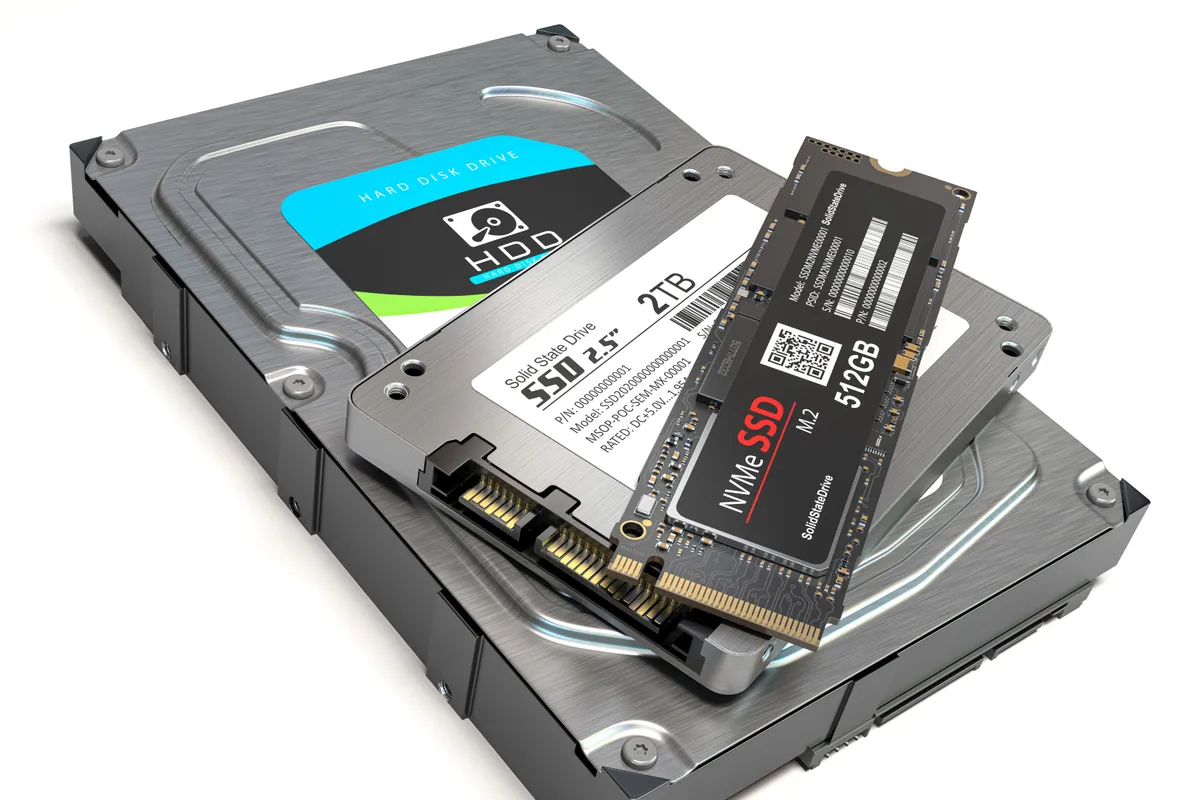
A custom desktop in Barnes SW13 sat at 100% disk usage and froze after 30 minutes. We traced it to a failing SSD and fitted a new drive with a fresh install.
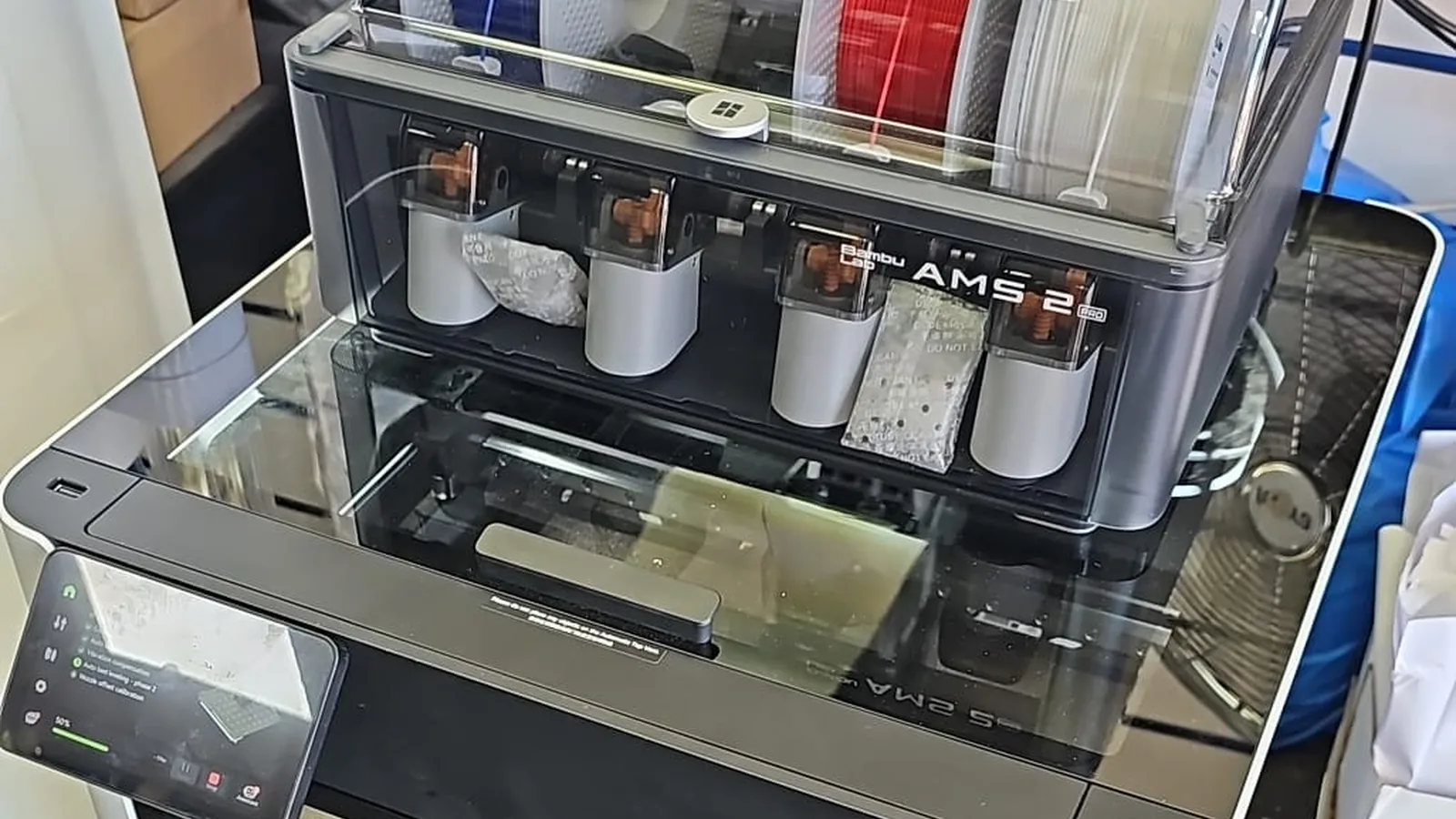
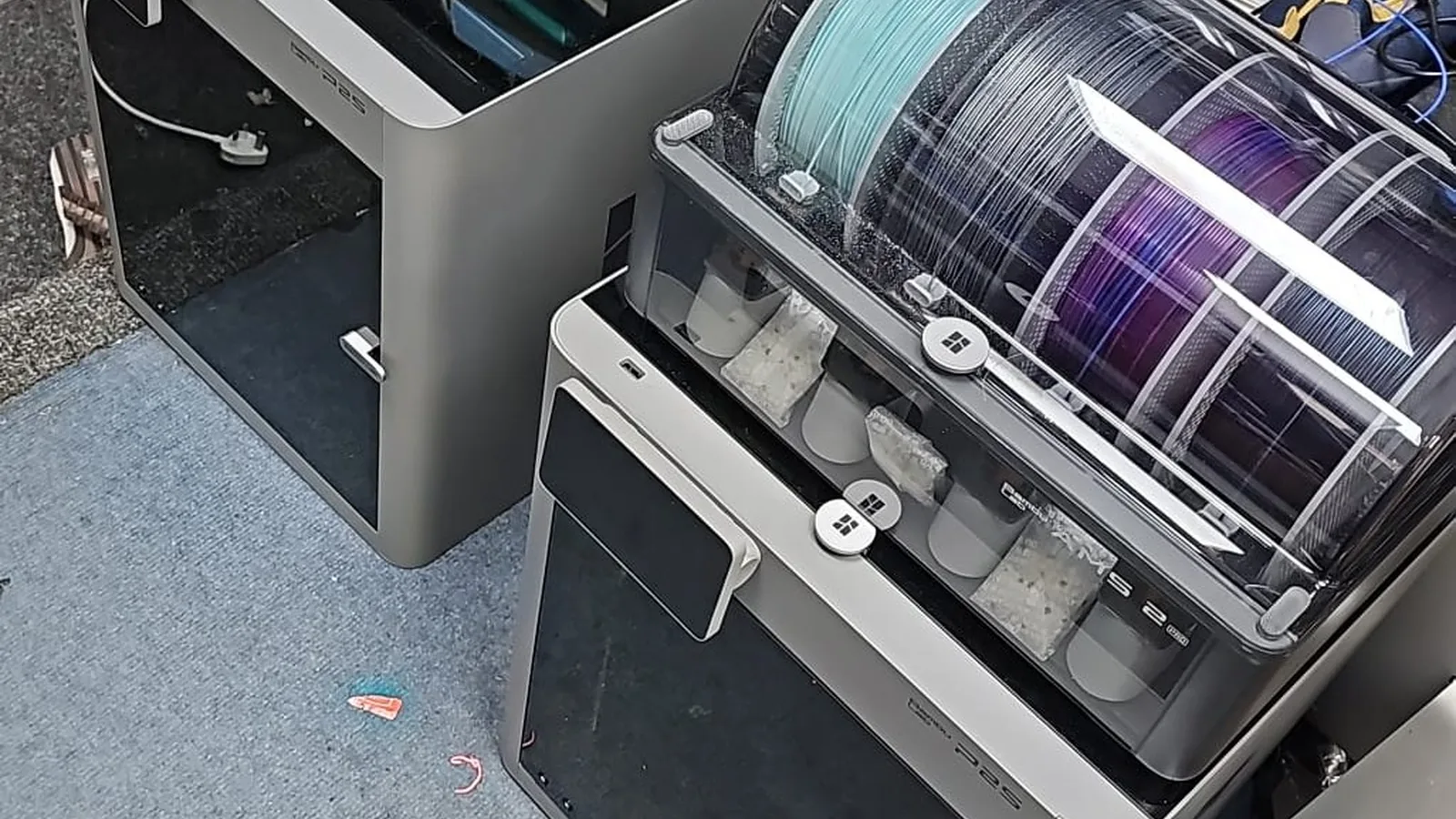
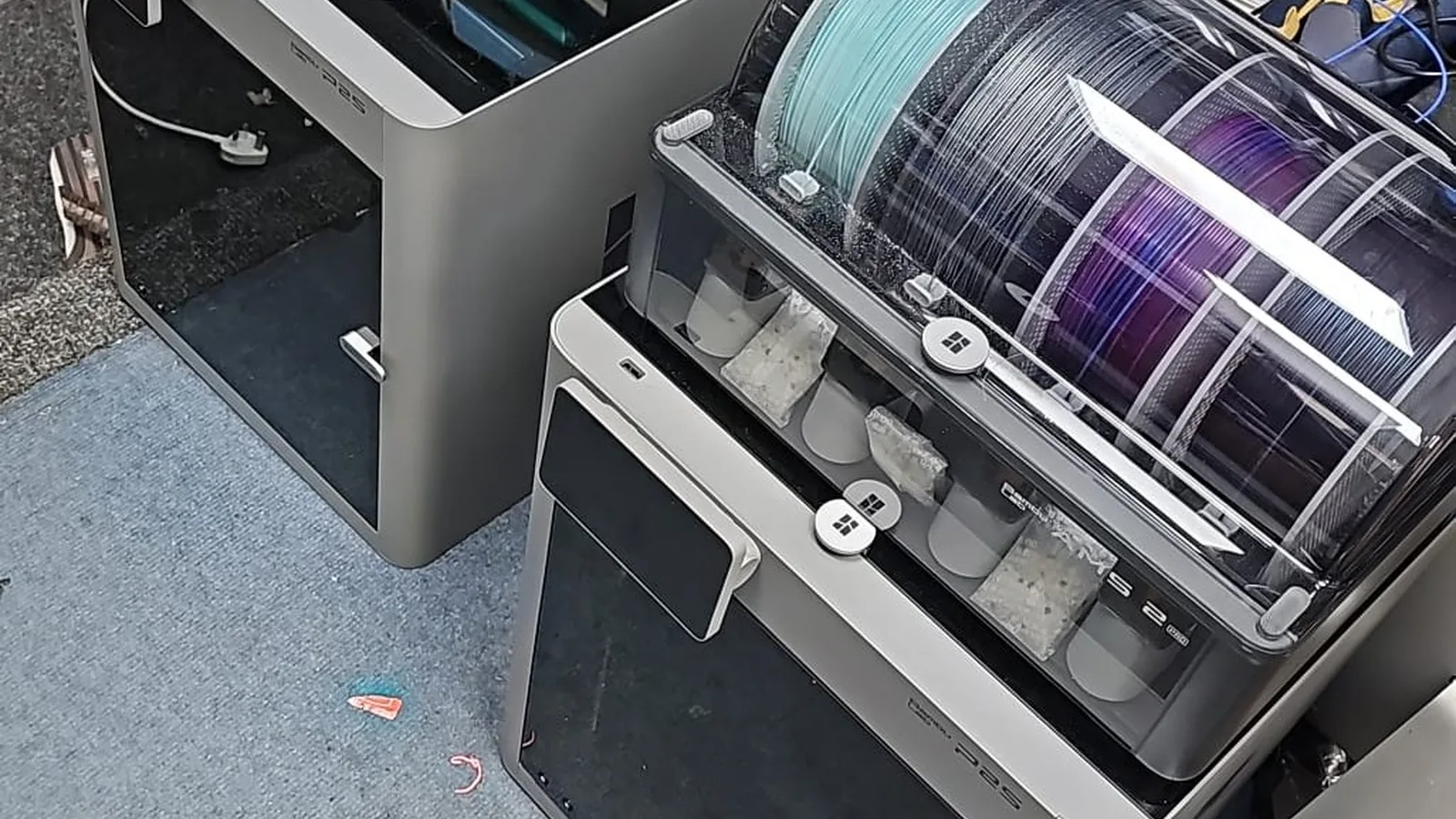
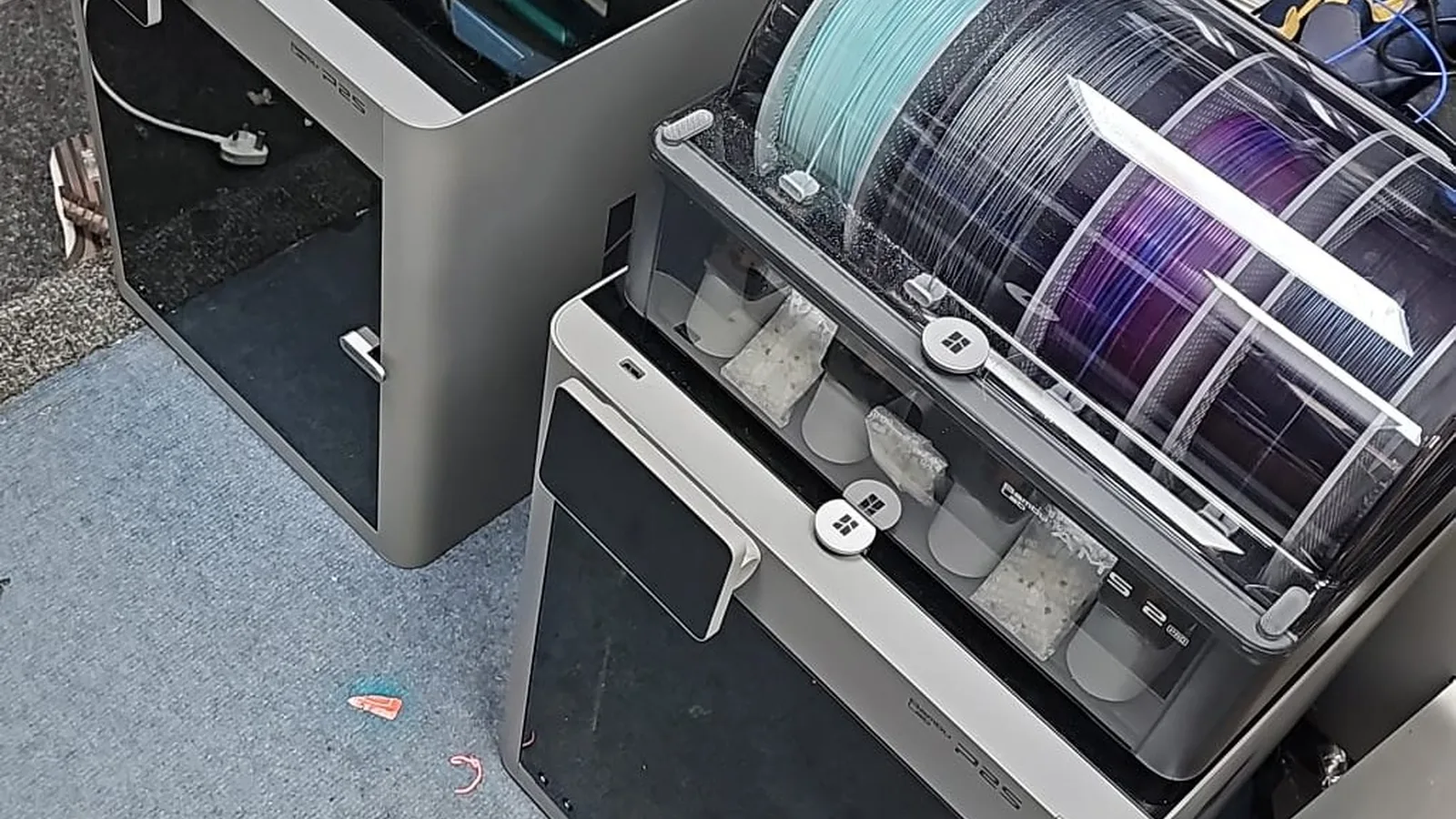
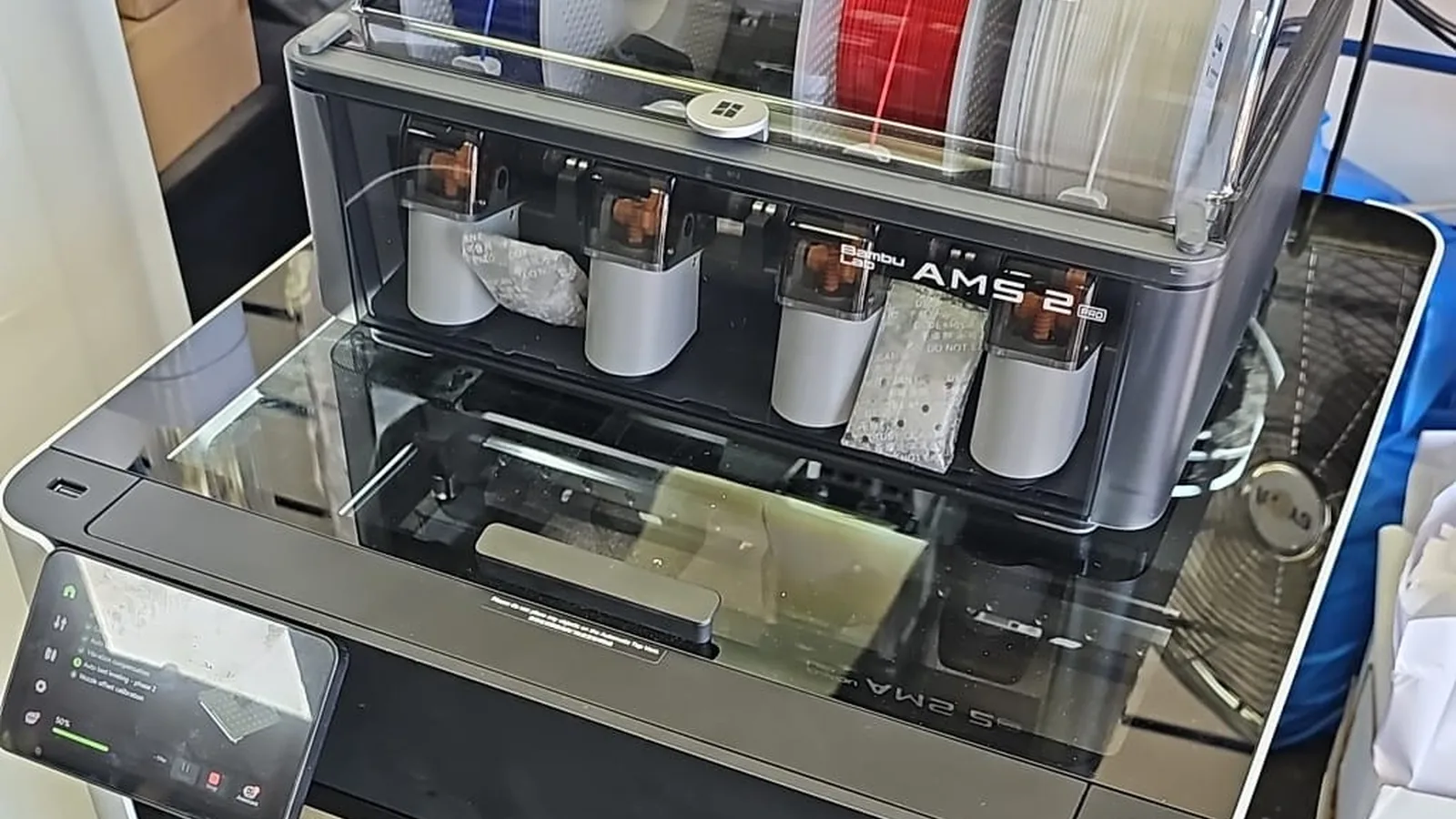
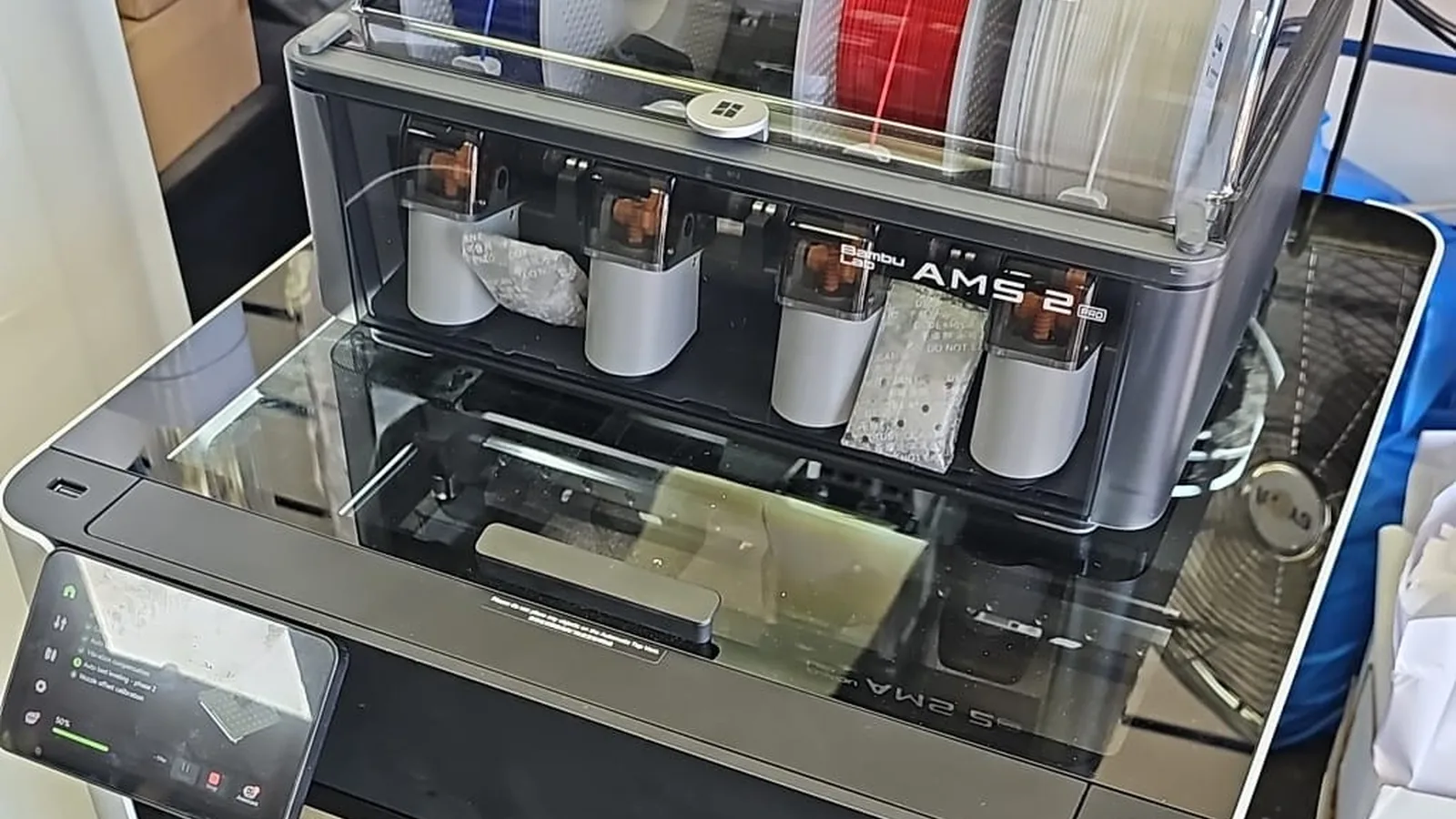
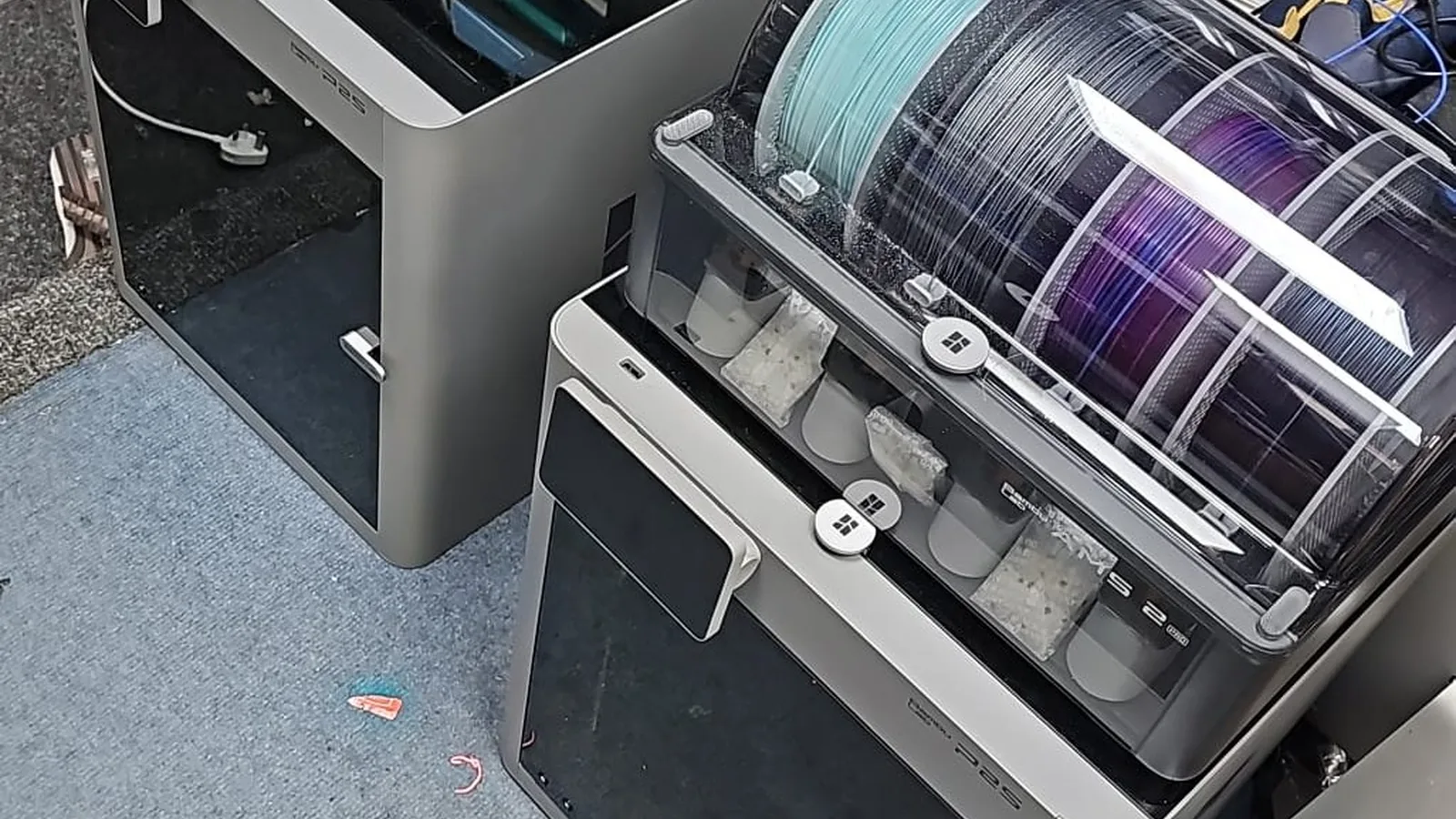
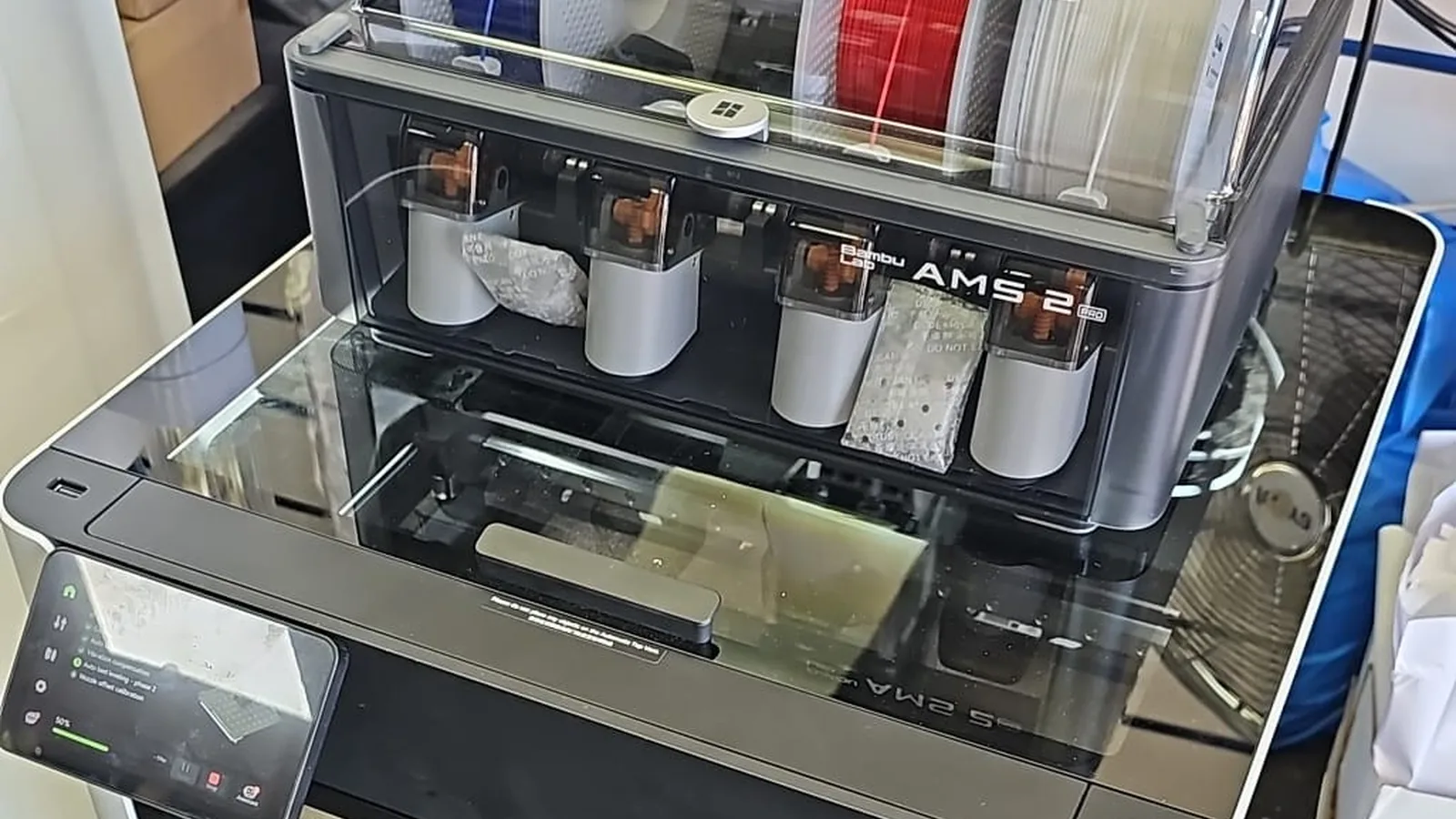
A Kensington W14 business runs a small fleet of Bambu printers. We serviced them onsite — a melted P2S hotend, an H2D chute assembly repair, and full maintenance.
An HP OMEN gaming desktop in Putney SW15 was completely dead. We traced it to a failed power supply, replaced the PSU and confirmed nothing else was damaged.
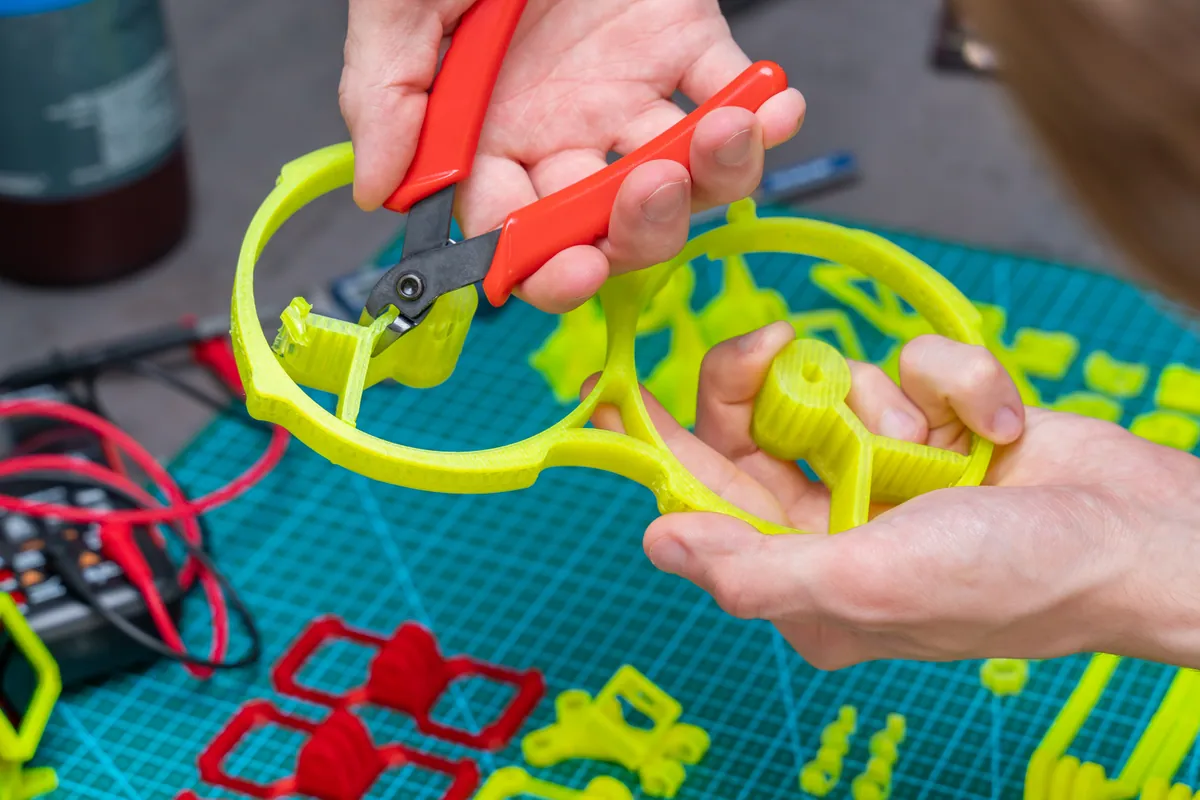
A customer brought us a 250 mm STL model with overhangs. We prepared the file, added supports, and printed it cleanly in white at our Putney SW15 workshop.
HP All-in-One in Putney SW15 stopped booting. We backed up the user's data before any destructive work, then ran a clean OS reinstall and restored the files cleanly afterwards.
Custom-built desktop in Putney SW15 with a faulty PSU fan. We confirmed the rail outputs were also drifting, replaced the supply with a quality 80+ Gold unit, and verified rail stability under full load.
HP All-in-One desktop in Fulham SW6 stopped booting. We isolated the fault to a failed SSD with controller damage and referred the customer for cleanroom data recovery before fitting a replacement drive.
What Bambu Lab HMS error codes mean and how to fix the common ones — AMS feed, Z-homing, nozzle clog and heatbed errors — plus how to look up any code.
A practical Bambu H2D vs X1 Carbon comparison — dual-nozzle features, build volume, maintenance load and which machine actually suits your work.
Decode the HMS_0700 family of Bambu AMS feed errors. Stage-by-stage diagnosis for first-stage feeder, buffer, and extruder grip failures with the right fix for each.
When to replace your Bambu Lab build plate, which plate type suits which filament, and the cost of getting it wrong. Covers Bambu A1, P1 and X1 series plates.
How long Bambu Lab's standard warranty lasts for UK buyers, what the Extended Warranty Service adds, and when independent repair is the faster option.
A practical annual service checklist for Bambu Lab X1, P1 and A1 owners in London. Weekly, monthly and quarterly maintenance tasks based on Bambu's own published schedule.
How to distinguish a nozzle clog from an extruder clog on Bambu Lab printers. Symptoms, test procedure, and the right fix for each — without replacing parts you don't need to.
How to recognise worn PTFE tubing on Bambu Lab X1, P1 and A1 printers. Replacement intervals, wear signs, and the symptoms a tired PTFE creates.
An honest comparison of maintenance demands across the Bambu Lab X1 Carbon, P1S and A1 series. What each model costs to keep running and which suits which owner.
A diagnosis guide for stuck filament in Bambu Lab printers. Distinguish toolhead jams from AMS buffer issues from PTFE tube wear, with the right fix for each location.
How to recognise hotend wear on Bambu Lab X1, P1 and A1 printers before it ruins prints. Five reliable symptoms plus the difference between cleaning and replacement.
A step-by-step guide to removing broken filament from a Bambu AMS unit without damaging the feeder or hub sensor. Covers AMS, AMS 2 Pro and AMS Lite procedures.
We provide 3D Printer Repair & Servicing in London across South West London
View all service areasBring it to our Putney workshop, or ask about an on-site visit. Diagnostic and quote before any work starts.