Family online safety: parental controls set up across a whole household in Mortlake SW14
Parental controls in Mortlake SW14 kept getting bypassed. We layered router filtering with Microsoft Family Safety and Apple Screen Time in one visit.
Never Lose Your Important Data Again
Last updated: February 2026
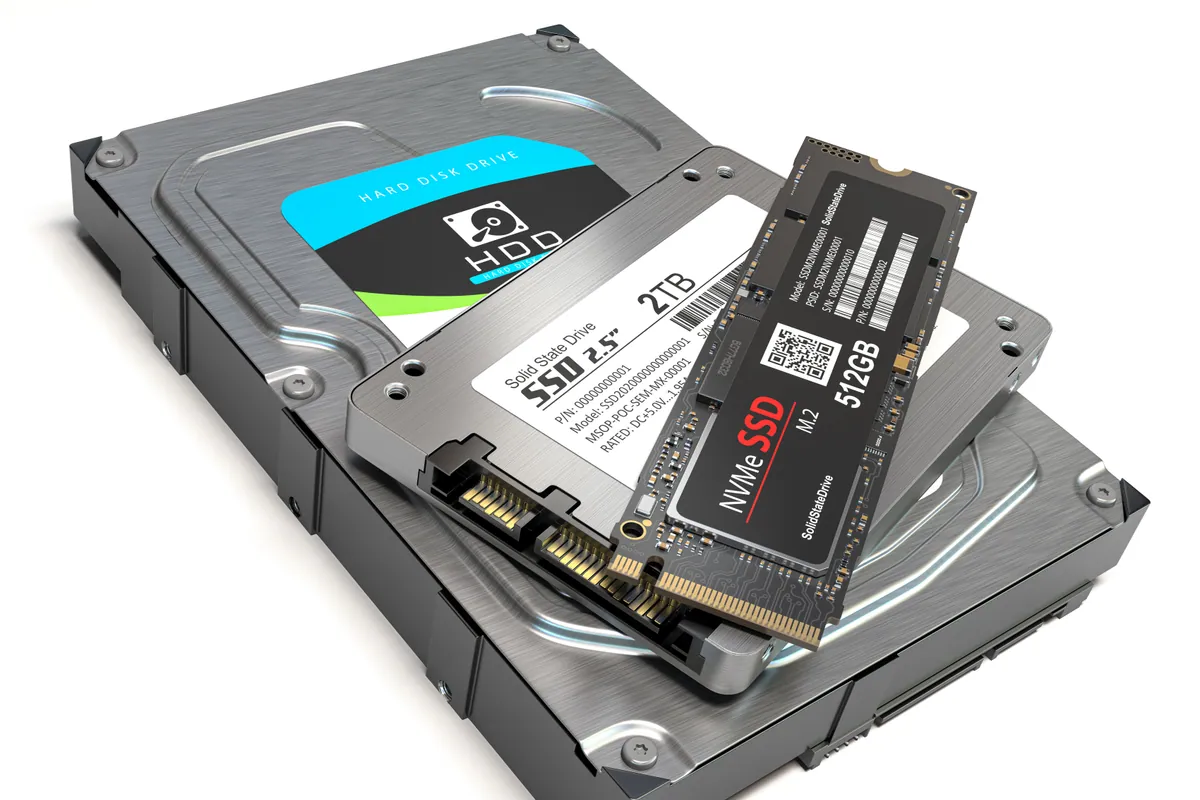
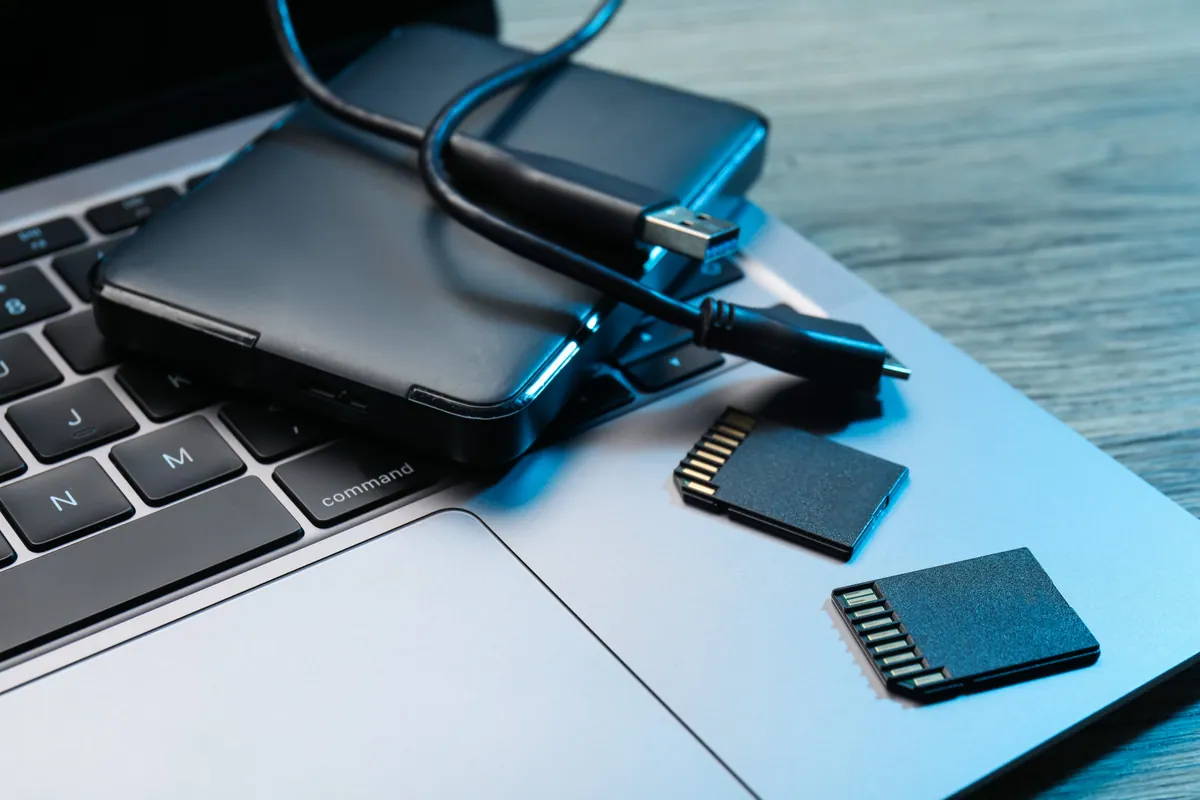
Hard drives fail. Ransomware attacks happen. Laptops get stolen. Without proper backups, you could lose years of photos, important documents, or critical business data in an instant. We set up reliable backup systems that work automatically, so you're protected without having to think about it.
Fast backup to external drives or NAS for quick recovery of files.
Offsite backup to secure cloud storage - protected even if your premises are affected.
Backups run automatically so you don't have to remember to do it.
Multiple versions of files kept so you can recover from accidental changes.
Your backups are encrypted so your data stays private and secure.
We can monitor backups to ensure they're completing successfully.
Simple steps to get your problem solved quickly and professionally.
We understand what data you have and how critical it is to protect.
Recommend the right backup strategy - local, cloud, or both.
Set up and configure your backup system with automated scheduling.
Test recovery to ensure backups are working and you can restore when needed.
Trusted by customers across South West London. Read what they have to say about our Data Backup Solutions | Protect Your Files service.
"After losing photos to a dead hard drive, I had them set up proper backup. Now everything backs up automatically to the cloud. Such peace of mind."
Andrew Phillips
Putney
"Our office got hit by ransomware but we had proper backups. They restored everything and we were back working the same day. Worth every penny."
Karen Mitchell
Clapham
Starting from
£75
Backup setup from £75 for home users. Business backup solutions quoted based on data volume and requirements. Includes configuration, initial backup, and verification. Cloud storage subscriptions are separate ongoing costs.
Tested Recovery · Automated Backup · Peace of Mind
Parental controls in Mortlake SW14 kept getting bypassed. We layered router filtering with Microsoft Family Safety and Apple Screen Time in one visit.
A national charity needed its laptop fleet encrypted, patched and audit-ready for Cyber Essentials Plus. We hardened it centrally via Microsoft Intune.
An Asus ROG gaming laptop in Putney SW15 kept freezing and wouldn't boot. The cause was a failing hard drive, not software. We moved it to an SSD and it came back faster than new.
Lenovo laptop in Putney SW15 with persistent pop-ups. We removed the underlying browser-policy hijack, restored the system to a clean security baseline, and documented the changes.
ThinkPad X1 Carbon in Putney SW15 inherited from a previous employer needed a complete wipe and clean Windows install. We did a secure wipe, fresh install, and removed all traces of the previous owner's account.
Dell laptop in Putney SW15 with full-screen scam pop-ups warning of fake virus infections. We cleaned the browser hijack, removed the persistence mechanism, and briefed the customer on the tech-support scam pattern.
HP All-in-One in Putney SW15 stopped booting. We backed up the user's data before any destructive work, then ran a clean OS reinstall and restored the files cleanly afterwards.
A Putney SW15 customer wanted their files in one reliable place. We set up a NAS onsite, cabled it to the network, and transferred their existing data across.
Data recovery costs from £75 for deleted or corrupt files, with an assessment of £60–£120 agreed upfront. What drives the price up, what a dead laptop costs, and when you pay nothing.
A clear guide to backing up iPhone and Android photos with cloud and local copies, automatic sync, and simple habits that stop you losing years of memories.
Why one backup will not save your business. A practical guide to the 3-2-1 rule, mixing cloud and local copies, and testing restores before disaster hits.
Photos gone from a dead phone or unreadable SD card? Learn what's recoverable, what lowers your odds, the dos and don'ts, and when to stop and get help.
A rhythmic clicking noise often signals a dying hard drive. Learn to tell drive clicks from fan noise, why to stop using it, and how to save your files.
A plain-English guide to the Cyber Essentials certification for UK SMEs: what it is, the five controls, why firms pursue it, and what getting ready involves.
Plain-English data protection duties for a small firm, plus the practical IT steps that keep customer data safe. Not legal advice — a working checklist.
A practical framework for budgeting small business IT — hardware refresh, backup, security and support — plus how to avoid false economies that cost more later.
How to choose an IT support provider: the questions to ask, realistic response times, local vs national, contract vs pay-as-you-go, and the red flags.
How ransomware really gets into small firms, the practical defences that actually work on an SME budget, and why tested backups are your last line of defence.
A practical guide to setting up reliable backups on Windows and macOS without the stress — and why the 3-2-1 rule is worth following.
Moving from an old laptop to a new one Follow a safe migration workflow for files, apps, and settings without losing key data or user configuration.
Different sectors carry different risks. Each guide below covers the systems, compliance pressures and failure points we see most in that line of work.
We provide Data Backup Solutions | Protect Your Files across South West London
Also covered: Barnes, Roehampton, Streatham, Tooting
View all service areasDon't wait for disaster to strike. Let us set up proper backup that works automatically.