Lenovo ThinkPad no-POST BIOS firmware recovery in Putney SW15
Lenovo ThinkPad wouldn't POST after a failed BIOS update. At our Putney SW15 workshop we reprogrammed the SPI flash chip with verified Lenovo firmware.
Swollen Batteries, Rapid Drain and Sudden Shutdowns — Checked Properly Before You Pay for a New Cell
Last updated: August 2026
A laptop that dies in an hour does not always need a new battery. Rapid drain comes just as often from a background process keeping the CPU awake, power settings that stop the machine sleeping, a dust-blocked cooling system, or a charging circuit that never quite fills the cell — and fitting a battery fixes none of those. So we start with the numbers: cycle count, measured capacity against the design capacity, how the machine behaves through a real charge and discharge, and whether the charger and charging circuit are delivering what they should. If the cell has genuinely worn out, we fit a quality replacement at our Putney workshop and verify it before it goes back. If the battery is fine, we tell you that instead.
The work we carry out is covered by a 90-day warranty. If the same fault comes back inside that window, we put it right.
Laptops, MacBooks and Mac minis can be collected and returned across South West London, so you do not have to make the trip. Desktop towers, iMacs and printers come to our Putney workshop by drop-off.
Screens, batteries, keyboards, RAM and SSDs for the models we see most are on the shelf at our Putney workshop, so the usual jobs are not waiting on a supplier.
Same-day turnaround is available on many jobs — ask when you book and we will confirm availability and any additional cost before we start.
Cycle count, maximum capacity against the original design capacity, wear level and behaviour through a real charge and discharge. You see the actual numbers, so the decision to replace is an informed one rather than a guess.
A cell that has started to swell is a safety matter, not a cosmetic one. We remove it carefully, check the trackpad, keyboard deck and base panel for pressure damage, fit a replacement and dispose of the old cell responsibly.
Where the cell tests healthy, the drain is coming from somewhere else. We look at background processes, sleep and power settings, thermal behaviour and a cooling system that may be choked with dust — and fix the cause instead.
MacBook Air and MacBook Pro cells fitted at the workshop, including the adhesive-mounted batteries on newer models that need patient removal rather than force. Cycle count and health verified in System Information before return.
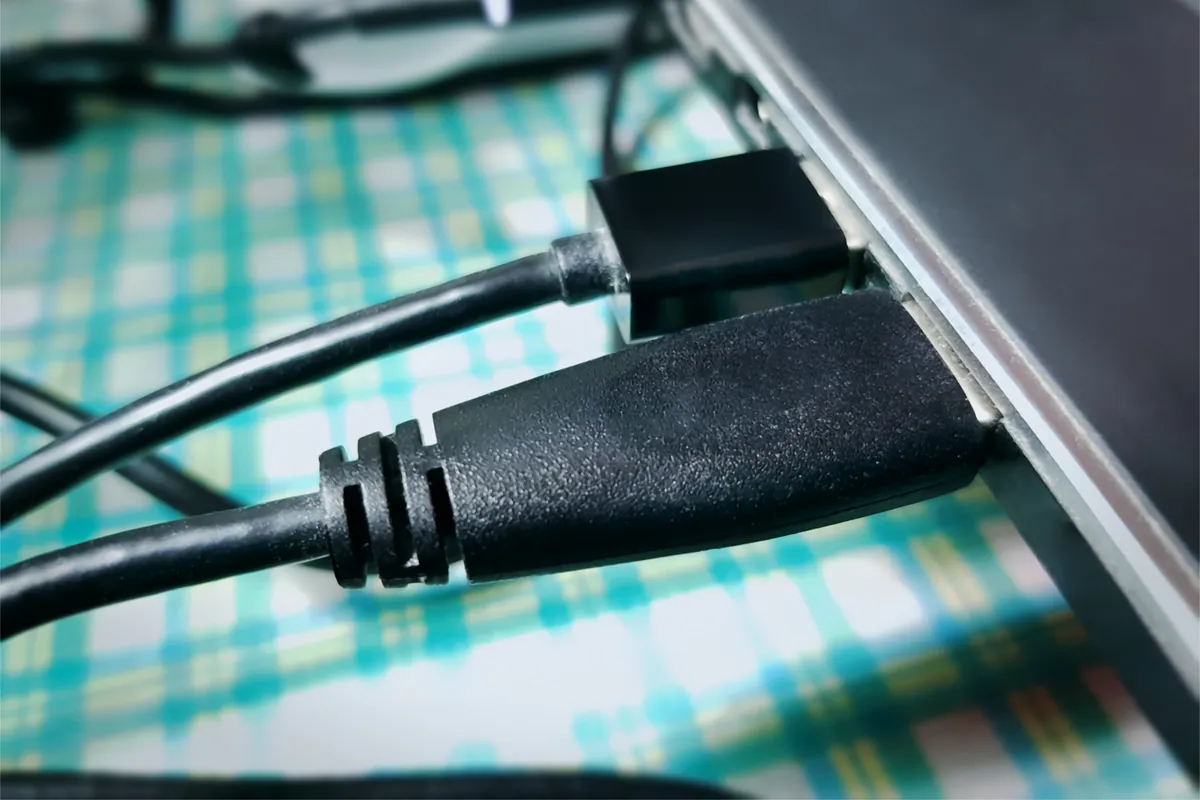
Will not charge and will not hold charge are two different faults. We test the charger output, the DC jack or USB-C port and the board-side charging circuit before condemning the battery, because replacing the wrong part is an expensive way to learn.
Where the model needs it we run the BIOS or SMC battery calibration, then a full charge and discharge cycle, so we know the new cell holds its rated capacity before you collect the machine rather than finding out a week later.
Simple steps to get your problem solved quickly and professionally.
Bring the machine into the Putney shop or book a collection. Before anything is quoted we run the battery health check and test the charger and charging circuit, so we know what is actually wrong.
You get the real numbers — cycle count, current capacity, what is causing the drain — and a fixed price for the cell and fitting. If a replacement is not worth doing on your model, we say so plainly.
Approved work goes ahead with a quality replacement cell, fitted properly. Same-day fitting is available on common models where we hold the part, with the surcharge confirmed at quote stage.
We calibrate where the model requires it, then run a full charge and discharge cycle to confirm the battery holds its rated capacity and the machine shuts down predictably rather than unexpectedly.
Prefer the quick version? The sections above cover most needs. Expand any topic below for more detail.
This is the question we are asked more than any other, and the honest answer turns on three things — the state of the machine, what the numbers say, and what you actually use it for:
The rest of the machine is healthy
If the screen, keyboard and storage are all fine and the machine is still fast enough for what you do, a battery is the cheapest way to get several more years out of something that cost far more than the repair.
The numbers say wear, not fault
A cell that has done 900 or more cycles and sits well below 80% of its design capacity has simply reached the end of its life. That is a straightforward replacement and a worthwhile one.
It has failed early
A low cycle count with poor capacity, or a Mac reporting Service Battery well ahead of schedule, points to a faulty cell or a heat problem rather than normal wear. Worth replacing, and worth finding out why.
When we would say no
On a machine that is also slow, short of storage and past software support, a new battery is money into a dead end. We would rather lose the sale than fit a cell to something you will replace in six months.
The health check settles most of this in minutes, which is why we run it before quoting rather than after.
A fair number of machines that arrive here for a battery turn out to have a different fault entirely. These are the ones we see most:
Each of these has a cheaper fix than a new battery, and none of them are solved by fitting one.
A lithium cell that has begun to swell is the one battery fault worth acting on now rather than next month:
Left alone, a swollen cell keeps expanding and pushes the trackpad, keyboard deck or screen out of true — which turns a battery job into a chassis job.
Not sure what you need? We're happy to help.
Starting from
£60
Hardware repairs such as a battery replacement typically fall between £60 and £200, depending on the cell your model takes and how much disassembly it needs. A mainstream Windows laptop sits at the lower end; a recent MacBook Pro, where the cells are adhesive-mounted, sits at the top. The health check comes first and you get a fixed quote before any part is ordered or fitted.
Fixed Quote Before Work · 90-Day Warranty on Repairs · Collection & Return Available Across South West London
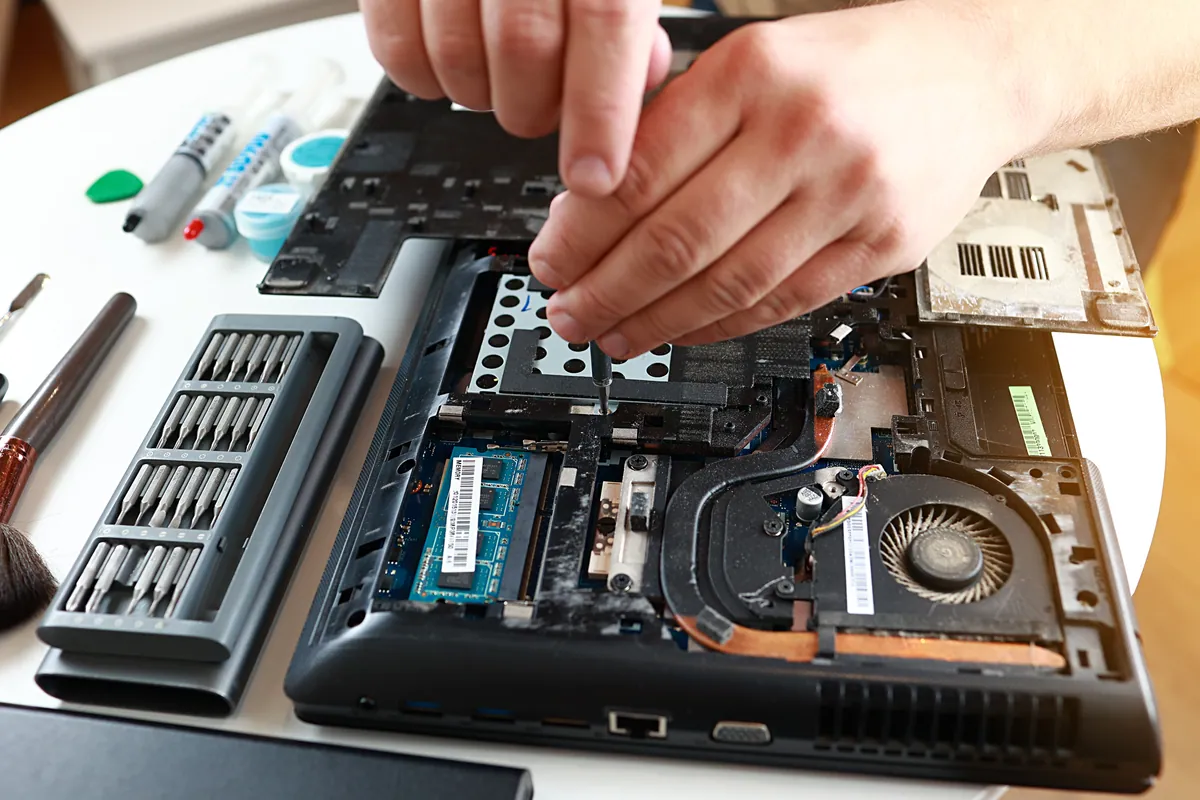
Lenovo ThinkPad wouldn't POST after a failed BIOS update. At our Putney SW15 workshop we reprogrammed the SPI flash chip with verified Lenovo firmware.
A MacBook Air in Putney SW15 wouldn't start into macOS. We diagnosed a failed internal SSD, fitted a replacement drive and reinstalled macOS to get it working.
An HP all-in-one in Fulham SW6 powered on to a black screen. We found software at fault, not a dead panel, rebuilt the OS and kept Windows 10 patched.
A Dell laptop in Putney SW15 had a cracked palmrest and stiff hinges. With no replacement parts made for the model, we repaired the chassis and eased the hinges.
An ASUS ROG gaming laptop in Putney SW15 kept freezing, then stopped booting into Windows. We traced it to a failing hard drive and moved Windows to an SSD.
An Asus ROG gaming laptop in Putney SW15 kept freezing and wouldn't boot. The cause was a failing hard drive, not software. We moved it to an SSD and it came back faster than new.
An HP OMEN gaming desktop in Putney SW15 was completely dead. We traced it to a failed power supply, replaced the PSU and confirmed nothing else was damaged.
ThinkPad X1 Carbon in Putney SW15 inherited from a previous employer needed a complete wipe and clean Windows install. We did a secure wipe, fresh install, and removed all traces of the previous owner's account.
A laptop charging port repair costs £60–£120 when the port is on its own cable or board, and £150–£300 when it is soldered to the motherboard. How to tell which you have, and when it is not the port at all.
A PC or Mac health check costs £45 at our Putney workshop. What computer maintenance actually covers, what each part costs, and what you can do yourself for free.
What Windows stop codes actually mean, how to tell a driver problem from failing RAM or hardware, and a calm way to triage a recurring blue screen.
Bluetooth mouse, keyboard or headphones dropping out? Fix interference, drivers, power settings and pairing faults on Windows and Mac, step by step.
Photos gone from a dead phone or unreadable SD card? Learn what's recoverable, what lowers your odds, the dos and don'ts, and when to stop and get help.
Free up disk space on Windows safely — clear temp files, find the big space hogs, and know when the real fix is simply a bigger SSD. From a London workshop.
Second screen staying black? Work through cables, input source, drivers and adapters — and learn how to tell whether the fault is your laptop or the monitor.
A missing or broken laptop key doesn't always mean a new keyboard. Here's what affects the cost, when a single key is fixable, and when a full swap makes sense.
Practical ways to keep your laptop cool in hot weather — airflow, surfaces, dust and cooling pads — plus when internal cleaning or a repaste is worth booking.
A clear-headed way to decide whether to repair or replace an ageing laptop: the maths, the upgrades that add years, and the faults that mean letting go.
Why your laptop takes minutes to reach the desktop, and how to fix it — startup programmes, background services, and the storage drive that decides everything.
MacBook overheating with fans blasting? The real causes — dust, runaway apps, dried thermal paste, memory pressure — and the fixes that actually work.
We provide Laptop & MacBook Battery Replacement in London across South West London
Serving Wandsworth, Wimbledon, Putney, Clapham, Balham, Tooting, and surrounding areas.
View all service areasBring it into the Putney workshop or book collection and return across South West London. We run the health check first, show you what the numbers actually say, and quote before we fit anything.