MacBook Air Won't Start Into macOS — Failed SSD, Putney SW15
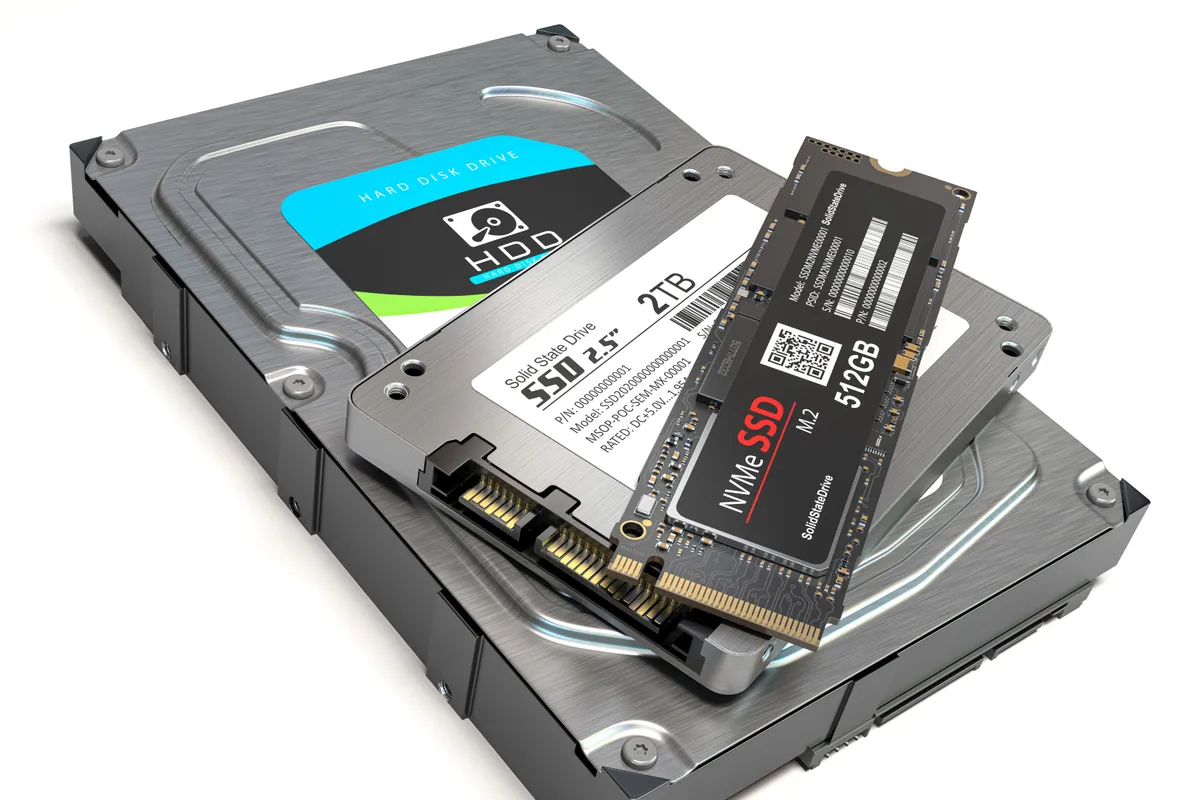
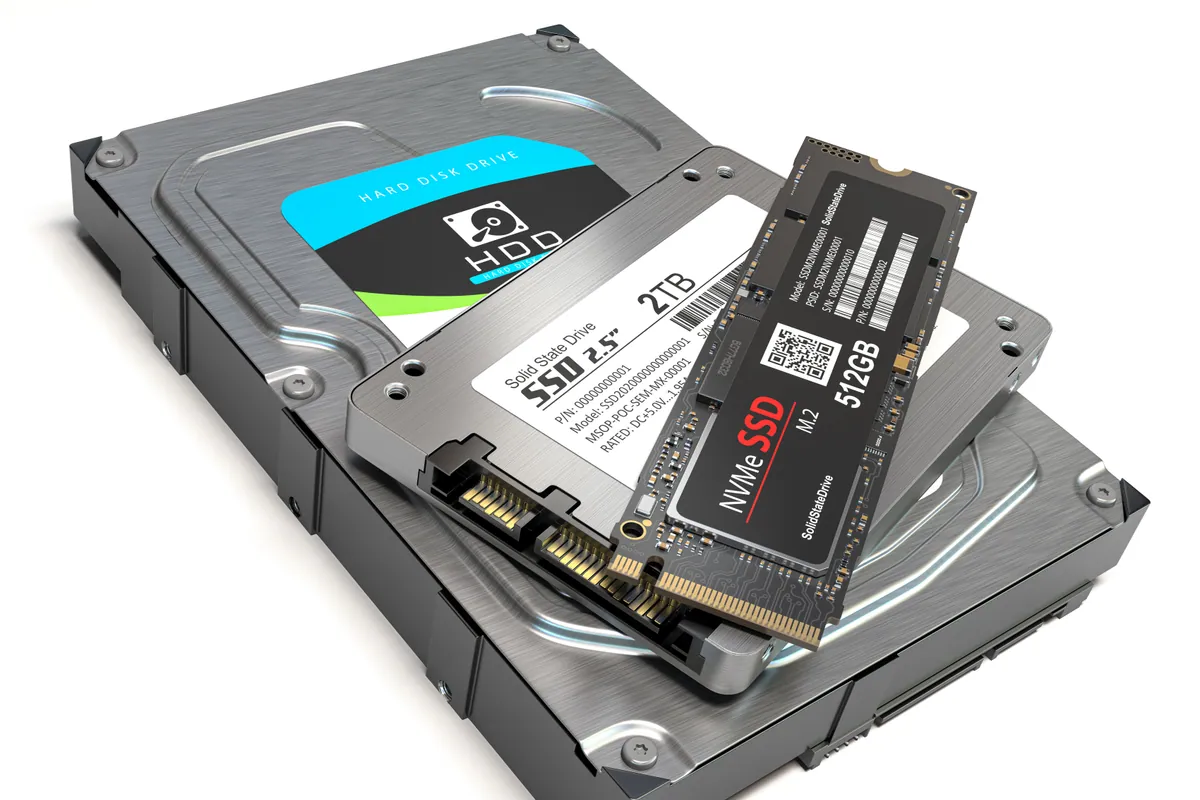
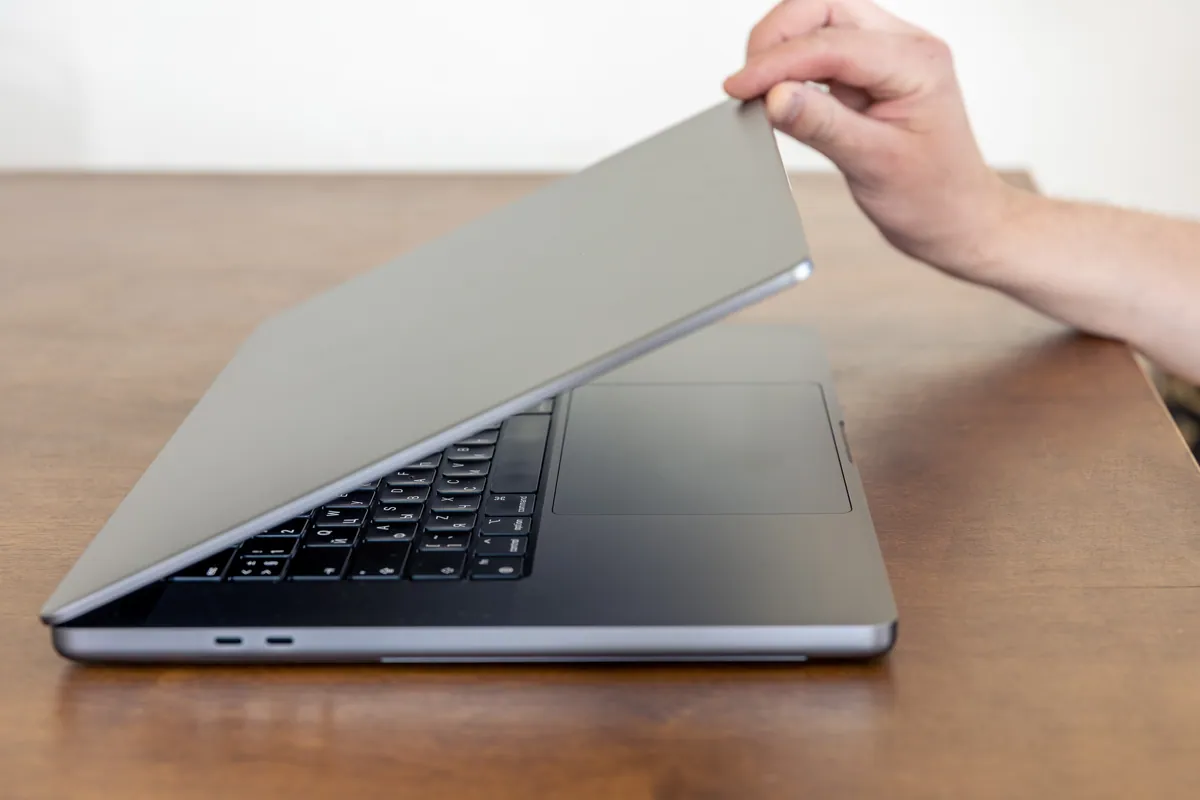
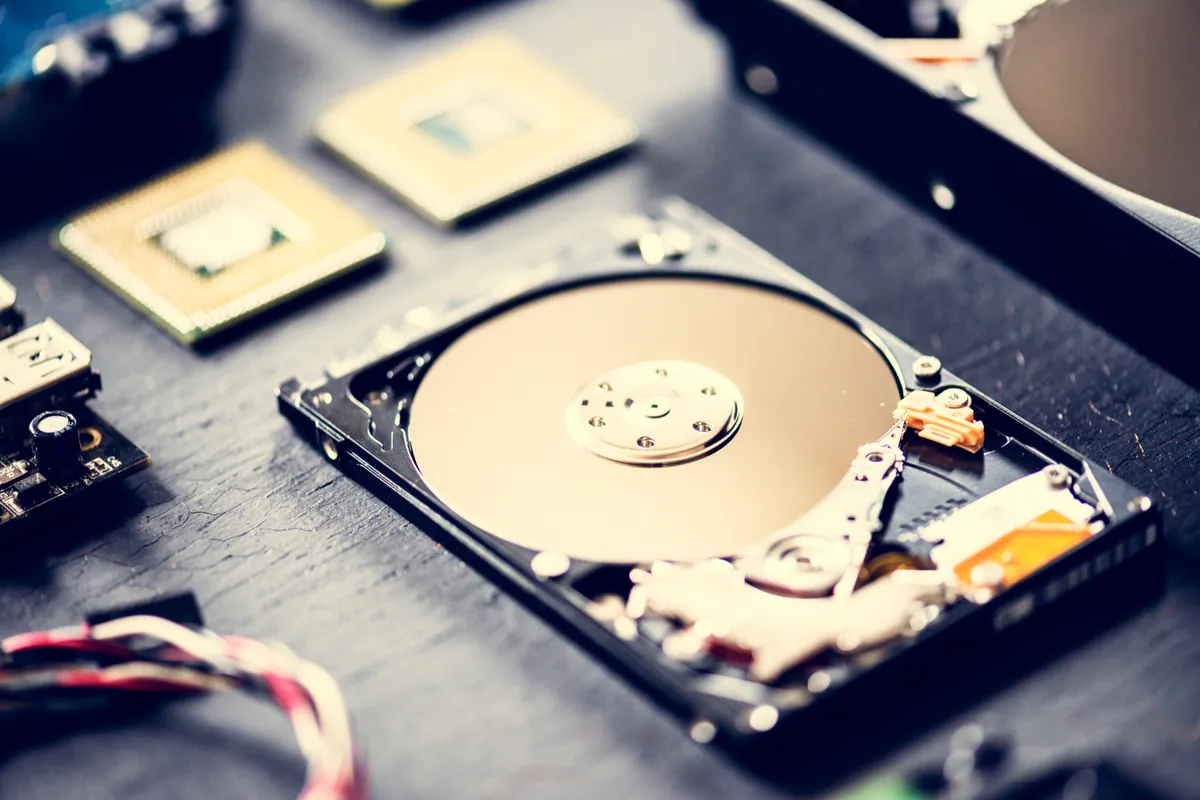
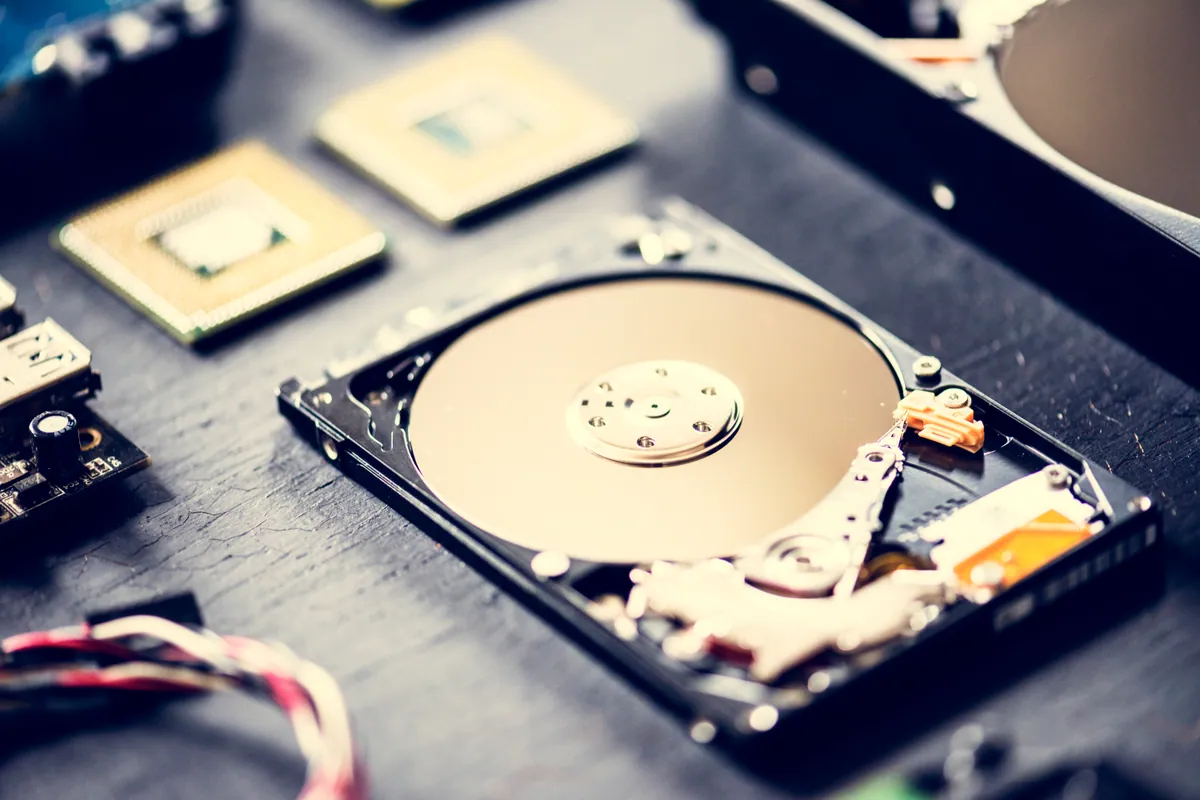
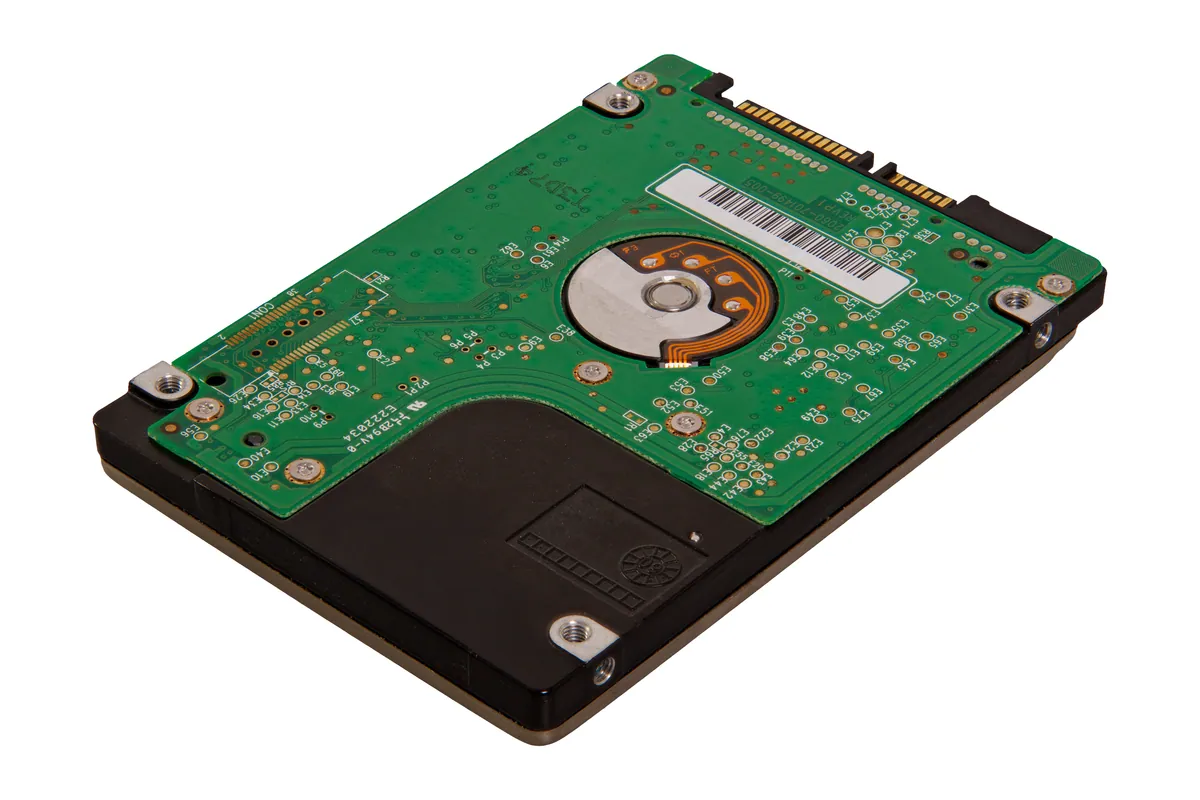
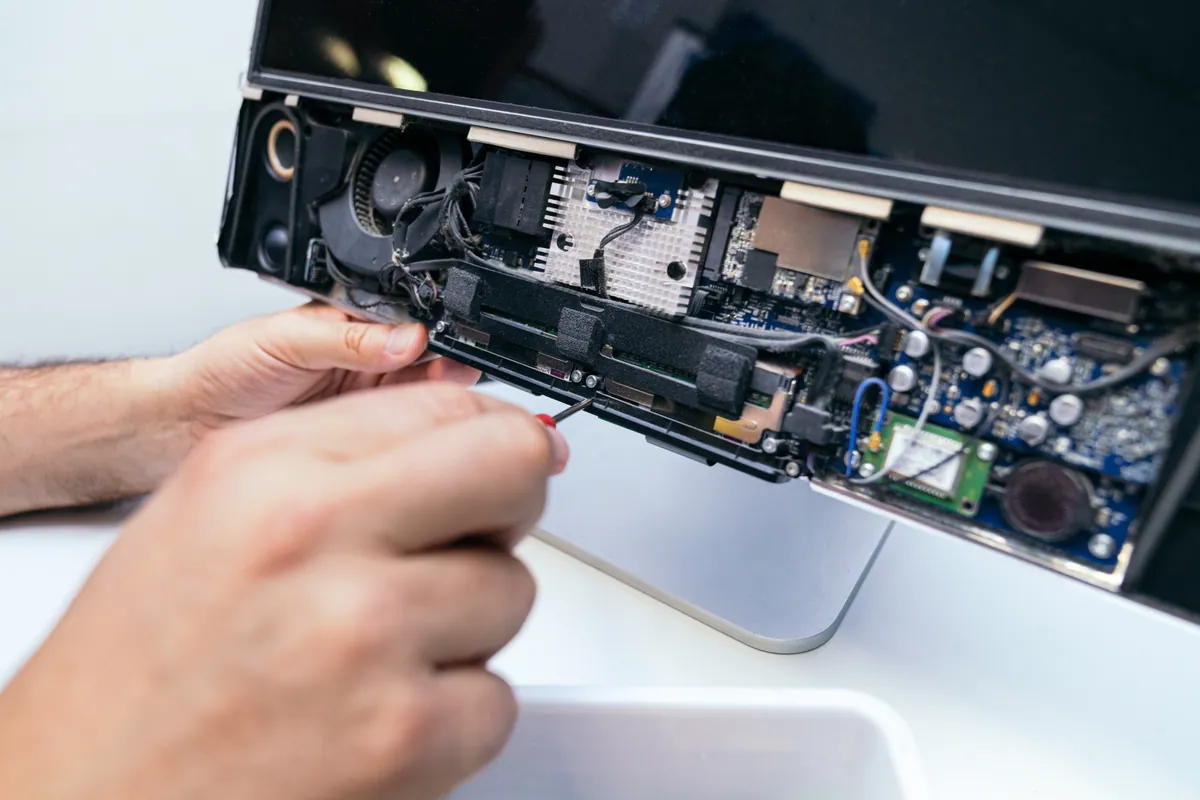
A MacBook Air in Putney SW15 wouldn't start into macOS. We diagnosed a failed internal SSD, fitted a replacement drive and reinstalled macOS to get it working.
GPU, Thermal, PSU and Stability Repairs for Desktops, Custom Rigs and Gaming Laptops
Last updated: July 2026
A gaming rig fails differently to an office PC: the GPU artefacts under load, thermals throttle mid-match, a marginal PSU trips on a boss fight, or an overclock that ran fine for a year starts blue-screening. We diagnose the actual failure — not just reinstall Windows and hope — on prebuilt and custom desktops, water-cooled loops, and gaming laptops. Work is carried out at our Putney workshop in South West London, with drop-off for desktop rigs, collection for gaming laptops, and honest advice on whether a part is worth repairing, replacing or upgrading.
The work we carry out is covered by a 90-day warranty. If the same fault comes back inside that window, we put it right.
Screens, batteries, keyboards, RAM and SSDs for the models we see most are on the shelf at our Putney workshop, so the usual jobs are not waiting on a supplier.
Same-day turnaround is available on many jobs — ask when you book and we will confirm availability and any additional cost before we start.
Artefacts, black screens, driver timeouts and crashes under load. We isolate whether it's the card, the slot, the PSU or thermals, and handle reseating, repaste, fan and — where economic — board-level GPU work.
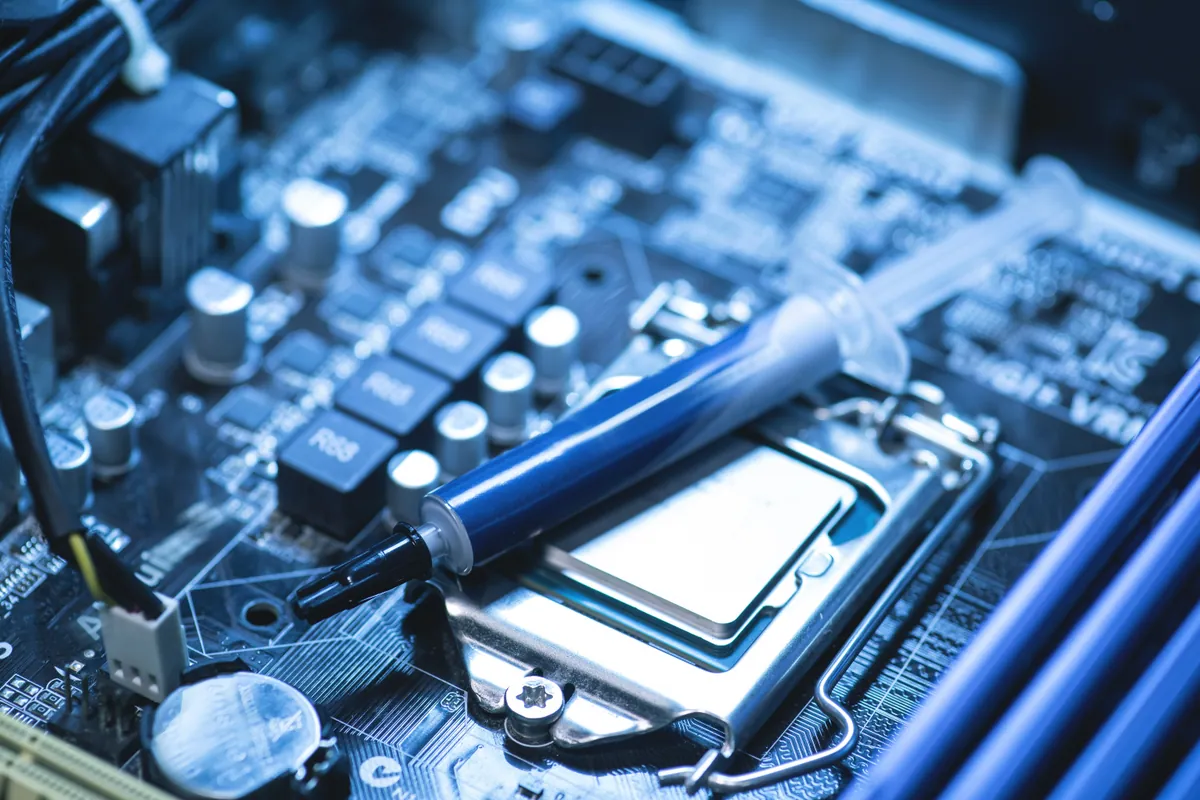
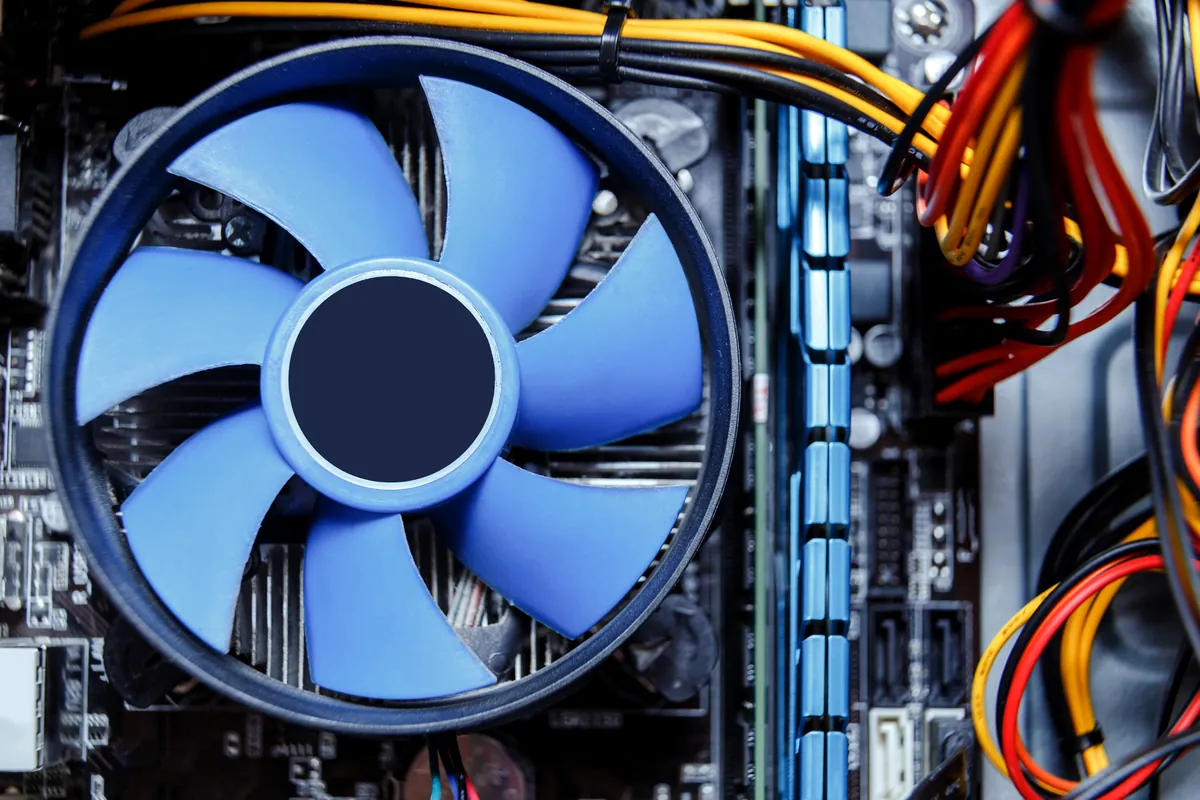
Thermal throttling, loud fans, and dust-choked coolers. We repaste the CPU/GPU with quality compound, service or replace air and AIO coolers, and correct case airflow so clocks hold under load.
Blue screens, freezes and crashes-to-desktop under load. We stress-test to reproduce the fault, then trace it to RAM/XMP, an unstable overclock, storage, drivers or a failing component — not guesswork.
Won't power on, shuts down mid-game, or restarts under load. We test the PSU properly, check power delivery to the board and GPU, and replace failing units with correctly-rated, quality supplies.
Custom water-cooled builds serviced and repaired — pump faults, leaks, air locks, coolant top-ups, and fan/RGB replacement — with care taken around your components and cable management.
Every repair is verified under real gaming load — GPU and CPU stress tests, temperatures and clocks checked — so you collect a rig that holds up in-game, not one that just boots to the desktop.
Simple steps to get your problem solved quickly and professionally.
Bring the rig in to our Putney workshop — gaming laptops can be collected. We stress-test to reproduce the fault under load and isolate the actual failure — GPU, thermals, power, memory or storage.
You get a clear quote with parts, labour and turnaround before any work starts. If an upgrade makes more sense than a repair, we'll say so.
Approved work proceeds with correctly-rated, quality parts. We keep your build tidy — cable management and airflow restored, not left worse than we found it.
We re-run GPU and CPU stress tests and check temperatures and clocks under sustained load, then hand back a stable, game-ready machine.
Prefer the quick version? The sections above cover most needs. Expand any topic below for more detail.
Gaming loads push every component to its limit, so faults show up under stress that a normal desktop never reveals:
It only crashes in games
A rig that's stable on the desktop but crashes under load is almost always a thermal, power or overclock/XMP issue — the extra draw exposes a margin that isn't there day-to-day. We stress-test to find it.
Artefacts and visual glitches
Coloured lines, flickering textures or scrambled images point to the GPU, its power delivery or overheating — not usually the game or drivers. We isolate the card from the rest of the system.
Frame drops and stutter
Sudden frame drops mid-session often trace to thermal throttling or a storage bottleneck rather than the GPU being 'too slow'. Fixing airflow or storage frequently restores performance.
Shuts down mid-match
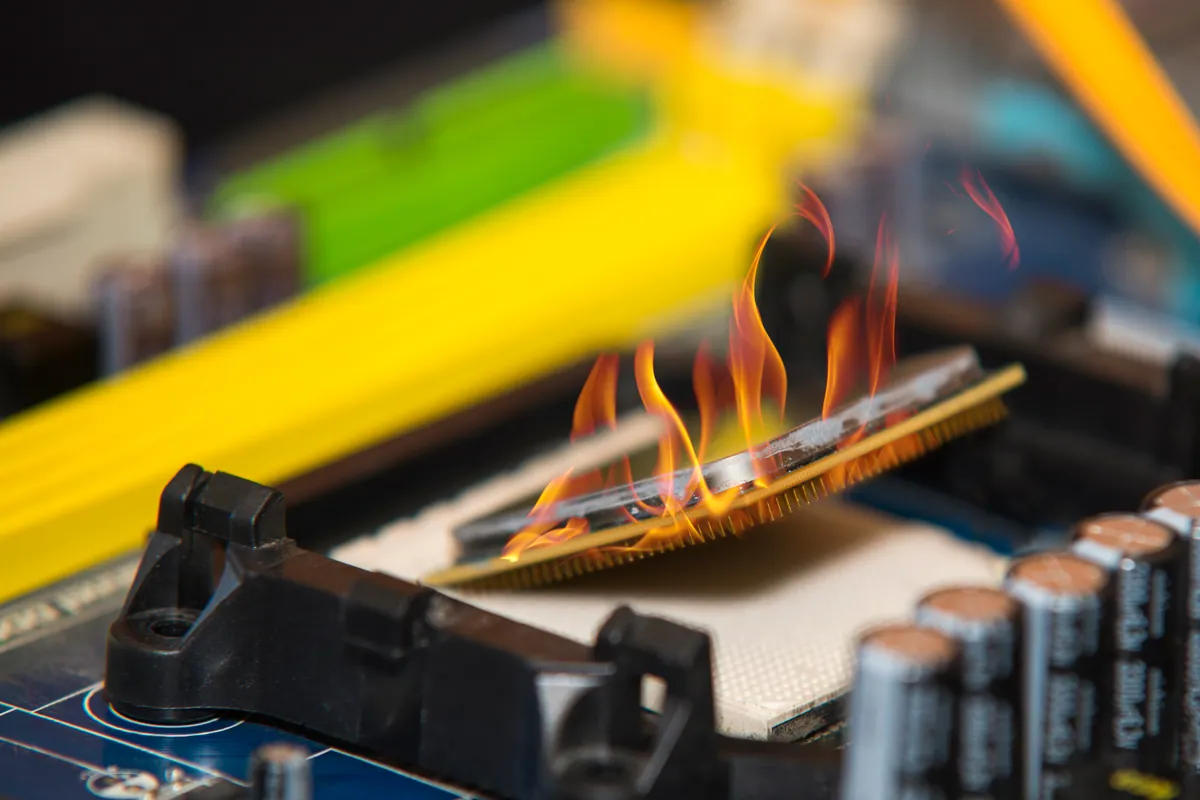
A hard power-off under load usually means an overheating component hitting its limit or a PSU that can no longer deliver peak draw. Both are fixable once correctly diagnosed.
The common thread: reproduce the fault under real load first, then fix the cause. Guess-and-swap wastes money on gaming rigs.
Gaming hardware moves fast, so sometimes the smart money is on an upgrade rather than a repair. We'll be straight with you:
Whether it's a fix or a fresh build, our custom PC build and upgrade work are handled by the same in-house team.
Not sure what you need? We're happy to help.
Starting from
£45
Diagnostics and software/stability fixes start from £45. GPU, thermal, PSU and board-level repairs are quoted per job after diagnosis, with parts and labour itemised before any work begins. Where a part is better upgraded than repaired, we'll tell you honestly.
Clear Pricing · 90-Day Warranty on Repairs · Stress-Tested Before Return
A MacBook Air in Putney SW15 wouldn't start into macOS. We diagnosed a failed internal SSD, fitted a replacement drive and reinstalled macOS to get it working.
An HP all-in-one in Fulham SW6 powered on to a black screen. We found software at fault, not a dead panel, rebuilt the OS and kept Windows 10 patched.
A custom desktop in Barnes SW13 sat at 100% disk usage and froze after 30 minutes. We traced it to a failing SSD and fitted a new drive with a fresh install.
An ASUS ROG gaming laptop in Putney SW15 kept freezing, then stopped booting into Windows. We traced it to a failing hard drive and moved Windows to an SSD.
An Asus ROG gaming laptop in Putney SW15 kept freezing and wouldn't boot. The cause was a failing hard drive, not software. We moved it to an SSD and it came back faster than new.
A Lenovo mini desktop in Putney SW15 struggled with multitasking. We upgraded it to 32GB of RAM — the right fix for the slowdown, at a fraction of a new PC.
An HP OMEN gaming desktop in Putney SW15 was completely dead. We traced it to a failed power supply, replaced the PSU and confirmed nothing else was damaged.
An Alienware gaming PC in Barnes SW13 kept cutting out. We traced it to a failed liquid-cooling system — pump, radiator and fan — and replaced it. Stable under load again.
Before you buy a Black Friday laptop deal, check the RAM, the storage, the full model code and what is soldered down. A repair workshop's checklist for a laptop that lasts.
Data recovery costs from £75 for deleted or corrupt files, with an assessment of £60–£120 agreed upfront. What drives the price up, what a dead laptop costs, and when you pay nothing.
What Windows stop codes actually mean, how to tell a driver problem from failing RAM or hardware, and a calm way to triage a recurring blue screen.
Bluetooth mouse, keyboard or headphones dropping out? Fix interference, drivers, power settings and pairing faults on Windows and Mac, step by step.
A rhythmic clicking noise often signals a dying hard drive. Learn to tell drive clicks from fan noise, why to stop using it, and how to save your files.
Free up disk space on Windows safely — clear temp files, find the big space hogs, and know when the real fix is simply a bigger SSD. From a London workshop.
Second screen staying black? Work through cables, input source, drivers and adapters — and learn how to tell whether the fault is your laptop or the monitor.
A clear-headed way to decide whether to repair or replace an ageing laptop: the maths, the upgrades that add years, and the faults that mean letting go.
Why your laptop takes minutes to reach the desktop, and how to fix it — startup programmes, background services, and the storage drive that decides everything.
MacBook overheating with fans blasting? The real causes — dust, runaway apps, dried thermal paste, memory pressure — and the fixes that actually work.
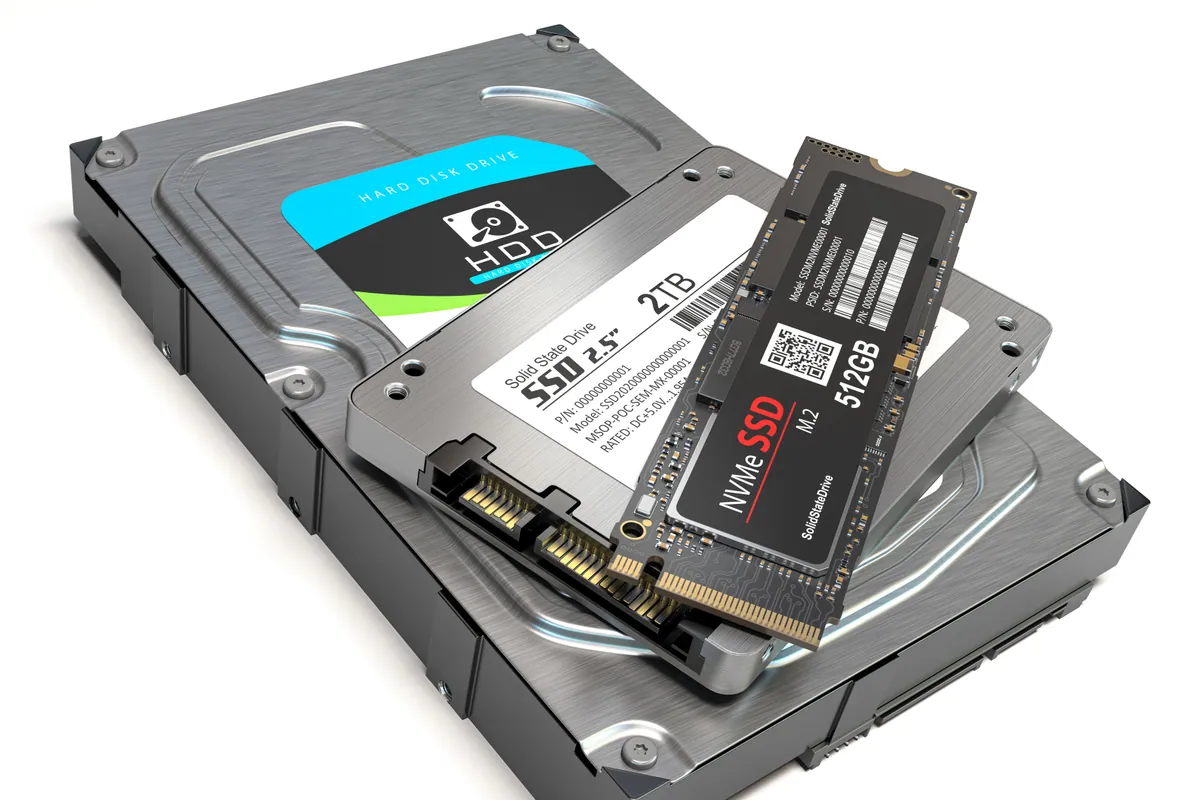
Wondering whether swapping a hard drive for an SSD is worth it? Here's the real day-to-day difference, which machines benefit most, and how migration works.
Gaming PCs fail differently to office machines — higher heat, more demanding power loads, and expensive components. Here's what we see most often, what it costs to fix, and when to upgrade instead.
We provide Gaming PC & Laptop Repair in London across South West London
Serving Wandsworth, Wimbledon, Putney, Clapham, Balham, Tooting, and surrounding areas.
View all service areasBring us the artefacts, crashes, thermals or no-boot. We diagnose the real fault and get you back in-game. Clear quote before any work.