Lenovo ThinkPad no-POST BIOS firmware recovery in Putney SW15
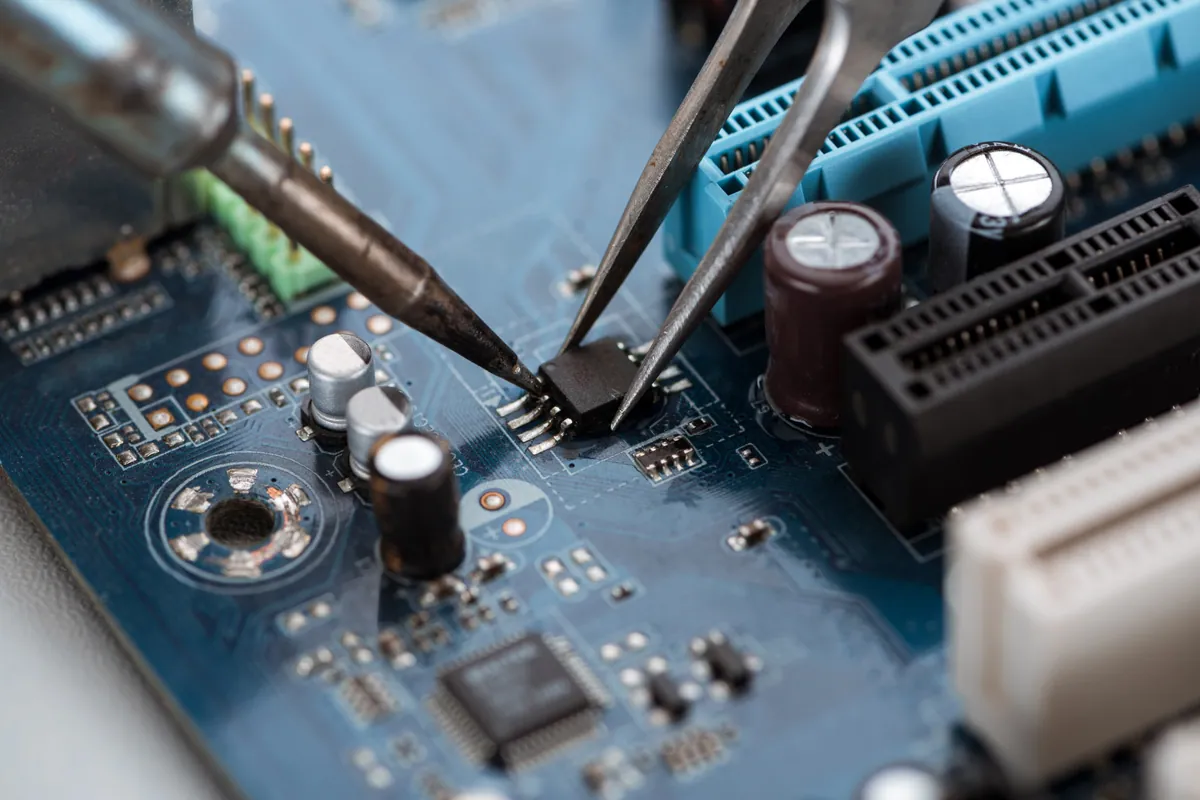
Lenovo ThinkPad wouldn't POST after a failed BIOS update. At our Putney SW15 workshop we reprogrammed the SPI flash chip with verified Lenovo firmware.
All-in-one repairs done properly — including the SSD upgrade that rescues a slow iMac
Last updated: August 2026
Most iMacs that reach us are not broken — they are crawling. Any iMac still booting from a spinning hard drive or a Fusion Drive spends its day waiting on that disk, and no amount of tidying up macOS will change it. Replacing it with an SSD is the single biggest difference you can make to one, and it routinely turns a machine somebody was about to replace back into a fast desktop. We handle the genuinely broken side as well: display faults, machines that show no power or no picture, fan noise, overheating and memory. Repairs happen at our Putney shop on Lower Richmond Road, where you can walk it in during opening hours; software problems can often be sorted with a visit or a remote session instead.
The work we carry out is covered by a 90-day warranty. If the same fault comes back inside that window, we put it right.
Same-day turnaround is available on many jobs — ask when you book and we will confirm availability and any additional cost before we start.
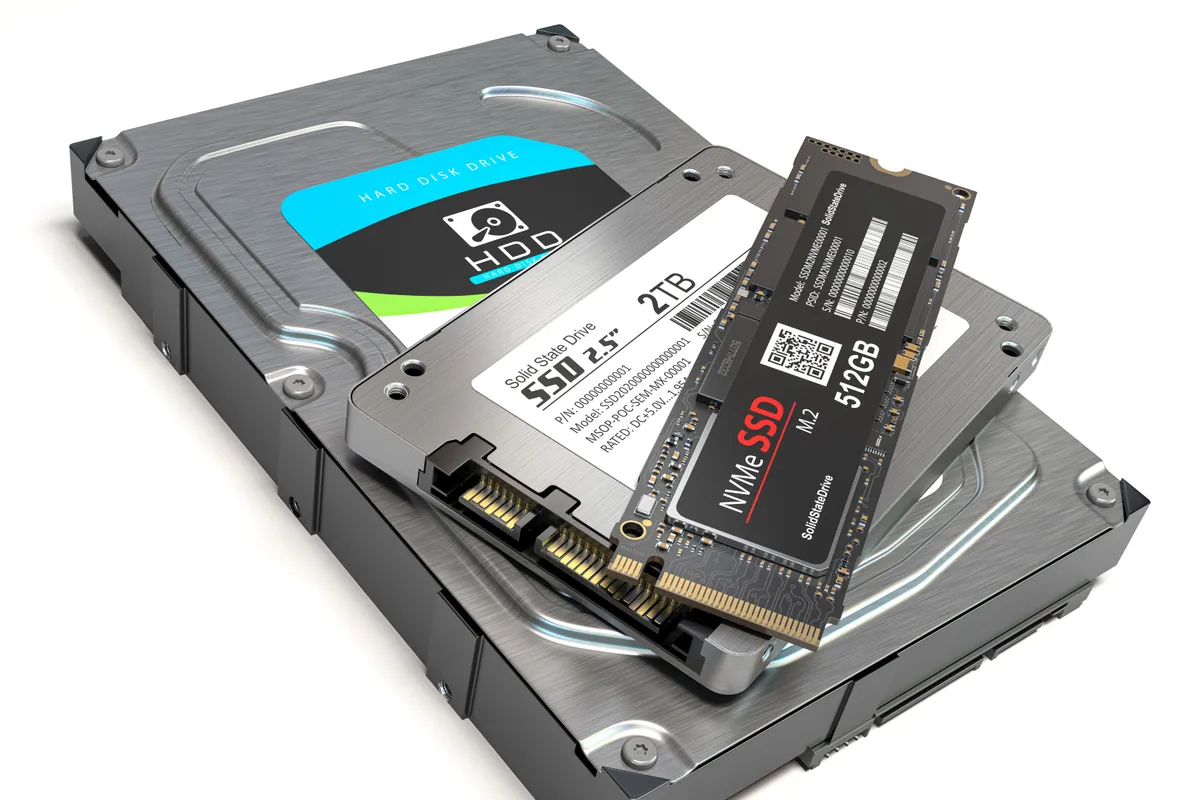
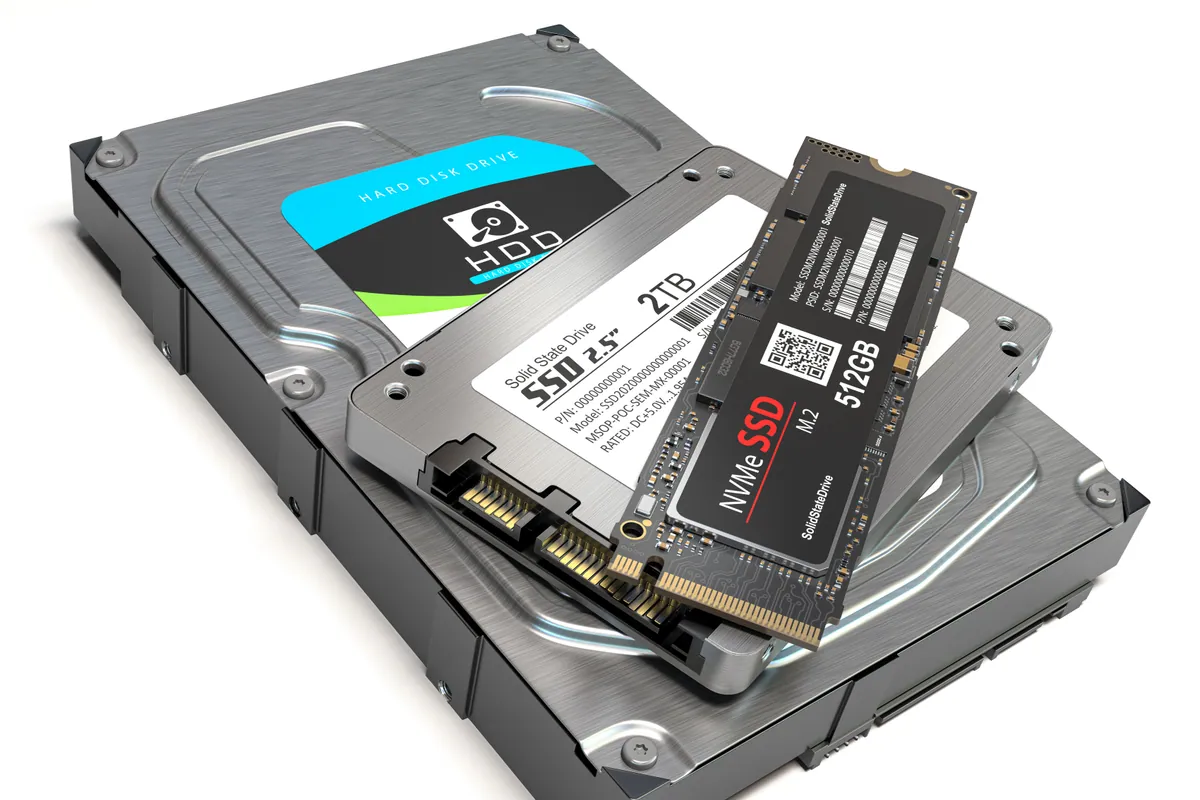
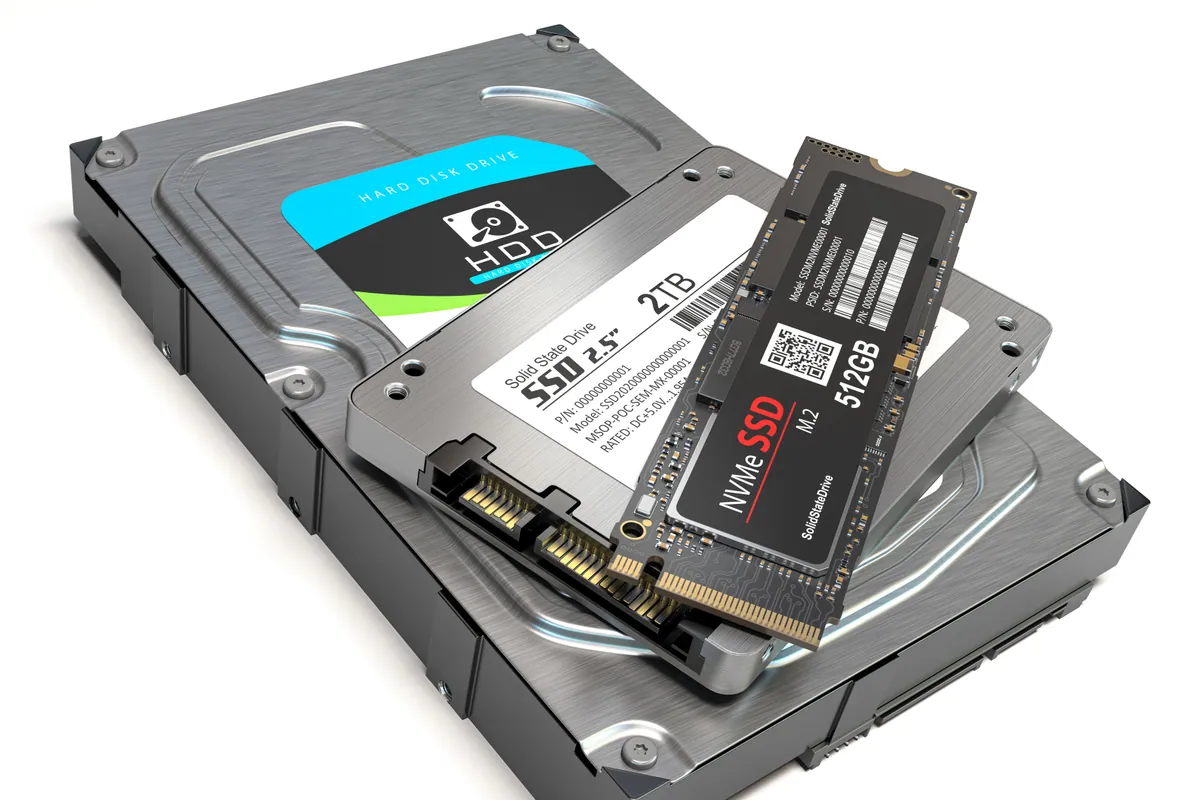
The fix for a slow iMac. We replace the hard drive or Fusion Drive with an SSD and migrate macOS, your applications and your files across, so you sit down to the same desktop — just fast.
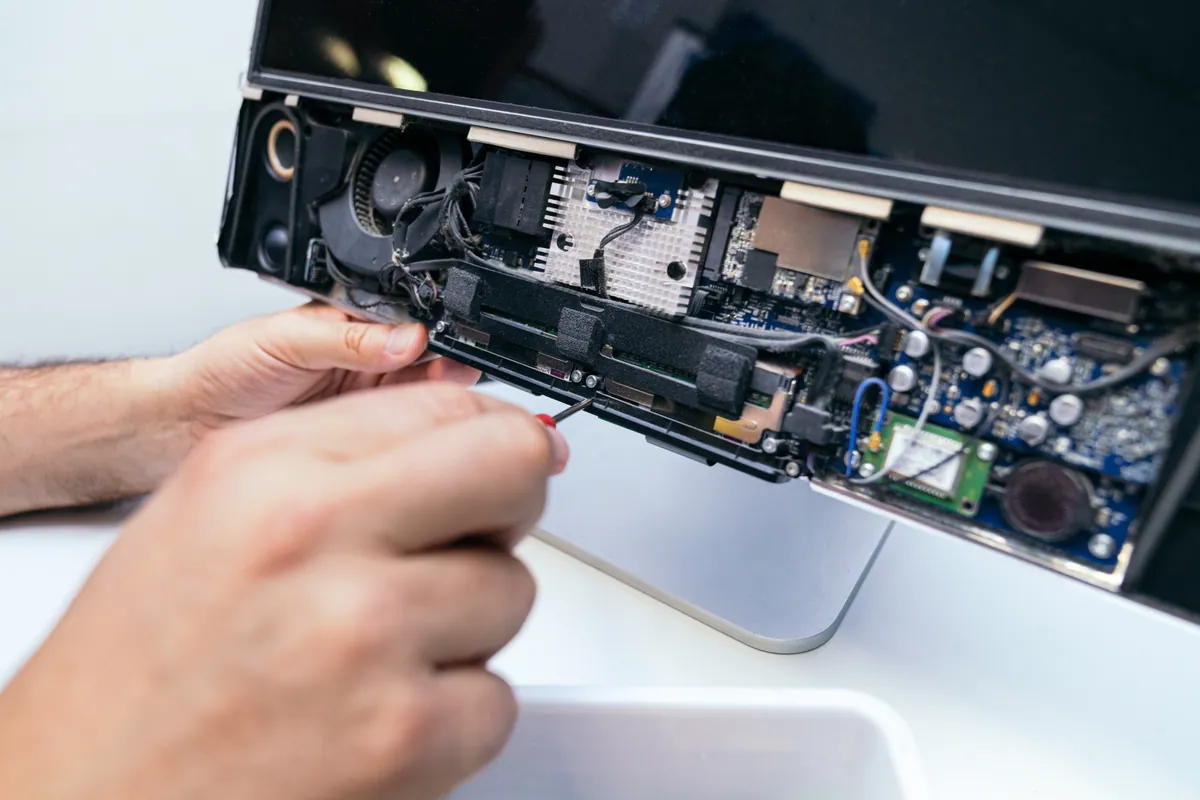
Cracked glass, failed backlights, vertical lines, image distortion and dust behind the panel. On the slim iMacs the display is bonded to the chassis with adhesive, so it comes off and goes back on with fresh adhesive strips — not tape.
An iMac that will not start is usually the internal power supply, the power button assembly or the logic board. Intel iMacs carry four diagnostic LEDs on the board that show how far through the start-up sequence the machine gets before it stops.
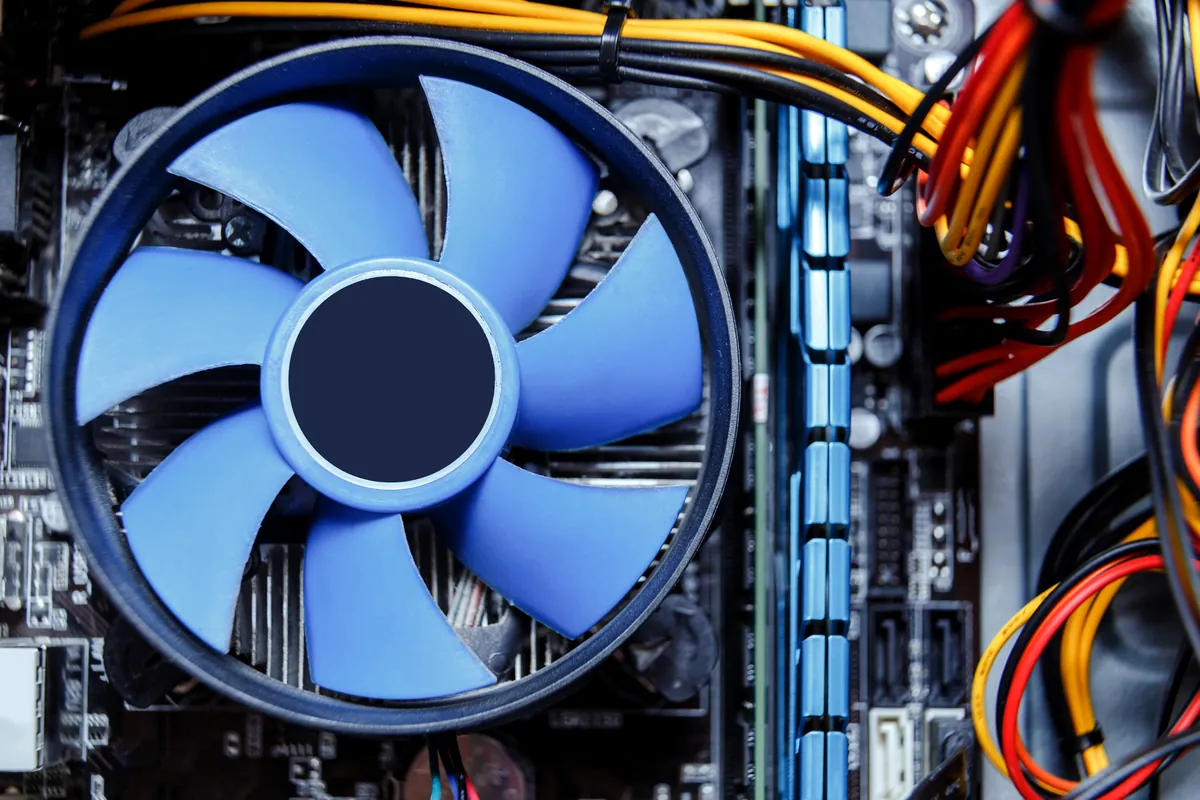
Constant fan noise on an iMac is rarely just dust. A failing drive, a blocked vent path, dried-out thermal compound or a hard-drive temperature sensor left unresolved after an earlier upgrade will each do it, and each needs a different fix.
27-inch iMacs have a memory hatch behind the stand and take minutes. Most 21.5-inch models need the display off first, and on several the memory is soldered and cannot be changed at all. We confirm which yours is before anything is ordered.
Bring your iMac to our Putney workshop at 66 Lower Richmond Road. We diagnose it on the bench, quote before any work, and the machine is fully insured while it is with us.
Simple steps to get your problem solved quickly and professionally.
Call 020 7610 0500 and describe what the iMac does — no chime, no picture, painfully slow, roaring fans. The model year changes the answer considerably, so the serial number from the foot of the stand helps.
Bring it to 66 Lower Richmond Road, Putney, SW15 1LL, during opening hours. If the problem sounds like software, ask about a visit or a remote session first — it may not need to travel at all.
We test the machine properly and come back with the fault, the cost and an honest view on whether it is worth spending. Nothing is ordered until you have agreed the quote.
We carry out the work, then run the iMac warm and under load to prove it is stable rather than merely switched on. The work is covered by a 90-day warranty.
Prefer the quick version? The sections above cover most needs. Expand any topic below for more detail.
More iMacs come to us slow than come to us broken. Almost every one of them has the same thing in common — a mechanical drive doing work an SSD should be doing.
The drive is the bottleneck, not the processor
An iMac from 2013 to 2019 has a processor that is still perfectly capable of everyday work. What it does not have is a drive that can keep up with a modern macOS, which is why the beachball appears while the machine sits doing nothing visible.
Fusion Drives age badly
A Fusion Drive pairs a small SSD with a large hard disk and presents them as one volume. It works well when new and progressively less well as it fills, because the fast half runs out of room and the slow half takes over. Splitting it and moving to a single SSD ends that.
Your setup comes with you
We clone the existing installation rather than starting fresh, so macOS, your applications, your accounts and your files arrive on the new drive exactly as they were. Where a drive is already failing, we recover first and migrate second.
The thermal sensor gets handled properly
Older iMacs take the internal drive's temperature from a sensor tied to the original Apple drive. Ignore that during an upgrade and the fans howl permanently afterwards. It is the commonest complaint we hear about upgrades done elsewhere, and it is dealt with as part of the job here.
For most iMacs of that era this is a one-afternoon change that buys several more years of use for a fraction of the cost of replacing the machine.
An iMac panel is the single most expensive part in the machine, so it is worth being sure it is the panel before anybody quotes for one. What we check:
On 2012 and later iMacs the display is bonded to the chassis with adhesive strips. Opening one is a controlled process, and it goes back together with fresh adhesive so the seal and the alignment are as they should be.
These three symptoms account for most of the genuinely faulty iMacs we see. They are separate problems with separate causes:
Because an iMac hides everything behind a bonded display, guesswork gets expensive. We diagnose first and quote from the answer, not from the symptom.
The practical side of iMac repair, which nobody mentions until you are trying to fit a 27-inch machine into a car:
One honest note: on a very old iMac with more than one significant fault — say a failed panel and a board problem together — the sums stop working. We will tell you when that is the case rather than take the job.
Not sure what you need? We're happy to help.
Every iMac is quoted for its own model and fault. A 2015 27-inch with a dying hard drive and a 2019 21.5-inch with a display fault are not the same job, and a single headline price would only be wrong for one of them. You get a clear figure after diagnosis and before any parts are ordered. Same-day turnaround is available on some jobs, with the surcharge confirmed when we quote.
90-Day Warranty · Clear Quote Before Any Work
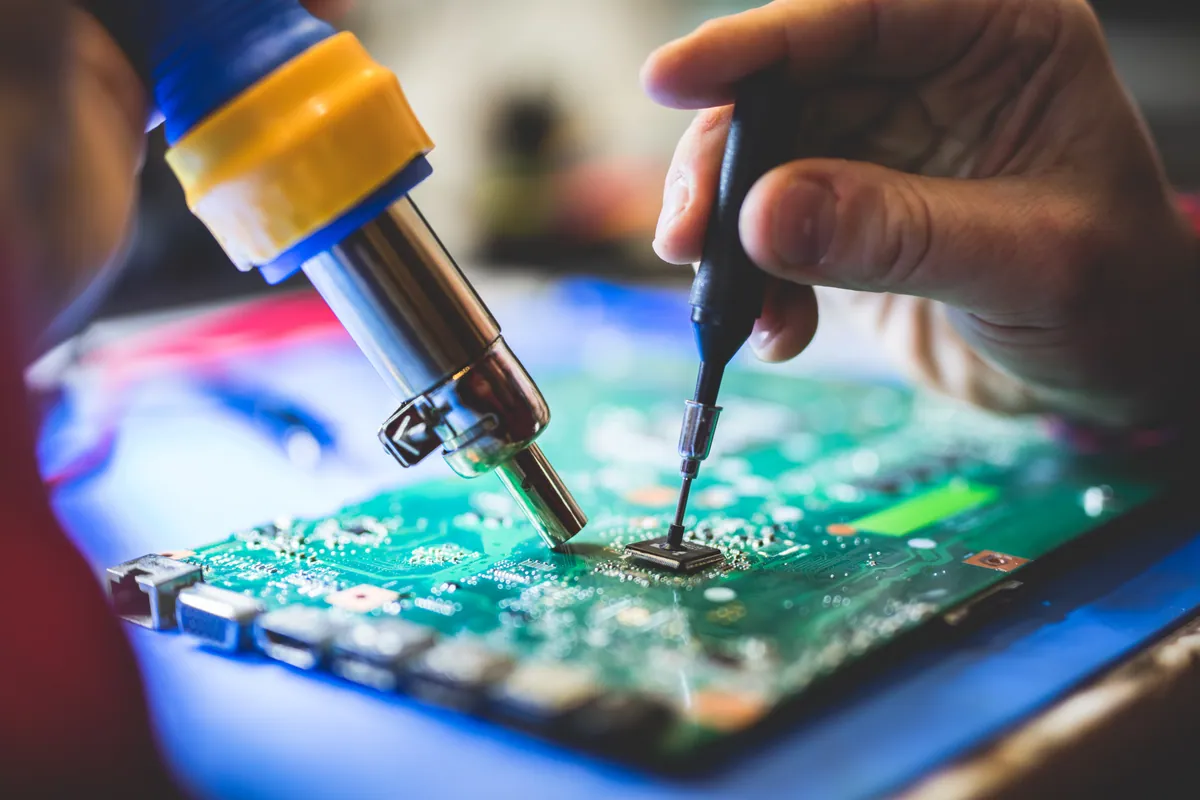
Lenovo ThinkPad wouldn't POST after a failed BIOS update. At our Putney SW15 workshop we reprogrammed the SPI flash chip with verified Lenovo firmware.
A MacBook Air in Putney SW15 wouldn't start into macOS. We diagnosed a failed internal SSD, fitted a replacement drive and reinstalled macOS to get it working.
A custom desktop in Barnes SW13 sat at 100% disk usage and froze after 30 minutes. We traced it to a failing SSD and fitted a new drive with a fresh install.
A Dell laptop in Putney SW15 had a cracked palmrest and stiff hinges. With no replacement parts made for the model, we repaired the chassis and eased the hinges.
An ASUS ROG gaming laptop in Putney SW15 kept freezing, then stopped booting into Windows. We traced it to a failing hard drive and moved Windows to an SSD.
An Asus ROG gaming laptop in Putney SW15 kept freezing and wouldn't boot. The cause was a failing hard drive, not software. We moved it to an SSD and it came back faster than new.
A Lenovo mini desktop in Putney SW15 struggled with multitasking. We upgraded it to 32GB of RAM — the right fix for the slowdown, at a fraction of a new PC.
MacBook in Wandsworth SW18 with an intermittent logic-board fault. We carried out a board-level refurbishment rather than a full replacement, restoring stable operation.
Before you buy a Black Friday laptop deal, check the RAM, the storage, the full model code and what is soldered down. A repair workshop's checklist for a laptop that lasts.
Data recovery costs from £75 for deleted or corrupt files, with an assessment of £60–£120 agreed upfront. What drives the price up, what a dead laptop costs, and when you pay nothing.
A laptop charging port repair costs £60–£120 when the port is on its own cable or board, and £150–£300 when it is soldered to the motherboard. How to tell which you have, and when it is not the port at all.
Photos gone from a dead phone or unreadable SD card? Learn what's recoverable, what lowers your odds, the dos and don'ts, and when to stop and get help.
Free up disk space on Windows safely — clear temp files, find the big space hogs, and know when the real fix is simply a bigger SSD. From a London workshop.
A missing or broken laptop key doesn't always mean a new keyboard. Here's what affects the cost, when a single key is fixable, and when a full swap makes sense.
Practical ways to keep your laptop cool in hot weather — airflow, surfaces, dust and cooling pads — plus when internal cleaning or a repaste is worth booking.
A clear-headed way to decide whether to repair or replace an ageing laptop: the maths, the upgrades that add years, and the faults that mean letting go.
Why your laptop takes minutes to reach the desktop, and how to fix it — startup programmes, background services, and the storage drive that decides everything.
MacBook overheating with fans blasting? The real causes — dust, runaway apps, dried thermal paste, memory pressure — and the fixes that actually work.
Wondering whether swapping a hard drive for an SSD is worth it? Here's the real day-to-day difference, which machines benefit most, and how migration works.
Your Mac feels sluggish after a macOS update? Here's what's really going on — indexing, storage pressure, incompatible apps — and when RAM or SSD is to blame.
We provide iMac Repair in London — Screens, SSD Upgrades and No Power across South West London
Serving Wandsworth, Wimbledon, Putney, Clapham, Balham, Tooting, and surrounding areas.
View all service areasTell us the model year and what it is doing, and we will tell you what is likely, what it costs and whether it is worth the money. Walk in to our Putney workshop, or ask about a visit or remote session for software problems.