Lenovo ThinkPad no-POST BIOS firmware recovery in Putney SW15
Lenovo ThinkPad wouldn't POST after a failed BIOS update. At our Putney SW15 workshop we reprogrammed the SPI flash chip with verified Lenovo firmware.
A small box with a very specific set of faults — diagnosed properly at our Putney workshop
Last updated: August 2026
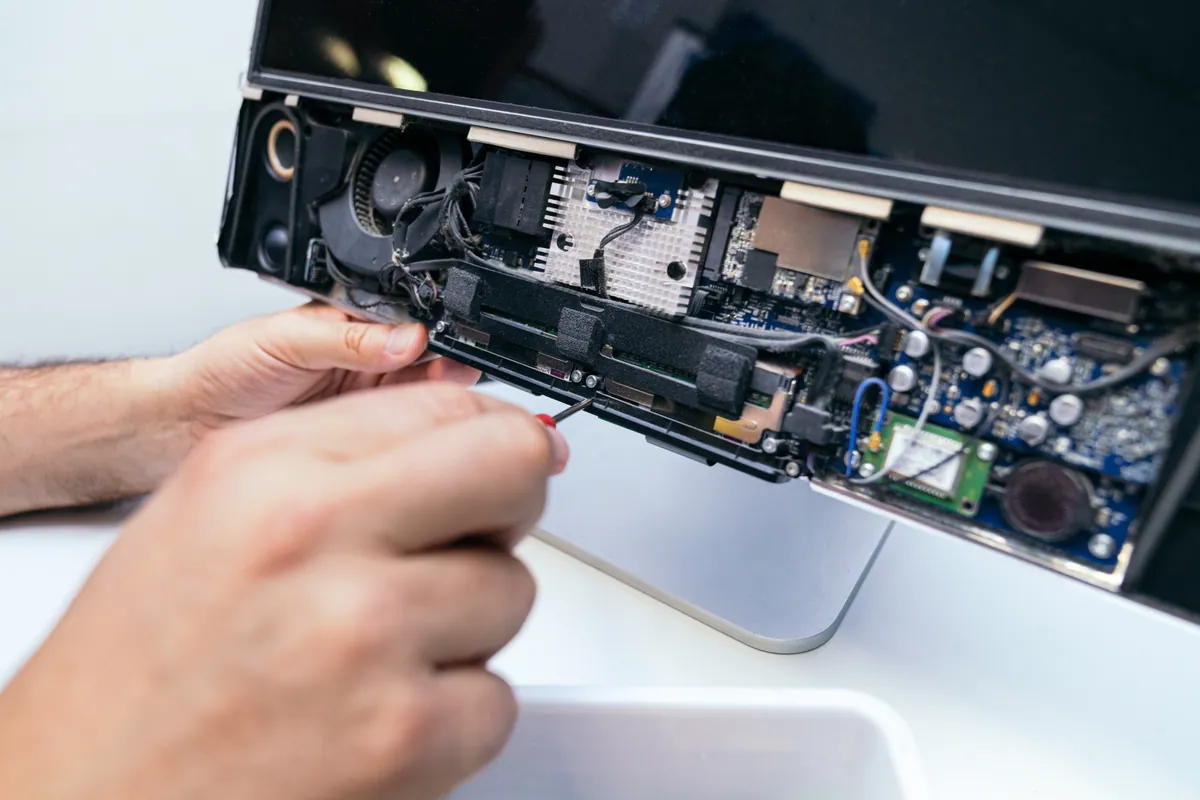
A Mac Mini has no screen, no keyboard and no battery, which rules out most of what goes wrong with a MacBook and concentrates everything else. What we see instead is machines that will not power on, storage that has worn out, a single blower fan working against years of dust because the Mini lives behind a television, and ports that have quietly stopped responding. There is also a category of its own: because a Mini has no display of its own, one that looks dead is often only failing to hand over a picture, which is worth establishing before anybody writes it off. The upside is logistics — a Mini is the easiest Mac to get to us, so it is a straightforward walk-in to Putney or a collection across South West London.
The work we carry out is covered by a 90-day warranty. If the same fault comes back inside that window, we put it right.
Laptops, MacBooks and Mac minis can be collected and returned across South West London, so you do not have to make the trip. Desktop towers, iMacs and printers come to our Putney workshop by drop-off.
Same-day turnaround is available on many jobs — ask when you book and we will confirm availability and any additional cost before we start.
A Mini showing no light and making no sound is usually the internal power supply, the power button board or the logic board. On Intel Minis the supply is a separate internal module, which means a dead Mini is frequently a repair rather than a write-off.
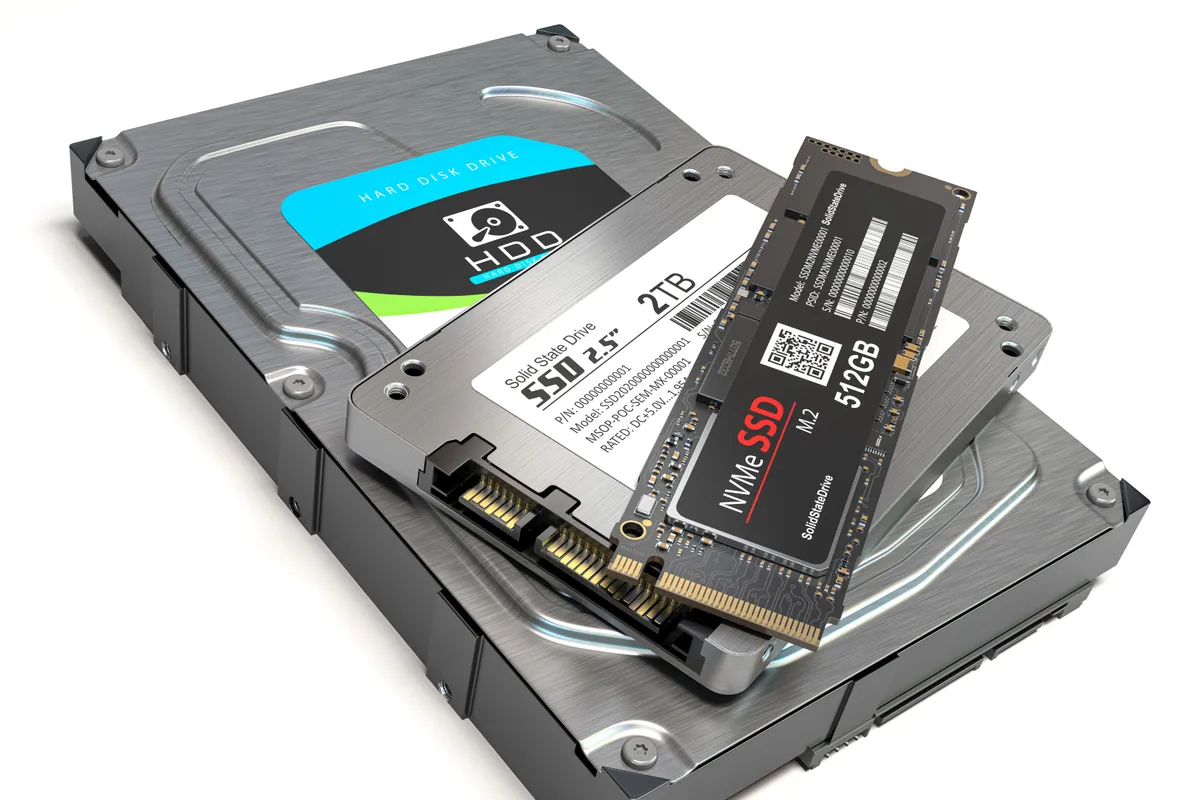
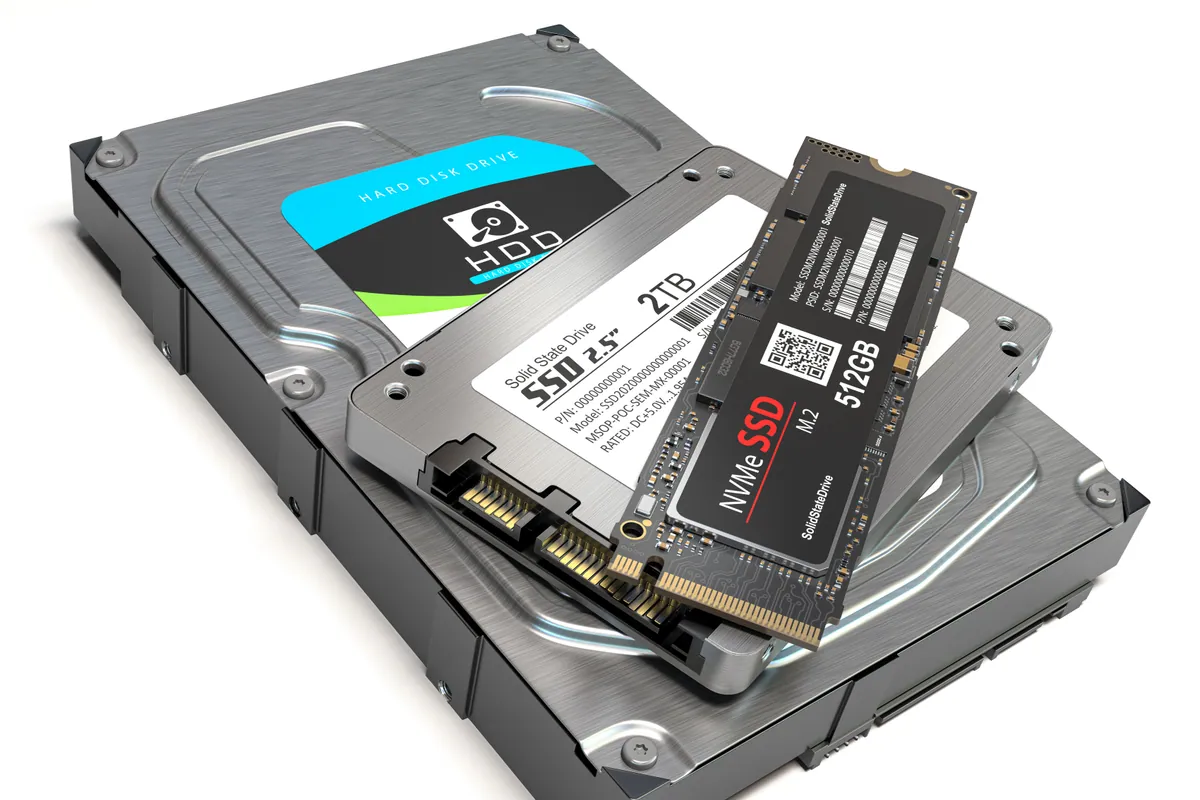
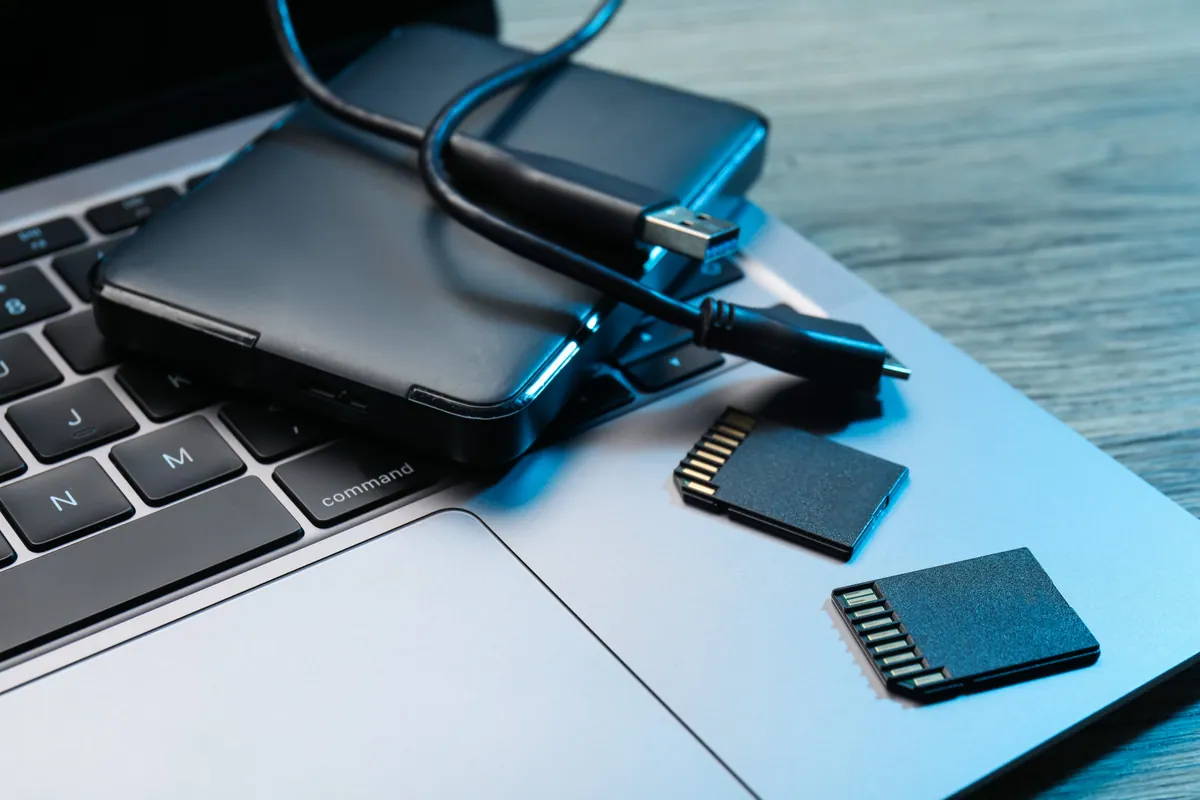
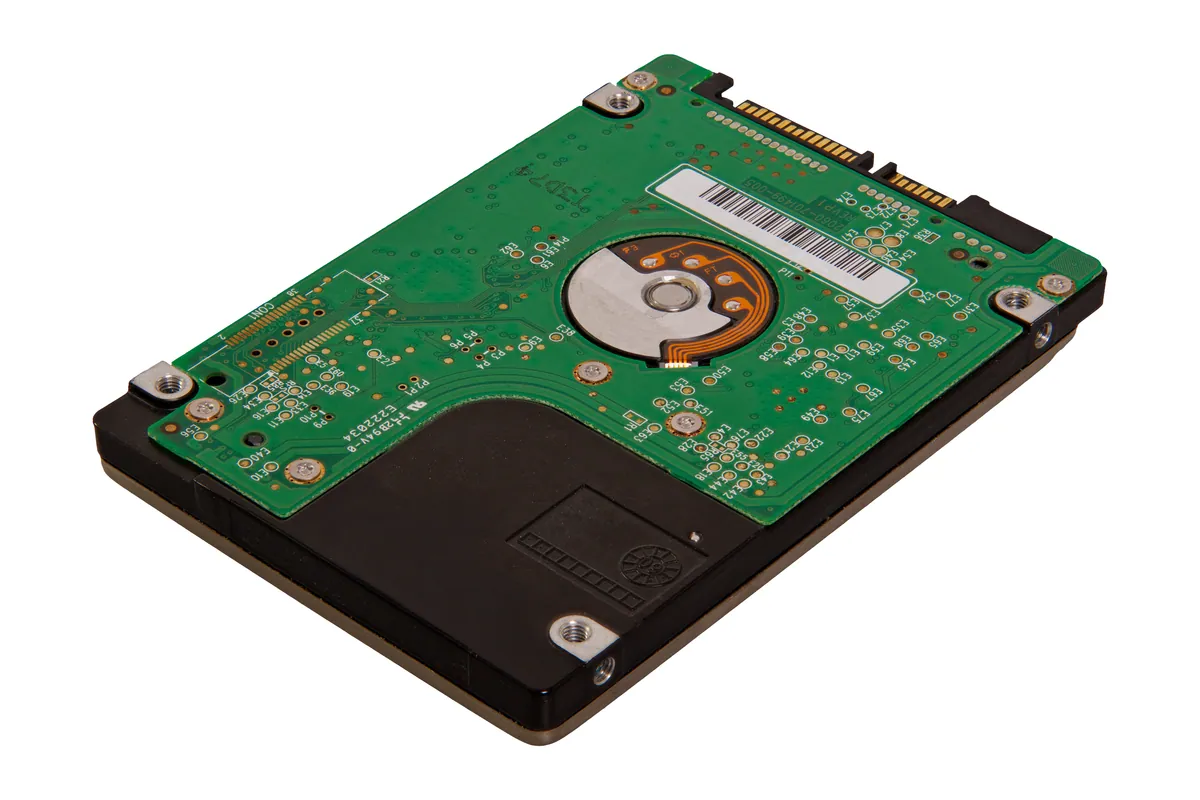
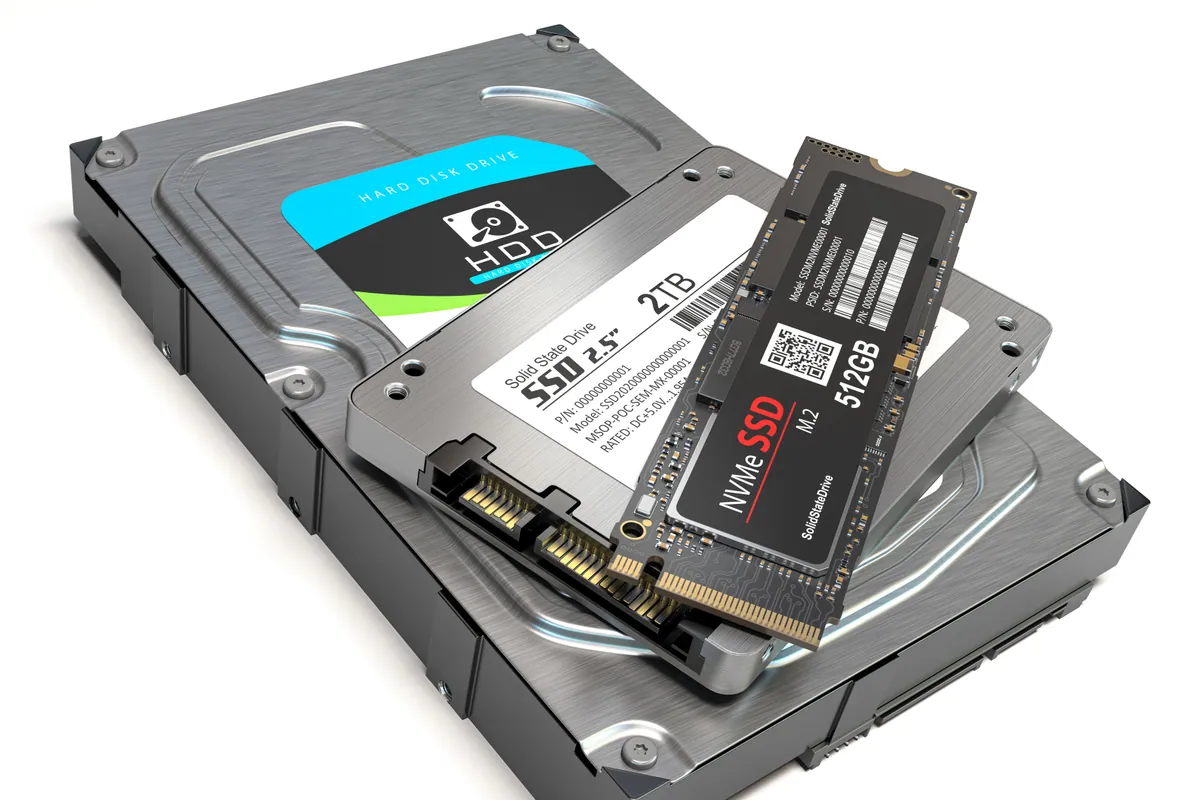
Minis up to 2012 take a standard 2.5-inch SSD, and several were built with two drive bays. The 2014 model uses either a blade SSD or a 2.5-inch drive depending on how it was specified. We confirm which yours is before quoting anything.
The 2010 to 2012 Minis have two accessible memory slots behind a twist-off base and take minutes. The 2018 Intel Mini has sockets too, though reaching them means a full strip-down. The 2014 model is soldered, and on Apple silicon the memory is part of the chip.
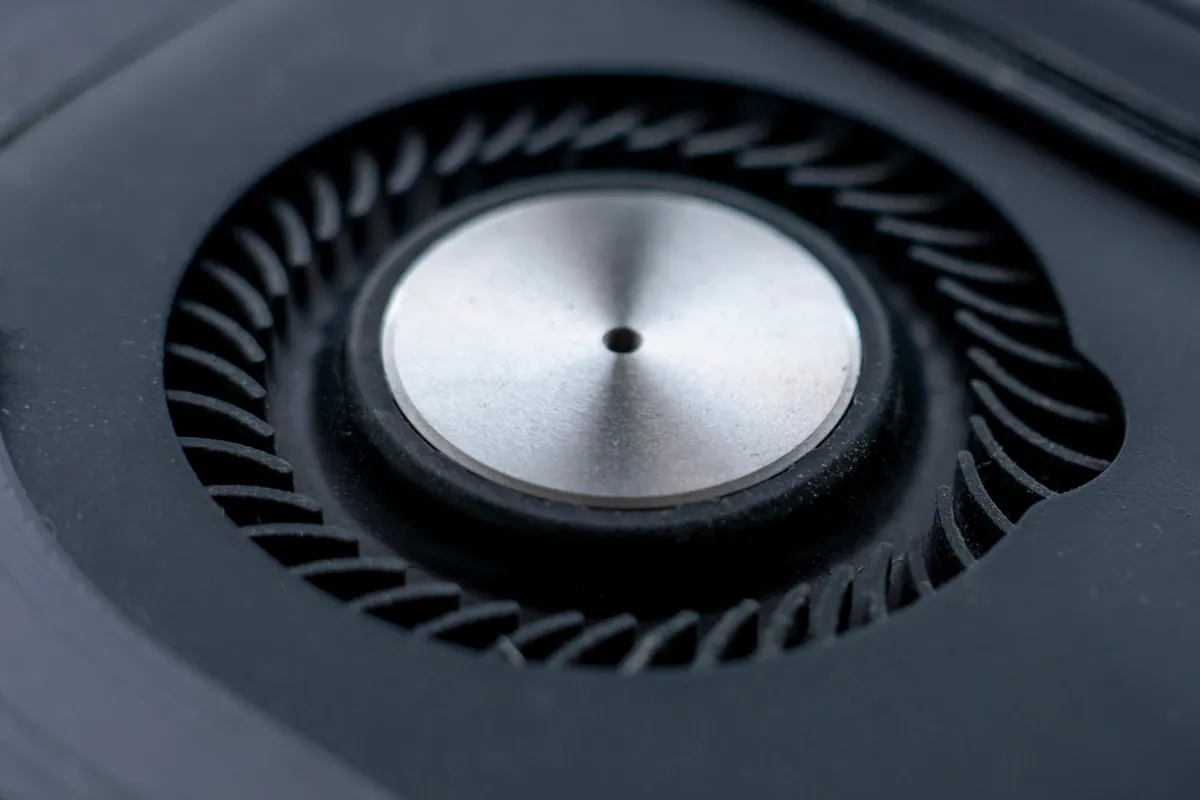
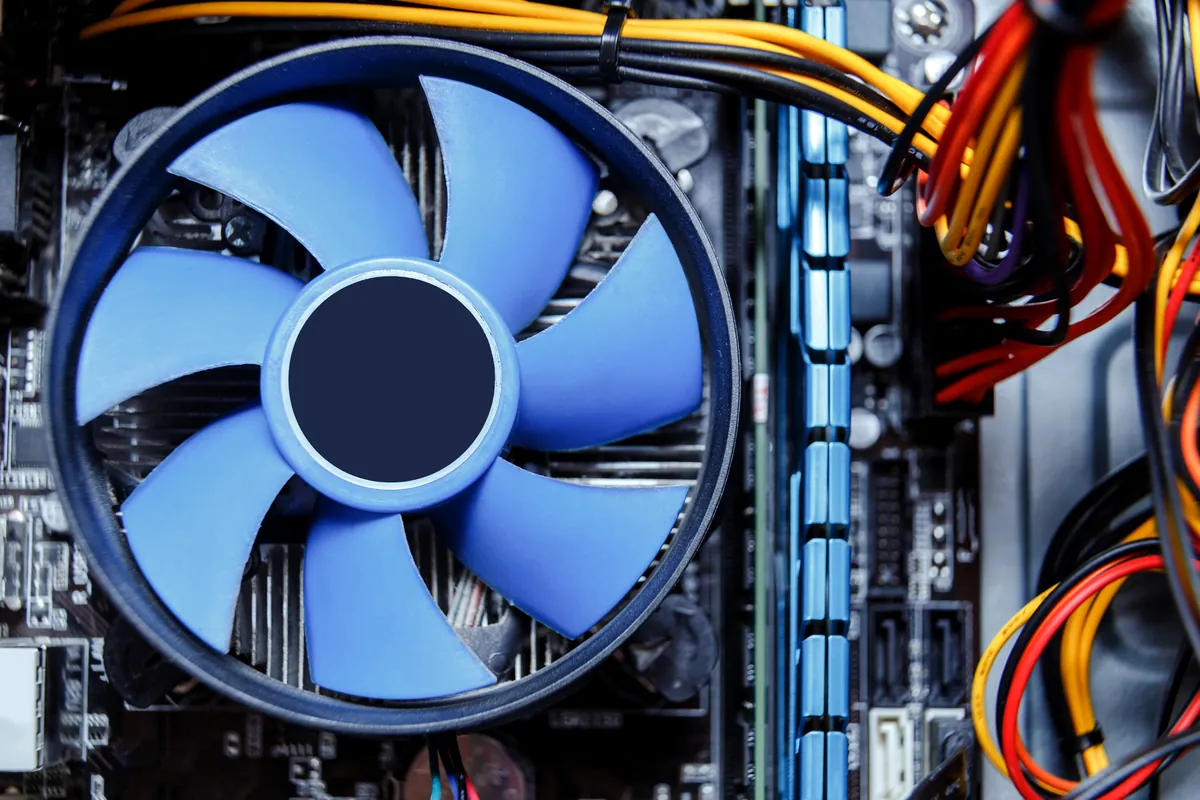
Minis get tucked behind televisions, shut inside cabinets and stacked on top of routers, and they breathe through one blower fan. Years of dust plus a warm enclosed space is the commonest reason a Mini roars, throttles or shuts itself down.
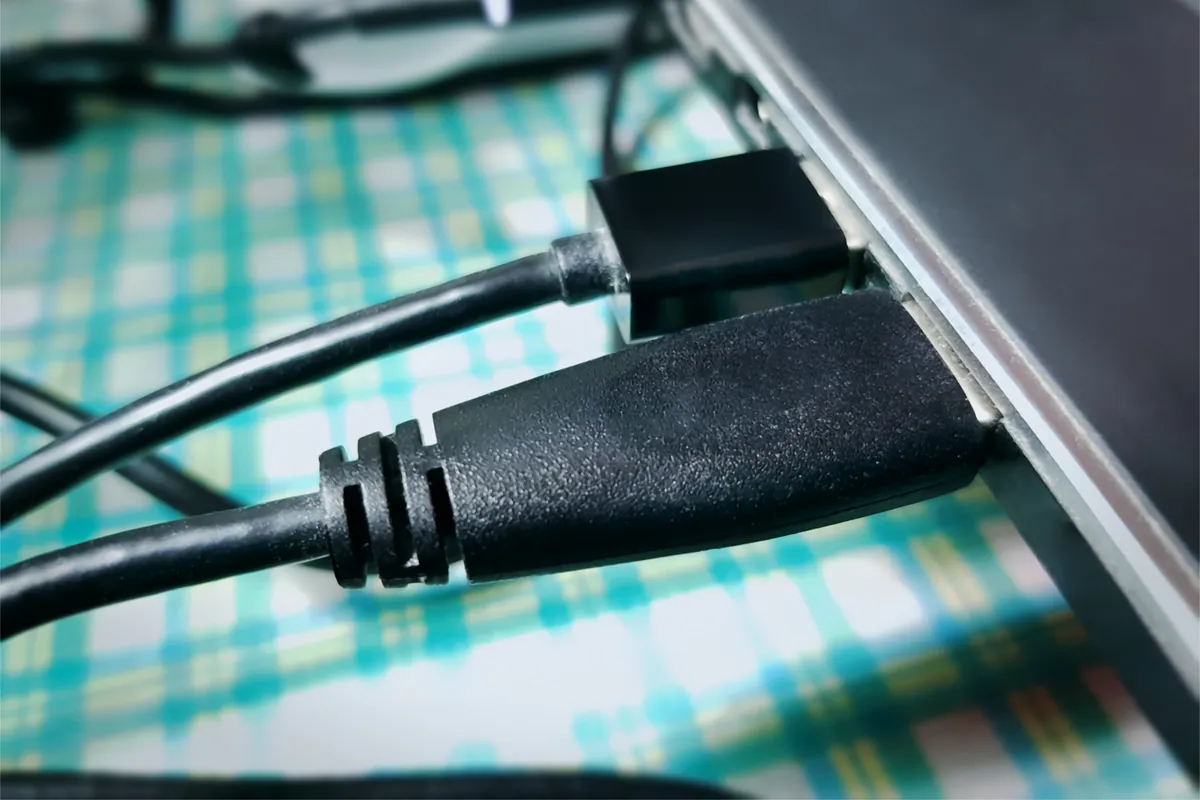
HDMI outputs handing over no picture, USB ports that no longer recognise anything, Thunderbolt, Ethernet and audio faults. Some are board-level repairs and some are a failed cable or a macOS problem — the job is finding out which before replacing anything.
Minis running as media servers, backup targets or small office servers rarely have a screen attached, so faults arrive as it has stopped responding rather than as an error message. We test them the way they are actually used, not just on a bench monitor.
Simple steps to get your problem solved quickly and professionally.
Call 020 7610 0500 and tell us what happens when the button is pressed: no light at all, light but no picture, a chime that goes nowhere, or working but painfully slow. Each of those points somewhere different.
It is a small box, so most people bring it to 66 Lower Richmond Road, Putney. Collection and return across South West London is there if that suits better. Bring the power lead — we rarely need anything else.
We test power delivery, storage health, memory, thermals and every port, then come back with the fault and a price. Where the honest answer is that it is not worth repairing, you get that answer too.
Repairs are run under sustained load before they go back, which matters most on thermal work — a cooling fix only proves itself once the machine is properly warm. The work carries a 90-day warranty.
Prefer the quick version? The sections above cover most needs. Expand any topic below for more detail.
This is the question we are asked most about Minis, and the honest answer varies enormously by model year. In plain terms:
We would rather turn away an upgrade that cannot be done than take the booking and explain afterwards. If the model you own is one of the fixed ones, you will hear that on the phone before you set off.
Because there is no screen, no battery and no keyboard involved, a dead Mini is one of the more logical faults to diagnose. The sequence we work through:
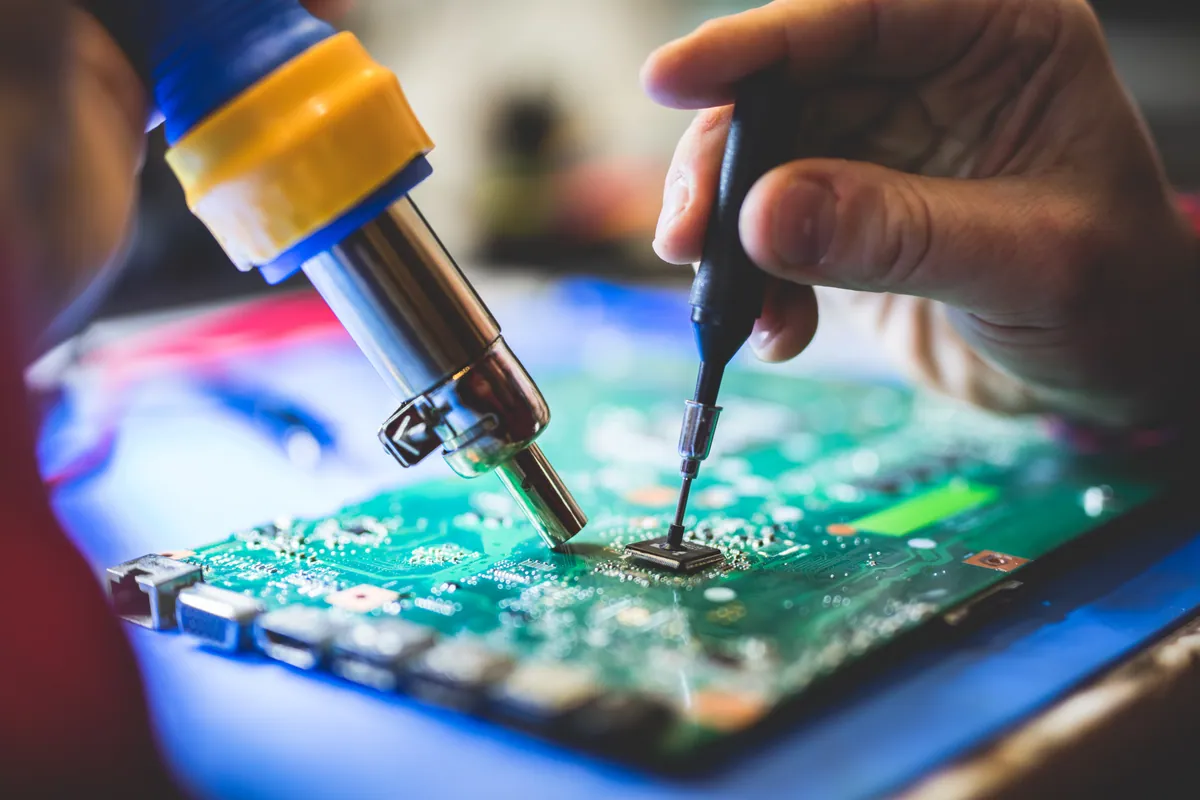
Where the trail ends at the logic board, component-level repair usually costs a fraction of a board replacement, and it keeps whatever is on the internal storage — which on a T2 or Apple silicon Mini is the only route to that data.
Almost every overheating Mini we open has the same story behind it. The machine is fine; its surroundings are not.
It breathes underneath and exhausts at the back
Air is drawn in through the vent ring around the base and pushed out of the rear. Standing one on carpet, a cloth or a stack of paperwork closes the intake, and nothing about the machine will tell you that is happening until it starts throttling.
Cabinets and media units are the worst offenders
A closed AV cabinet recirculates the Mini's own exhaust back into its intake. Left like that for years, the fan runs hard permanently and the dust load builds far faster than it would in open air.
Dust does not distribute evenly
It packs into the fan blades and the heatsink fins as a mat rather than a film. A can of compressed air aimed at the outside achieves very little; the fix is a strip-down, a proper clean and fresh thermal compound.
Always-on Minis age faster
A Mini serving media or backups around the clock runs its fan for years without a break. That is exactly the machine worth servicing preventatively, because the failure usually arrives as a shutdown rather than a warning.
Once it is cleaned and re-pasted, give it clear air on at least three sides and a hard flat surface underneath. That alone is worth more than any software tweak.
Not sure what you need? We're happy to help.
Mac Mini work is priced per model and per fault. A strip-down clean and thermal service on a 2014 Mini and a power supply failure on a 2018 are different jobs using different parts, so we quote after diagnosis rather than advertising a number that would be wrong for half the machines that arrive. Same-day turnaround is available on some jobs, with the surcharge confirmed at quote stage.
90-Day Warranty · Fully Insured While With Us
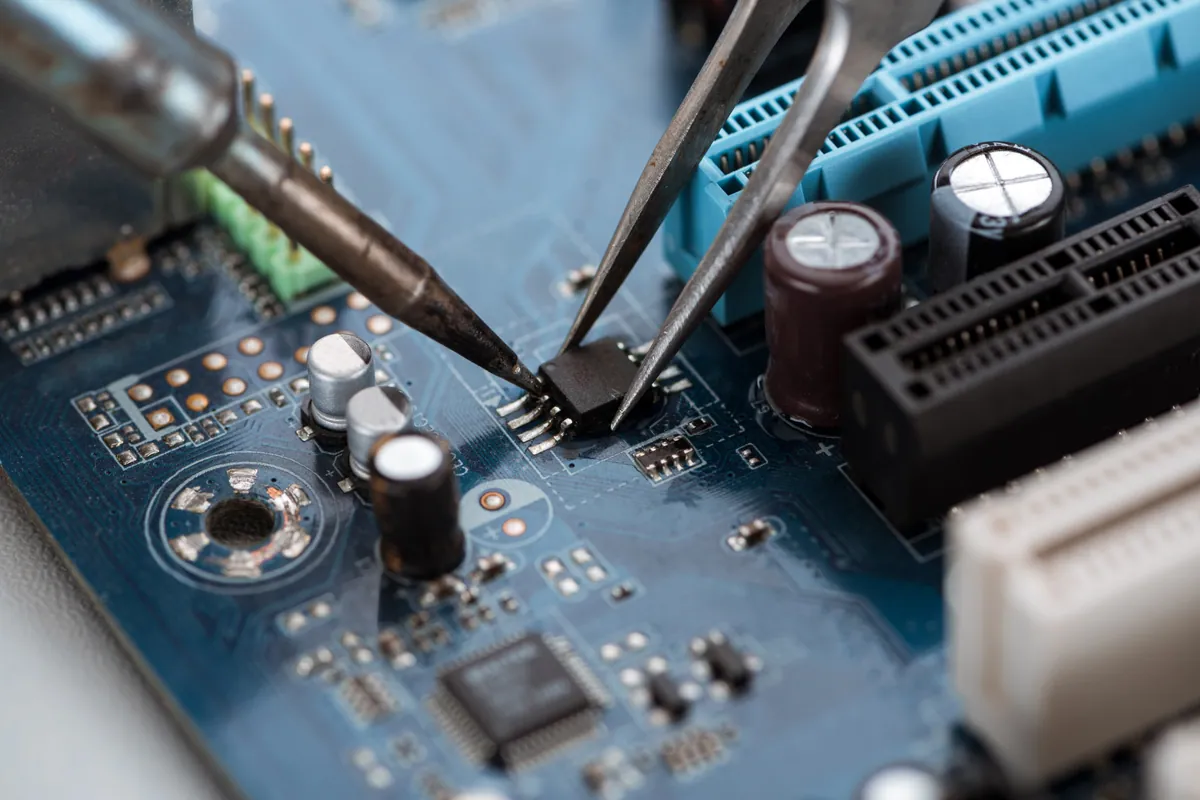
Lenovo ThinkPad wouldn't POST after a failed BIOS update. At our Putney SW15 workshop we reprogrammed the SPI flash chip with verified Lenovo firmware.
A MacBook Air in Putney SW15 wouldn't start into macOS. We diagnosed a failed internal SSD, fitted a replacement drive and reinstalled macOS to get it working.
A custom desktop in Barnes SW13 sat at 100% disk usage and froze after 30 minutes. We traced it to a failing SSD and fitted a new drive with a fresh install.
An ASUS ROG gaming laptop in Putney SW15 kept freezing, then stopped booting into Windows. We traced it to a failing hard drive and moved Windows to an SSD.
An Asus ROG gaming laptop in Putney SW15 kept freezing and wouldn't boot. The cause was a failing hard drive, not software. We moved it to an SSD and it came back faster than new.
A Lenovo mini desktop in Putney SW15 struggled with multitasking. We upgraded it to 32GB of RAM — the right fix for the slowdown, at a fraction of a new PC.
MacBook in Wandsworth SW18 with an intermittent logic-board fault. We carried out a board-level refurbishment rather than a full replacement, restoring stable operation.
MacBook Pro in Barnes SW13 with a flickering screen on hinge movement plus a non-charging battery. We diagnosed both, discussed parts options honestly, and used refurbished parts to fit the customer's budget.
Before you buy a Black Friday laptop deal, check the RAM, the storage, the full model code and what is soldered down. A repair workshop's checklist for a laptop that lasts.
Data recovery costs from £75 for deleted or corrupt files, with an assessment of £60–£120 agreed upfront. What drives the price up, what a dead laptop costs, and when you pay nothing.
A laptop charging port repair costs £60–£120 when the port is on its own cable or board, and £150–£300 when it is soldered to the motherboard. How to tell which you have, and when it is not the port at all.
Photos gone from a dead phone or unreadable SD card? Learn what's recoverable, what lowers your odds, the dos and don'ts, and when to stop and get help.
Free up disk space on Windows safely — clear temp files, find the big space hogs, and know when the real fix is simply a bigger SSD. From a London workshop.
A missing or broken laptop key doesn't always mean a new keyboard. Here's what affects the cost, when a single key is fixable, and when a full swap makes sense.
Practical ways to keep your laptop cool in hot weather — airflow, surfaces, dust and cooling pads — plus when internal cleaning or a repaste is worth booking.
A clear-headed way to decide whether to repair or replace an ageing laptop: the maths, the upgrades that add years, and the faults that mean letting go.
Why your laptop takes minutes to reach the desktop, and how to fix it — startup programmes, background services, and the storage drive that decides everything.
MacBook overheating with fans blasting? The real causes — dust, runaway apps, dried thermal paste, memory pressure — and the fixes that actually work.
Wondering whether swapping a hard drive for an SSD is worth it? Here's the real day-to-day difference, which machines benefit most, and how migration works.
Your Mac feels sluggish after a macOS update? Here's what's really going on — indexing, storage pressure, incompatible apps — and when RAM or SSD is to blame.
We provide Mac Mini Repair in London — No Power, Storage and Ports across South West London
Serving Wandsworth, Wimbledon, Putney, Clapham, Balham, Tooting, and surrounding areas.
View all service areasTell us the model year and what it does when you press the power button. You will get an honest read on the likely fault, what it costs to put right, and whether the machine is worth the money.