MacBook Air Won't Start Into macOS — Failed SSD, Putney SW15
A MacBook Air in Putney SW15 wouldn't start into macOS. We diagnosed a failed internal SSD, fitted a replacement drive and reinstalled macOS to get it working.
Apple-first IT support for offices running a handful of Macs — with a real workshop behind it when the hardware gives up
Last updated: August 2026
A design studio with six Macs. An architect's practice with a dozen and a plotter. A production company with four Macs and one stubborn Windows box that runs the accounts. These offices are all over South West London, and they are oddly badly served: Apple-specialist IT firms are built for estates of fifty seats and upwards, while general IT companies still treat a Mac as somebody else's problem. We are neither. Macs come over our repair bench every working day, so we know how they actually fail and how long they really last. We have supported mixed Apple and Windows offices from the same Putney workshop for over 25 years. Getting Outlook behaving on macOS, or a Mac and a PC sharing the same printer and the same files, is ordinary work here rather than an exception.
We have run our Putney workshop for over 25 years and the business is fully insured — worth knowing when someone is coming into your home or office. Security and network work is led by a CISSP-certified consultant.
Same-day turnaround is available on many jobs — ask when you book and we will confirm availability and any additional cost before we start.
MacBooks, iMacs and Mac minis cross our bench every working day — screens, batteries, drives, logic boards. That hands-on experience is what shapes the advice: we know which models age badly and which faults are worth spending money on.
Very few small offices are purely Apple. There is usually a PC running an accounts package, or a machine tied to a specific piece of hardware. Making the two share files, printers and email properly is routine work for us.
Outlook on Mac, OneDrive syncing without duplicating half your desktop, SharePoint libraries that open when you click them, Teams behaving itself. Microsoft software on Apple hardware has its own quirks and we meet them weekly.
When a Mac stops, you can carry it into 66 Lower Richmond Road in Putney rather than post it away and hope. Repairs carry a 90-day warranty, and same-day turnaround is available when a deadline will not wait.
A Time Machine drive nobody has looked at since 2023, or cloud storage mistaken for a backup. We set up something that genuinely restores your work, then prove it restores rather than assuming it does.
Three Macs is a perfectly reasonable size of client. Apple-specialist providers usually want a far larger estate before they will engage at all, and we have no threshold to clear before you can pick up the phone.
Simple steps to get your problem solved quickly and professionally.
A walk round the office or a screen share: which Macs, how old, what they run, where the files live, and what everybody complains about most often.
The recurring irritations first — the sync that never finishes, the Mac that will not see the printer, the machine that takes four minutes to wake. Quick wins before anything ambitious.
Accounts, email and shared access sorted properly, backups configured and test-restored, and the ageing hardware identified before it fails rather than afterwards.
From then on you have a number that a person answers. Most things get resolved remotely; when a machine has to come in, it comes to our bench in Putney.
Prefer the quick version? The sections above cover most needs. Expand any topic below for more detail.
If you run a handful of Macs and have found it strangely hard to buy proper support, there are structural reasons for that:
We sit deliberately in that gap: a workshop counter for the hardware, and people who support Apple and Windows offices side by side every week.
Mixed offices cause most of the day-to-day friction we get called about. The common flashpoints are predictable, and all of them are solvable:
Shared files and permissions
Macs and Windows machines handle file names, permissions and network shares differently, which is how you end up with folders one side can open and the other cannot. Set up deliberately, it simply stops being an issue.
Printers and scanners
The classic symptom is a printer that every PC can see and no Mac can, or scan-to-folder that works for half the office. Usually a driver and sharing problem rather than a fault with the printer itself.
Email and calendars in step
Shared mailboxes, calendars and contacts should look the same on a Mac in Outlook, on a Windows machine and on a phone. When they do not, it is nearly always how the accounts were added in the first place.
Software that only runs on Windows
Plenty of accounting and industry packages are Windows-only. Sometimes the answer is one PC in the corner, sometimes a hosted option — we will tell you which is proportionate rather than pushing a rebuild of your whole setup.
Nobody should have to choose their computer based on which one the IT company prefers. A mixed office is perfectly workable when someone sets it up on purpose.
Worth setting out plainly, because it is rarely obvious from an IT company's website what is actually on offer:
If that kind of central control is genuinely what your business needs, we will say so and point you elsewhere rather than take the work and improvise. Our support is hands-on and per machine, which is what an office of this size usually wants anyway.
Not sure what you need? We're happy to help.
Ad-hoc Mac support is charged per job: remote sessions typically £40–£90, in-store diagnostics £40–£80, and onsite visits £90 per hour including travel. Offices that would rather have a predictable monthly figure can take our support plan at £55 per user, per month, with no minimum number of users. Hardware repairs and parts are quoted separately after diagnosis and carry a 90-day warranty.
Per-job or monthly · No minimum users · 90-day warranty on repairs
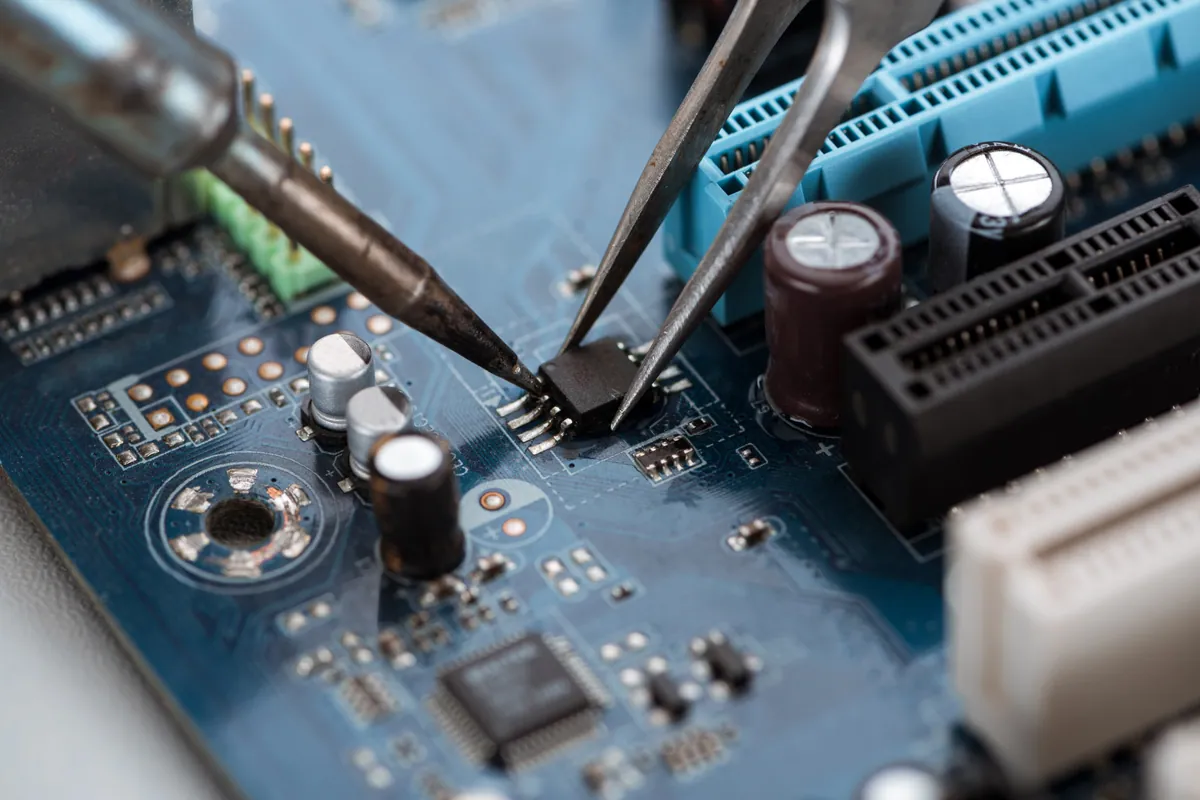
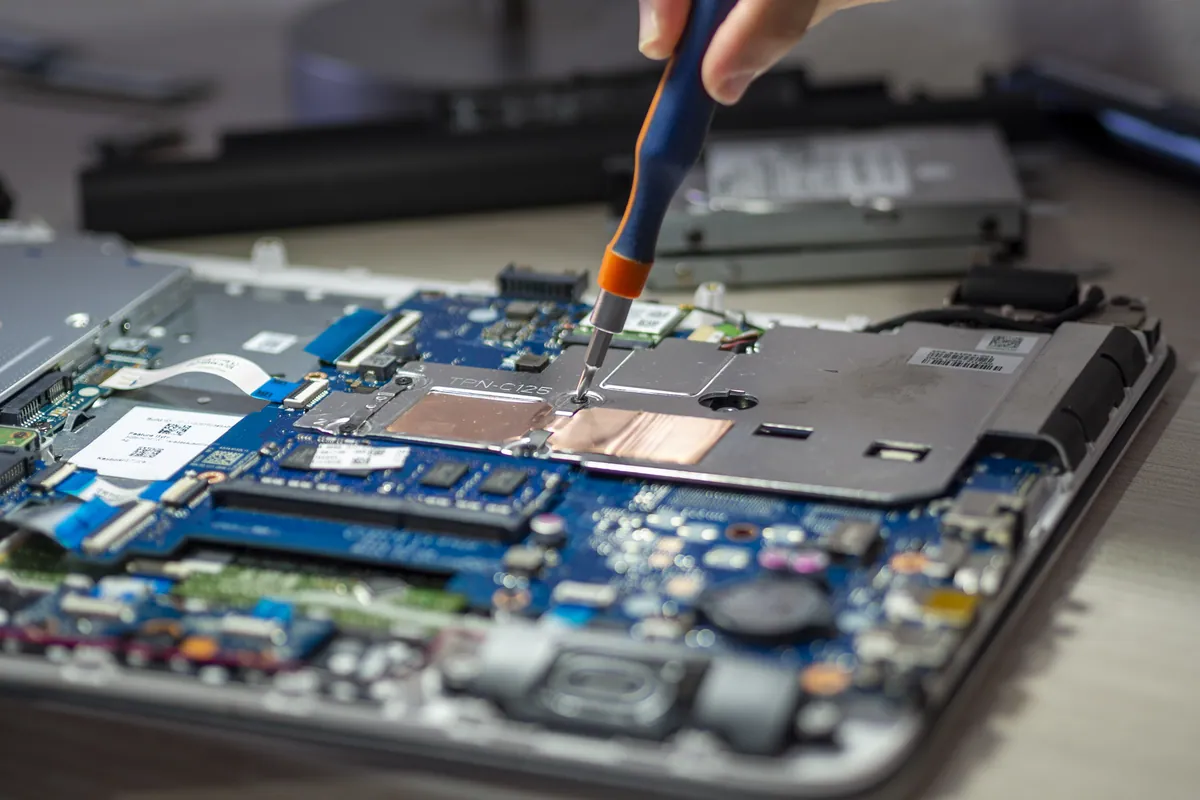
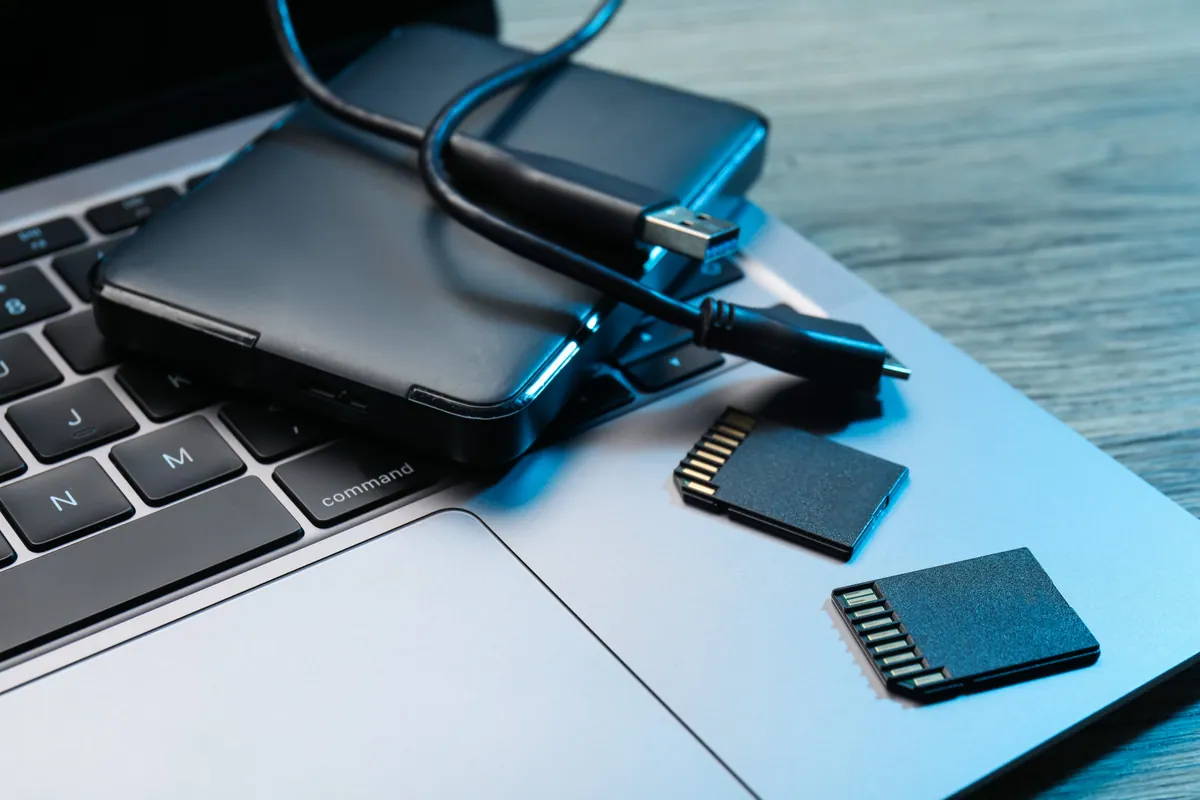
A MacBook Air in Putney SW15 wouldn't start into macOS. We diagnosed a failed internal SSD, fitted a replacement drive and reinstalled macOS to get it working.
A national charity needed its laptop fleet encrypted, patched and audit-ready for Cyber Essentials Plus. We hardened it centrally via Microsoft Intune.
A small business in Wimbledon SW19 needed professional email on its own domain. We set up Microsoft 365, verified the domain, and configured mailboxes and Outlook onsite.
MacBook in Wandsworth SW18 with an intermittent logic-board fault. We carried out a board-level refurbishment rather than a full replacement, restoring stable operation.
A business owner in Wandsworth SW18 moved to a new PC without losing files or email. We migrated their data, set up Microsoft 365 and Outlook, and configured their software onsite.
MacBook Pro in Barnes SW13 with a flickering screen on hinge movement plus a non-charging battery. We diagnosed both, discussed parts options honestly, and used refurbished parts to fit the customer's budget.
iPad in Barnes SW13 needed a clean factory reset and reconfiguration as a child Apple ID device. We handled the reset properly, set up Screen Time controls, and parental restrictions before handover.
MacBook Pro in Putney SW15 with a display that only worked at certain lid angles. We diagnosed the worn display flex cable, replaced the full assembly, and verified the repair end-to-end.
A laptop charging port repair costs £60–£120 when the port is on its own cable or board, and £150–£300 when it is soldered to the motherboard. How to tell which you have, and when it is not the port at all.
What IT support really costs in the UK in 2026 — market rates per user, hourly and ad-hoc pricing, what drives the price, and our own published figures.
Photos gone from a dead phone or unreadable SD card? Learn what's recoverable, what lowers your odds, the dos and don'ts, and when to stop and get help.
A plain-English guide to the Cyber Essentials certification for UK SMEs: what it is, the five controls, why firms pursue it, and what getting ready involves.
A missing or broken laptop key doesn't always mean a new keyboard. Here's what affects the cost, when a single key is fixable, and when a full swap makes sense.
How ransomware really gets into small firms, the practical defences that actually work on an SME budget, and why tested backups are your last line of defence.
Learn the red flags that give business phishing emails away, the tactics scammers use to fool staff, and exactly what to do if someone clicks or replies.
Practical ways to keep your laptop cool in hot weather — airflow, surfaces, dust and cooling pads — plus when internal cleaning or a repaste is worth booking.
MacBook overheating with fans blasting? The real causes — dust, runaway apps, dried thermal paste, memory pressure — and the fixes that actually work.
An honest UK comparison of Microsoft 365 and Google Workspace for small firms: apps, email, storage, cost and migration, and which one suits whom.
Choosing email for a small team? We compare Outlook, Apple Mail and Gmail on calendars, reliability and migration — and the platform choice that matters.
SharePoint or a mapped shared drive for your team files? We compare access, versioning and reliability so you can pick the right setup with confidence.
We provide Mac Support for Business — Small Offices in London across South West London
Serving Wandsworth, Wimbledon, Putney, Clapham, Balham, Tooting, and surrounding areas.
View all service areasTell us how many Macs you have, what keeps going wrong, and which Windows machine is causing the arguments. We will tell you plainly what is worth fixing, what is worth replacing, and what you can safely leave alone.