MacBook Air Won't Start Into macOS — Failed SSD, Putney SW15
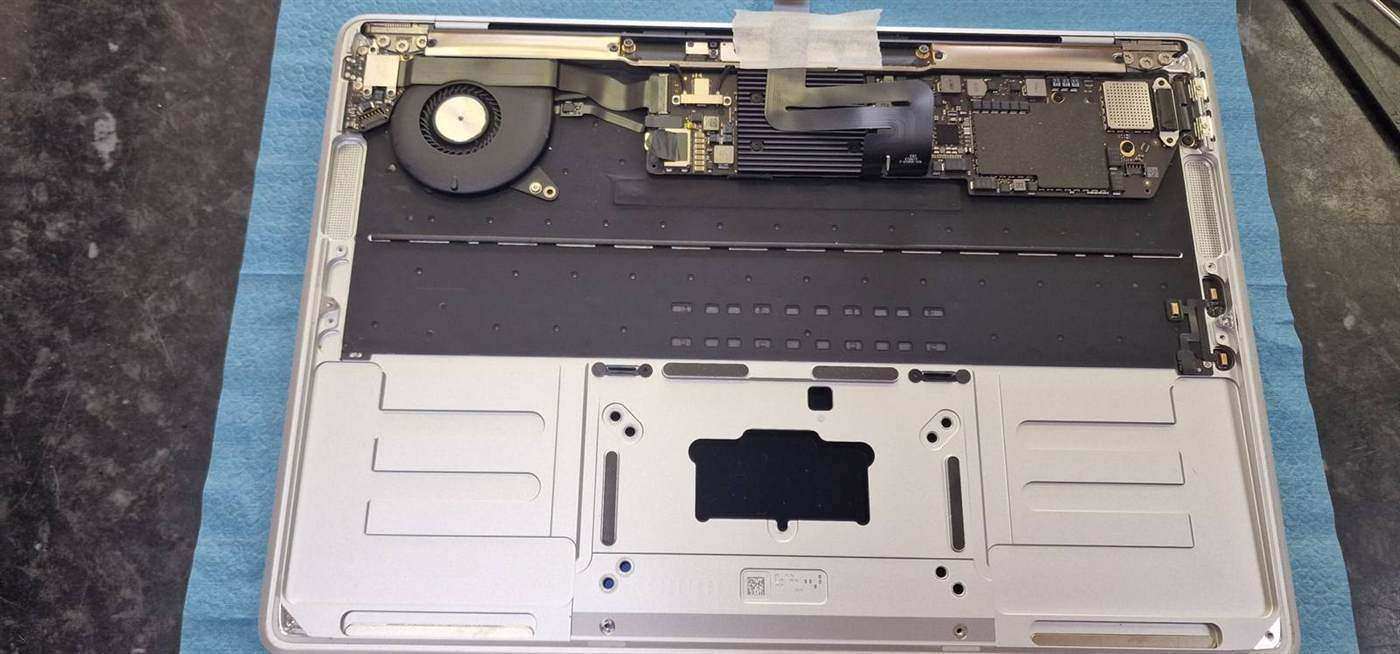
A MacBook Air in Putney SW15 wouldn't start into macOS. We diagnosed a failed internal SSD, fitted a replacement drive and reinstalled macOS to get it working.
Specialist Mac Repairs from Apple-Experienced Technicians
Last updated: August 2026
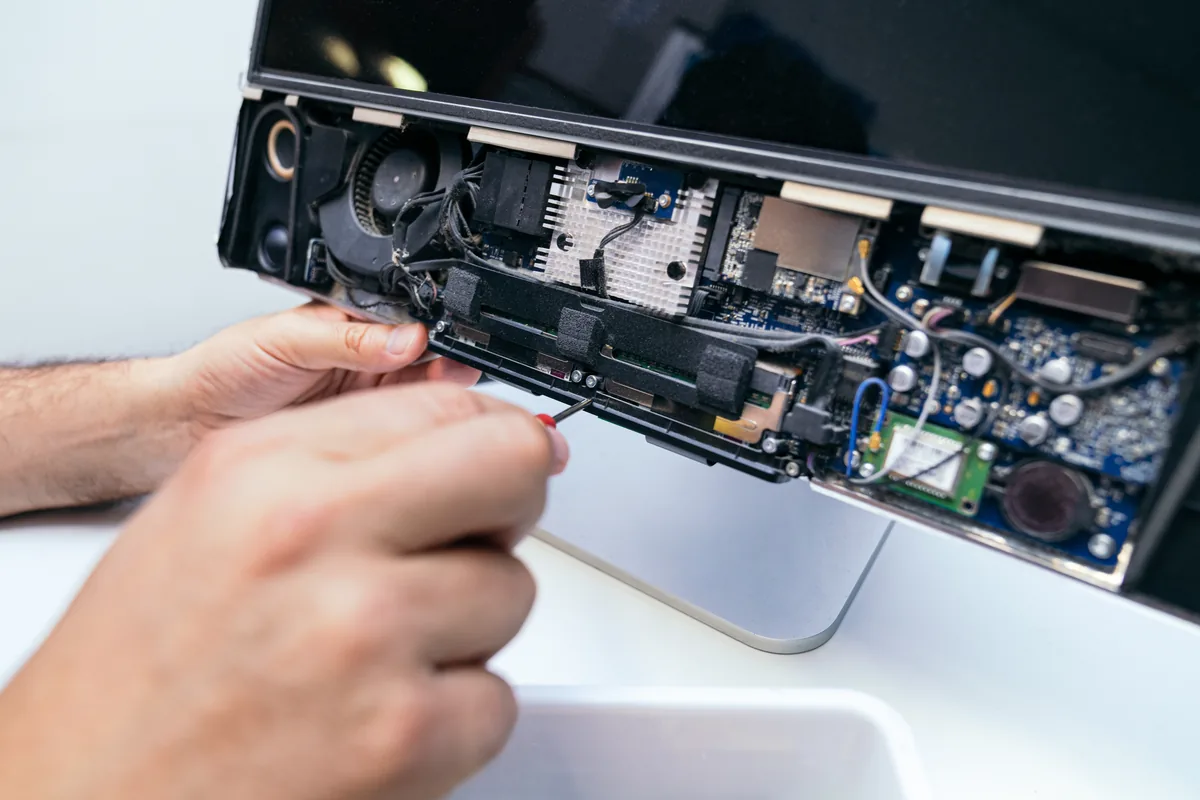
Whether it's a MacBook Pro with a failed logic board, an iMac that won't boot, or a Mac mini with storage issues, we diagnose and repair Apple hardware properly — Intel and Apple Silicon alike. Repairs are carried out at our Putney workshop in South West London, with drop-off, collection and same-day options for many faults. You get a clear diagnosis and an itemised quote before any work starts, and we'll tell you honestly when a repair isn't worth the money.
The work we carry out is covered by a 90-day warranty. If the same fault comes back inside that window, we put it right.
Laptops, MacBooks and Mac minis can be collected and returned across South West London, so you do not have to make the trip. Desktop towers, iMacs and printers come to our Putney workshop by drop-off.
Screens, batteries, keyboards, RAM and SSDs for the models we see most are on the shelf at our Putney workshop, so the usual jobs are not waiting on a supplier.
Same-day turnaround is available on many jobs — ask when you book and we will confirm availability and any additional cost before we start.
3,400+ MacBook repair jobs logged since 2009 — 23% of our current workshop intake. Median turnaround right now: 5 days, with 33% of invoiced jobs back within two.
Figures from PC Macgicians workshop records, updated October 2026.
We use Apple-specific diagnostic tools to identify exactly what's wrong with your Mac before recommending repairs.
Our technicians have extensive experience with Apple products and stay current with the latest Mac models and repair techniques.
We use genuine Apple parts where available, or high-quality OEM alternatives that meet Apple's specifications.
Your files, photos, and documents are protected throughout the repair process. We can also help with Time Machine backups.
Many Mac repairs can be completed same-day. More complex logic board repairs typically take 2-5 days.
You'll receive a detailed quote before any work begins. No hidden costs or surprise charges.
Simple steps to get your problem solved quickly and professionally.
Call, WhatsApp, or book online. Describe the issue and we'll advise on the best course of action.
We run comprehensive diagnostics to identify all issues and provide you with a clear, itemised quote.
Our technicians repair your Mac using the right tools, parts, and techniques for Apple hardware.
We thoroughly test your Mac before returning it, ensuring everything works perfectly.
Trusted by customers across South West London. Read what they have to say about our MacBook & Mac Repair in London service.
"My MacBook Pro had a failed logic board. PC Macgicians diagnosed the issue quickly and repaired it for half what Apple quoted. Excellent work!"
David Chen
Richmond
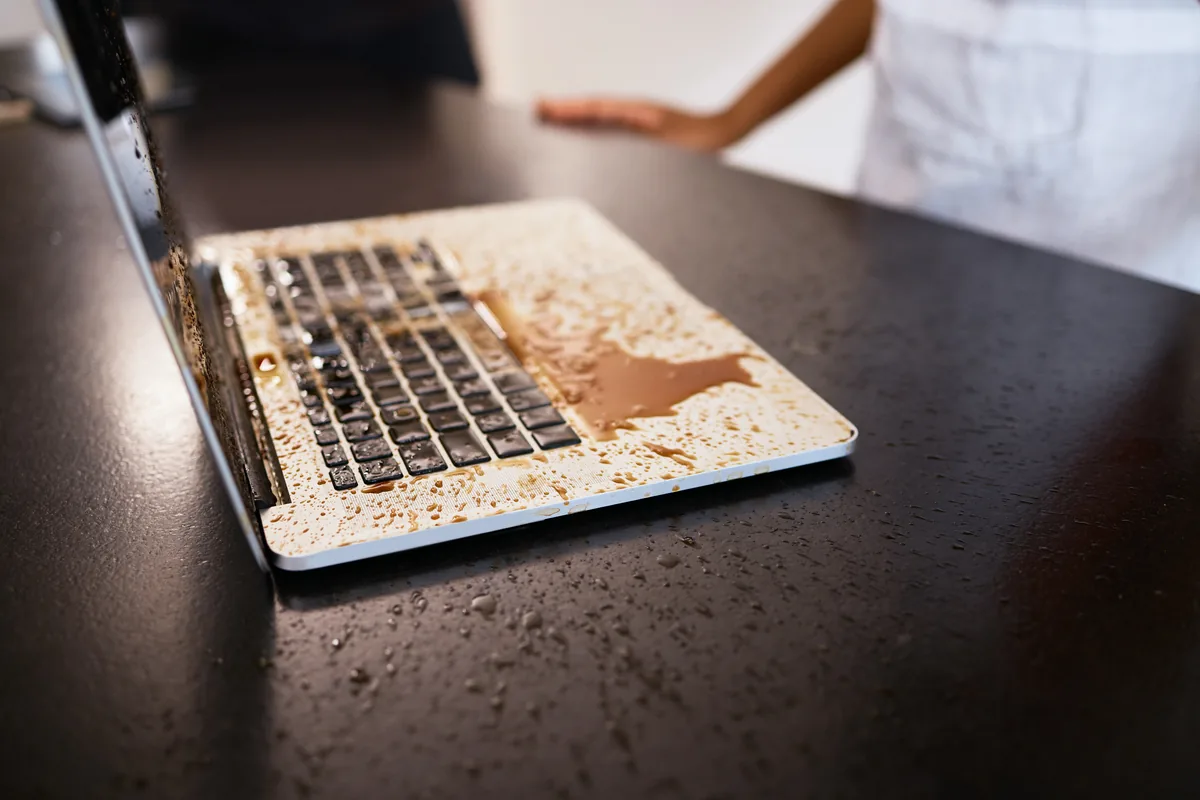
"Spilled tea on my MacBook Air. They cleaned it thoroughly, replaced the damaged keyboard, and recovered all my data. Can't recommend them enough."
Sophie Williams
Wimbledon
"My old 2015 iMac was running terribly slow. They upgraded it with an SSD and it's like a new machine. Should have done this years ago!"
Michael Brown
Clapham
Prefer the quick version? The sections above cover most needs. Expand any topic below for more detail.
Mac diagnostics require specialist knowledge and tools. Here's how we approach it:
We explain everything in plain English and give you options before starting any work.
These are the Mac repairs we handle most frequently:
Screen replacements
Retina displays for MacBook Air, MacBook Pro, and iMac. We handle the delicate process carefully to avoid damage.
Battery replacements
Swollen or depleted batteries in MacBooks. We use quality cells and calibrate properly after installation.
Keyboard repairs
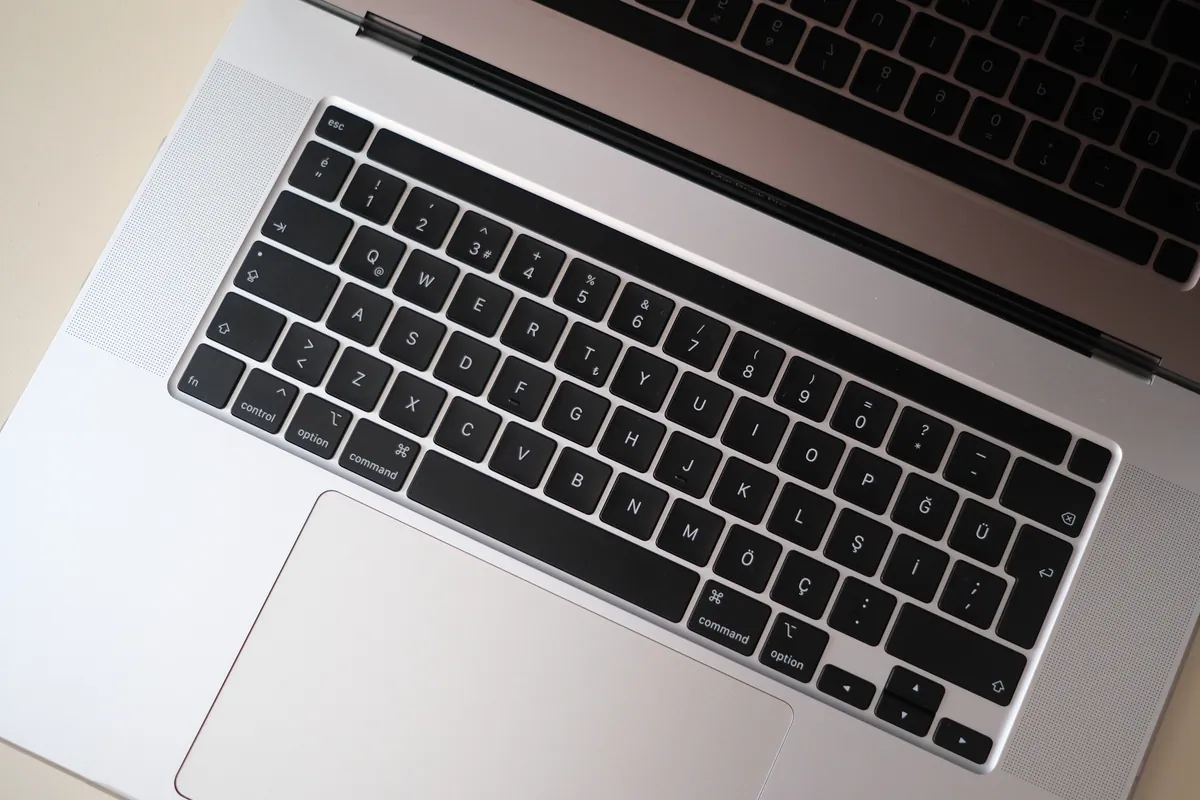
Including the notorious butterfly keyboards. We can replace individual keys or entire top cases.
Logic board repairs
Component-level repairs for power issues, no display, and other board-level faults.
SSD upgrades
Upgrade older Macs with fast NVMe storage for dramatically improved performance.
The Pro carries more heat, more power and a bigger battery than the Air, and its failure patterns follow directly from that:
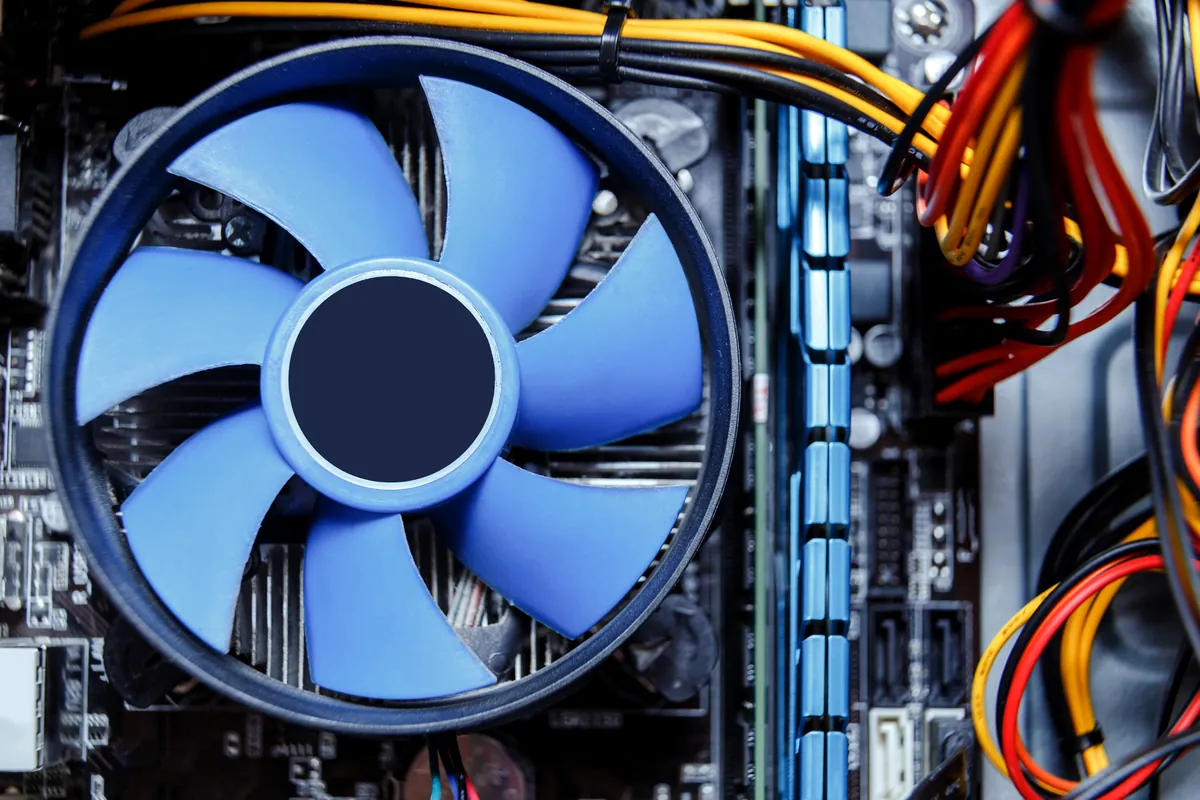
Thermal throttling and constant fan noise
A Pro under sustained load — video, Xcode, large photo libraries — depends on clear vents and thermal compound that has not dried out. Once it has, the machine slows down under exactly the workload it was bought for, and the fans never settle.
Battery swelling
A swollen cell presses upwards against the trackpad, so the first sign is often a trackpad that clicks oddly or stops clicking altogether, or a case that no longer sits flat on a desk. This is a stop-using-it fault rather than a live-with-it one and wants replacing promptly.
Display cable and backlight failures
On 2016 and 2017 13-inch models a thin display flex cable passes over the hinge and wears with opening and closing. It shows up as uneven bright bands along the bottom of the screen, or a backlight that cuts out past a certain opening angle.
Discrete graphics faults
Pros fitted with a separate graphics chip can develop artefacts, distorted output, a black screen with the machine still running, or crashes under graphics load. These are board-level faults — there is no graphics card to swap in a MacBook.
Keyboard and top case work
Butterfly keyboards from the 2016 to 2019 era fail on individual keys and are famously sensitive to a single crumb. The later scissor keyboards behave far better, but any Pro keyboard takes a spill badly because of what sits directly beneath it.
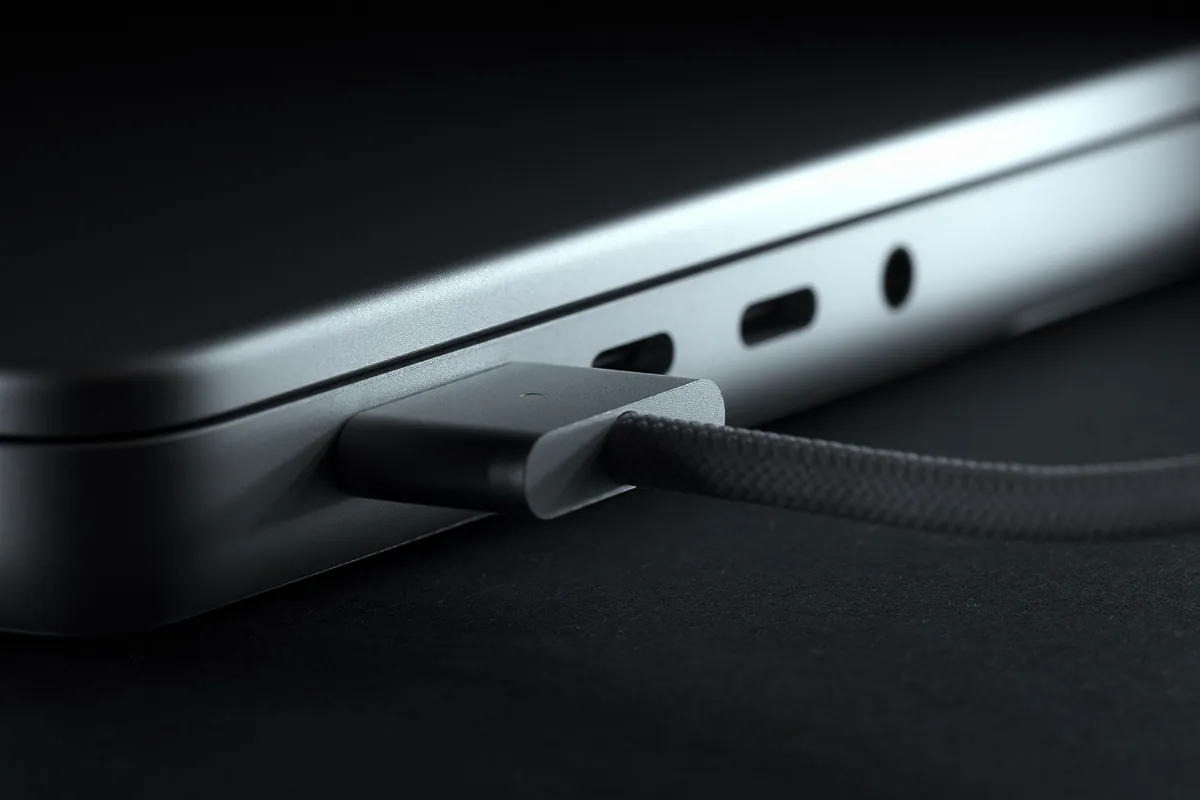
USB-C and Thunderbolt port wear
When the charger and every accessory share the same handful of ports, wear and knocks accumulate. A machine that only charges when the cable is held at a certain angle is a port repair, not a cable to replace.
Apple has run service programmes covering some of these faults on specific models — the 13-inch display backlight programme, for example, ran to five years from first retail sale and has since closed. Eligibility depends entirely on the model and its age, so it is always worth checking with Apple before paying anybody, ourselves included.
The Air is thinner, cooler and simpler than the Pro, and it fails in a noticeably different set of ways:
Keyboard faults
The 2018 and 2019 Airs used the butterfly mechanism and inherited its problems — repeating keys, dead keys, keys that need a deliberate hit. Airs from 2020 onwards use a much more reliable scissor keyboard, though any Air takes a liquid spill straight through it.
Battery life falling off a cliff
Airs get carried everywhere and cycled hard. Once the cycle count catches up, runtime tends to collapse quickly rather than taper. A replacement battery is usually the cheapest way to make an otherwise healthy Air useful again.
Storage that is slow because it is full
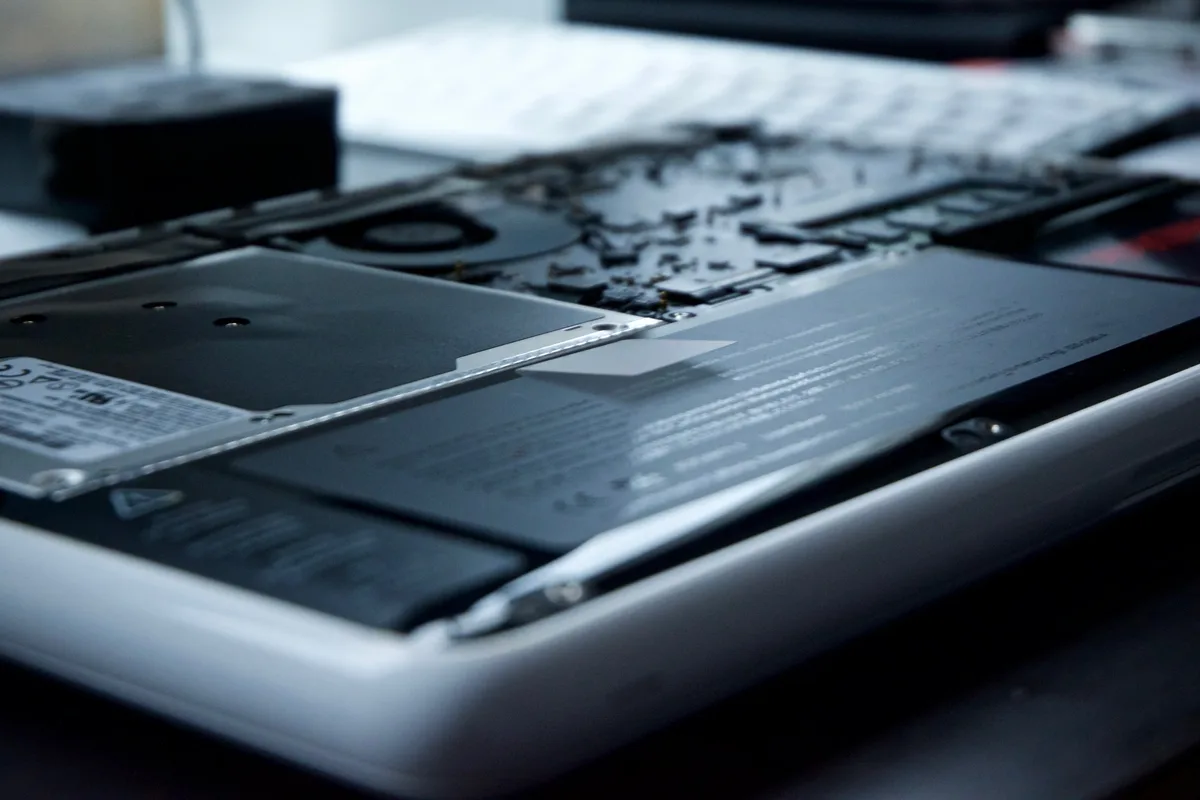
A 128GB Air running macOS, iCloud sync and a photo library sits permanently near capacity, and a nearly full drive is a slow drive. On Airs from roughly 2013 to 2017 the blade SSD can be replaced with something larger and faster. From 2018 onwards the storage is soldered, so the answer is housekeeping and external storage instead.
M-series Airs have no fan at all
The M1, M2 and later Airs are entirely fanless, so noise from one is never a fan fault — it is coming from somewhere else, or the machine is not an Air. What they do instead is throttle quietly during long sustained work, which is designed behaviour rather than a fault.
Hinges, lids and cracked panels
Thin lids and full bags do not mix. Cracked panels, pressure marks across the display and lids closed onto a pen or a cable are routine Air repairs, and the panel is usually replaceable without touching anything else.
Liquid damage reaches the board fast
There is very little space between the keyboard and the logic board on an Air, so a spill arrives at the important parts almost immediately. How quickly the machine is powered down and brought in matters far more than how much went in.
For an out-of-warranty Air the economics are usually straightforward: a battery, keyboard or screen is well worth doing on a machine that still runs a current version of macOS, and much harder to justify on one that does not.
Apple Silicon Macs (M1 onwards) present unique repair challenges:
We're upfront about what's repairable on newer Macs and can advise on your options.
Not sure what you need? We're happy to help.
Starting from
£65
Mac repairs start from £65 for software issues. Hardware repairs are quoted individually based on the specific problem and parts required. We always provide a full quote before starting work.
Clear Pricing · 90-Day Warranty on All Repairs
A MacBook Air in Putney SW15 wouldn't start into macOS. We diagnosed a failed internal SSD, fitted a replacement drive and reinstalled macOS to get it working.
A 27-inch iMac in Putney SW15 was still slow six months after an SSD upgrade. We replaced the drive under warranty, then traced it to a corrupt macOS.
A MacBook in Barnes SW13 was locked out by a forgotten password and tied to an iCloud account. Only the owner's Apple credentials could unlock it — and did.
iMac 21-inch in Putney SW15 needed an OS refresh with the user's photo library preserved. We imaged the photos to USB, ran a clean macOS install, and restored the photos to the rebuilt system.
MacBook Pro 15-inch in Putney SW15 needed the latest supported macOS plus firmware update. We identified the maximum supported version, upgraded cleanly, and verified compatibility with the user's existing applications.
Outlook on a MacBook Pro in Shepherd's Bush W12 refused to load and showed an error at launch. How we repaired it and why daily shutdowns help.
MacBook Air in Putney SW15 with a worn battery showing reduced runtime. We replaced the battery with a matched cell, calibrated the controller, and verified rated capacity before handover.
MacBook Pro in Putney SW15 with a detached space bar. We diagnosed the underlying scissor mechanism, rebonded the keycap properly, and saved the customer a full top-case replacement.
MacBook overheating with fans blasting? The real causes — dust, runaway apps, dried thermal paste, memory pressure — and the fixes that actually work.
Your Mac feels sluggish after a macOS update? Here's what's really going on — indexing, storage pressure, incompatible apps — and when RAM or SSD is to blame.
Macs and PCs don't break the same way. From 15,000+ workshop records: Macs skew to liquid, logic-board and battery faults; PCs to malware and slowdowns.
MacBook trackpad stopped clicking, moving, or responding? Here are the most common causes — from a swollen battery to a software fault — and what each one means for repair.
Moving to a new Mac? Transfer everything — files, apps and settings — using Migration Assistant, Time Machine, iCloud, or an external drive. Step-by-step for all macOS versions.
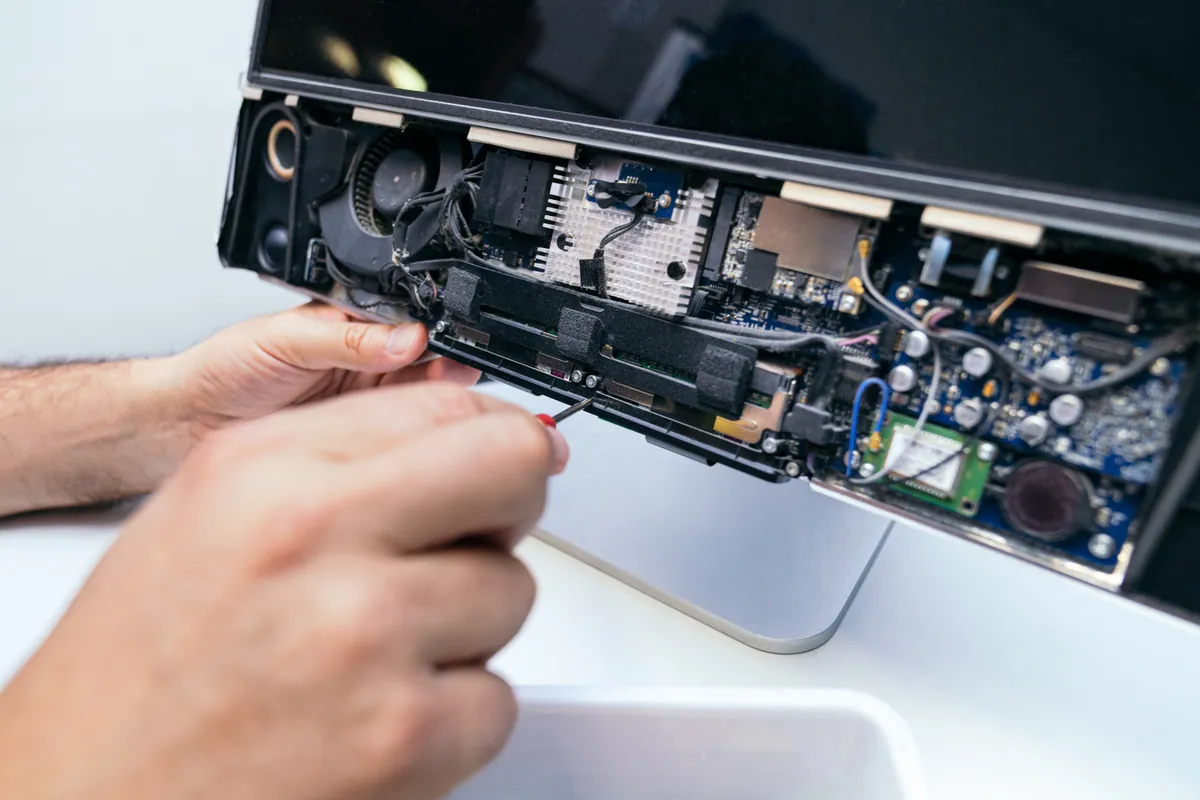
Repairing an iMac is a very different job to repairing a MacBook. Understanding the differences helps you set realistic expectations for cost, time, and what's actually possible.
MacBook battery degrading? Here's how to check the real condition of your battery, what replacement costs, and how to decide if it's worth doing on your model.
MacBook keyboard not working properly after a spill or through wear? This guide covers sticky keys, liquid damage, backlight failure, and butterfly vs scissor keyboard repair options.
MacBook not turning on? The diagnosis differs significantly between Intel and Apple Silicon models. This guide explains what to check and what the symptoms mean.
Step-by-step guide to factory resetting a MacBook running macOS Ventura or Sonoma — including how to back up first and what to do if the reset won't complete.
macOS update stuck, failing, or causing reboot loops on your MacBook Pro? Step-by-step fixes — Safe Mode, Terminal commands, reinstall options, and when it's a hardware fault.
MacBook Air battery draining fast or shutting down unexpectedly? This guide covers causes, safe replacement steps, and when to book a professional repair.
We provide MacBook & Mac Repair in London across South West London
Contact us today for expert Mac repair services across South West London. Same-day diagnosis available.