Wi-Fi you could join but no internet: a second router misconfigured in Barnes SW13
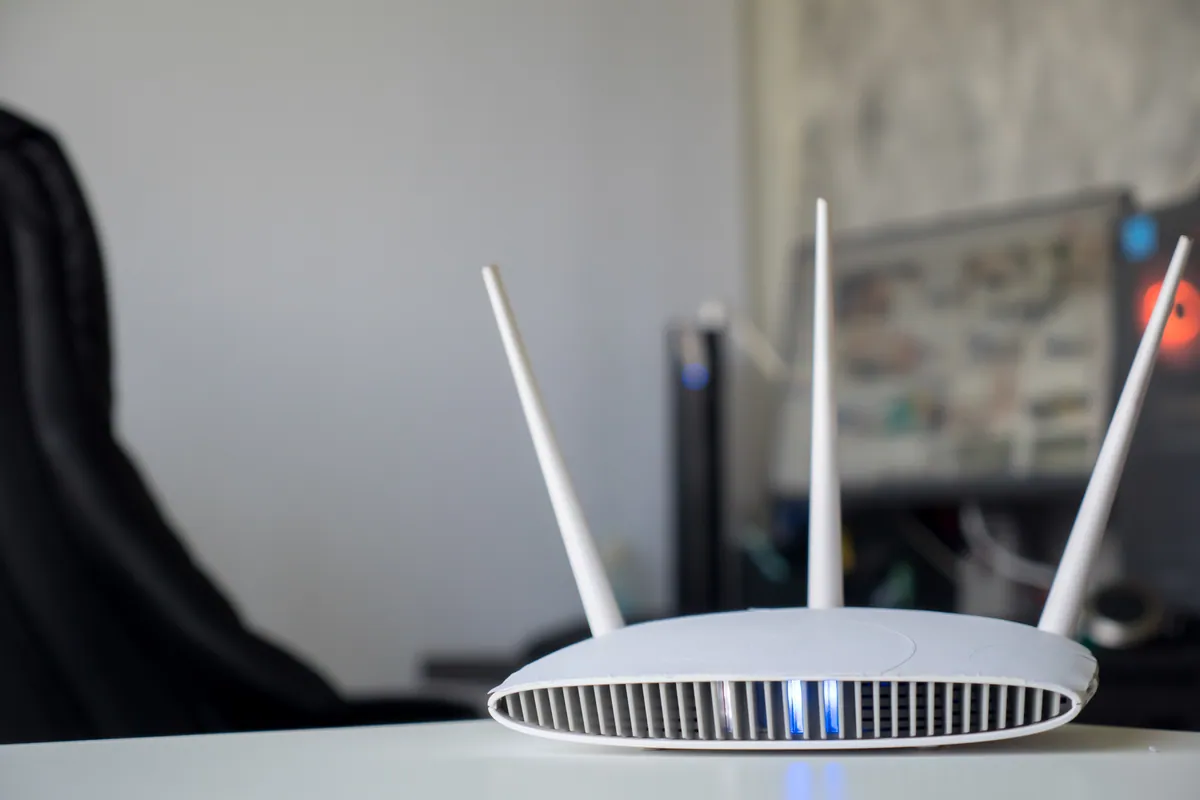
A Barnes SW13 home had a Netgear router visible in the Wi-Fi list that gave no connection, alongside a Virgin Media hub. The LAN configuration was the fault.
Reliable Wired & Wireless Networks for Home and Business
Last updated: August 2026
Whether you need a simple home network or a complete business infrastructure, we design and install networks that deliver reliable performance. From router configuration to ethernet cabling, switches to access points, we handle it all.
We have run our Putney workshop for over 25 years and the business is fully insured — worth knowing when someone is coming into your home or office. Security and network work is led by a CISSP-certified consultant.
Same-day turnaround is available on many jobs — ask when you book and we will confirm availability and any additional cost before we start.
We assess your needs and design a network that delivers the performance and coverage you require.
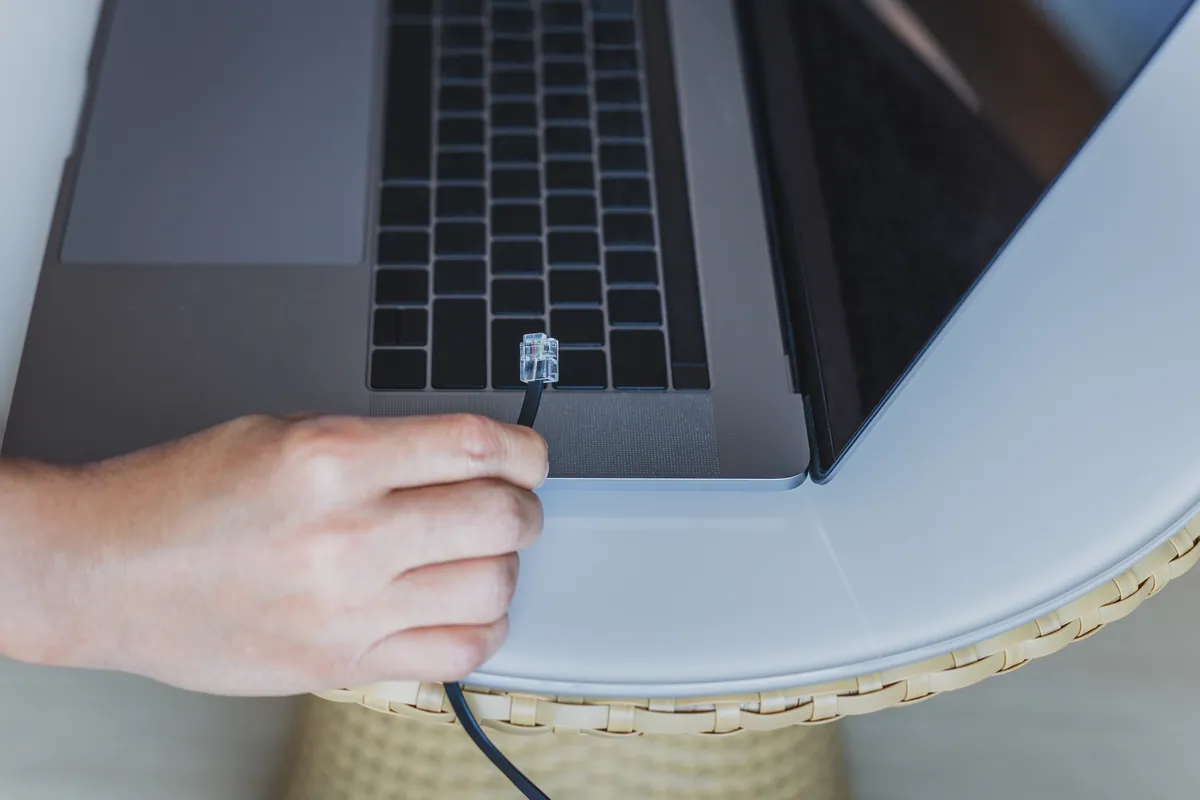
Neat, tested ethernet runs with proper termination and cable management.
Routers, switches, and access points configured for optimal performance and security.
Firewalls, VLANs, guest networks, and proper access controls to protect your data.
Connect all your devices including computers, printers, NAS drives, and smart devices.
Clear documentation of your network setup including diagrams and credentials.
Simple steps to get your problem solved quickly and professionally.
We discuss your requirements, assess the property, and design the right solution.
Clear pricing for equipment and installation with no hidden costs.
Professional installation of cabling, hardware, and configuration.
Testing, documentation, and walkthrough of your new network.
Trusted by customers across South West London. Read what they have to say about our Home & Business Network Setup in London service.
"Set up our new office network including cabling, switches, and WiFi. Professional job, everything documented, and they were helpful explaining it all. Highly recommended."
James Patterson
Richmond
"Needed ethernet in my home office for video calls. They ran cables neatly through the house and now I have rock-solid connectivity. Great work!"
Helen Murray
Wimbledon
Prefer the quick version? The sections above cover most needs. Expand any topic below for more detail.
For anything beyond a couple of points, cabling done as a structured installation rather than a handful of loose runs pays for itself the first time something breaks. What that means in practice:
Cat6 as standard, Cat5e respected
Both carry gigabit to the desk. We fit Cat6 because the headroom is cheap while the walls are open — better interference performance on long runs and multi-gigabit over short ones. Where sound Cat5e already exists, we test it and leave it in place rather than selling a rip-out.
Everything back to a patch panel
Runs terminate into a panel in one location, outlets numbered at both ends, so tracing a fault takes a minute rather than an afternoon. Loose cables disappearing into a ceiling void are what makes small-office networks unmaintainable.
Tidy terminations and testing
Punched down properly, pairs kept twisted to the termination, strain relieved, and each link tested for continuity and pairing before we hand it over. Most intermittent office network faults we get called to are a badly terminated cable, not a hardware failure.
Access points on their own runs
Wireless access points want a dedicated cable to the ceiling so they can be powered over ethernet. Cabling is what makes good Wi-Fi possible rather than an alternative to it, so we plan the two together.
Spare capacity while the walls are open
We plan around two points per desk plus dedicated runs for printers, screens and access points, and add a few spares. Adding one run later costs more than adding four during the original installation.
The comms cupboard left usable
Switch patched neatly, cable management in place, ventilation considered, and the layout documented. A cupboard someone else can work in is part of the job, not a bonus.
Small offices, home offices, studios and single-floor commercial units are our normal scope. For a large multi-floor building or anything requiring fibre backbone between floors, we will tell you plainly that it needs a specialist cabling contractor.
Not sure what you need? We're happy to help.
Starting from
£95
Basic home network setup from £95. Business networks quoted based on scope. Includes configuration and testing. Cabling and hardware costs additional.
Satisfaction Guarantee · Ongoing Support Available
A Barnes SW13 home had a Netgear router visible in the Wi-Fi list that gave no connection, alongside a Virgin Media hub. The LAN configuration was the fault.
A Streatham SW16 home had Wi-Fi dead spots and no mesh system. We installed and positioned a Google mesh setup alongside the existing router in one short visit.
A Raynes Park SW20 home had a device that would only work on 2.4GHz and wouldn't join the Wi-Fi. We split the router's bands so it could connect and stay on.
Parental controls in Mortlake SW14 kept getting bypassed. We layered router filtering with Microsoft Family Safety and Apple Screen Time in one visit.
A Wimbledon SW19 home tried extenders, mesh and a new router — Wi-Fi still patchy. The fault was radio congestion, not hardware. Fixed onsite in an hour.
A national charity needed its laptop fleet encrypted, patched and audit-ready for Cyber Essentials Plus. We hardened it centrally via Microsoft Intune.
A Putney SW15 customer bought their own Wi-Fi access points to fix patchy coverage. We installed them, added a PoE switch to power them cleanly, and configured the network.
A customer in Putney SW15 had bought Wi-Fi boosters to fix one persistent dead zone. We installed and configured them onsite — and explain when boosters beat access points.
Planning to switch your office phones to VoIP? Learn how it works, the broadband and network setup you need, the real pros and cons, and how to plan the move.
A practical office move IT checklist covering cabling, broadband, packing kit safely, minimising downtime and testing everything before your team goes live.
Powerline adapters send internet through your mains wiring. Here's how they work, when they succeed, when they disappoint, and the better alternatives.
Bluetooth mouse, keyboard or headphones dropping out? Fix interference, drivers, power settings and pairing faults on Windows and Mac, step by step.
A plain-English guide to the Cyber Essentials certification for UK SMEs: what it is, the five controls, why firms pursue it, and what getting ready involves.
Dozens of smart home gadgets can bog down your Wi-Fi — but not the way most people think. Learn how device count, airtime and mesh keep a busy home fast.
Plain-English data protection duties for a small firm, plus the practical IT steps that keep customer data safe. Not legal advice — a working checklist.
A practical framework for budgeting small business IT — hardware refresh, backup, security and support — plus how to avoid false economies that cost more later.
How to choose an IT support provider: the questions to ask, realistic response times, local vs national, contract vs pay-as-you-go, and the red flags.
A practical, no-drill guide to fitting a Wi-Fi doorbell: adhesive and no-mark mounts, powering options, and getting the front-door signal right for renters.
How ransomware really gets into small firms, the practical defences that actually work on an SME budget, and why tested backups are your last line of defence.
A practical guide to securing your home Wi-Fi: strong passwords, WPA3 encryption, a guest network, router firmware updates and keeping smart devices apart.
Different sectors carry different risks. Each guide below covers the systems, compliance pressures and failure points we see most in that line of work.
We provide Home & Business Network Setup in London across South West London
Also covered: Barnes, Roehampton, Streatham, Tooting
View all service areasGet reliable connectivity for your home or business. Contact us for a consultation.