MacBook Air Won't Start Into macOS — Failed SSD, Putney SW15
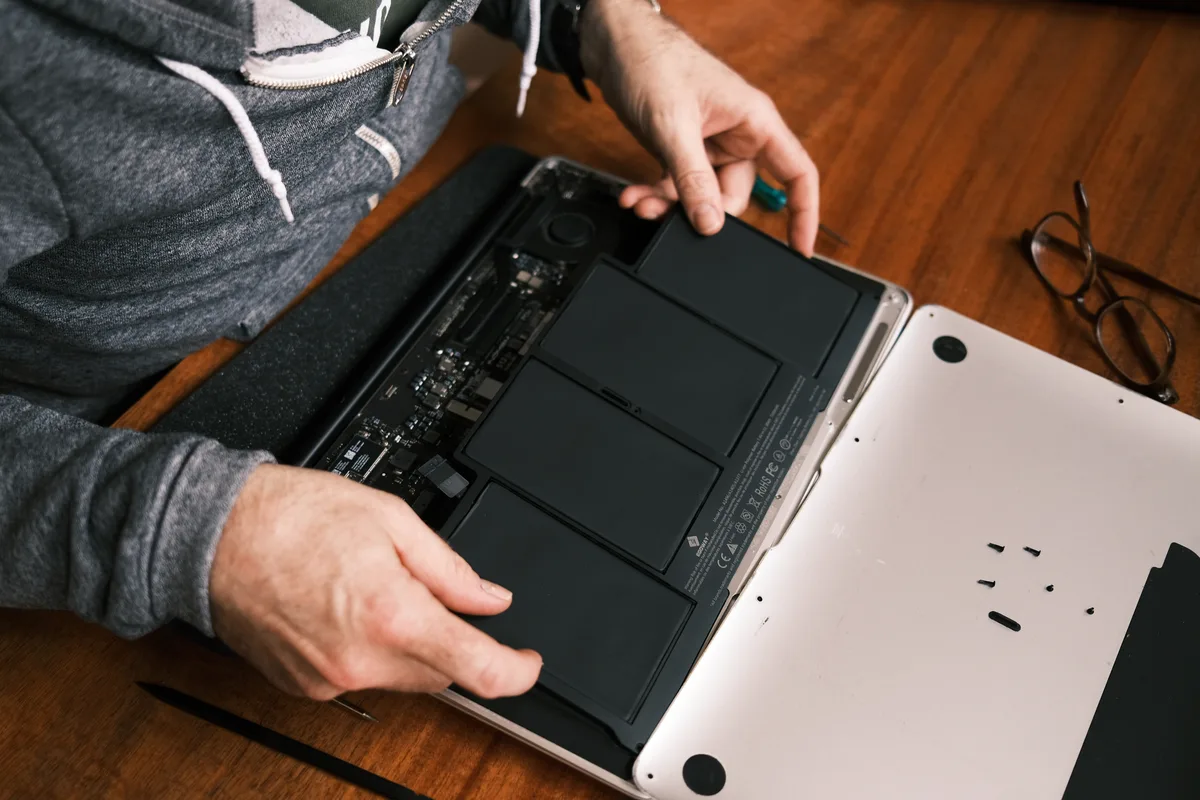
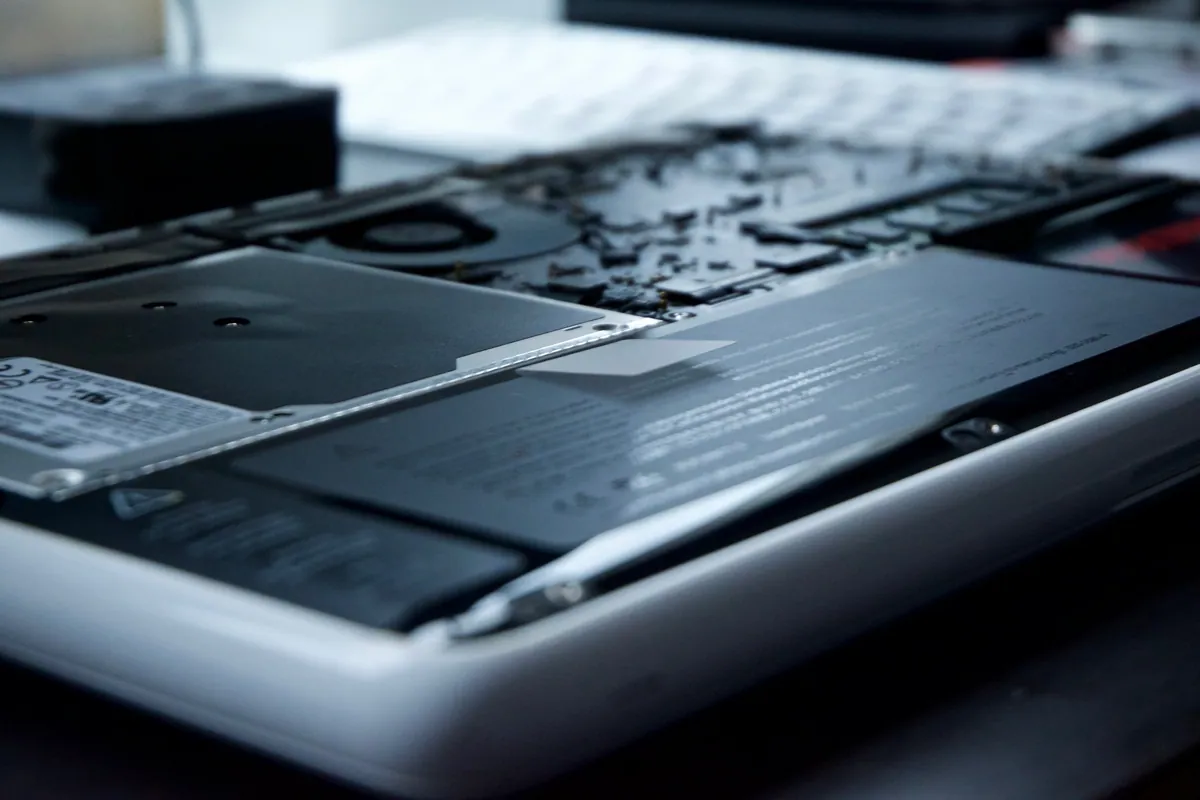
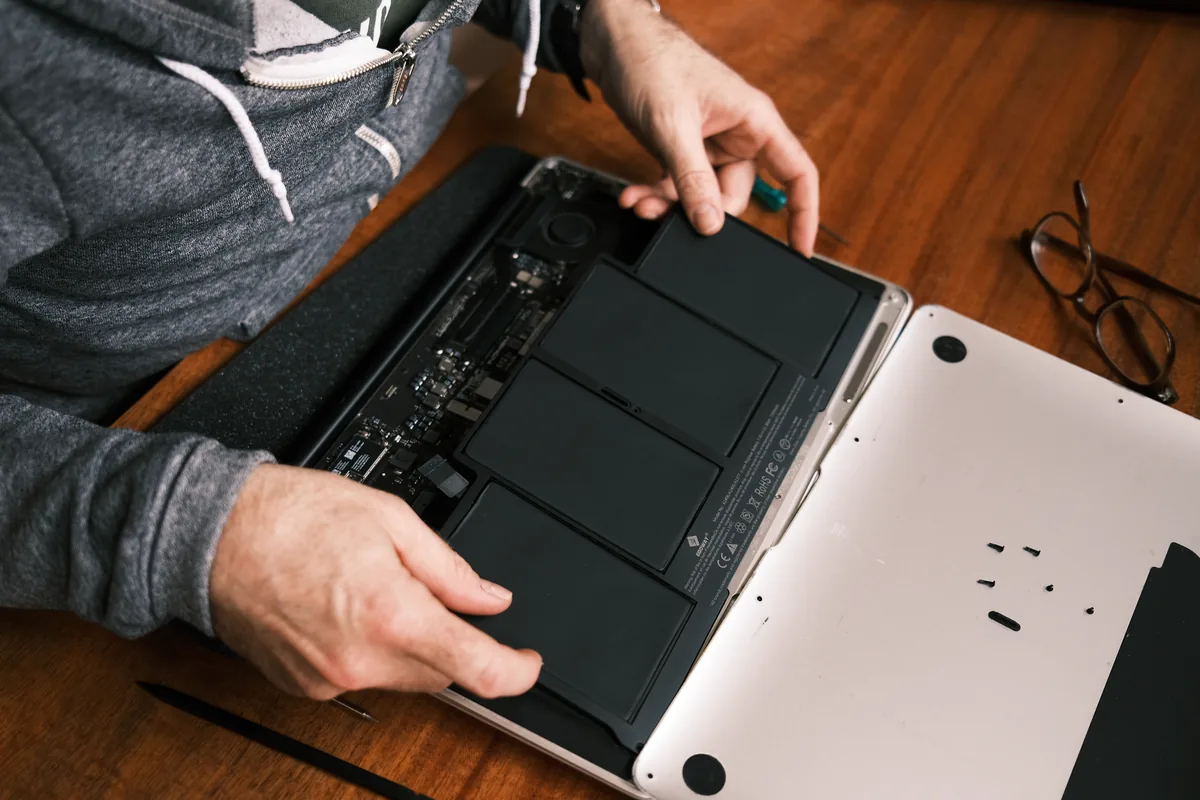
A MacBook Air in Putney SW15 wouldn't start into macOS. We diagnosed a failed internal SSD, fitted a replacement drive and reinstalled macOS to get it working.
Keep Your Computer Running at Its Best
Last updated: October 2026
A comprehensive health check examines your computer inside and out - hardware health, software issues, security vulnerabilities, and performance bottlenecks. We identify current problems and potential future issues, then recommend the best course of action.
Laptops, MacBooks and Mac minis can be collected and returned across South West London, so you do not have to make the trip. Desktop towers, iMacs and printers come to our Putney workshop by drop-off.
Same-day turnaround is available on many jobs — ask when you book and we will confirm availability and any additional cost before we start.
Testing of RAM, CPU, storage, and other components to identify failing hardware.
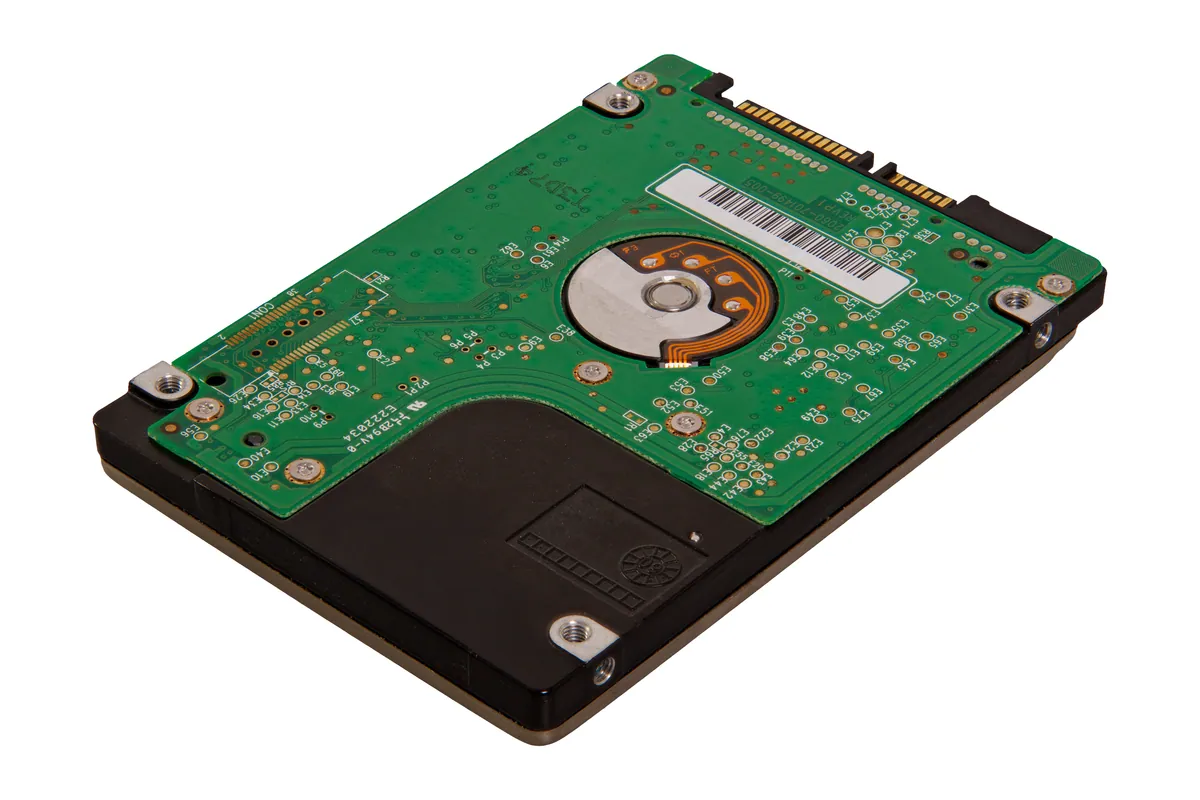
SMART data analysis and bad sector checks to predict drive failures before they happen.
Deep scan for viruses, malware, spyware, and potentially unwanted programs.
Identify bottlenecks, startup programs slowing you down, and optimisation opportunities.
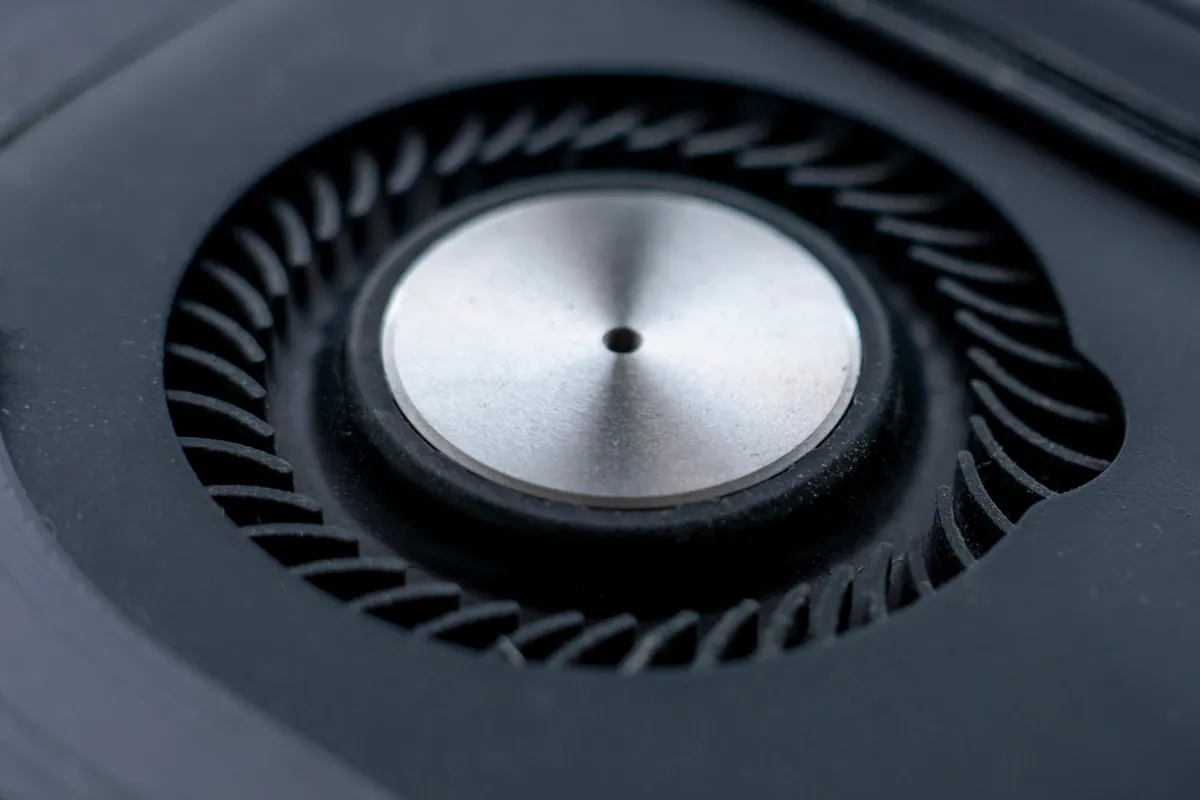
Temperature checks and fan operation. Overheating shortens component life.
Clear report of findings with prioritised recommendations and no-obligation quotes.
Simple steps to get your problem solved quickly and professionally.
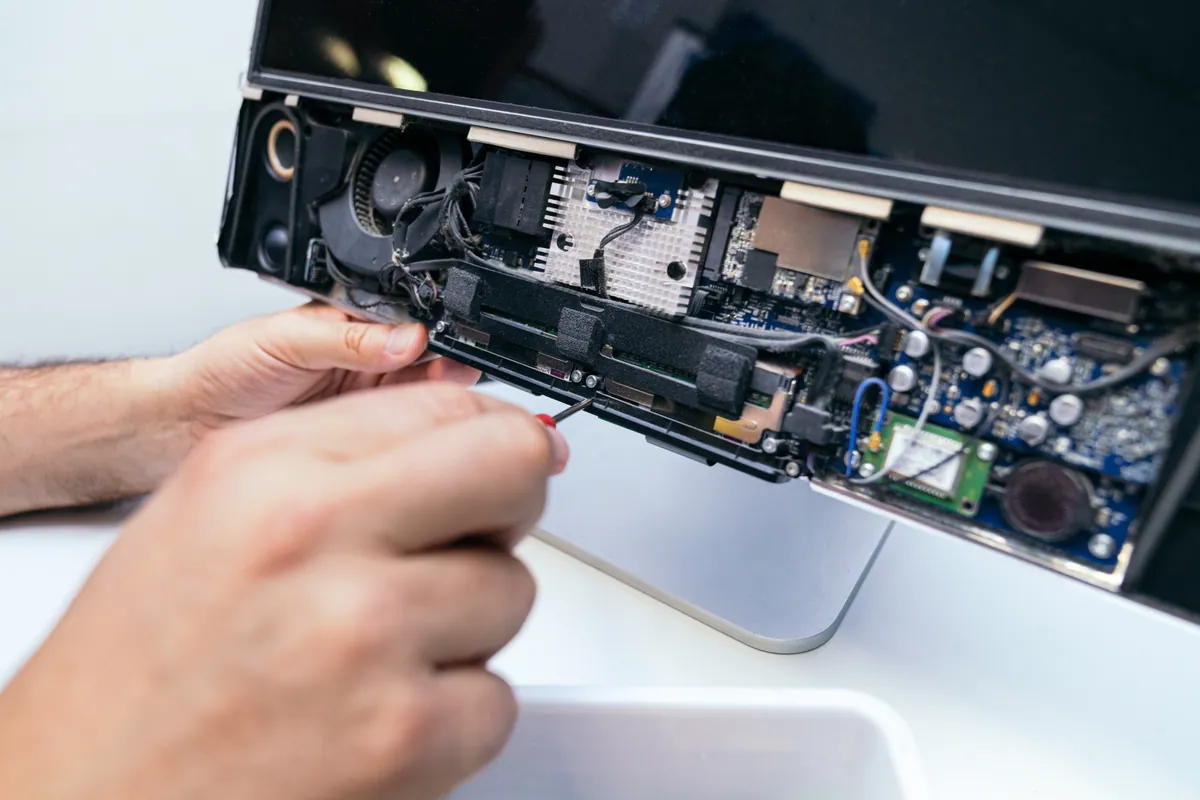
Drop off your computer or book a collection. We'll work on it in our workshop.
We run our comprehensive 12-point diagnostic suite on your system.
You receive a clear report explaining what we found and what we recommend.
No pressure. You decide which recommendations to proceed with, if any.
Trusted by customers across South West London. Read what they have to say about our 12-Point Computer Health Check for PC & Mac in London service.
"Health check found my hard drive was failing. Got everything backed up and replaced before it died completely. Saved my data. So glad I did it."
Robert Holmes
Clapham
"Thought my laptop was just old and slow. Health check revealed it was fine - just needed an SSD upgrade. Now it runs like new!"
Janet Mitchell
Putney
Starting from
£45
Comprehensive health check £45. Includes full diagnostics and written report. Any recommended work quoted separately with no obligation to proceed.
Thorough Assessment · Clear Report · No Pressure
A MacBook Air in Putney SW15 wouldn't start into macOS. We diagnosed a failed internal SSD, fitted a replacement drive and reinstalled macOS to get it working.
A Kingston University student wanted a health check on their Windows laptop before returning to campus. We found storage nearly full and a failing drive — caught before exam season.
A new Battersea resident wanted a health check on a second-hand MacBook Pro before relying on it for work. We confirmed it was in good condition with one near-term recommendation.
A Wimbledon family brought in two MacBooks for health checks before a new school year. We found one with a swelling battery and one in good health — with actionable reports for both.
A Clapham customer's Windows laptop had become slow and unreliable. Our health check found chronic overheating, a full startup queue, and a drive showing early warning signs.
A Putney customer's iMac had become very slow after several years of continuous use. Our health check found a failing hard drive, excessive startup items, and a memory upgrade opportunity.
A Hammersmith business brought in a laptop fleet for health checks. We produced written condition reports for each machine, identifying two that needed immediate drive replacement.
A Wandsworth customer's MacBook had become unusably slow. Our health check identified a failing hard drive and near-full storage before either caused a complete failure.
Before you buy a Black Friday laptop deal, check the RAM, the storage, the full model code and what is soldered down. A repair workshop's checklist for a laptop that lasts.
Data recovery costs from £75 for deleted or corrupt files, with an assessment of £60–£120 agreed upfront. What drives the price up, what a dead laptop costs, and when you pay nothing.
A PC or Mac health check costs £45 at our Putney workshop. What computer maintenance actually covers, what each part costs, and what you can do yourself for free.
Free up disk space on Windows safely — clear temp files, find the big space hogs, and know when the real fix is simply a bigger SSD. From a London workshop.
Practical ways to keep your laptop cool in hot weather — airflow, surfaces, dust and cooling pads — plus when internal cleaning or a repaste is worth booking.
Why your laptop takes minutes to reach the desktop, and how to fix it — startup programmes, background services, and the storage drive that decides everything.
We looked at 16 years of our own repair bookings to find out when computers actually come in for repair. There's a clear, consistent seasonal pattern — and knowing it can save you a wait.
A clear-headed way to decide whether to repair or replace an ageing laptop: the maths, the upgrades that add years, and the faults that mean letting go.
MacBook overheating with fans blasting? The real causes — dust, runaway apps, dried thermal paste, memory pressure — and the fixes that actually work.
There's no single answer — how often your computer needs a health check depends on its age, how heavily it's used, and what it's used for. Here's a practical framework.
Computers rarely fail without warning. These are the signs that your PC or laptop is heading towards a fault — and why catching them early is much better than waiting.
A PC health check reviews your computer's hardware condition, software security, and performance. Find out what's included and when it makes sense to book one.
We provide 12-Point Computer Health Check for PC & Mac in London across South West London
Also covered: Barnes, Battersea, Fulham, Hammersmith, Kingston upon Thames, Roehampton, Streatham, Tooting, Wandsworth, Wimbledon
View all service areasCatch problems early with a comprehensive health check. Book yours today.