Canon Pixma on the Wi-Fi but invisible to an iPad and iPhone in Barnes SW13
A Canon Pixma TS4150 in Barnes SW13 was on the Wi-Fi but wouldn't appear on an iPad or iPhone. We got AirPrint working properly in a short onsite visit.
Get Your Printer Working Properly – First Time, Every Time
Last updated: February 2026
Printers should just work, but they often don't. We set up new printers, fix wireless printing issues, configure network scanning, and get everything working reliably on all your devices. Home or business, any brand.
Unboxing, assembly, and positioning of your printer in the optimal location.
WiFi or ethernet configuration for network printing from any device.
Correct drivers installed on all your computers, laptops, and devices.
Network scanning configured for scan-to-email, scan-to-folder, or scan-to-device.
Setup for printing from phones and tablets via AirPrint, manufacturer apps, or native Android printing.
Full testing from all devices and a walkthrough of features you'll use.
Simple steps to get your problem solved quickly and professionally.
We understand your printing needs and check network compatibility.
Physical installation and network configuration of your printer.
Drivers and software installed on all computers and devices.
Print and scan tests from every device to ensure everything works.
Trusted by customers across South West London. Read what they have to say about our Printer & Scanner Setup in London service.
"Struggled for hours trying to get my new HP printer on WiFi. They had it working in 20 minutes and set up printing from all our devices. So relieved!"
Susan Clarke
Putney
"Office printer was a nightmare - nobody could print reliably. They sorted out the network settings and now it works perfectly for everyone. Excellent service."
Martin Edwards
Clapham
Starting from
£45
Basic printer setup starts from £45. Network printer and multifunction setup from £65. Remote setup available for simpler configurations at reduced rates.
Working Guarantee · Follow-up Support Included
A Canon Pixma TS4150 in Barnes SW13 was on the Wi-Fi but wouldn't appear on an iPad or iPhone. We got AirPrint working properly in a short onsite visit.
A beauty salon in Chiswick W4 had a printer that wouldn't connect or print. We sorted it onsite in an hour without disrupting the day's appointments.
An office in Wandsworth SW18 had three Brother printers sitting unconnected. We put them on the network, added them to every machine and set up scanning.
A Wimbledon SW19 home tried extenders, mesh and a new router — Wi-Fi still patchy. The fault was radio congestion, not hardware. Fixed onsite in an hour.
A national charity needed its laptop fleet encrypted, patched and audit-ready for Cyber Essentials Plus. We hardened it centrally via Microsoft Intune.
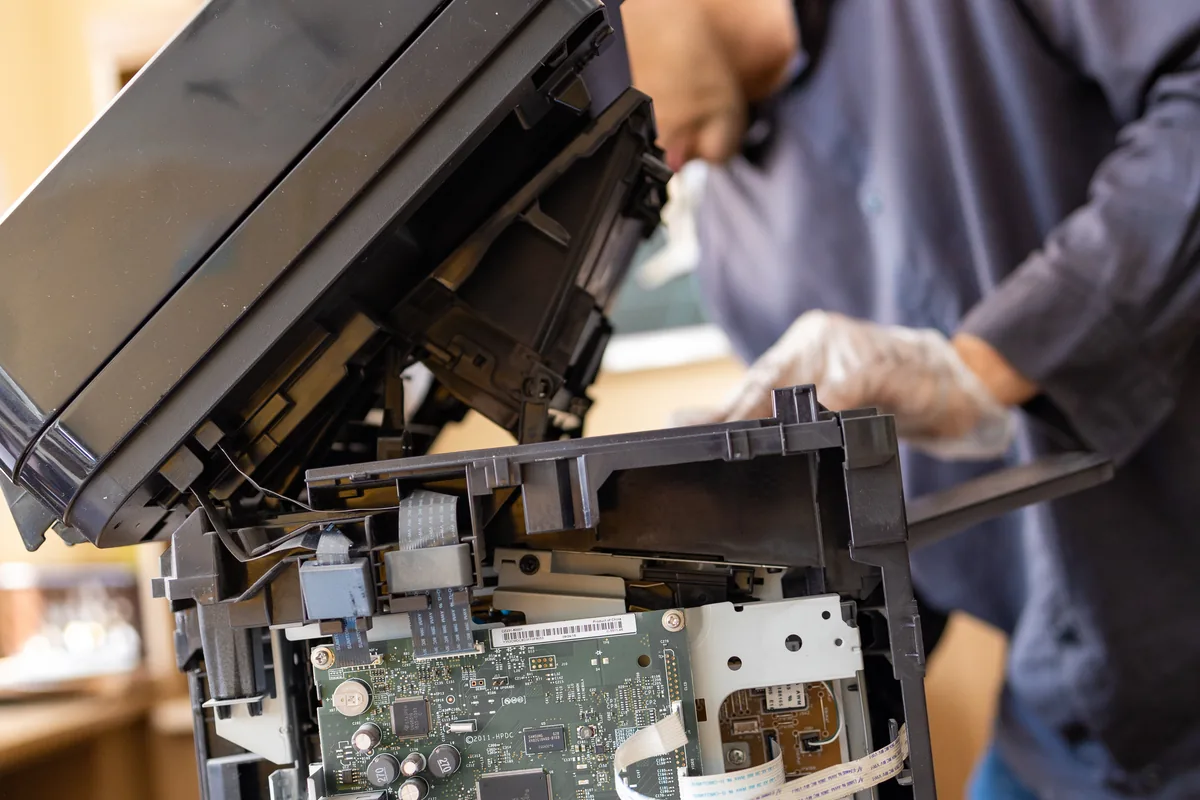
A customer in Wimbledon SW19 had a printer jamming on almost every page. We traced it through the paper path, serviced the rollers, and repaired the internal fault onsite.
A Putney SW15 customer bought their own Wi-Fi access points to fix patchy coverage. We installed them, added a PoE switch to power them cleanly, and configured the network.
Epson printer in Barnes SW13 stopped printing with a 'waste ink pad full' service error. We reset the counter, advised on the underlying maintenance issue, and got the printer back into service.
What IT support really costs in the UK in 2026 — market rates per user, hourly and ad-hoc pricing, what drives the price, and our own published figures.
Bluetooth mouse, keyboard or headphones dropping out? Fix interference, drivers, power settings and pairing faults on Windows and Mac, step by step.
Dozens of smart home gadgets can bog down your Wi-Fi — but not the way most people think. Learn how device count, airtime and mesh keep a busy home fast.
A practical framework for budgeting small business IT — hardware refresh, backup, security and support — plus how to avoid false economies that cost more later.
How to choose an IT support provider: the questions to ask, realistic response times, local vs national, contract vs pay-as-you-go, and the red flags.
A practical, no-drill guide to fitting a Wi-Fi doorbell: adhesive and no-mark mounts, powering options, and getting the front-door signal right for renters.
A practical guide to securing your home Wi-Fi: strong passwords, WPA3 encryption, a guest network, router firmware updates and keeping smart devices apart.
Mesh Wi-Fi or a range extender? We compare how each works, roaming, real-world speed and cost, so you can pick the right fix for your home's dead spots.
Planning to switch your office phones to VoIP? Learn how it works, the broadband and network setup you need, the real pros and cons, and how to plan the move.
A practical office move IT checklist covering cabling, broadband, packing kit safely, minimising downtime and testing everything before your team goes live.
Troubleshoot common printer issues at home — from print jobs stuck in the queue to Wi-Fi connection drops, driver errors, and poor print quality.
HP Smart Tank 9020 not printing from business software? Learn how setting a static IP resolves connection failures and keeps shared office printing reliable.
We provide Printer & Scanner Setup in London across South West London
Get your printer set up and working properly. Contact us for same-day service.