MacBook Air Won't Start Into macOS — Failed SSD, Putney SW15
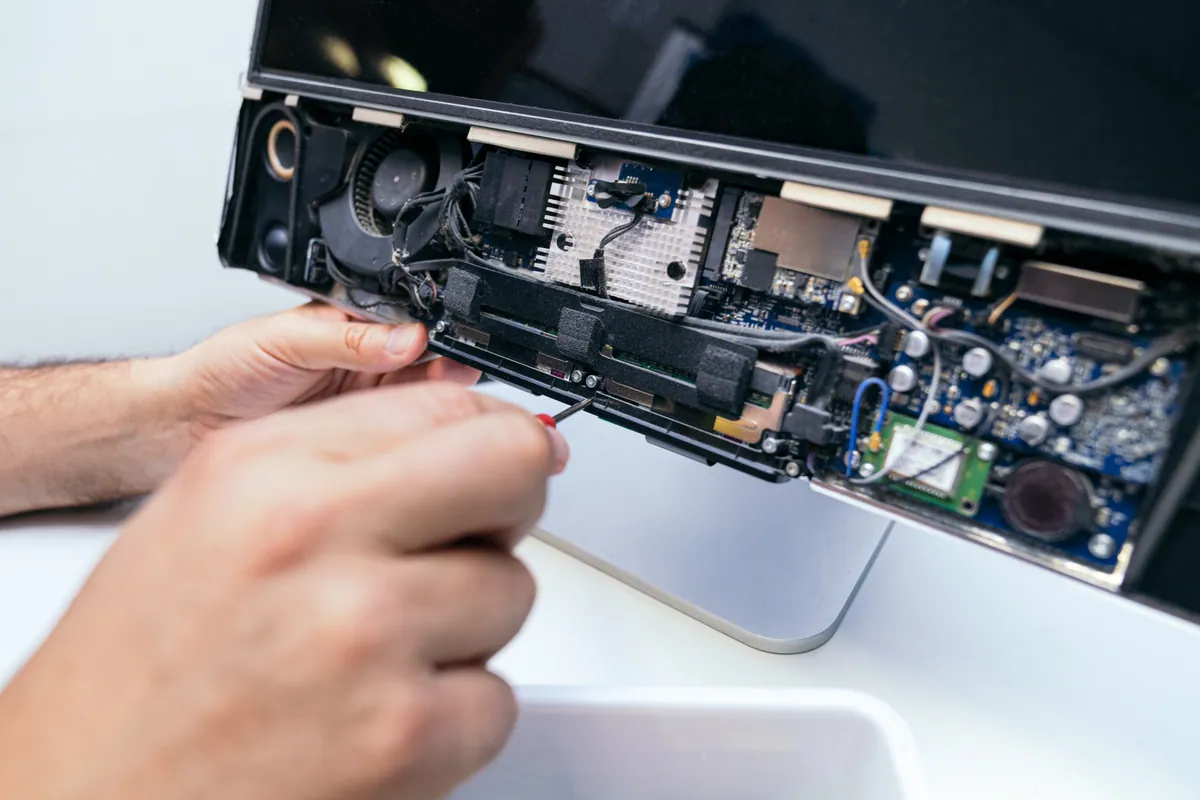
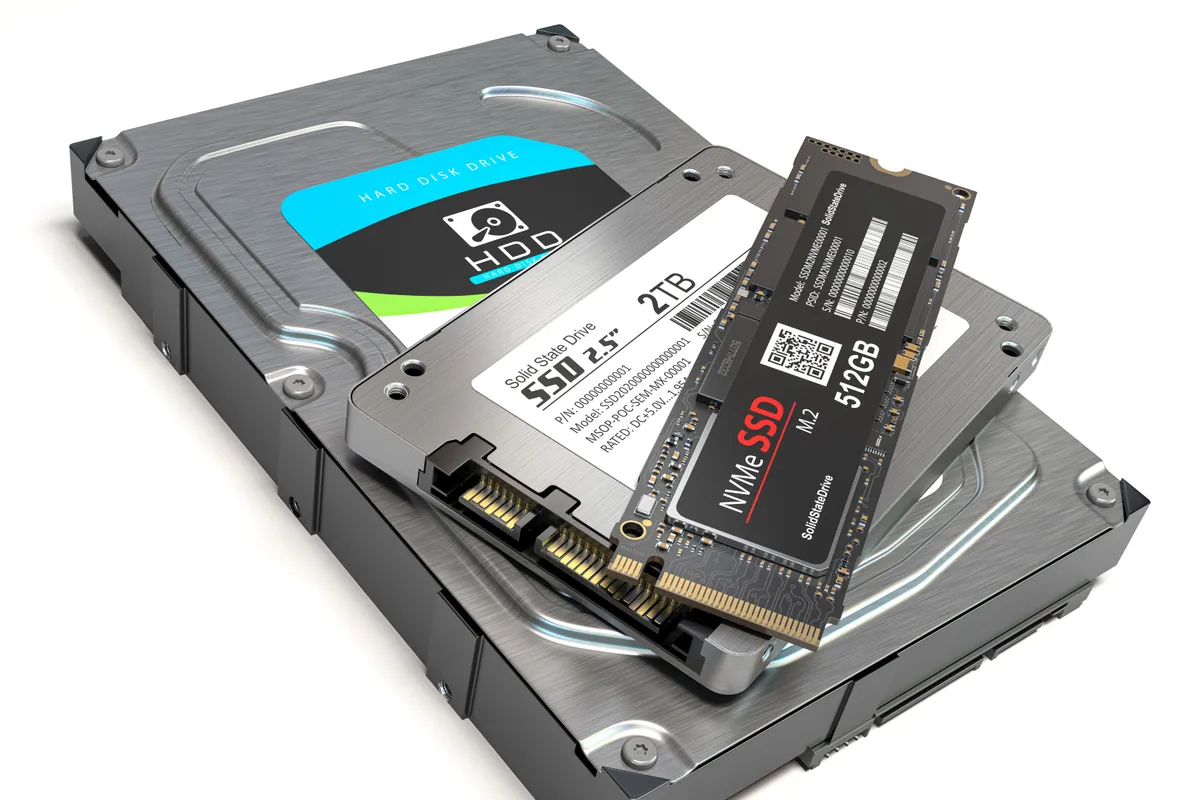
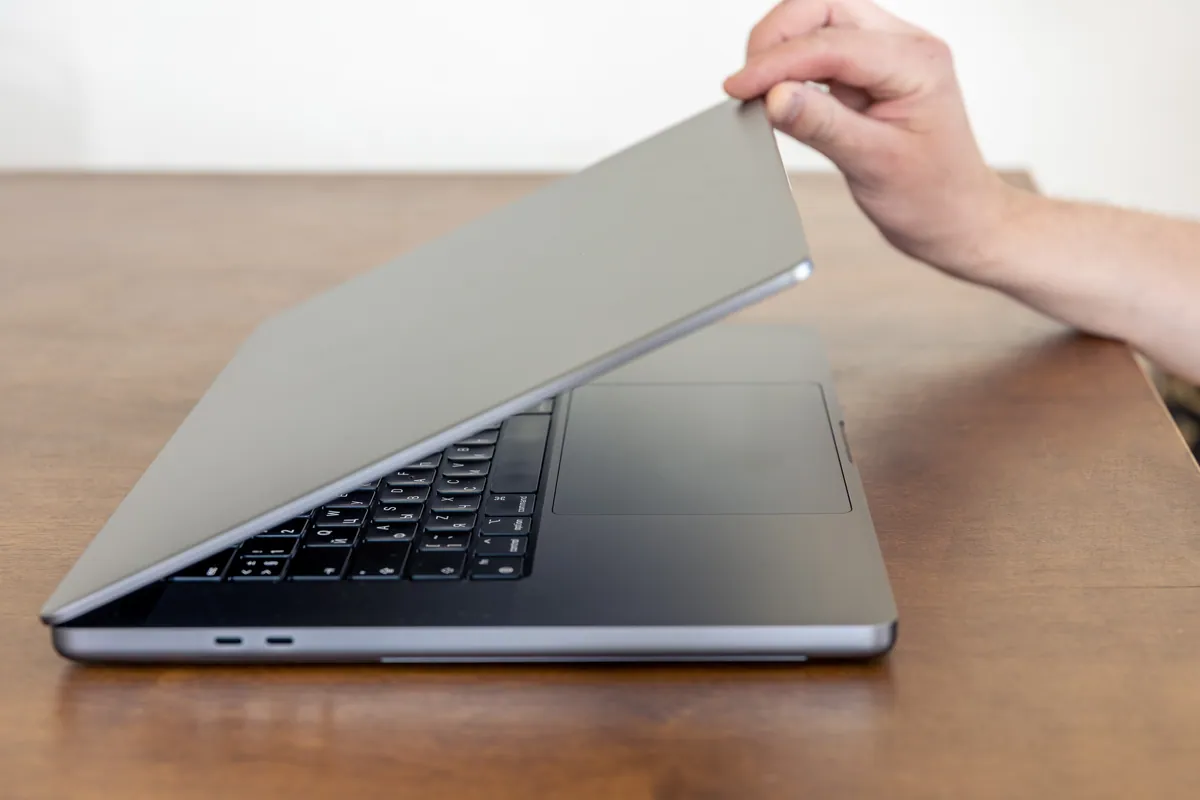
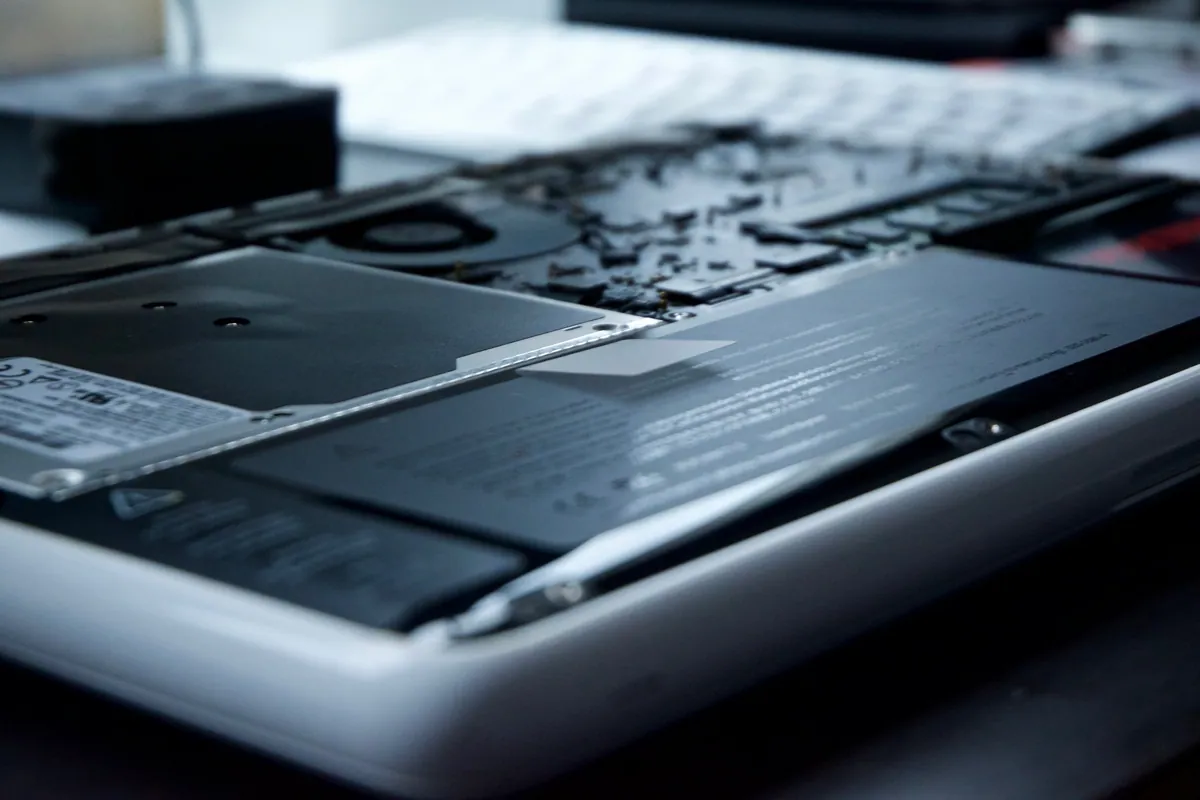
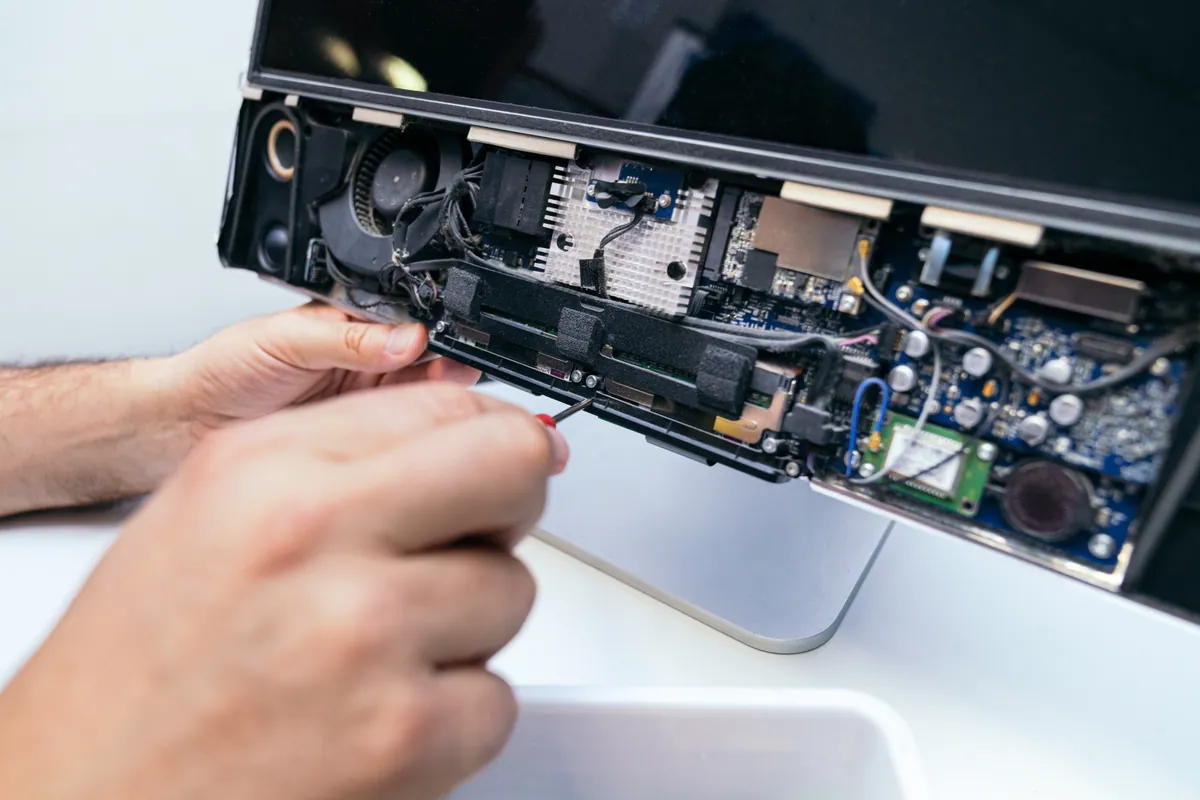
A MacBook Air in Putney SW15 wouldn't start into macOS. We diagnosed a failed internal SSD, fitted a replacement drive and reinstalled macOS to get it working.
More Memory Means Better Multitasking
Last updated: February 2026
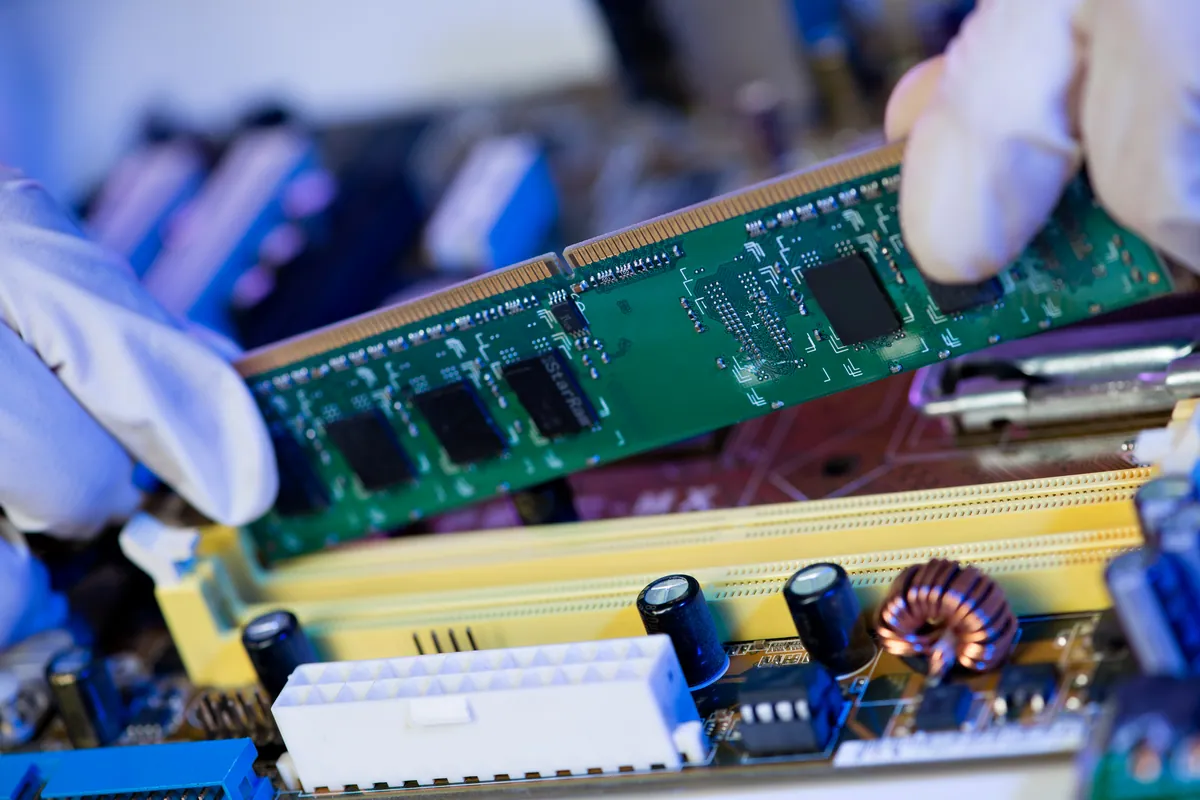
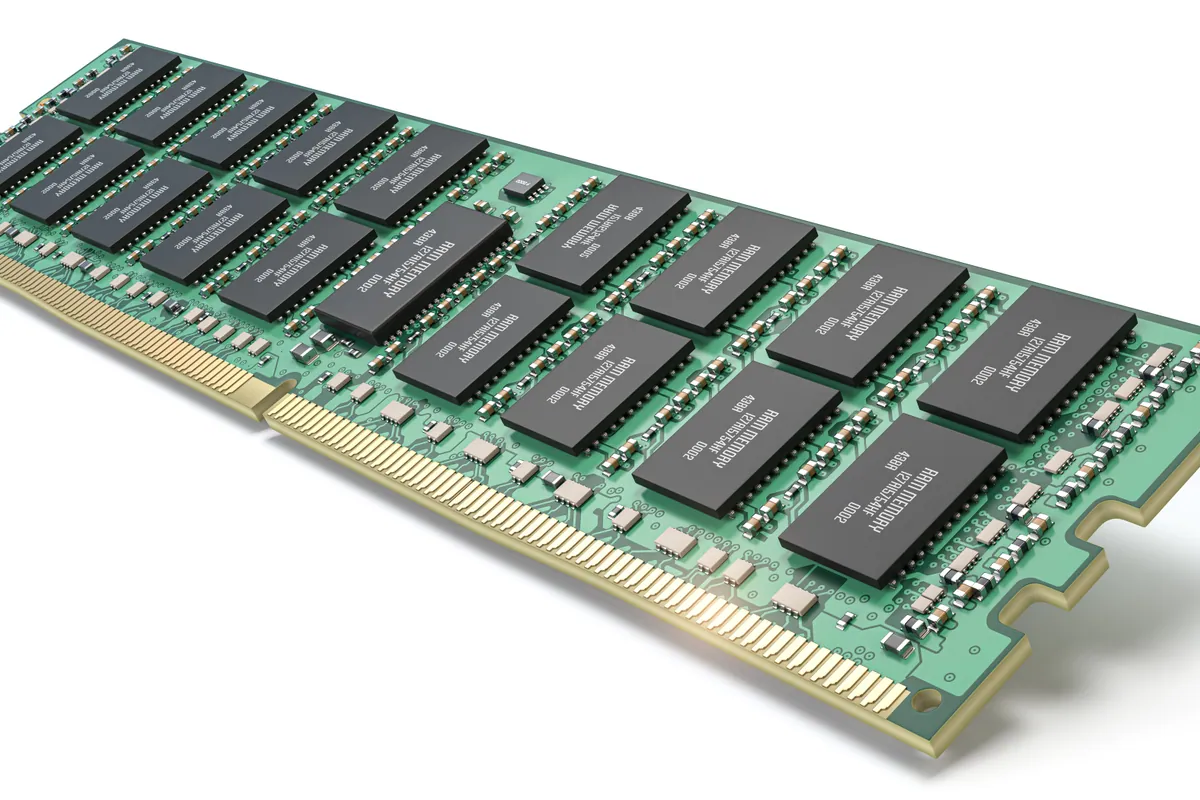
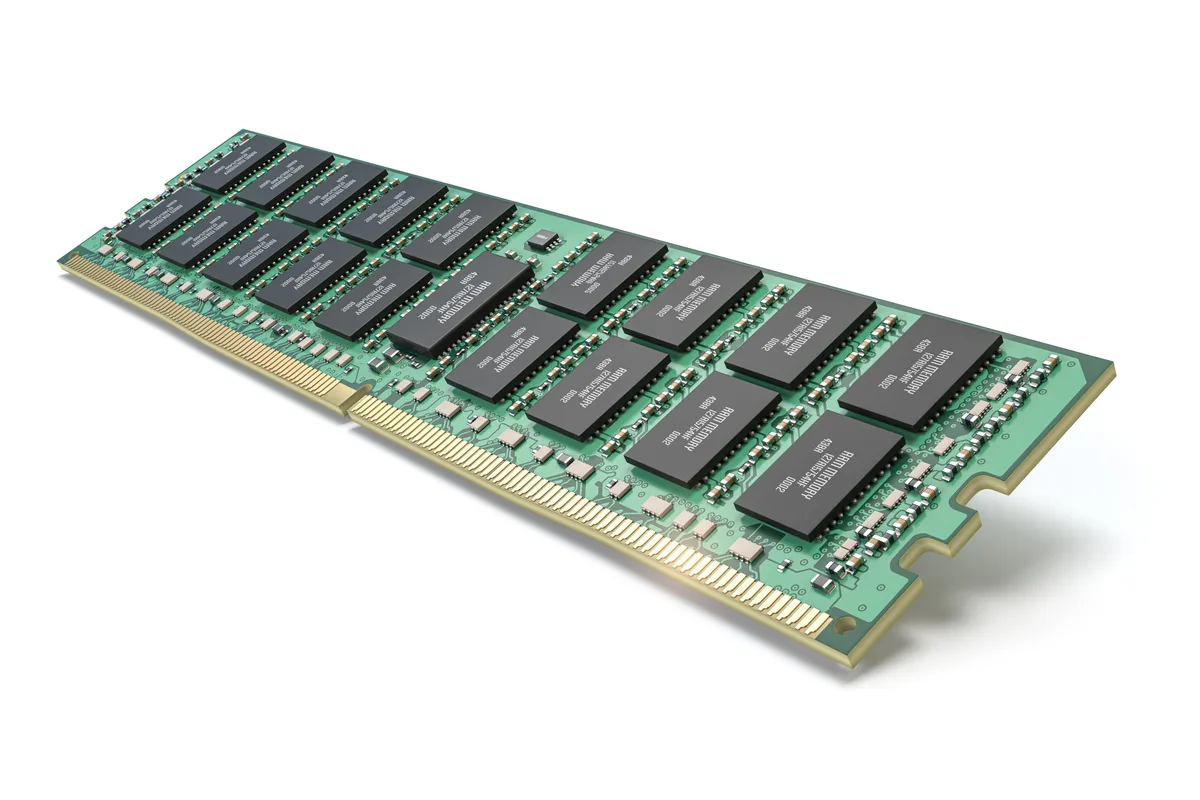
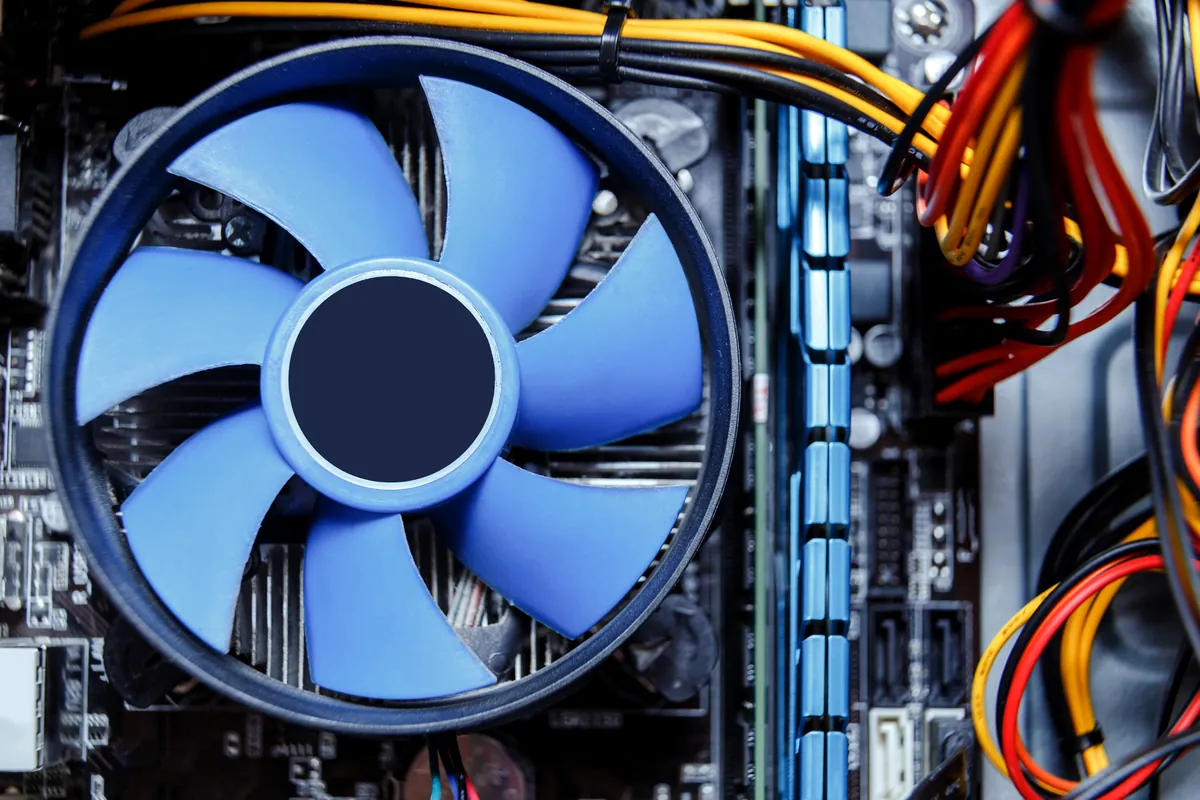
If your computer slows down when you have multiple programs open, or struggles with demanding applications, a RAM upgrade can help. More memory means smoother multitasking, better performance with memory-hungry software, and an overall more responsive system.
The work we carry out is covered by a 90-day warranty. If the same fault comes back inside that window, we put it right.
Laptops, MacBooks and Mac minis can be collected and returned across South West London, so you do not have to make the trip. Desktop towers, iMacs and printers come to our Putney workshop by drop-off.
Screens, batteries, keyboards, RAM and SSDs for the models we see most are on the shelf at our Putney workshop, so the usual jobs are not waiting on a supplier.
Same-day turnaround is available on many jobs — ask when you book and we will confirm availability and any additional cost before we start.
We verify your computer's RAM type, maximum capacity, and number of available slots.
We use reliable RAM from trusted brands like Crucial, Kingston, and Corsair.
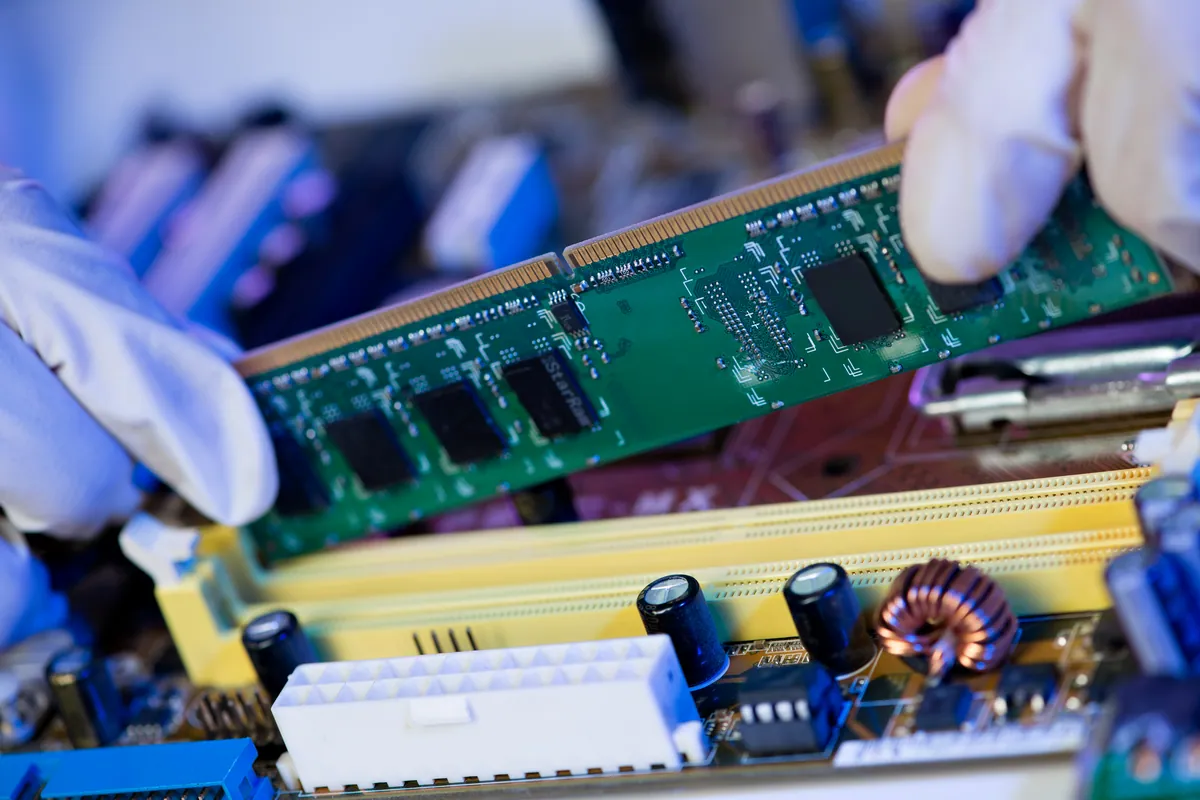
Expert installation with proper static protection and secure seating of modules.
We run memory diagnostics to ensure the new RAM is working correctly and stably.
We verify the system recognises all memory and configure XMP profiles if applicable.
All RAM upgrades include our 90-day warranty on parts and workmanship.
Simple steps to get your problem solved quickly and professionally.
We check your current RAM, system limits, and recommend the right upgrade.
Clear pricing for the memory and installation before any work begins.
Professional installation with proper handling and static protection.
Full memory diagnostics and system verification before returning.
Trusted by customers across South West London. Read what they have to say about our RAM Upgrade Service | Boost Computer Speed service.
"Upgraded from 8GB to 32GB for video editing. The difference is night and day - no more waiting for previews to render. Quick, professional service."
David Morrison
Putney
"My laptop was struggling with too many Chrome tabs. 16GB upgrade solved the problem completely. Wish I'd done it sooner!"
Emma Collins
Wandsworth
Starting from
£55
RAM upgrades start from £55 including 8GB DDR4 and installation. 16GB and 32GB upgrades available. Pricing varies by RAM type (DDR3/DDR4/DDR5) and capacity needed.
90-Day Warranty · Same-Day Service Available
A MacBook Air in Putney SW15 wouldn't start into macOS. We diagnosed a failed internal SSD, fitted a replacement drive and reinstalled macOS to get it working.
An HP all-in-one in Fulham SW6 powered on to a black screen. We found software at fault, not a dead panel, rebuilt the OS and kept Windows 10 patched.
A custom desktop in Barnes SW13 sat at 100% disk usage and froze after 30 minutes. We traced it to a failing SSD and fitted a new drive with a fresh install.
A Lenovo mini desktop in Putney SW15 struggled with multitasking. We upgraded it to 32GB of RAM — the right fix for the slowdown, at a fraction of a new PC.
An HP Victus gaming laptop in Chiswick W4 needed more memory. We matched the right module type and speed and took it to 24GB for smoother multitasking and gaming.
An HP laptop in Putney SW15 flashed its power light but wouldn't boot. The cause was faulty memory. We replaced the RAM, gave it a full internal service, and got it starting again.
An HP laptop in Barnes SW13 kept blue-screening. We swap-tested the memory to prove the RAM was faulty, then replaced it. The crashes stopped.
MacBook memory upgrade in Fulham. Repair from our Putney workshop. Call 020 7610 0500.
Before you buy a Black Friday laptop deal, check the RAM, the storage, the full model code and what is soldered down. A repair workshop's checklist for a laptop that lasts.
Data recovery costs from £75 for deleted or corrupt files, with an assessment of £60–£120 agreed upfront. What drives the price up, what a dead laptop costs, and when you pay nothing.
A PC or Mac health check costs £45 at our Putney workshop. What computer maintenance actually covers, what each part costs, and what you can do yourself for free.
What Windows stop codes actually mean, how to tell a driver problem from failing RAM or hardware, and a calm way to triage a recurring blue screen.
Free up disk space on Windows safely — clear temp files, find the big space hogs, and know when the real fix is simply a bigger SSD. From a London workshop.
Practical ways to keep your laptop cool in hot weather — airflow, surfaces, dust and cooling pads — plus when internal cleaning or a repaste is worth booking.
A clear-headed way to decide whether to repair or replace an ageing laptop: the maths, the upgrades that add years, and the faults that mean letting go.
Why your laptop takes minutes to reach the desktop, and how to fix it — startup programmes, background services, and the storage drive that decides everything.
MacBook overheating with fans blasting? The real causes — dust, runaway apps, dried thermal paste, memory pressure — and the fixes that actually work.
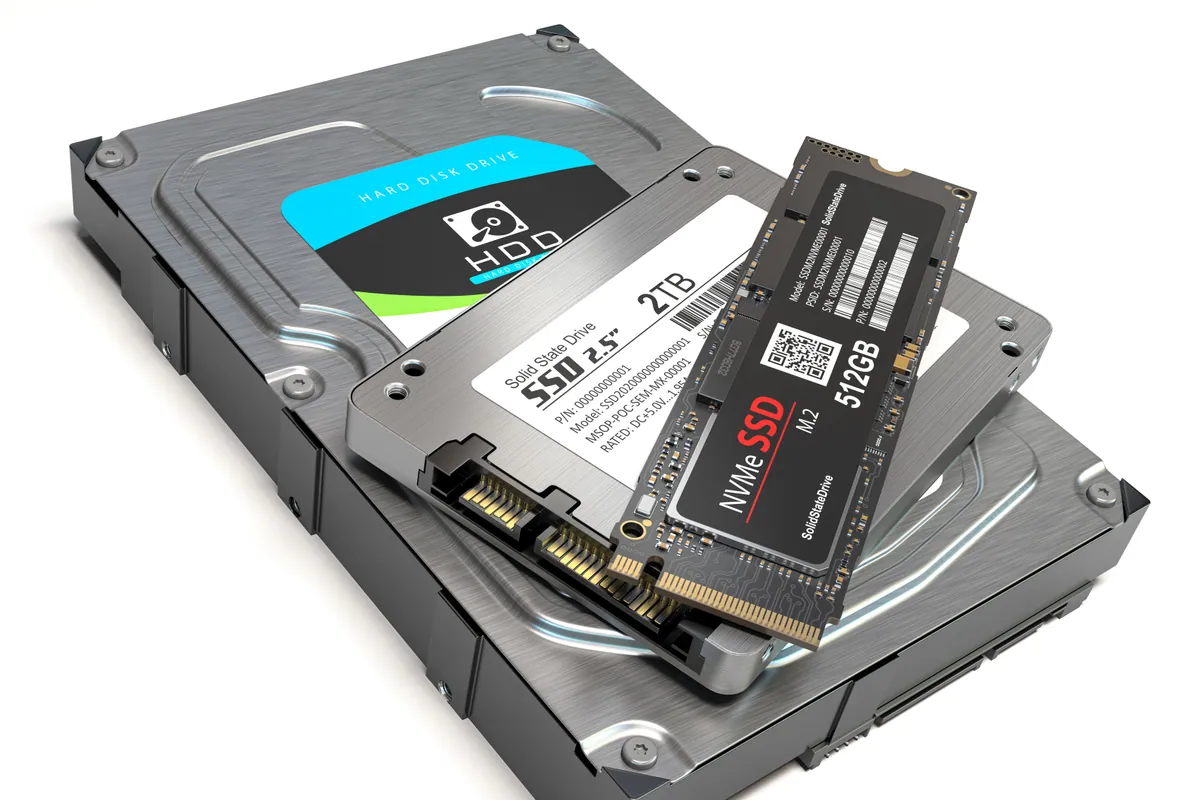
Wondering whether swapping a hard drive for an SSD is worth it? Here's the real day-to-day difference, which machines benefit most, and how migration works.
We looked at 16 years of our own repair bookings to find out when computers actually come in for repair. There's a clear, consistent seasonal pattern — and knowing it can save you a wait.
Your Mac feels sluggish after a macOS update? Here's what's really going on — indexing, storage pressure, incompatible apps — and when RAM or SSD is to blame.
We provide RAM Upgrade Service | Boost Computer Speed across South West London
Also covered: Barnes, Battersea, Brixton, Chelsea, Chiswick, Fulham, Hammersmith, Kensington, Kingston upon Thames, Putney, Raynes Park, Richmond, Roehampton, Sheen, Southfields, Streatham, Tooting
View all service areasBoost your computer's multitasking ability with a RAM upgrade. Contact us for same-day service.