Custom Desktop Freezing at 100% Disk Fixed in Barnes SW13
A custom desktop in Barnes SW13 sat at 100% disk usage and froze after 30 minutes. We traced it to a failing SSD and fitted a new drive with a fresh install.
Transform Your Slow Computer with an SSD Upgrade
Last updated: February 2026
An SSD upgrade is the most cost-effective way to dramatically improve your computer's speed. Your slow, aging laptop or desktop can boot in seconds, open programs instantly, and feel like a brand new machine. We handle everything including data migration.
The work we carry out is covered by a 90-day warranty. If the same fault comes back inside that window, we put it right.
Laptops, MacBooks and Mac minis can be collected and returned across South West London, so you do not have to make the trip. Desktop towers, iMacs and printers come to our Putney workshop by drop-off.
Screens, batteries, keyboards, RAM and SSDs for the models we see most are on the shelf at our Putney workshop, so the usual jobs are not waiting on a supplier.
Same-day turnaround is available on many jobs — ask when you book and we will confirm availability and any additional cost before we start.
We use reliable, high-performance SSDs from trusted brands like Samsung, Crucial, and Western Digital.
We clone your entire drive - operating system, programs, files, and settings all transferred seamlessly.
Expert installation with proper handling and secure mounting of your new SSD.
We configure Windows or macOS for optimal SSD performance and enable TRIM.
Your old drive is returned to you as a backup, or we can securely wipe it at your request.
All SSD upgrades come with our 90-day warranty covering parts and workmanship.
Simple steps to get your problem solved quickly and professionally.
We check your computer's compatibility and recommend the right SSD size and type.
We create an exact copy of your current drive onto the new SSD - everything transfers.
The new SSD is professionally installed and your old drive is kept as backup.
We boot your computer, verify everything works, and optimise settings for SSD.
Trusted by customers across South West London. Read what they have to say about our SSD Upgrade Service in London | Faster PC service.
"My laptop was painfully slow. After the SSD upgrade it boots in about 20 seconds and everything is so snappy. Like having a brand new computer! Best money I've spent."
Caroline Foster
Wimbledon
"Was about to buy a new PC because mine was so slow. They convinced me to try an SSD first. Unbelievable difference - saved me hundreds of pounds. Highly recommend!"
Ian Griffiths
Clapham
"Upgraded both my work laptop and home desktop. Both are transformed. The team was professional, everything transferred perfectly. Excellent service."
Rachel King
Battersea
Prefer the quick version? The sections above cover most needs. Expand any topic below for more detail.
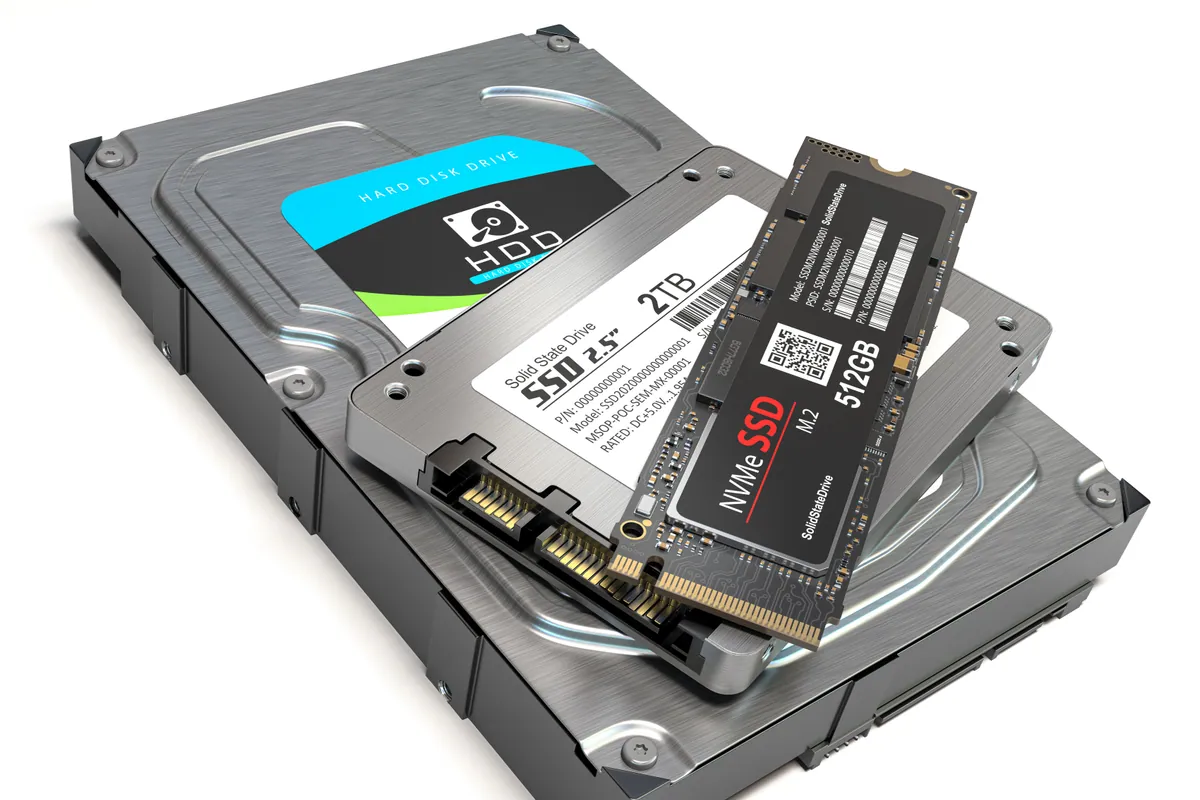
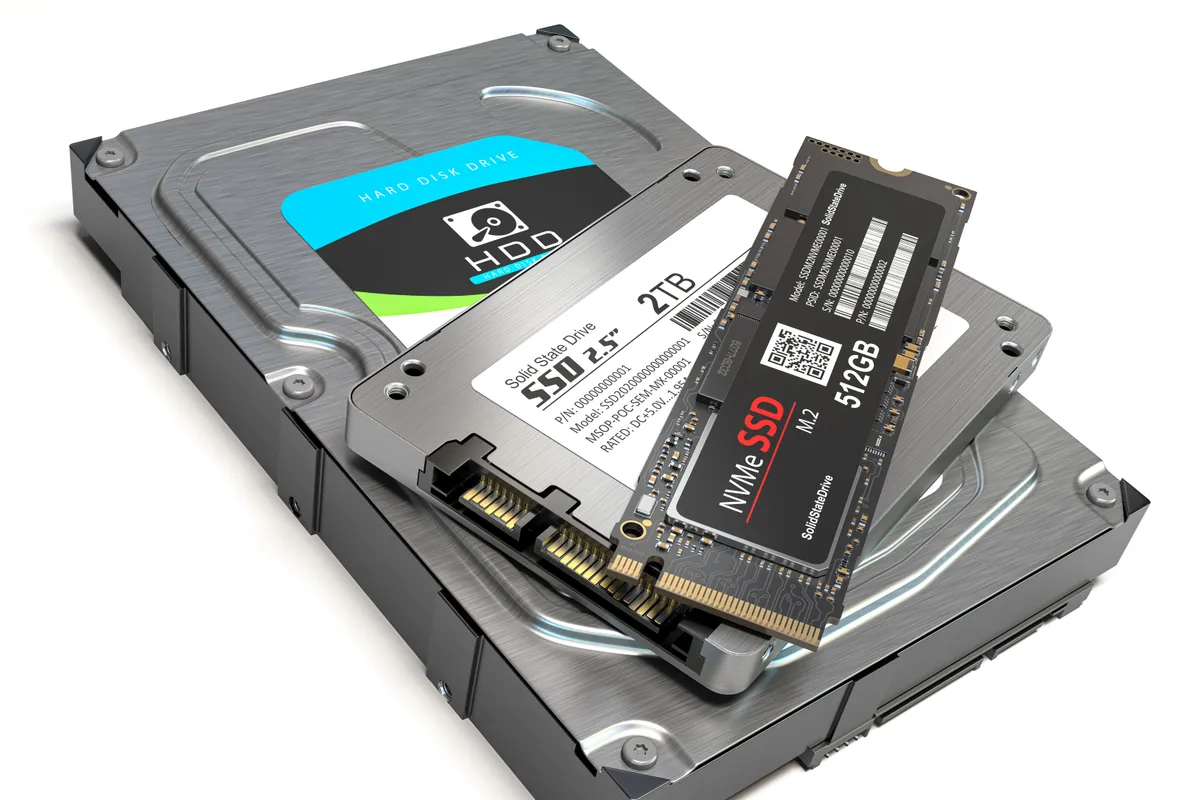
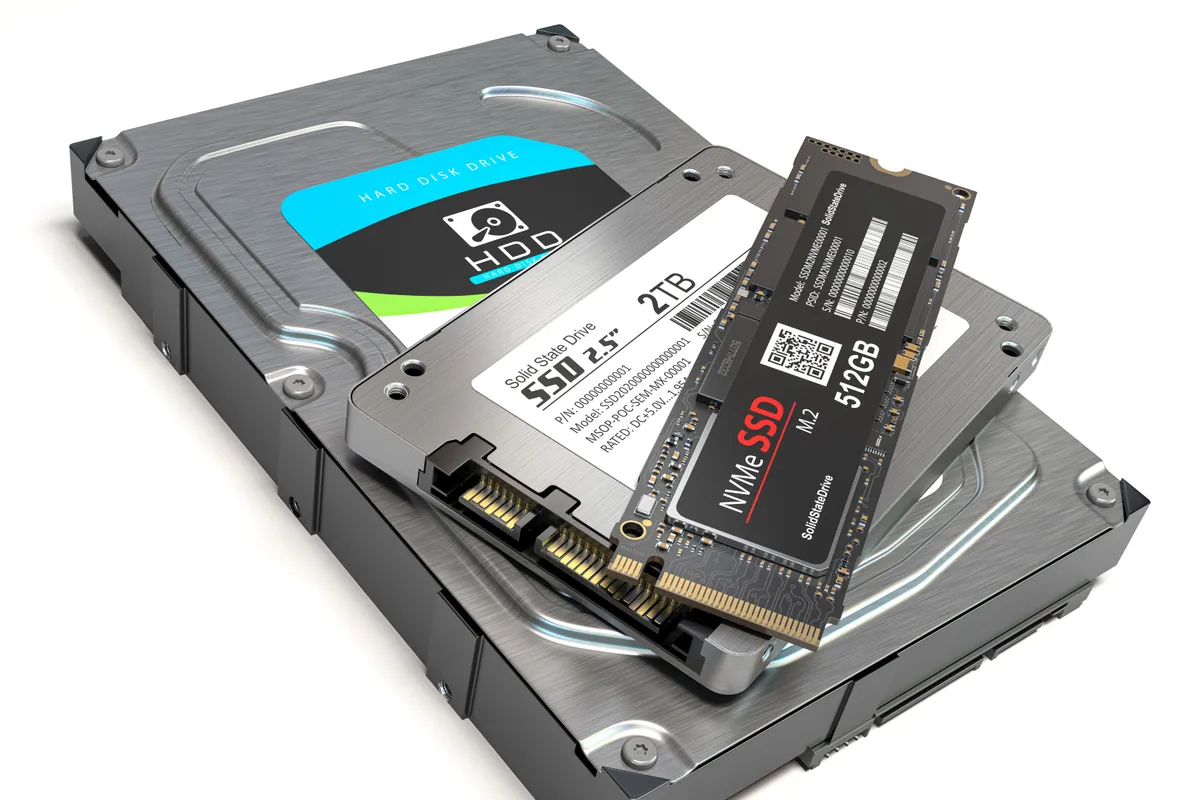
Understanding the difference between HDD and SSD:
No moving parts
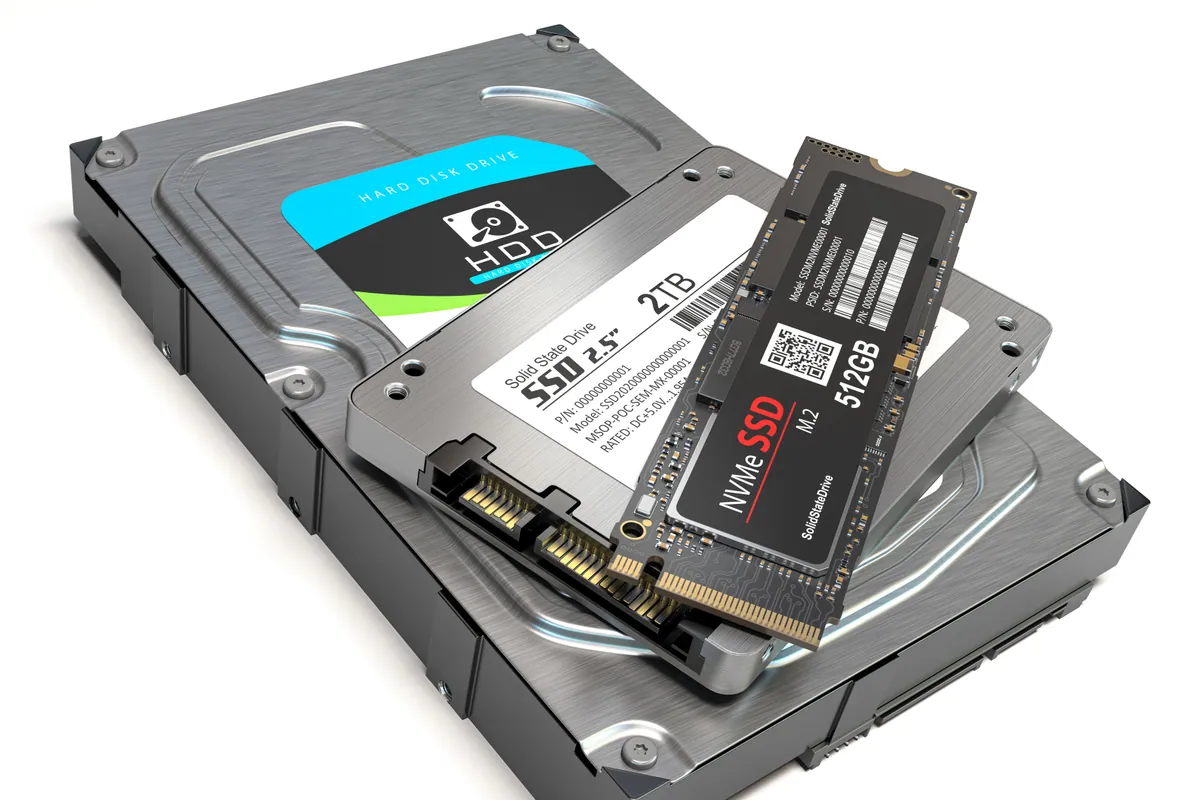
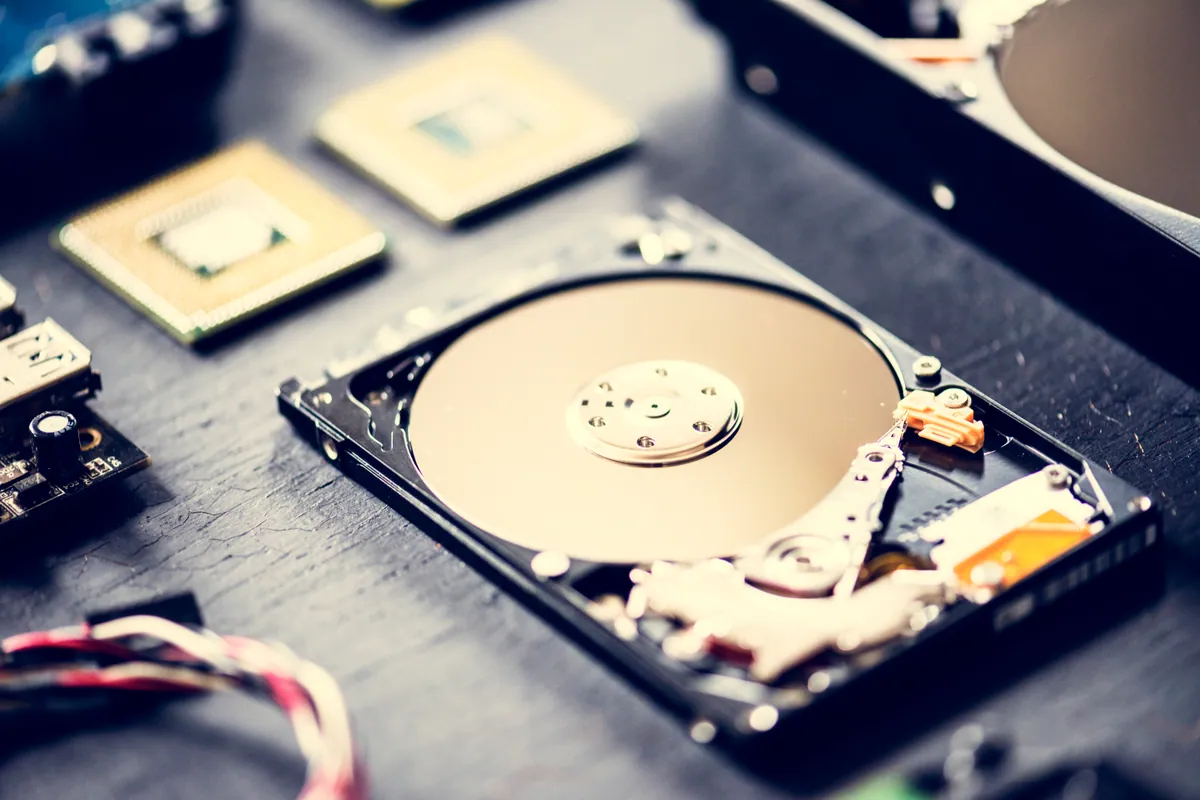
HDDs have spinning platters and moving heads. SSDs are pure solid-state electronics - instant access to any data.
100x faster access
SSDs can access data in microseconds. HDDs take milliseconds to move their heads into position.
Parallel operations
SSDs can read and write multiple files simultaneously. HDDs must handle them one at a time.
More reliable
No moving parts means less wear and better resistance to bumps and drops.
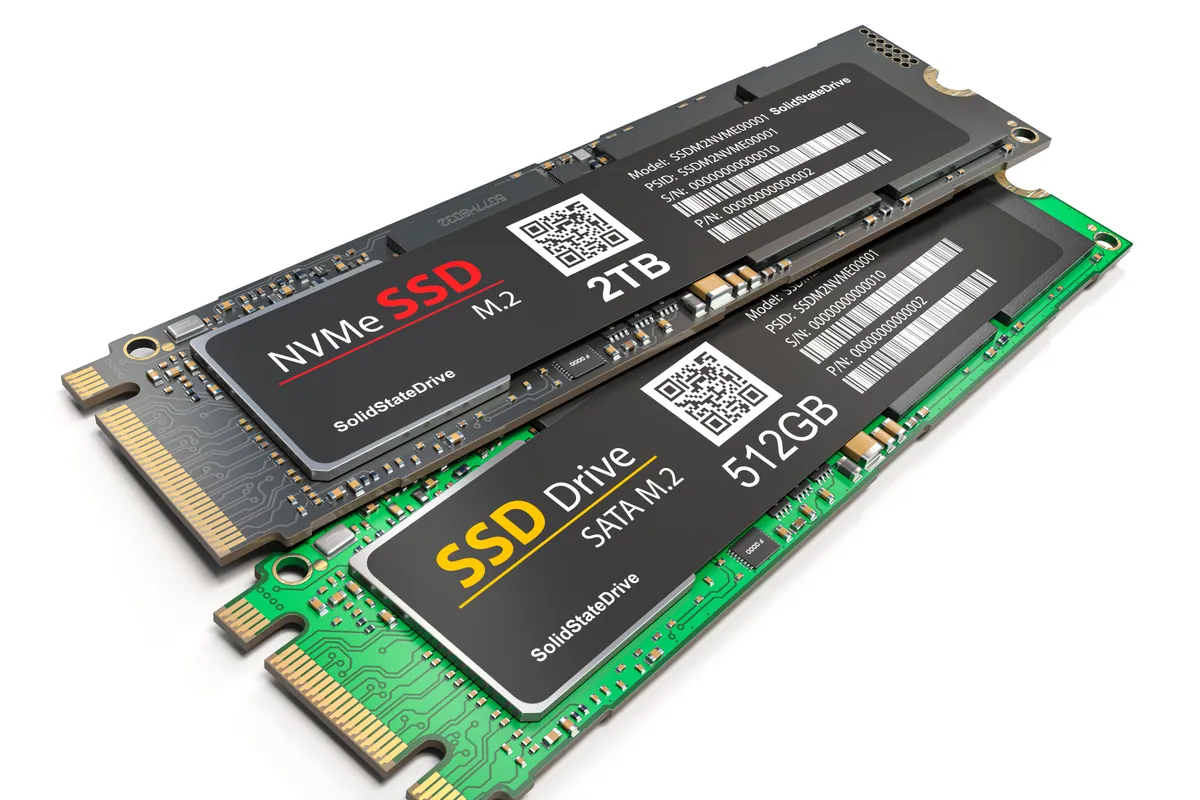
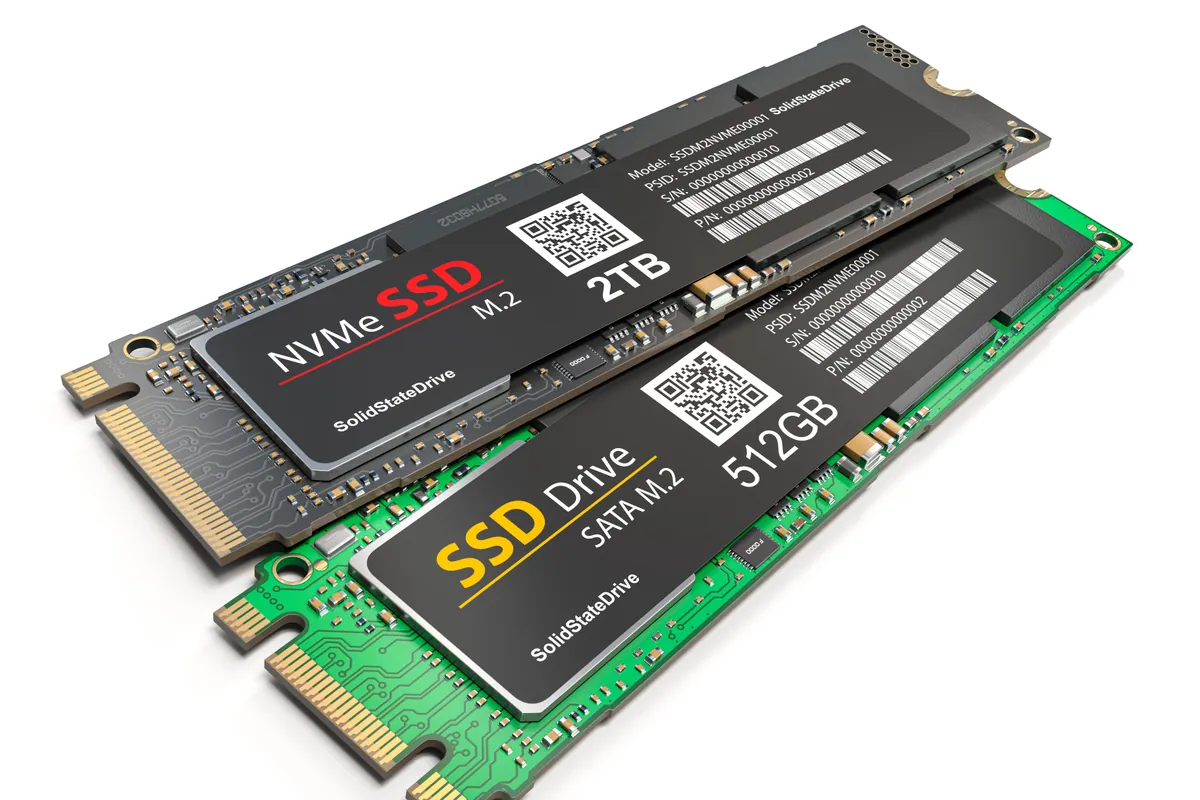
We match the right SSD type to your computer:
We'll check your computer and recommend the best option for maximum performance.
Not sure what you need? We're happy to help.
Starting from
£95
SSD upgrades start from £95 including a 256GB SSD, installation, and data migration. Larger capacities (500GB, 1TB, 2TB) available. We'll recommend the right size based on your current usage.
90-Day Warranty · Same-Day Service Available
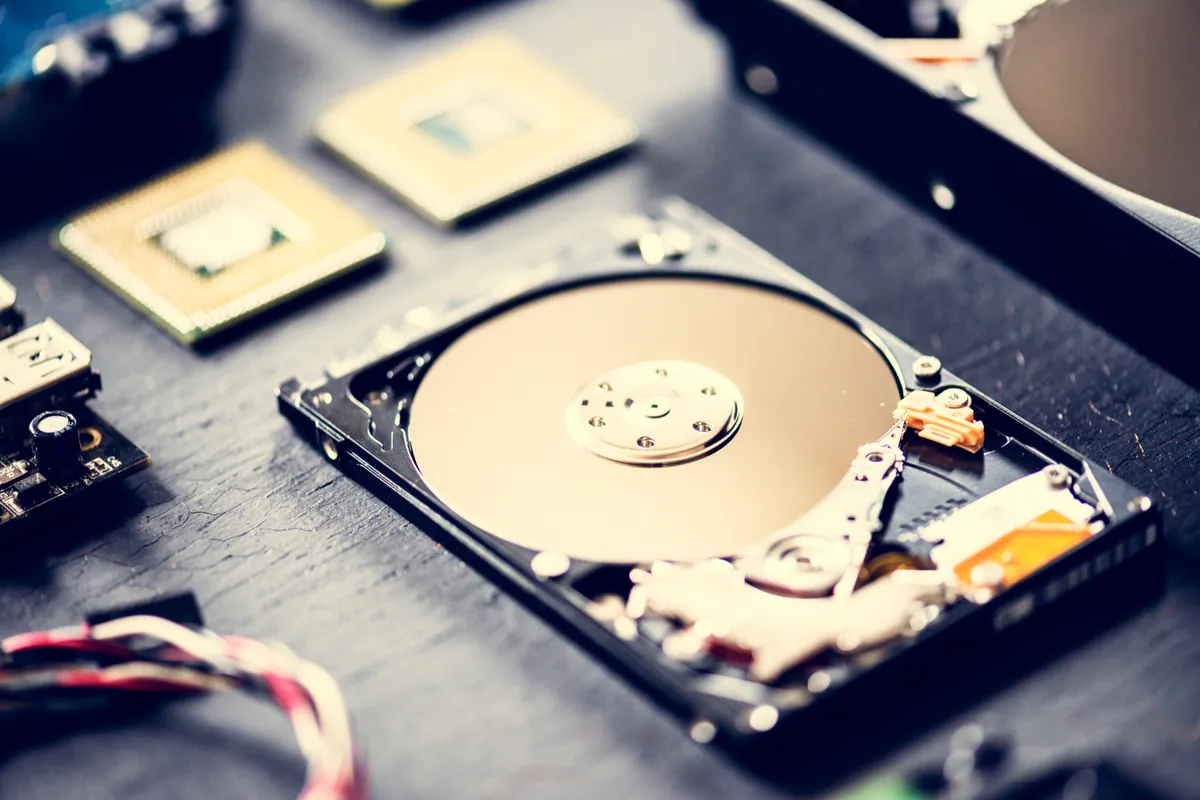
A custom desktop in Barnes SW13 sat at 100% disk usage and froze after 30 minutes. We traced it to a failing SSD and fitted a new drive with a fresh install.
An Asus ROG gaming laptop in Putney SW15 kept freezing and wouldn't boot. The cause was a failing hard drive, not software. We moved it to an SSD and it came back faster than new.
iMac 21-inch in Putney SW15 upgraded from a slow Fusion Drive to a 1TB SSD with full data migration. Clean macOS install, complete user-data restore, hours-to-minutes performance improvement.
Asus laptop in Putney SW15 stuck in a freeze and blue-screen loop. We confirmed the cause was a failing storage drive and fitted a 240GB SSD with a fresh OS, transforming the laptop's performance.
An iMac in Battersea SW11 was crawling and its Outlook folders had vanished. An SSD upgrade, fresh macOS and a proper data migration brought back both the speed and the folders.
An HP laptop owner in Hammersmith W14 wanted more space and speed. We cloned the whole drive onto a 1TB SSD, so nothing changed but the size and speed, and returned the old drive.
A slow 21-inch iMac in Balham SW12. Before condemning an expensive logic board, we ruled out software with a clean install, then fitted an SSD that revived it.
A slow Dell laptop in West Kensington W14 that wouldn't boot was revived with an SSD, a fresh OS and a full data migration. Honest note on a residual trackpad fault.
Before you buy a Black Friday laptop deal, check the RAM, the storage, the full model code and what is soldered down. A repair workshop's checklist for a laptop that lasts.
Data recovery costs from £75 for deleted or corrupt files, with an assessment of £60–£120 agreed upfront. What drives the price up, what a dead laptop costs, and when you pay nothing.
A PC or Mac health check costs £45 at our Putney workshop. What computer maintenance actually covers, what each part costs, and what you can do yourself for free.
Wondering whether swapping a hard drive for an SSD is worth it? Here's the real day-to-day difference, which machines benefit most, and how migration works.
What Windows stop codes actually mean, how to tell a driver problem from failing RAM or hardware, and a calm way to triage a recurring blue screen.
Photos gone from a dead phone or unreadable SD card? Learn what's recoverable, what lowers your odds, the dos and don'ts, and when to stop and get help.
A rhythmic clicking noise often signals a dying hard drive. Learn to tell drive clicks from fan noise, why to stop using it, and how to save your files.
Free up disk space on Windows safely — clear temp files, find the big space hogs, and know when the real fix is simply a bigger SSD. From a London workshop.
A clear guide to backing up iPhone and Android photos with cloud and local copies, automatic sync, and simple habits that stop you losing years of memories.
Practical ways to keep your laptop cool in hot weather — airflow, surfaces, dust and cooling pads — plus when internal cleaning or a repaste is worth booking.
Why your laptop takes minutes to reach the desktop, and how to fix it — startup programmes, background services, and the storage drive that decides everything.
MacBook overheating with fans blasting? The real causes — dust, runaway apps, dried thermal paste, memory pressure — and the fixes that actually work.
We provide SSD Upgrade Service in London | Faster PC across South West London
Transform your slow computer with an SSD upgrade. Same-day service available. Contact us for a quote.