Canon Pixma on the Wi-Fi but invisible to an iPad and iPhone in Barnes SW13
A Canon Pixma TS4150 in Barnes SW13 was on the Wi-Fi but wouldn't appear on an iPad or iPhone. We got AirPrint working properly in a short …
Real repair stories and outcomes from PC Macgicians.
A few recent fixes that show how we diagnose, repair, and recover devices.
A Canon Pixma TS4150 in Barnes SW13 was on the Wi-Fi but wouldn't appear on an iPad or iPhone. We got AirPrint working properly in a short …
A Barnes SW13 home had a Netgear router visible in the Wi-Fi list that gave no connection, alongside a Virgin Media hub. The LAN …
A Streatham SW16 home had Wi-Fi dead spots and no mesh system. We installed and positioned a Google mesh setup alongside the existing router …
A Chillblast gaming PC in Hammersmith W6 powered on but sent no signal to the monitor. We traced it to a graphics card that was never fully …
A beauty salon in Chiswick W4 had a printer that wouldn't connect or print. We sorted it onsite in an hour without disrupting the day's …
An office in Wandsworth SW18 had three Brother printers sitting unconnected. We put them on the network, added them to every machine and set …
A Putney SW15 customer had Outlook repeatedly prompting for a password and mail not syncing. We re-established the account's authentication …
A Raynes Park SW20 home had a device that would only work on 2.4GHz and wouldn't join the Wi-Fi. We split the router's bands so it could …
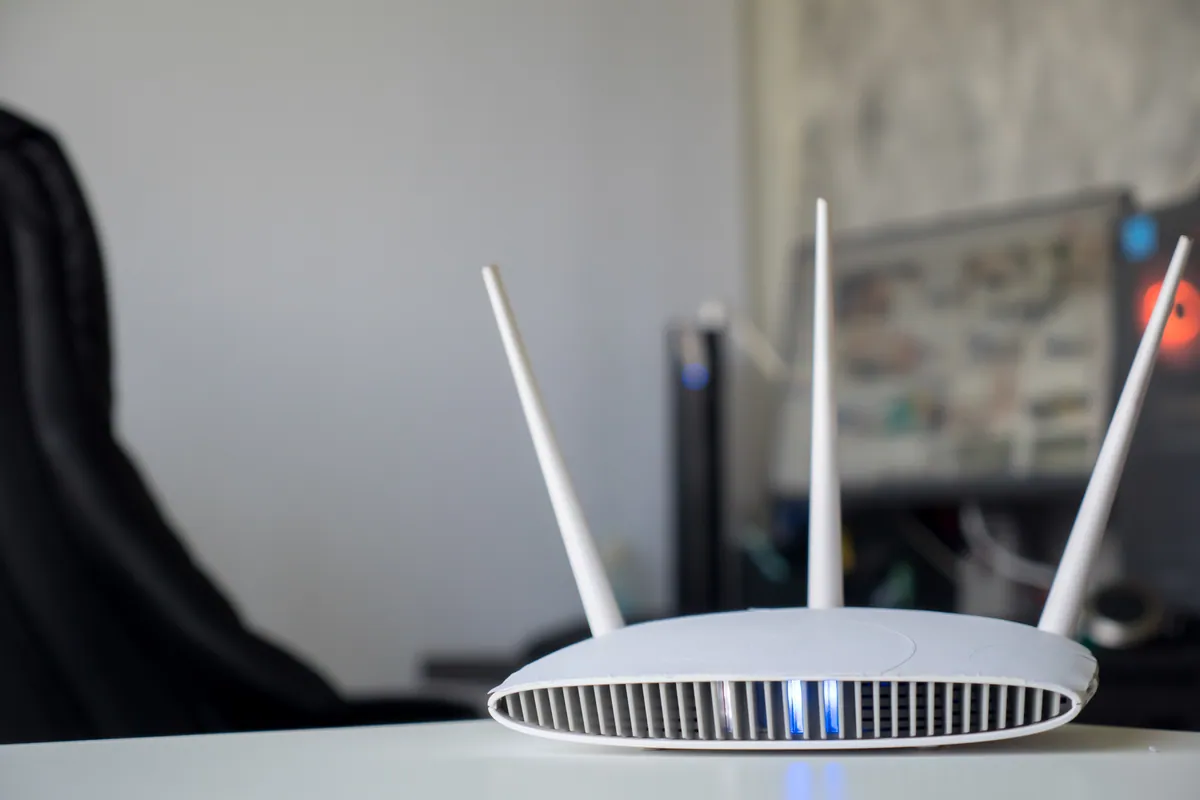
Parental controls in Mortlake SW14 kept getting bypassed. We layered router filtering with Microsoft Family Safety and Apple Screen Time in …
A customer in Blackheath SE3 had a new computer that needed setting up and connecting to their existing printer. We did both onsite in a …
An HP all-in-one in Putney SW15 stopped booting into Windows after a power surge. We traced it to disturbed secure boot settings and …
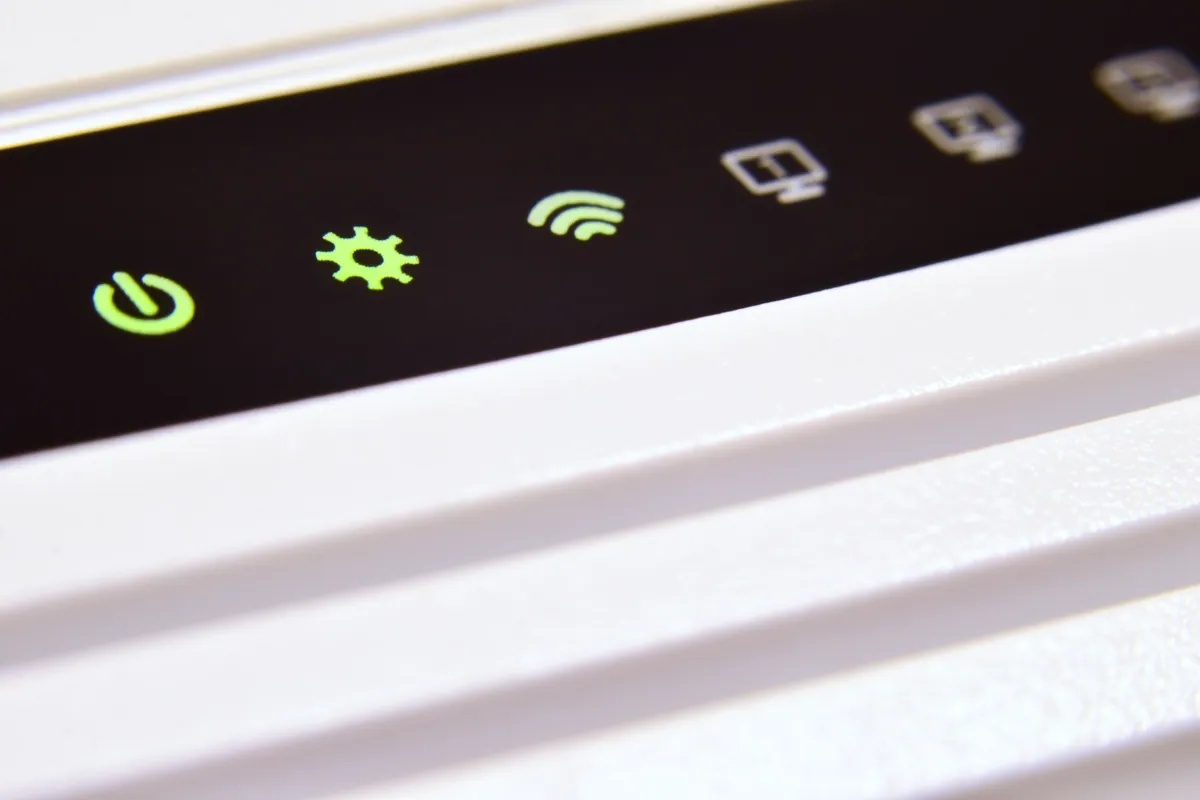
A Wimbledon SW19 home tried extenders, mesh and a new router — Wi-Fi still patchy. The fault was radio congestion, not hardware. Fixed …