What Was Happening
The Alienware arrived from a Barnes SW13 owner with a fault that’s unnerving on an expensive gaming machine: it wouldn’t stay running. Rather than starting up and settling into the operating system, it kept cutting out. The owner asked us to diagnose it, and to quote if it turned out to be a hardware job.
On a gaming rig, “it keeps dying” sends the mind straight to the frightening possibilities — a failed motherboard, a dead power supply, a cooked graphics card. Those do happen. But there’s a more common culprit on high-performance machines, and it’s the one people tend to overlook precisely because it doesn’t sound as dramatic: cooling.
Sound like your problem?
Bring it to our Putney workshop or message us a photo and we will give you a straight answer and a quote before any work starts.
Our Diagnosis
- Read the symptom as thermal. A machine that powers up but won’t stay up — cutting out rather than crashing to an error — has the fingerprints of a heat problem. When a system can’t keep its processor within a safe temperature, it shuts down to protect itself, and it can do that fast enough to look like a failure to boot.
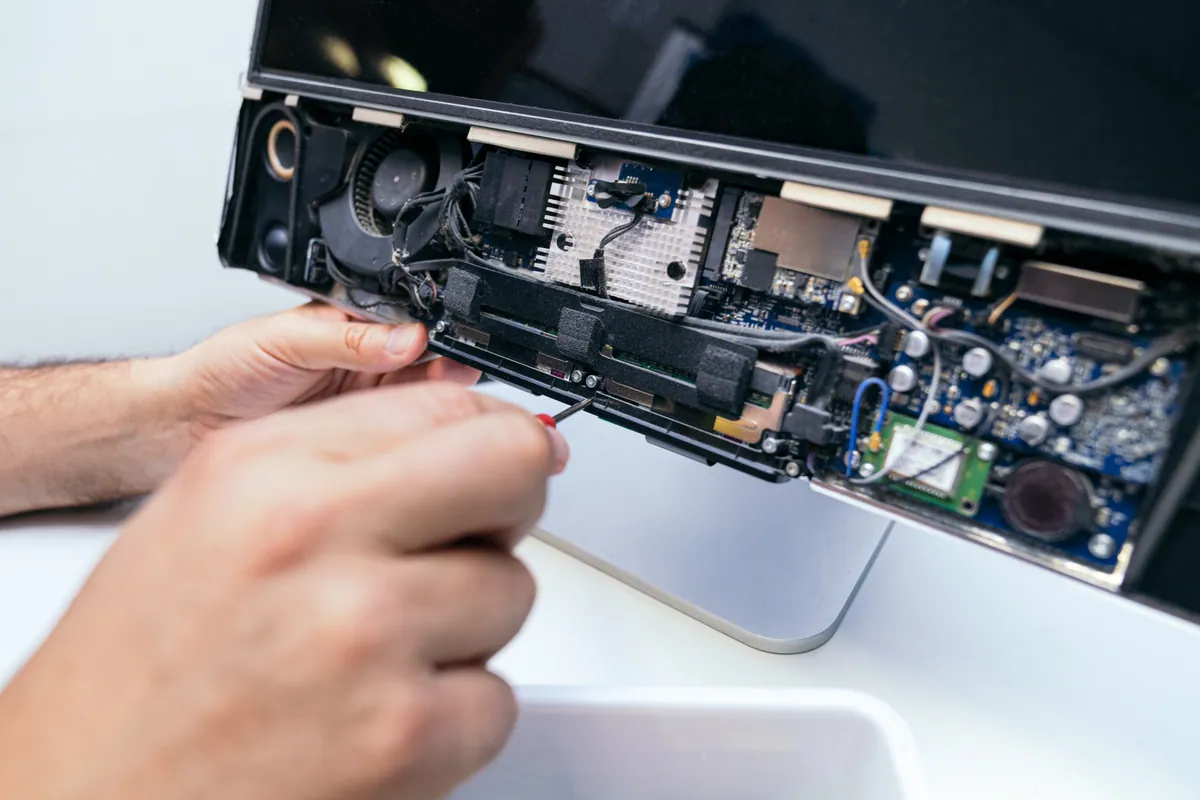
- Examined the cooling system under real conditions. Rather than swapping expensive parts on a hunch, we looked at how the machine behaved as it tried to run and where the heat was going. The liquid-cooling loop — the pump, radiator and fan that keep an Alienware’s processor in check — was not doing its job.
- Pinpointed a failed cooling loop. The conclusion was a failed cooling system: with the loop no longer moving heat away, temperatures climbed the moment the machine tried to work, and the protective shutdown did the rest. The board and the rest of the rig weren’t the problem — the cooling was.
How We Fixed It
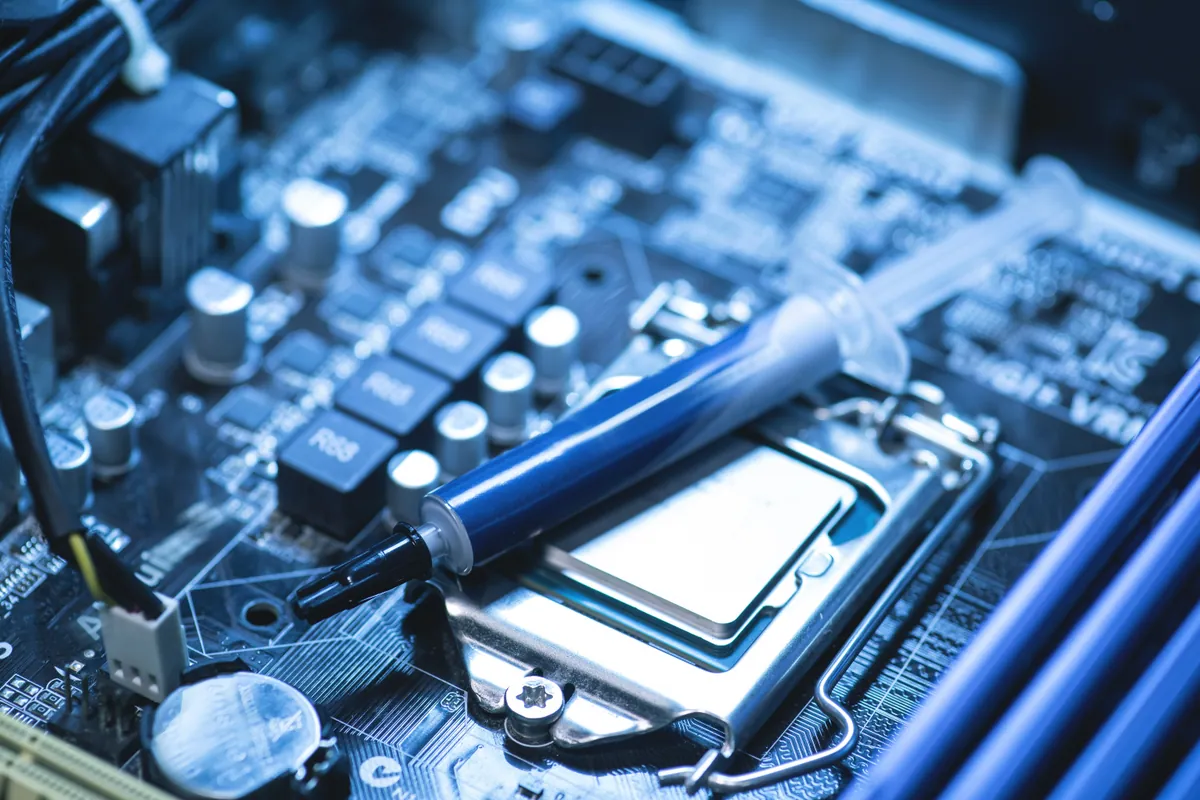
- Rebuilt the cooling system. We replaced the failed components of the loop — pump, radiator and fan — so heat could once again be pulled off the processor and expelled effectively.
- Restored proper thermal management. With a healthy loop back in place, the machine could keep itself in a safe temperature range instead of overheating within moments of starting.
- Confirmed it held up. The real proof for a gaming rig is whether it stays stable when it’s asked to work, so we made sure the machine ran and held rather than cutting out as it had before.
The Result
The Alienware went back to Barnes running as a gaming machine should — staying up, staying stable, and no longer shutting itself down. What had presented as a machine that “wouldn’t boot” was a cooling failure in disguise, and fixing the cooling fixed the machine, with no need to replace the costly core components the symptoms had seemed to threaten.
Why This Happens
Gaming machines run hot by nature. A powerful processor and graphics card under load generate a great deal of heat, and high-end rigs like Alienware desktops often use liquid cooling to cope — a loop that circulates coolant through a pump, out to a radiator, and past a fan that carries the heat away. It’s effective, but it has moving parts, and moving parts wear out. The pump is the usual weak link: when it fails, coolant stops circulating, heat has nowhere to go, and temperatures spike almost instantly under any real demand.
The reason this fault fools people is that its symptom — a machine that won’t stay running — impersonates the scary, expensive faults. Owners assume the board or the graphics card, when in fact those parts are fine and simply being protected by the shutdown. That’s why the right approach on a gaming rig is to diagnose under load and watch the thermals, rather than start swapping the priciest components. Find the heat problem and you’ve very often found the whole problem — and rebuilding a cooling loop is a great deal cheaper than the motherboard or GPU everyone feared. It’s also a reminder that liquid-cooled rigs benefit from being serviced before the pump gives out, not after.
Local Help in Barnes SW13
If your gaming PC keeps cutting out, shutting down under load or refusing to stay up, don’t assume the worst about the board or the graphics card. On a high-performance rig it’s very often the cooling — and that’s a far more affordable fix than the parts it tends to be mistaken for.
We diagnose and repair gaming machines from our Putney workshop, a short run from Barnes SW13, working out the real cause under load rather than swapping parts on a guess.
Call 020 7610 0500, drop in to SW15, or use the contact form.