What Was Happening
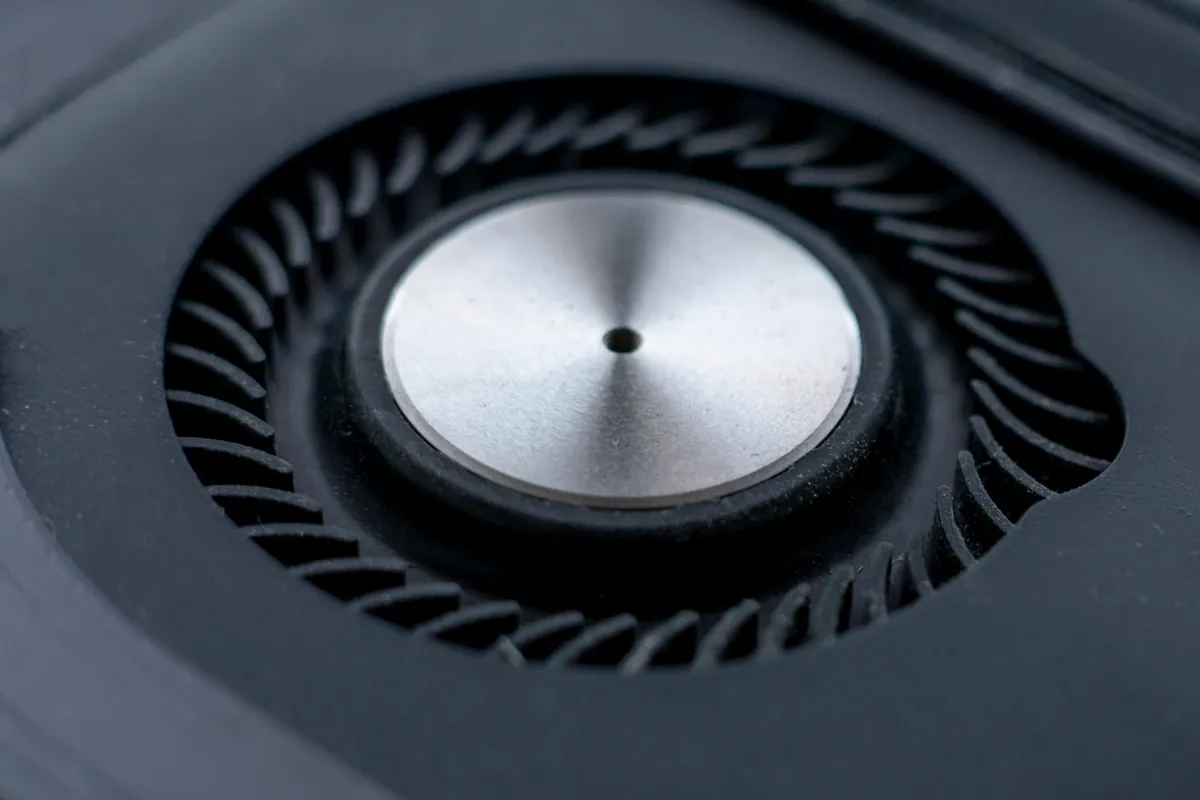
The first sign had been the case getting louder. The customer assumed the GPU was working harder than usual until they noticed the PSU fan at the top of the case wasn’t moving at all. The rest of the case fans had ramped up to compensate.
They were worried — correctly — that a stopped PSU fan is a fire risk in the worst case and an instability risk in any case. They brought the machine in before pushing it any harder.
Sound like your problem?
Bring it to our Putney workshop or message us a photo and we will give you a straight answer and a quote before any work starts.
Our Diagnosis
The temptation when a PSU fan fails is to crack the supply open and replace just the fan. We don’t recommend this and here is why: the fan in a power supply is the canary for the rest of the supply. A PSU fan typically fails because:
- The fan bearings have worn out from running 8+ hours a day for several years
- Heat from the surrounding components has accelerated the bearing wear
- The supply itself has been running hot because its rails are no longer regulating efficiently — which means it is past its useful life
Replacing only the fan often gives you a few weeks before the underlying supply fails — usually with a much more disruptive symptom like a random shutdown mid-task.
For this PC we ran proper PSU diagnostics:
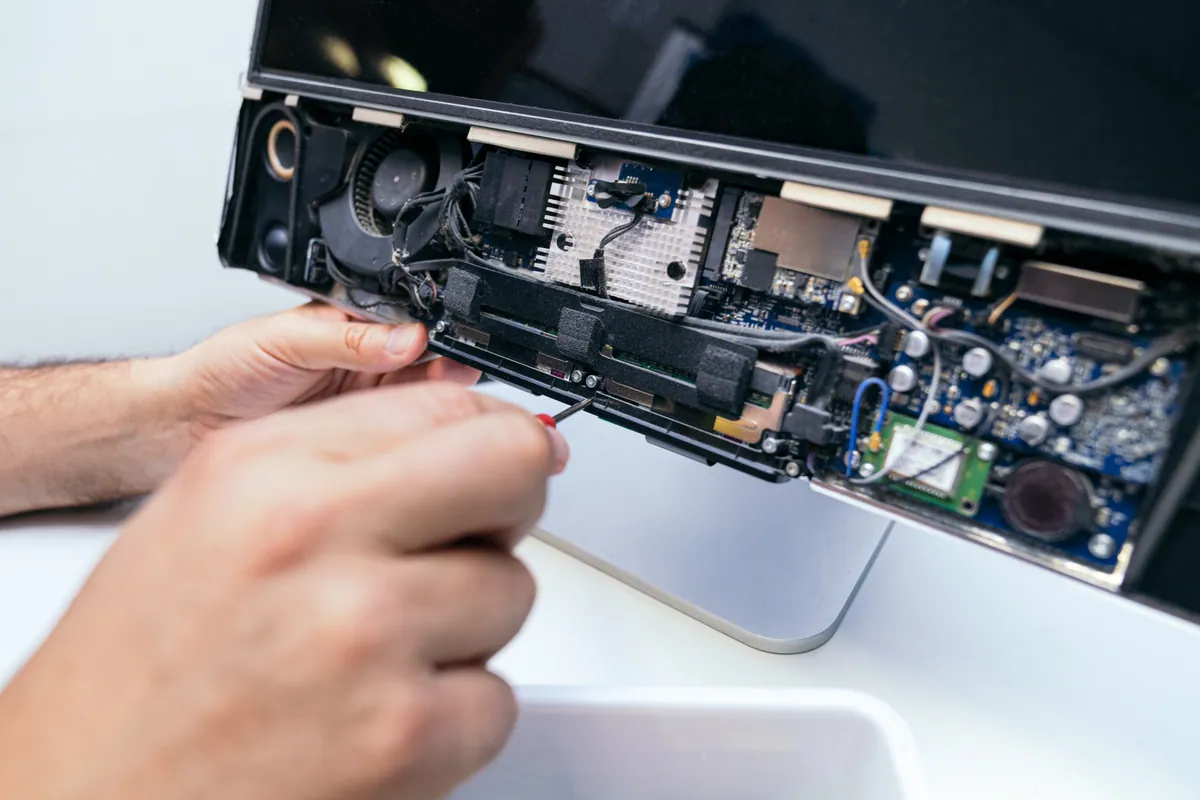
- Visual inspection. Pulled the supply out of the case (with the system powered off and mains unplugged for several minutes — capacitors hold charge). Fan was visibly seized — no resistance to gentle hand-rotation, suggesting the bearing had failed dry.
- External load test. Connected the PSU to a load test equipment (we have one for exactly this purpose). Stepped the load from idle to rated maximum in 50W increments and measured each rail.
- Rail measurements. The +12V rail held within spec at idle but started drifting at about 60% of rated load. The +5V and +3.3V rails were marginal across the board. None of this was catastrophic, but it was the unmistakable profile of a PSU near end-of-life.
- Ripple test. Plugged the rails into an oscilloscope under load. Ripple on the +12V rail was within spec, but climbing. Another few months and it would have been outside the ATX specification — at which point system stability becomes unpredictable.
Conclusion: replacing the fan would have given the customer a fortnight of quiet running and then a much worse failure. Replacing the supply was the correct call.
How We Fixed It
Specified a replacement that matched or exceeded the original:
- Wattage — same rated wattage as the existing supply, with appropriate headroom for the GPU. Oversizing slightly extends the supply’s useful life because it spends more time in its efficient operating range.
- Form factor — standard ATX in this case, but some smaller builds need SFX or SFX-L.
- 80+ certification — Gold rated. The 80+ certification levels (White, Bronze, Silver, Gold, Platinum, Titanium) measure efficiency, but they correlate strongly with build quality — better caps, better regulation, longer warranty.
- Modular cabling — saves several hours of cable-management work in a tightly-built case.
Fitting itself is straightforward on most desktop chassis: disconnect the existing cables one by one (motherboard 24-pin, CPU 8-pin, GPU power, SATA power, peripheral power), remove the supply, fit the new one, reconnect everything to the new modular cables, route cables through the case for airflow.
Verification before handover:
- POST and boot to desktop normally
- Idle measurements on the new supply: rails clean, fan at low RPM
- Gaming-load measurements: rails still clean, fan ramping appropriately
- Stress-test load (Prime95 + GPU stress simultaneously) for 30 minutes: rails clean, no instability, temperatures normal across the board
- Final visual check of cable management for airflow
We also disposed of the old supply responsibly — PSUs contain capacitors that hold charge and should not go in normal waste.
The Result
System back to running cool and quiet. Case fans returned to normal RPM because they no longer needed to compensate for a dead PSU fan. No more concerns about under-load instability. The new supply is rated for the next 7–10 years of normal use with appropriate margin for a future GPU upgrade.
Why This Happens
Power supplies are the single most under-specified component in custom PC builds we see at the workshop. People will spend hundreds extra on a GPU or CPU and then save thirty pounds on a generic supply. The trouble is that PSU quality affects every other component:
- Random crashes under load are often dirty +12V rail rather than CPU or RAM problems
- Occasional reboots can be PSU brown-outs masquerading as Windows updates
- GPU not performing as expected can be the supply unable to maintain its rail when the GPU draws transient peaks
- Sudden total death of a PC is more often the PSU taking the motherboard with it than a motherboard failure on its own
A quality 80+ Gold supply with appropriate wattage headroom will outlast two or three full system rebuilds. It is the longest-lived component you can put in a build, and it is the one most worth spending on.
How to choose a PSU
Quick checklist if you are specifying your own:
- Wattage: enough headroom that you spend most of your time at 40–60% of rated load. That is the efficient sweet spot and it extends supply life.
- 80+ certification: Gold is the realistic minimum for a build worth caring about. Platinum and above are for specific use cases.
- Warranty length: a 7-year or 10-year warranty signals the manufacturer’s confidence in the unit. Cheap supplies come with 1- or 2-year warranties for a reason.
- Modular cabling: makes installation and future upgrades much easier.
- Reputable manufacturer: a handful of OEMs (Seasonic, Super Flower, Channel Well Technology, Great Wall) make supplies that get rebranded by many vendors. Independent reviews will tell you which retail brand is on which OEM platform.
Local Help in Putney SW15
Most desktop faults trace back to one of a handful of common causes — a workshop diagnostic separates them cheaply.
Our Putney workshop handles desktops, all-in-ones and custom rigs alongside the rest of our work.
Call 020 7610 0500 to discuss before bringing the machine in.