What Was Happening
A customer came to us with a 3D model they wanted printed as a one-off physical object. They had the design ready as an STL file — their own work, still an early, low-detail version — and asked whether they could simply send it over for us to print. They did not own a 3D printer and did not want to buy one, learn a slicer, and work through the trial and error that usually comes with a first print.
What they needed was easy to describe but easy to get wrong: take a supplied design file, work out whether it could actually be printed reliably, and produce a tidy result in a sensible colour and size. They were based locally and happy to collect from our Putney workshop once it was ready.
Sound like your problem?
Bring it to our Putney workshop or message us a photo and we will give you a straight answer and a quote before any work starts.
Our Diagnosis
Before quoting or printing anything, we loaded the STL into our slicing software to see how the model would behave on the print bed. Two things stood out. First, the geometry included several floating and overhanging sections — areas that would have nothing underneath them as the printer built up each layer. Printed as drawn, those overhangs would sag or fail outright, because molten filament cannot be laid down into thin air.
Second, it was not a quick job. At the size requested — a longest dimension of around 250 mm — the slicer estimated roughly 23 hours of continuous printing. That told us this was a single long print where a mid-job failure would be costly in both time and material, so getting the preparation right mattered more than usual.
The conclusion was clear: the file was printable, but only with support material enabled across the overhanging areas, and with the print prepared carefully rather than sent straight to the machine. We agreed a fixed price of £100 plus VAT for the work, and confirmed the customer was happy with white — a colour we keep to hand and one that shows detail well.
How We Fixed It
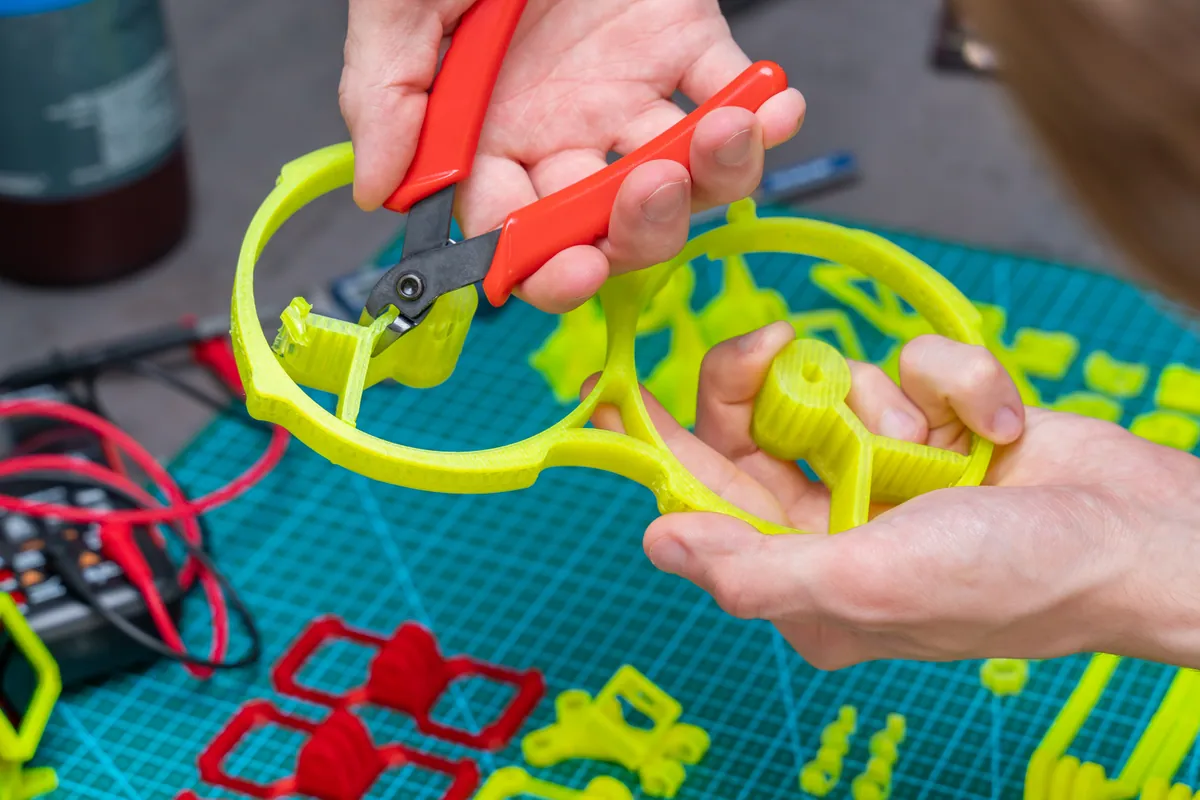
We prepared the model in the slicer with supports switched on specifically for the floating sections, so every overhang had something to build onto as it printed. Supports are temporary scaffolding — printed alongside the model and then removed afterwards — so we positioned them to do their job without marking the visible surfaces any more than necessary. We explained to the customer that they would be able to take the supports off once the print was finished.
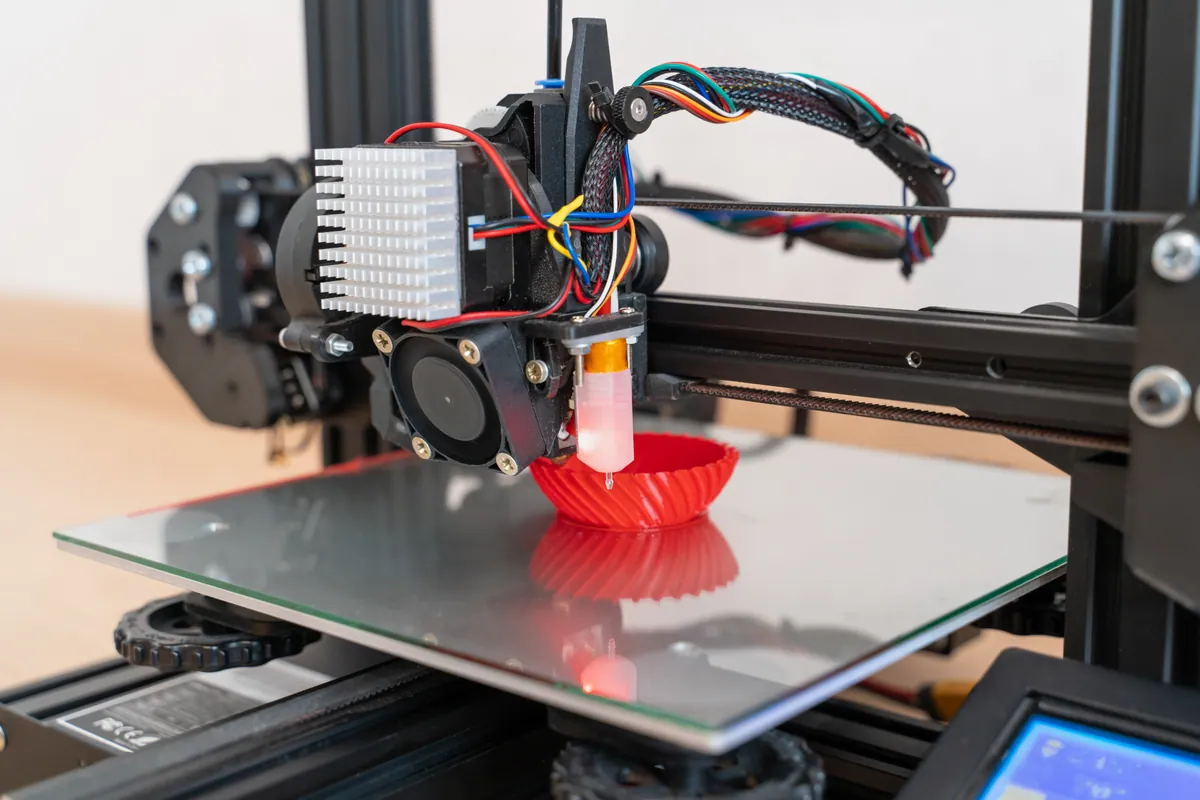
With the file prepared, we started the print the following day and let the full job run on one of our workshop printers, checking on it as it progressed rather than leaving a long print entirely unattended. Once it completed, we removed it from the bed, cleaned away the support material, and checked the model over for any obvious defects before letting the customer know it was ready.
The Result
The finished model printed cleanly in white at the full 250 mm size, with no failed layers on what was a long single job. We let the customer know it was done that afternoon, sent through photos of the finished part, and they collected it from the Putney workshop the next day and paid by card.
From go-ahead to ready for collection was about two days, most of which was the print itself. The customer got exactly what they came for: their own design turned into a physical object, without having to buy a printer or learn to drive one.
Why This Happens
Overhangs and floating geometry are the single most common reason a home 3D print fails, and they catch out almost everyone printing their own design for the first time. FDM printers build a model one layer at a time from the bottom up, and each new layer needs something beneath it to sit on. Anything that juts out much beyond 45 degrees, or starts in mid-air, needs temporary support material underneath or it will droop, string, or collapse.
Deciding where supports go — and where they are not needed — is part of preparing a file properly, not an afterthought. Too few and the model fails; too many and you waste filament and leave more cleanup and surface marks behind. On a long print like this one, that judgement is also what protects a 23-hour job from being lost near the end.
Sending Us a File for Printing
- An STL (or STEP or 3MF) export of your model is usually all we need to assess it. We can tell you quickly whether it will print as drawn.
- Tell us the size you want and what the part is for. A decorative piece, a functional bracket, and a prototype can each call for different settings.
- Don’t worry about supports, infill, or orientation yourself — that is the preparation we handle. An early or low-detail version of a model is fine to start from.
- Larger models mean longer prints. A part measured in hundreds of millimetres can run many hours, so it is worth confirming size and colour before we begin.
Local Help in Putney SW15
We offer a custom 3D printing service from our Putney SW15 workshop, printing one-off models, replacement parts, and prototypes from files you supply. If you have a design but no printer — or you have tried to print something yourself and it keeps failing on the overhangs — bring us the file and we will tell you honestly whether it will print well and what it will cost. Call us, use the contact form, or drop into the shop to talk it through.