What Was Happening
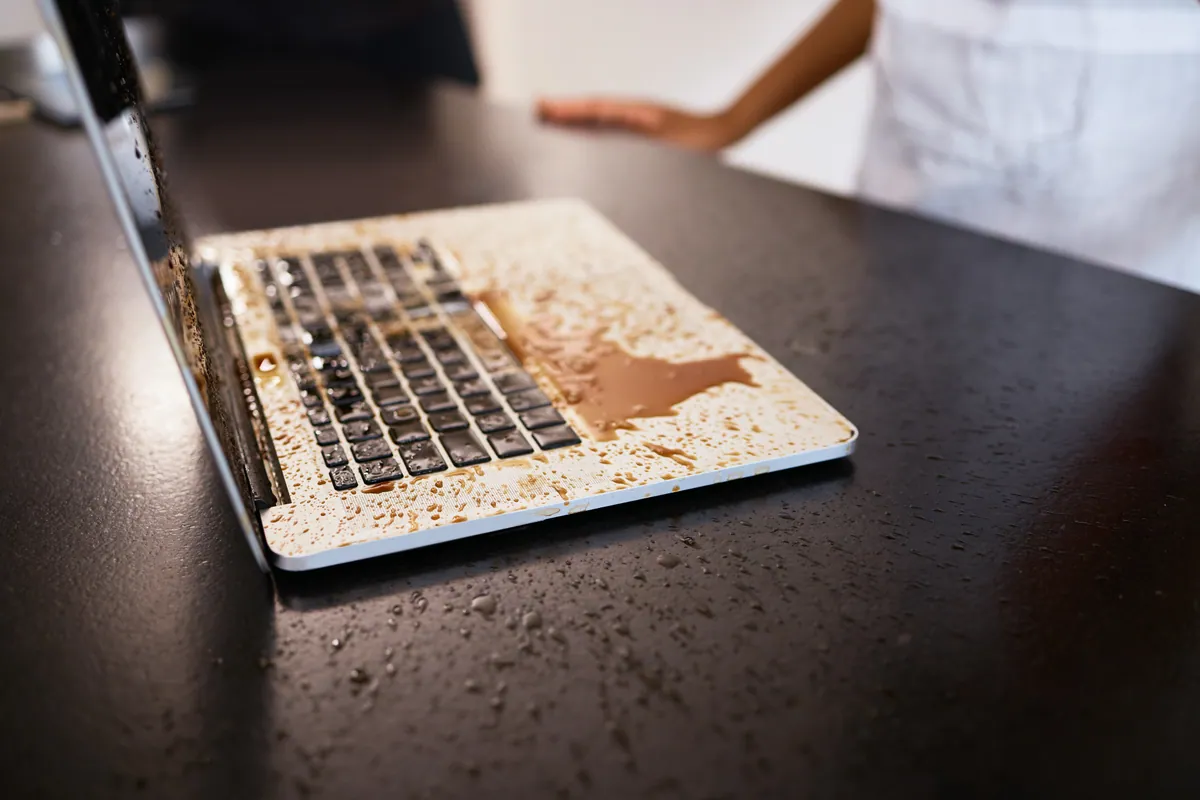
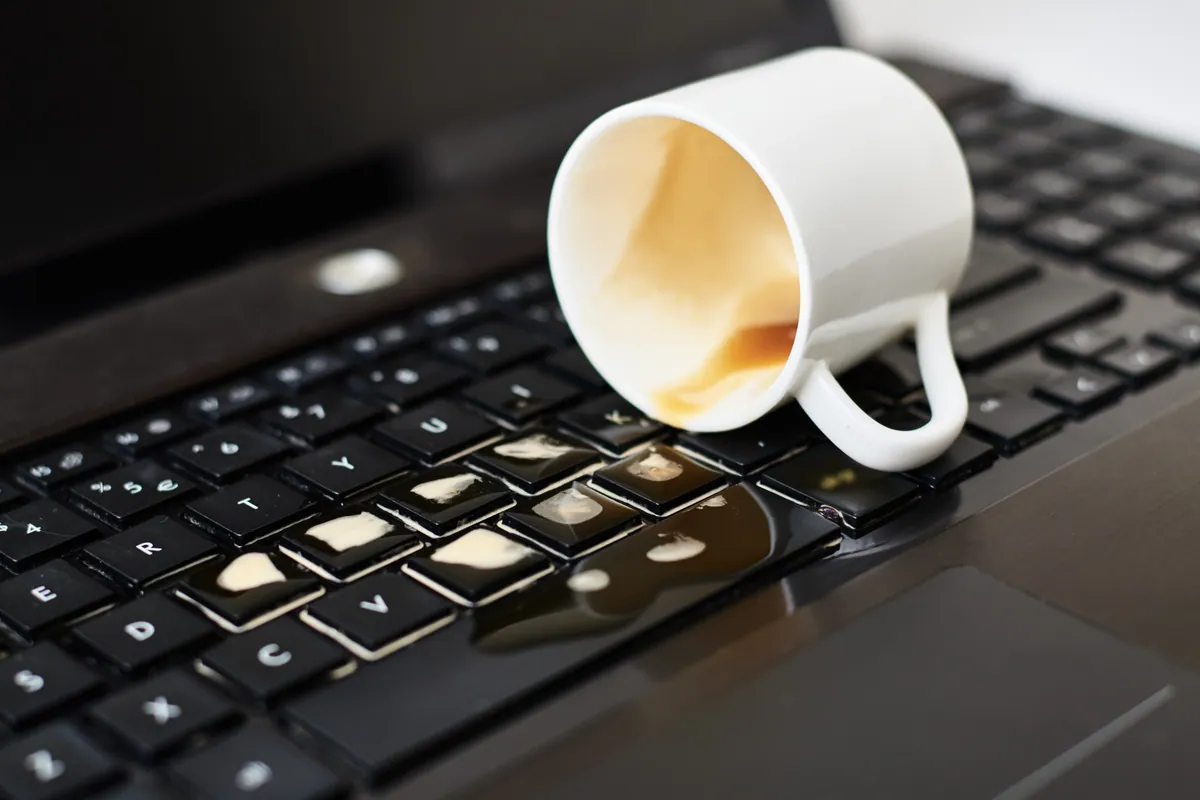
The Dell arrived from a Barnes SW13 owner after the accident everyone dreads and plenty of us have had: a spill. The encouraging sign was that the laptop still switched on — so it hadn’t been killed outright. The problem was the keyboard: several keys, and then the whole thing, had stopped responding. The owner asked us to diagnose the damage and quote for putting it right.
A spill that leaves the machine apparently working is deceptive. It feels like you’ve got away with it. But liquid inside a laptop rarely does all its damage at the moment it lands — the real threat unfolds quietly over the following days, which is exactly why a “still working” spill should never be ignored.
Sound like your problem?
Bring it to our Putney workshop or message us a photo and we will give you a straight answer and a quote before any work starts.
Our Diagnosis
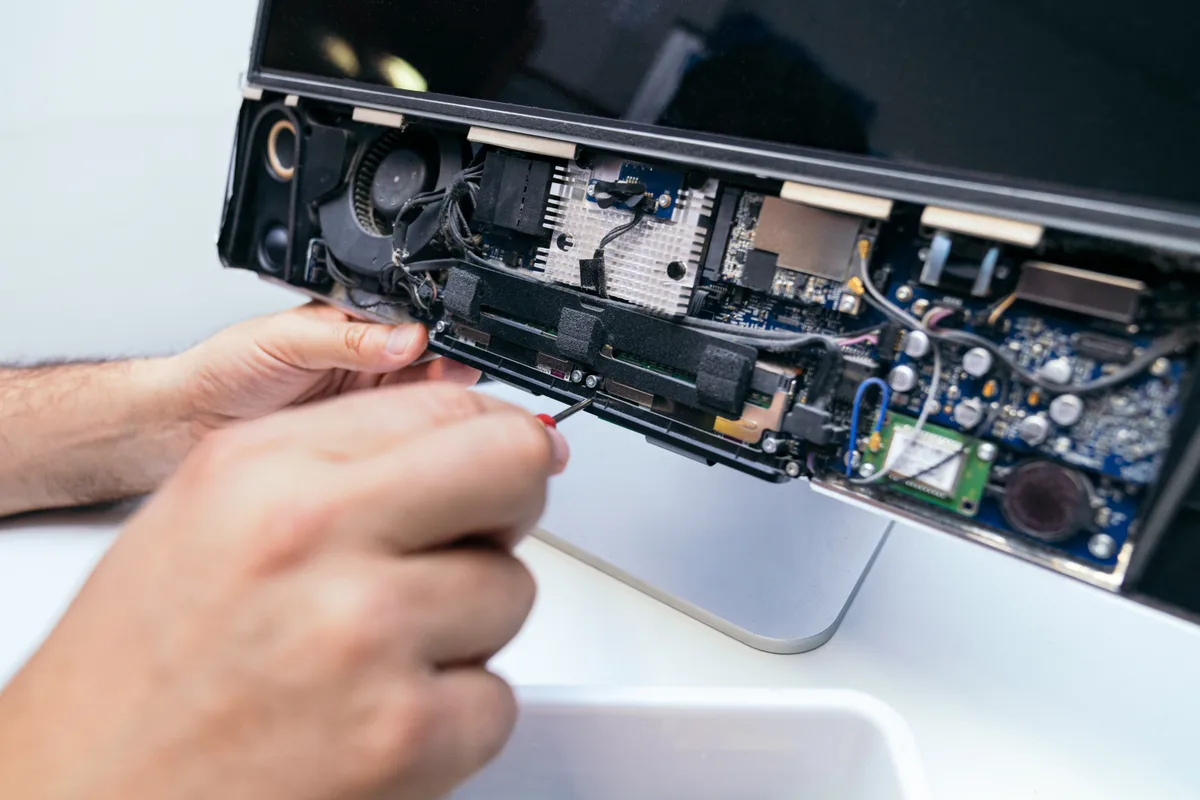
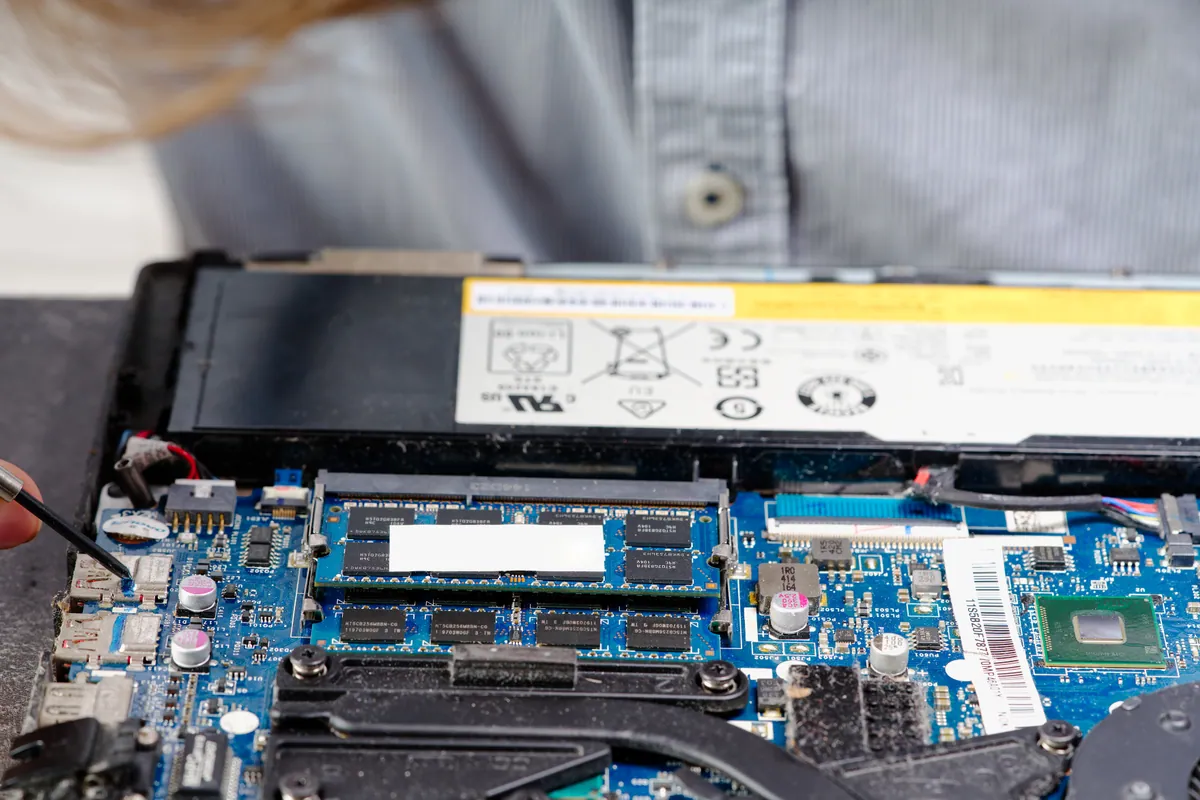
- Established what the liquid had reached. The keyboard being dead while the machine still powered on told us the liquid had certainly hit the keyboard and the area beneath it. The first job was to open the machine and see how far it had travelled and what it had touched on the board.
- Looked for corrosion, not just wet parts. With a spill, the enemy isn’t the moisture you can see on day one — it’s the corrosion that forms as residues sit on the board. We inspected for that residue and the early signs of corrosion, because that’s what determines whether a machine that works today still works next month.
- Confirmed a two-part fix. The board needed cleaning to arrest the corrosion before it spread to anything vital, and the keyboard — the casualty that had actually died — needed replacing. Clean first, then replace: dealing with the cause before the symptom.
How We Fixed It
- Ultrasonically cleaned the affected board. We gave the affected area an ultrasonic clean to lift the spill residue and corrosion off the board. This is the step that stops a “survivable” spill from slowly eating its way into the machine over the weeks that follow.
- Replaced the keyboard. With the board cleaned up, we fitted a new keyboard to replace the one the liquid had killed — restoring proper, reliable typing across the whole layout.
- Tested it as a whole. We confirmed the machine powered up, typed correctly and behaved normally once reassembled, so the owner wasn’t left with a lurking after-effect of the spill.
The Result
The Dell went back to Barnes fully working — keyboard responding across the board, and the spill residue cleaned away rather than left to fester. What could easily have become a slow death by corrosion, or a write-off if the liquid had been left to spread, was contained and repaired because it was dealt with properly rather than just dried out and hoped over.
Why This Happens
Liquid and electronics are a bad combination, but not always in the instant, dramatic way people expect. Sometimes a spill shorts something immediately and the machine dies on the spot. More often — as here — the laptop keeps working at first, and the damage is slower and sneakier. Drinks aren’t pure water: they carry sugars, salts and acids, and as the moisture dries it leaves those residues sitting on the circuit board. Those residues attract more moisture from the air and begin to corrode the tiny connections and components over days and weeks. A laptop that seemed fine after a spill can gradually develop faults, or fail outright, well after the event.
That’s why cleaning matters so much, and why simply drying a machine out isn’t a fix. An ultrasonic clean removes the corrosive residue from the board itself — reaching into the places a cloth never could — and arrests the process before it reaches something that can’t be replaced. The keyboard being the first casualty is no surprise either: it sits directly under where most spills land, so it takes the brunt.
If you take one thing from this, make it the first-aid: the moment a spill happens, power the machine off completely and stop charging it, because running current through a wet board is what turns a survivable spill into a dead one. Then get it looked at quickly. The faster the residue is cleaned off, the better the odds — and the smaller the eventual repair.
Local Help in Barnes SW13
If you’ve spilled something on your laptop — even if it still seems to be working — it’s worth having it cleaned properly rather than waiting to see what happens, because corrosion does its worst over the days after. And if a spill has already killed the keyboard or another part, that’s usually very fixable when the board is cleaned in time.
We handle liquid-damage repairs and ultrasonic board cleaning from our Putney workshop, close to Barnes SW13, and we’ll tell you honestly what the spill has and hasn’t reached.
Call 020 7610 0500, drop in to SW15, or use the contact form.