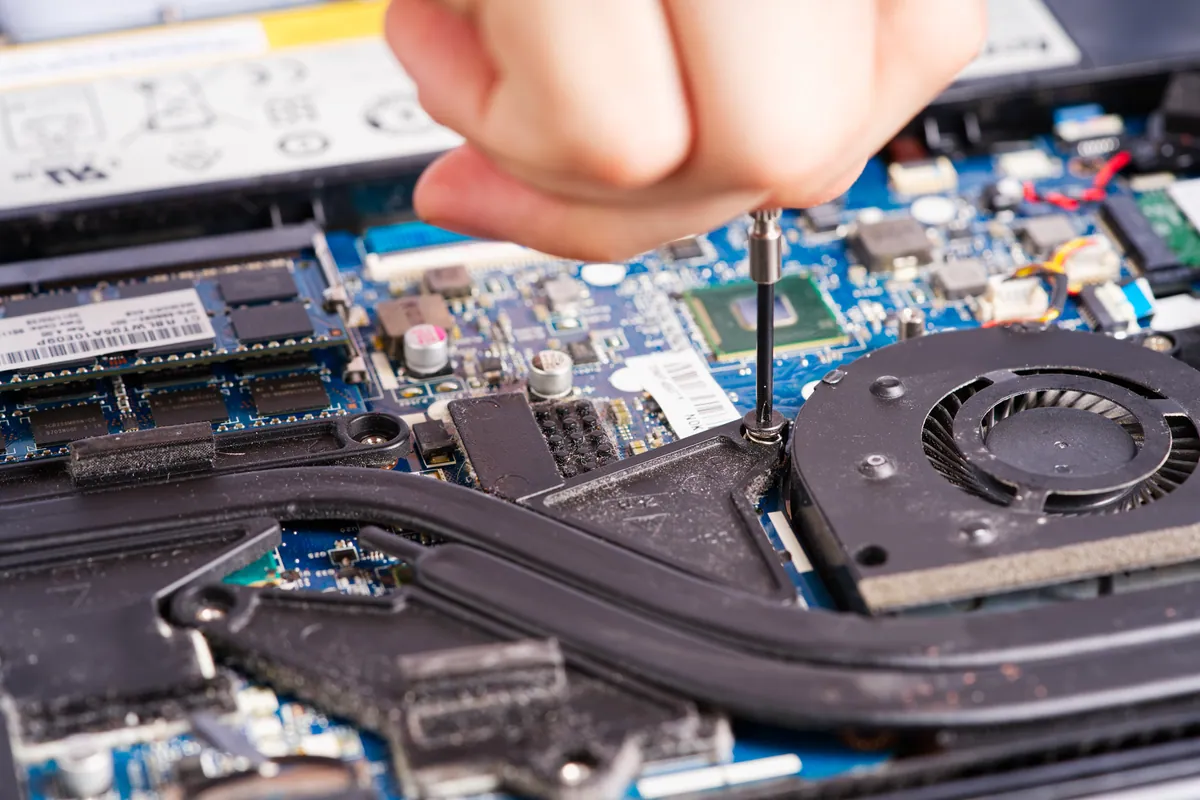
What Was Happening
The Dell arrived at our Putney SW15 workshop with the owner’s own suspicion attached: most likely motherboard-related — please diagnose and quote. That’s a useful starting point, because a customer who already senses it’s a board fault usually wants two things answered honestly: is it worth fixing, and if so, how.
Motherboard faults on Windows laptops present in a lot of ways — random shutdowns, no power, failure to boot, ports that stop working, charging that comes and goes. What they have in common is that the board is the most expensive single part in the machine, which is exactly why the repair-or-replace question has to come first.
Sound like your problem?
Bring it to our Putney workshop or message us a photo and we will give you a straight answer and a quote before any work starts.
Our Diagnosis
Our assessment found this wasn’t a single clean fault. The laptop had more than one hardware problem, and together they were significant enough that we didn’t jump straight to a repair quote.
Instead, we gave the owner the verdict we’d give a friend: a machine with multiple hardware faults is at the point where a new or refurbished laptop is a legitimate alternative to repair, and we said so plainly. We’d rather a customer hears that up front than spends money propping up a machine that’s near the end of its useful life.
Alongside that, we raised data. If the laptop held anything important, recovering it was a separate consideration from repairing the machine — and one worth sorting regardless of the repair-or-replace decision. We offered data recovery as its own option so the owner’s files weren’t hostage to the hardware call.
How We Fixed It
The owner considered the honest verdict and chose to go ahead with the repair. On a Dell of this kind, the practical fix for a failed board is a replacement motherboard rather than the component-level refurbishment we’d use on an Apple logic board — the parts economics of mainstream Windows laptops make a whole-board swap the sensible route.
- We sourced a second-hand replacement motherboard — the realistic option for a laptop of this age, where a brand-new board may no longer be stocked.
- We fitted the replacement board and also carried out a battery replacement, addressing the power side of the machine at the same time.
- Because the board is a used part, we set the customer’s expectation clearly on cover: a 30-day warranty on the second-hand motherboard, rather than the longer term a new part would carry.
The Result
The Dell went back to its owner in working order, with a fresh battery and a functioning replacement board. The warranty on the used motherboard was 30 days — short by design, and disclosed before the work went ahead so there were no surprises.
This is the kind of job where the honest answer and the chosen answer differed, and that’s fine. Our job is to lay out the trade-off clearly; the customer’s is to decide. Some will replace; this owner chose to keep a familiar machine running a while longer with a realistic understanding of its warranty.
Why This Happens
Laptop motherboards fail from heat, age, power surges through the charger, and the slow fatigue of thousands of heat-and-cool cycles. On mainstream Windows laptops the board is rarely refurbished component-by-component the way an Apple logic board is — partly because the parts are cheaper to source whole, and partly because a laptop at this price point doesn’t justify hours of micro-soldering when a replacement board will do.
That’s also why second-hand boards are common and reasonable for older models: manufacturers stop making new ones, and a tested used board from the same model is the honest, economical fix. The trade-off is warranty length, which is why we’re explicit about it.
When repair is the right call — and when it isn’t
A single failed board on an otherwise healthy, reasonably modern laptop is usually worth repairing. A machine with several hardware faults, an ageing battery and years on the clock is closer to the line, and sometimes over it. We give you the picture — number of faults, cost against a refurbished replacement, the state of the rest of the machine — and let you make the call with your eyes open.
Local Help in Putney SW15
If you’ve been told your laptop “needs a new motherboard”, it’s worth a second opinion that starts with whether the machine is worth it at all.
Our workshop is on Putney High Street (SW15). Bring the laptop in and we’ll give you a straight assessment: how many faults, whether a replacement board is the sensible fix or a refurbished machine is the better spend, and how to get your data out either way.
Drop in to SW15, call 020 7610 0500, or use the contact form.