What Was Happening
A homeowner in Wandsworth SW18 got in touch about a network problem in their garden office. They had a detached office at the end of the garden, with a direct network cable — an ethernet run — going to it from the router in the house. That wired link worked well, and the desktop computer in the office was plugged straight into it.
The problem was wireless coverage. The house router’s Wi-Fi did not reach down the garden to the office, so while the wired desktop was online, there was no usable Wi-Fi out there for a laptop, phone, or tablet. The owner had read that they could connect a second router in the office to act as a bridge, and assumed it was a matter of matching settings on both routers so the two did not conflict — but had not been able to get it working themselves.
Our Diagnosis
We talked the setup through before booking the visit, because the way the office was connected changed the right answer. The key detail was that a proper wired ethernet line already ran from the house to the office. That cable is the most valuable part of any coverage fix — a wired connection (a “backhaul”) is faster and far more reliable than trying to bounce a signal wirelessly down a garden or through external walls.
The customer’s instinct to add a second router would have worked, but it tends to cause problems. Two routers each running their own network creates a double-NAT situation — two layers of network address translation — which can break some apps, complicate access between devices, and generally needs careful configuration to avoid conflicts. For a single outbuilding fed by a cable, that complexity is unnecessary.
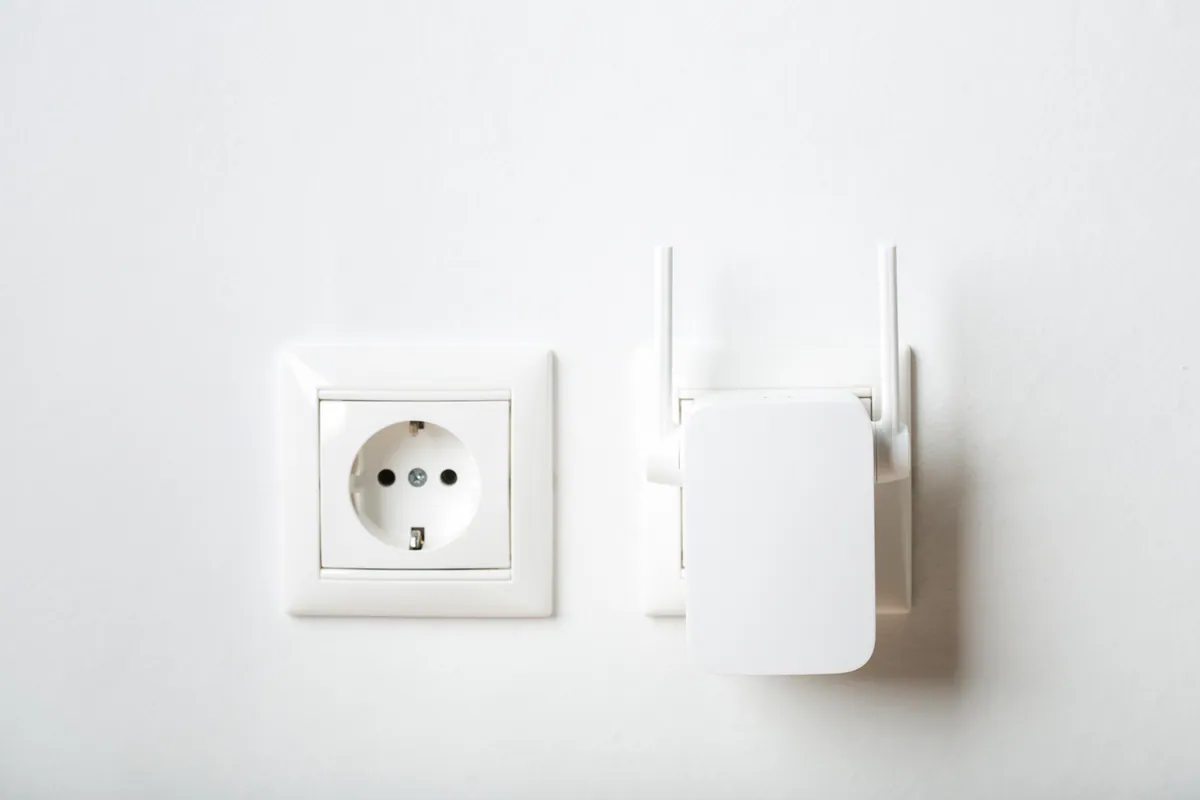
The right device here was an access point, not a second router. An access point takes the existing wired connection and simply adds Wi-Fi to it, on the same network as the rest of the house, with no second network to manage. We confirmed an access point — a TP-Link Wi-Fi 6 unit — was what the job needed, rather than a network switch, which the customer had wondered about but did not need.
How We Fixed It
We visited the property and installed the TP-Link Wi-Fi 6 access point in the garden office, connected to the existing ethernet line coming from the house. Because it ran off the wired backhaul, the office got full-strength Wi-Fi rather than a weakened, re-broadcast signal.
We configured the access point to sit on the same network as the house, so devices in the office join the same Wi-Fi rather than a separate, walled-off network. The desktop that was already plugged in by cable stayed exactly as it was — still hardwired — and now had Wi-Fi alongside it for everything else. We tested coverage and connectivity in the office before finishing.
The Result
The garden office now has reliable Wi-Fi for laptops, phones, and tablets, running over the same wired link that already served the desktop. It is one network across the house and the office, so devices move between them without reconnecting to anything different. The visit was quick — the cable was already in place, which is exactly why an access point was the efficient fix — and the owner confirmed afterwards that it was working as they wanted.
Why This Happens
Garden offices and other outbuildings are one of the most common Wi-Fi black spots we get called about. A standard home router is designed to cover a house, not to push a signal through an external wall and across open ground to a separate building. Distance and walls both sap a wireless signal quickly.
When there is already a cable to the outbuilding, the best fix is almost always an access point on that cable — not mesh, not a powerline adapter, and not a second router. A wired backhaul gives the new Wi-Fi the full speed of the connection, and running it as an access point keeps everything on one network, so it is simple to use and to support. Mesh systems and powerline kits have their place when running a cable is not possible, but they are a compromise compared with a proper wired link.
Extending Wi-Fi to a Garden Office or Outbuilding
- If you can run an ethernet cable to the building — or one already exists — use it. A wired backhaul beats any wireless extension for speed and reliability.
- Add an access point, not a second router, to avoid double-NAT and the configuration headaches that come with running two networks.
- Put the new Wi-Fi on the same network name and details as the house, so devices roam seamlessly between buildings.
- A network switch and an access point are different things — a switch adds more wired ports, while an access point adds Wi-Fi. For coverage, it is the access point you want.
Local Help in Wandsworth SW18
We set up home and small-business networks across Wandsworth SW18 and the surrounding area, including Wi-Fi coverage for garden offices, studios, and outbuildings. If part of your home or office has a wired connection but no usable Wi-Fi — or you are weighing up mesh against running a cable — we can advise on the most reliable option and install it properly. Call us, use the contact form, or book a visit and we will get coverage where you need it.