What Was Happening
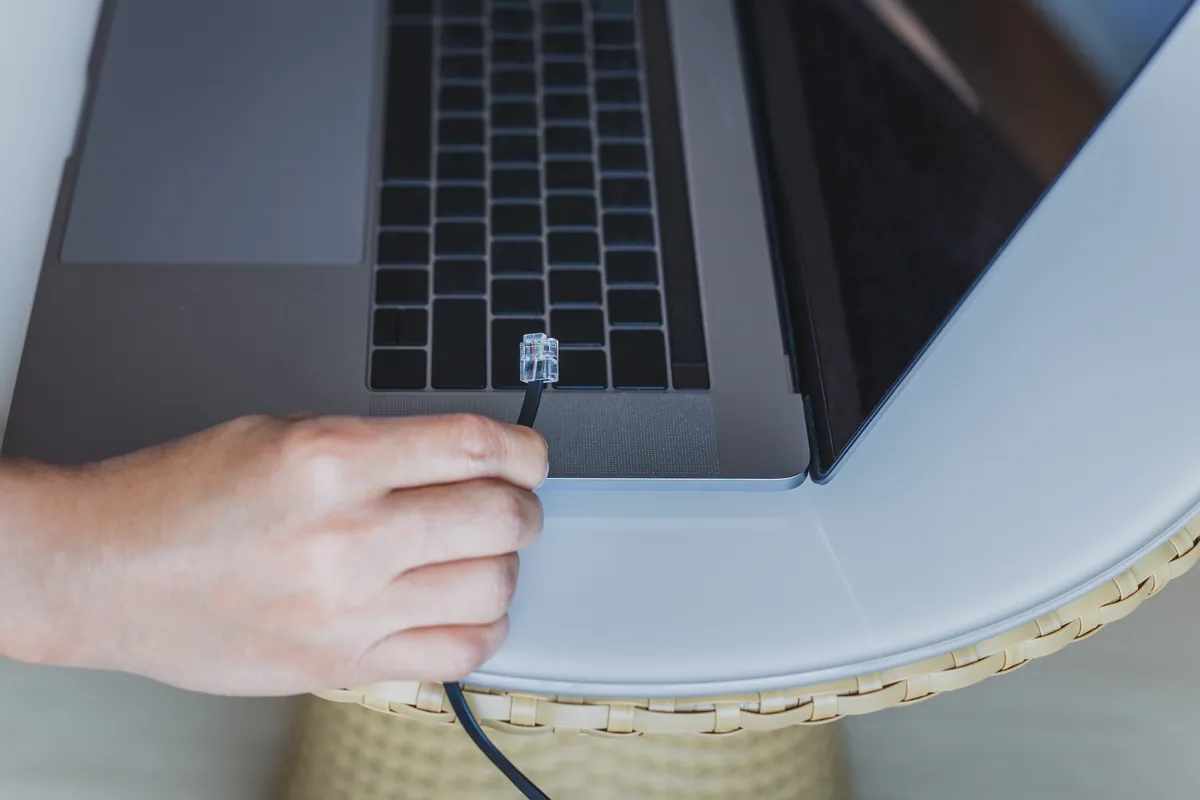
A customer in Wandsworth SW18 worked from a garden office at the end of his garden. He’d done the hard part already: there was a network cable run from the house router out to the office, terminating in an RJ45 wall socket, and his desktop computer was plugged straight into it and working perfectly.
The gap was Wi-Fi. The house router’s wireless didn’t reach the office at all, so his phone, tablet, and laptop had nothing to connect to out there — only the desktop, because it was physically wired in. He’d read that he could add a second router in the office and set it up as a “bridge” by matching the settings on both, but despite a few attempts he couldn’t get it working without conflicts.
Sound like your problem?
Bring it to our Putney workshop or message us a photo and we will give you a straight answer and a quote before any work starts.
Our Diagnosis
He’d diagnosed the need correctly — he just had the wrong tool in mind. Turning a spare router into a bridge or secondary node is genuinely fiddly: you typically have to disable its DHCP server, give it a fixed address outside the main router’s range, and make sure the two aren’t both trying to hand out IP addresses, or you get conflicts and dropouts. That’s exactly the trouble he’d run into.
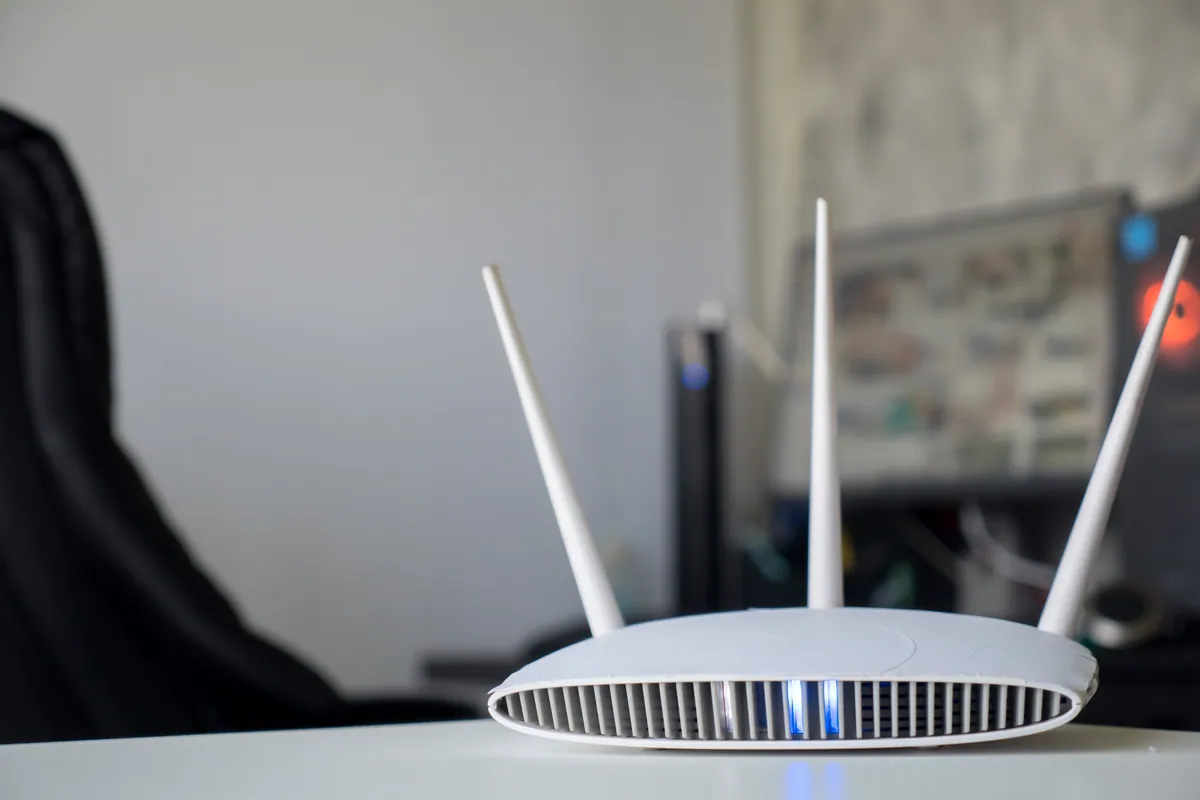
The clean answer was a dedicated access point plugged into the RJ45 socket that was already there. An access point is built to do precisely this — take a wired connection and turn it into Wi-Fi, on the same network as the main router, with none of the DHCP juggling a second router needs. And because the office already had a working cable back to the house, the access point would run on a wired backhaul — the ideal setup, delivering full speed rather than the halved throughput you get from a wireless repeater.
How We Fixed It
We installed a TP-Link Wi-Fi 6 access point in the garden office, connected to the existing RJ45 wall socket. We configured it to use the same network name and security as the house Wi-Fi, so devices moving between the house and the office connect automatically to whichever has the stronger signal, without anyone having to switch networks by hand.
With it on the same network and the main router still handling addresses, there were no conflicts to untangle — the access point simply broadcast strong Wi-Fi in the office. We tested with a phone and laptop around the office to confirm solid coverage before finishing.
The Result
The garden office had proper Wi-Fi for the first time — full-strength and full-speed, because it was riding on the wired link rather than trying to relay a weak signal from the house. His desktop carried on as before, and now his other devices worked out there too. The whole thing was done in a single visit, with no ongoing settings for him to babysit.
Why This Happens
Detached offices, garden rooms, and outbuildings are one of the most common Wi-Fi black spots we’re called to. A home router’s wireless is designed to cover a house, not to punch through an exterior wall, across a garden, and into another building — signal falls away quickly with distance and obstacles, so by the time you’re at the bottom of the garden there’s often nothing usable.
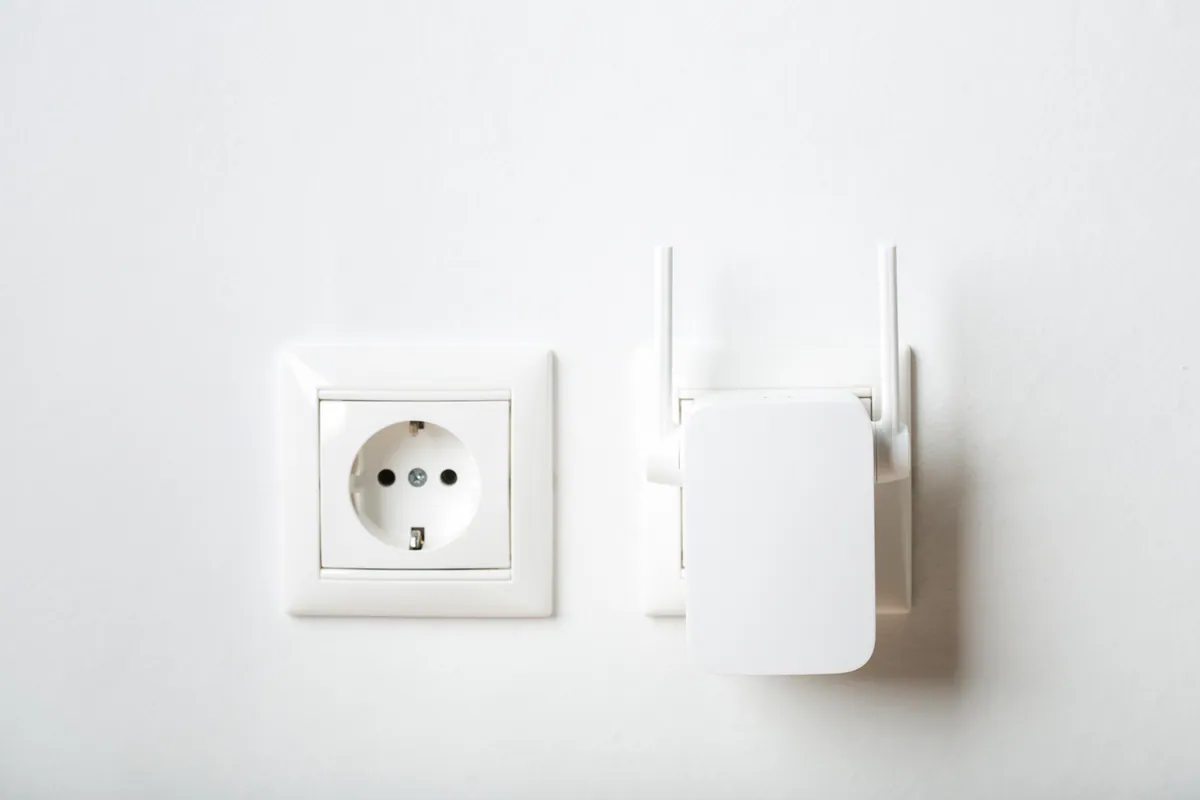
When there’s no cable, the answer is usually a mesh node or an outdoor-rated link. But when a network cable already reaches the dead zone — as it did here — an access point on that cable is the best fix there is. The cable carries a full-speed connection all the way out, and the access point turns it into Wi-Fi locally. That beats any wireless repeater, which has to spend half its capacity relaying the signal it receives.
Second Router or Access Point?
- A second router “as a bridge” can work, but it means disabling its DHCP, setting a static address, and matching settings carefully — easy to get wrong, and prone to IP conflicts if you miss a step.
- An access point is purpose-built for this: plug it into the wired connection, put it on the same network, done. No address conflicts, seamless roaming.
- Wired backhaul beats wireless — if a cable already reaches the spot, use it; you’ll get full speed instead of the repeater penalty.
- Match the access point to the space — a single Wi-Fi 6 unit is plenty for a garden office; a larger building might want two.
Local Help in Wandsworth SW18
If you’ve got a garden office, a loft conversion, or a back room that your Wi-Fi won’t reach — especially if there’s already a network cable out there — an access point is very often the tidy, permanent fix. We install and configure home and office Wi-Fi across Wandsworth SW18, and we’ll use what you’ve already got rather than selling you kit you don’t need. Call 020 7610 0500 or use the contact form to arrange a visit.
Related Services
- Wi-Fi Setup — home and business Wi-Fi installation, access point placement, and network configuration
- Wi-Fi Setup in Wandsworth — local service covering SW18
- Network Setup — wired networking, access points, and switches for homes and offices
More Case Studies
- Onsite Wi-Fi: installing access points with a PoE switch in Putney SW15 — whole-property coverage with multiple access points
- Office Wi-Fi stabilisation for a small business — router replacement and access points across two floors
- Bambu A1 Combo first-layer and AMS feed setup in Putney SW15 — onsite technical setup for a local maker