What Was Happening
The HP arrived from a Fulham SW6 owner with a hinge that had given up. The left-hand side of the lid had broken, so opening and closing the laptop had become a careful, nervous operation — the kind where you can feel something is about to tear further every time you use it. While the machine was in, the owner also mentioned the battery: it was no longer holding a charge, leaving the laptop tethered to its charger to stay on.
Those two complaints turn up together surprisingly often, because they’re both symptoms of the same thing — a laptop that has done several years of honest service and is starting to show it in the parts that wear.
Sound like your problem?
Bring it to our Putney workshop or message us a photo and we will give you a straight answer and a quote before any work starts.
Our Diagnosis
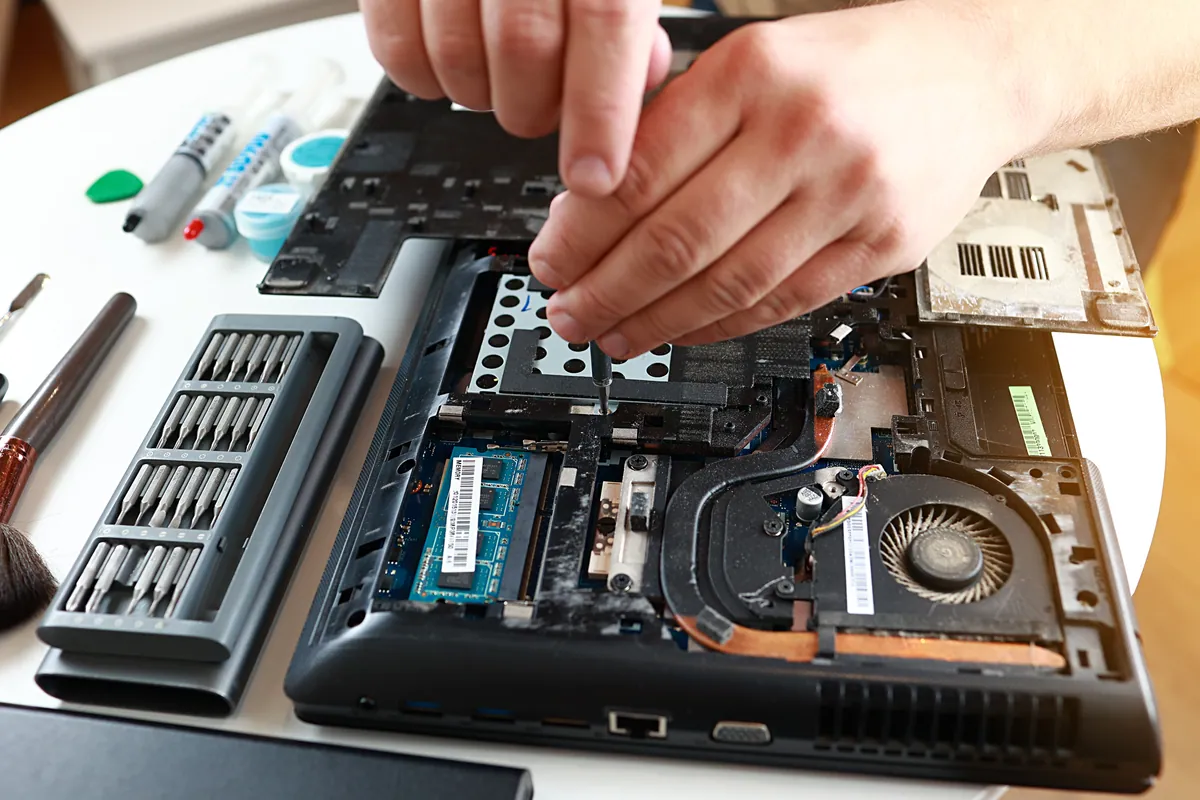
- Assessed the hinge and where it had failed. A “broken hinge” is rarely the metal hinge itself snapping. Far more often, the plastic housing the hinge is screwed into has cracked, so the hinge works loose and the lid no longer opens smoothly or sits where you leave it. We confirmed the failure was in the lid assembly around the hinge, as it usually is.
- Checked the knock-on risk. A failing hinge doesn’t stay a hinge problem. As the mount cracks, the strain transfers to the lid, the bezel and — worst case — the screen itself. Part of the diagnosis is judging how far the damage has spread and catching it before it reaches the display.
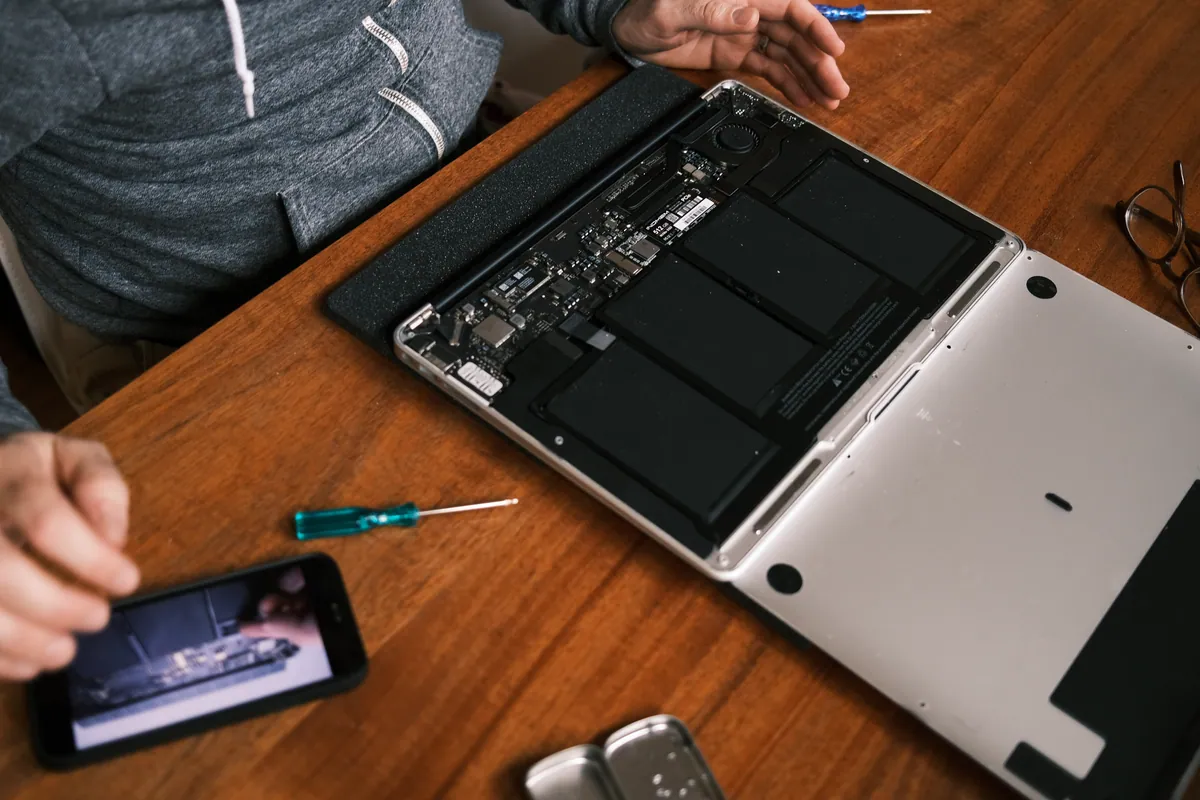
- Confirmed the battery was simply worn out. A battery that no longer holds charge after a few years isn’t faulty so much as finished — that’s the normal end of a battery’s life. We confirmed it needed replacing rather than any deeper power fault.
How We Fixed It
- Replaced the top lid and hinge assembly. Because the damage was to the plastic the hinge anchors into, the fix is to replace the lid and hinge as an assembly rather than trying to glue a broken mount back together. That restores a solid, properly anchored hinge that opens and closes as it should.
- Fitted a new battery. A fresh battery brought back the laptop’s ability to run unplugged, turning it back into the portable machine it’s meant to be.
- Checked everything worked together. With the lid rebuilt and the battery replaced, we made sure the display, hinge and power all behaved before it went back.
The Result
The HP went home to Fulham opening and closing solidly again, with no sense that something was about to give — and able to hold a charge and be used away from the mains. Two faults that had made the machine feel end-of-life were both straightforward, affordable fixes, and the laptop got a second wind rather than a trip to the recycling centre.
Why This Happens
Hinges live a hard life. Every single time you open or close a laptop, the entire force goes through two small hinges and the plastic they’re bolted into. Over thousands of open-and-close cycles, that plastic fatigues and eventually cracks — and once it does, the hinge starts to pull away, movement becomes stiff or uneven, and the lid no longer holds its position. It’s one of the most common mechanical failures we see on laptops of a certain age.
The reason we push people to deal with it early is the cascade. A loose hinge puts strain on everything attached to the lid. Keep forcing a laptop open on a broken hinge and the crack spreads, the bezel separates, and the pressure can reach the screen — turning a modest lid repair into a screen replacement as well. Caught in time, it’s a contained job.
Batteries, meanwhile, are simply consumables. They store charge through a chemical process that degrades a little with every cycle, and after a few years they can no longer hold enough to be useful — so the laptop dies the moment it’s unplugged. This isn’t a fault to diagnose so much as a part to renew, and renewing it is a fraction of the cost of a new machine. When a hinge and a battery go at around the same time, as they did here, it’s usually just a well-used laptop reaching the age where its wear-and-tear parts want refreshing — not a machine that’s finished.
Local Help in Fulham SW6
If your laptop’s hinge has gone stiff or broken, or the lid no longer stays where you put it, it’s worth acting before the damage reaches the screen. And if the battery’s stopped holding charge on the same machine, both are usually quick, affordable fixes rather than a reason to replace the laptop.
We repair hinges, lids and batteries from our Putney workshop, a short distance from Fulham SW6, and we’ll tell you honestly whether a tired laptop is worth refreshing or replacing.
Call 020 7610 0500, drop in to SW15, or use the contact form.