What Was Happening
The HP arrived from a Kingston KT2 owner after a drop had left it unable to charge. Plugging the charger in did nothing — no charging light, no sense that any power was getting in — and the owner also needed a replacement charger. They asked us to fix it if we could and to quote for the whole repair.
A laptop that stops charging right after being dropped tells its own story: something in the charging path has been knocked loose or broken. The question is what — and the answer decides whether this is a modest repair or a serious one.
Sound like your problem?
Bring it to our Putney workshop or message us a photo and we will give you a straight answer and a quote before any work starts.
Our Diagnosis
- Linked the fault to the drop. The timing was the clue. A machine that charged fine until it hit the floor, and then didn’t, points squarely at physical damage rather than a gradual electrical failure. The impact had broken something in the charging path.
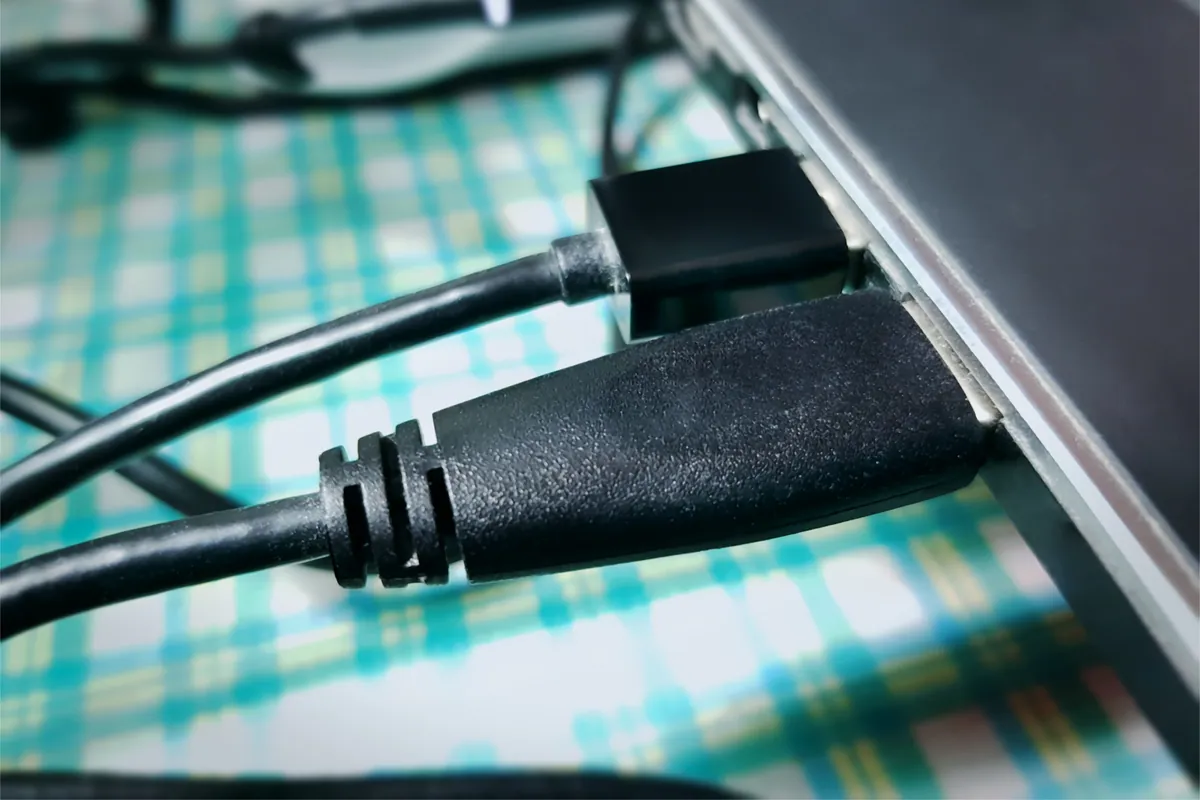
- Checked the power jack first. The power jack — the small socket the charger plugs into, also called the DC-in — is the most vulnerable point in that path. It takes the mechanical strain of every plug and unplug, and a drop (especially with the charger connected) can crack it or break its mounting. That’s exactly what we found here: a broken jack.
- Confirmed the charger too. With the owner also reporting charger trouble, we made sure the fault wasn’t going to be masked by a bad charger — so the fix covered both the jack and a known-good replacement charger, leaving no weak link.
How We Fixed It
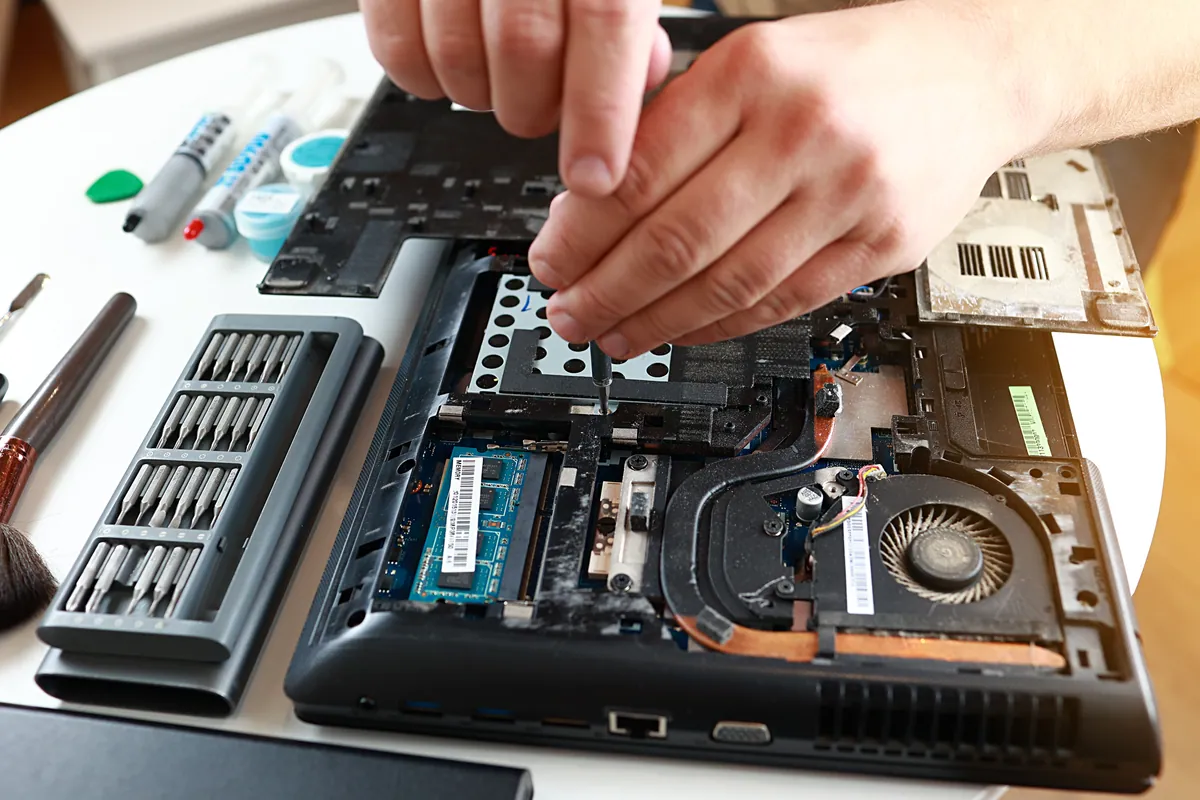
- Replaced the power jack. We fitted a new power jack so the charger had a solid, properly seated connection into the laptop again — repairing the actual point of damage rather than working around it.
- Supplied a new charger. A fresh, correctly-rated charger removed any doubt about the other half of the charging path, so the owner wasn’t left guessing whether an old charger was part of the problem.
- Tested the charge. With the jack replaced and the new charger in hand, we confirmed the laptop charged properly and held a stable connection before it went back.
The Result
The HP went home to Kingston charging reliably again — the drop damage repaired, and both ends of the charging path known to be good. What could have felt like a write-off after an unlucky fall turned out to be a contained, affordable repair of a single damaged part, and the owner kept a perfectly good laptop.
Why This Happens
The power jack lives a surprisingly hard life. Every time you plug the charger in or pull it out, the force goes through that one small socket — and on most laptops it’s soldered to a board and braced only by its own mounting. Over years of use it can simply wear and loosen; more suddenly, a knock or a drop — particularly with the charger plugged in, so the connector acts as a lever — can crack it or shear it from its mount. Either way, the charger can no longer make a solid connection, and the laptop stops charging.
It’s worth acting on the early warning signs, because a jack rarely fails all at once. First the connection goes wobbly: you have to hold the cable at a certain angle, or wiggle it, to get the charging light to come on. That’s the jack telling you it’s on the way out. Left alone, a loose jack can flex the solder joints where it meets the board, and what would have been a straightforward jack replacement can turn into more involved board-level work. Catching it while it’s still just a loose socket keeps the repair simple.
The reassuring part is that a broken power jack is a repairable component, not a reason to replace the machine. Even after a drop — which understandably makes people fear the worst — a laptop that “won’t charge” is very often just this one part, and swapping it brings the machine straight back to life. It’s also worth having the machine checked over after any significant drop, since impacts can loosen more than the jack, and it’s better to know than to be surprised later.
Local Help in Kingston KT2
If your laptop has stopped charging — especially after a drop, or if you’ve started having to hold the cable at just the right angle — the power jack is the likely culprit, and it’s a very fixable one. It’s well worth repairing before it takes the board with it.
We replace power jacks and sort out charging faults from our Putney workshop, an easy run from Kingston KT2, and we’ll check a dropped machine over properly rather than just addressing the obvious.
Call 020 7610 0500, drop in to SW15, or use the contact form.