What Was Happening
The HP came in from a Battersea SW11 owner with the vaguest and most common complaint we hear: it was very slow. Sometimes it barely responded at all. The instruction was the sensible one — diagnose and repair if it’s minor, but call me if it’s a hardware problem.
“Very slow” is a symptom, not a diagnosis, and it has a shortlist of usual suspects: too little memory, a cluttered or infected system, or — the one that carries a hidden risk — a failing hard drive. The last of these is the one you don’t want to sit on, because a drive that’s slowing down is often a drive that’s dying, and the data goes with it.
Sound like your problem?
Bring it to our Putney workshop or message us a photo and we will give you a straight answer and a quote before any work starts.
Our Diagnosis
- Separated “slow” from “failing”. We looked at whether this was a software slowdown or a hardware one. The machine wasn’t just cluttered — the storage itself was struggling.
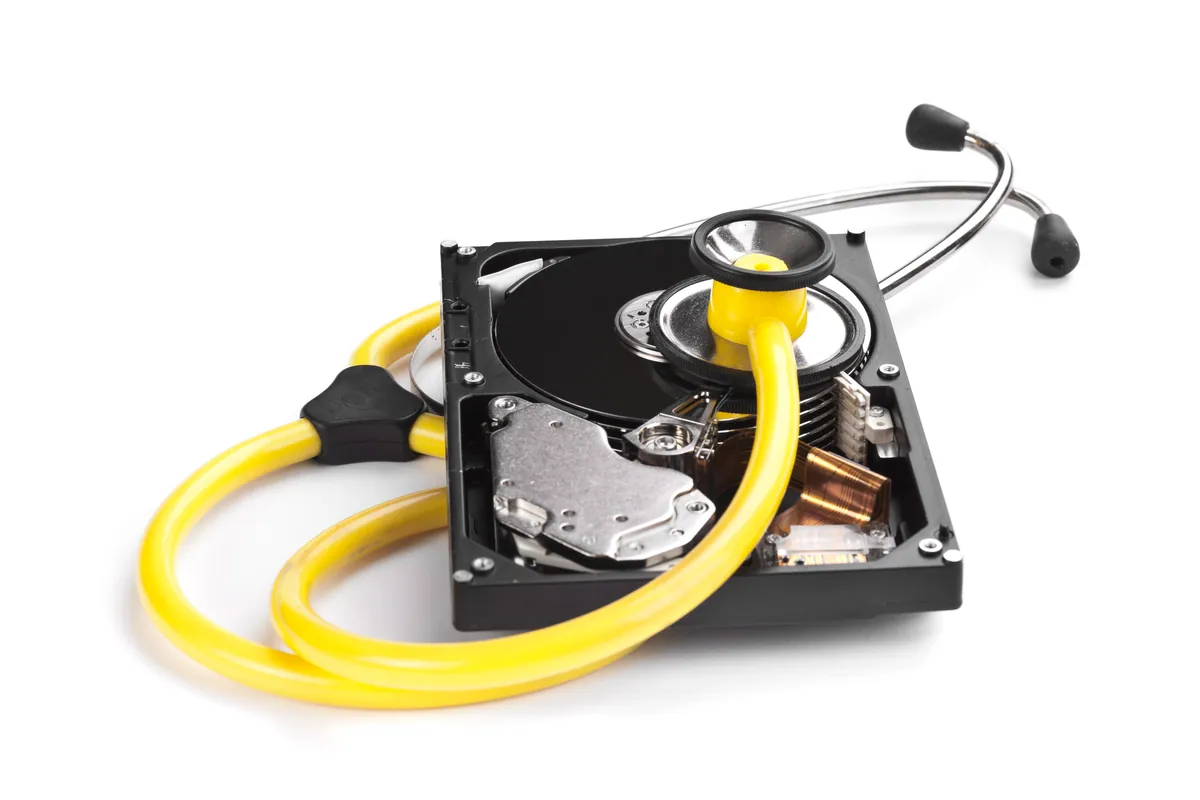
- Identified the failing hard drive. The mechanical hard drive was not responding reliably. That’s the signature of a drive on its way out: long stalls, sometimes no response at all, the machine hanging while it waits on a disk that can’t keep up. It explained the slowness completely — and it meant the data was at risk.
- Set the order of work. With a failing drive, recovery comes first. A drive that’s intermittently responding today may not respond at all tomorrow, and there’s no second chance once it stops. Everything else waited until the data was safe.
How We Fixed It
- Recovered the data from the failing drive while it was still responding. This was the priority and the time-sensitive part — getting the owner’s files off a drive that couldn’t be relied on to keep working.
- Fitted a 240GB SSD in place of the dying mechanical drive, with a fresh operating system installed on it. A solid-state drive has no moving parts to fail the way the old one had, and it’s dramatically faster.
- Transferred the recovered data onto the new SSD, so the owner got their machine back with their files in place — not a blank reinstall they’d have to rebuild from scratch.
The Result
The HP went from barely usable to genuinely quick. Swapping a failing mechanical drive for an SSD is the single most transformative thing you can do to an ageing laptop — boot times collapse from minutes to seconds, and the machine stops hanging. More importantly for this owner, the data that had been trapped on a dying drive was recovered and safely moved across.
Two problems — the speed and the risk — solved in one job.
Why This Happens
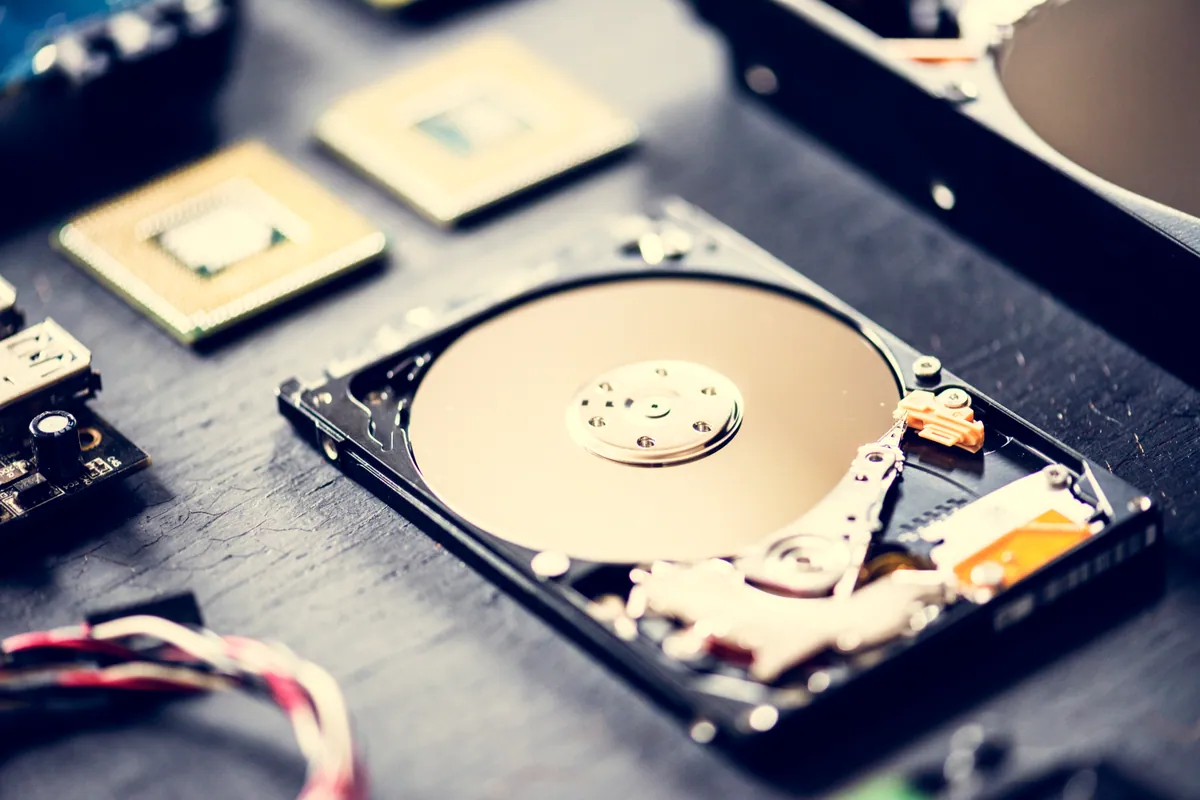
Mechanical hard drives have moving parts: platters that spin and a head that floats over them reading and writing. Those parts wear out. As a drive ages or takes knocks, it starts struggling to read areas of the platter, retrying reads over and over. From the outside, all you see is a machine that has become painfully slow and prone to hanging — the retries are invisible, but they’re what’s eating the time.
That slow phase is the warning. It’s the drive telling you it’s failing, and it’s usually the last clear window to get the data off before it stops responding entirely. Acting during that window is the difference between a routine recovery and a specialist, sometimes unrecoverable, one. It’s also why an SSD is such a good replacement: with no moving parts, it simply doesn’t fail in this slow, data-eating way.
Local Help in Battersea SW11
If a laptop has gone from normal to painfully slow — especially if it hangs or sometimes won’t respond — don’t assume it’s just old. It’s often a failing hard drive, and that’s a reason to act quickly rather than wait, because the data is on the line.
We recover data from failing drives and fit SSDs from our Putney workshop, a short trip from Battersea SW11. Stop using the machine and get it to us while the drive is still talking to us.
Call 020 7610 0500 now, drop in to SW15, or use the contact form.