What Was Happening
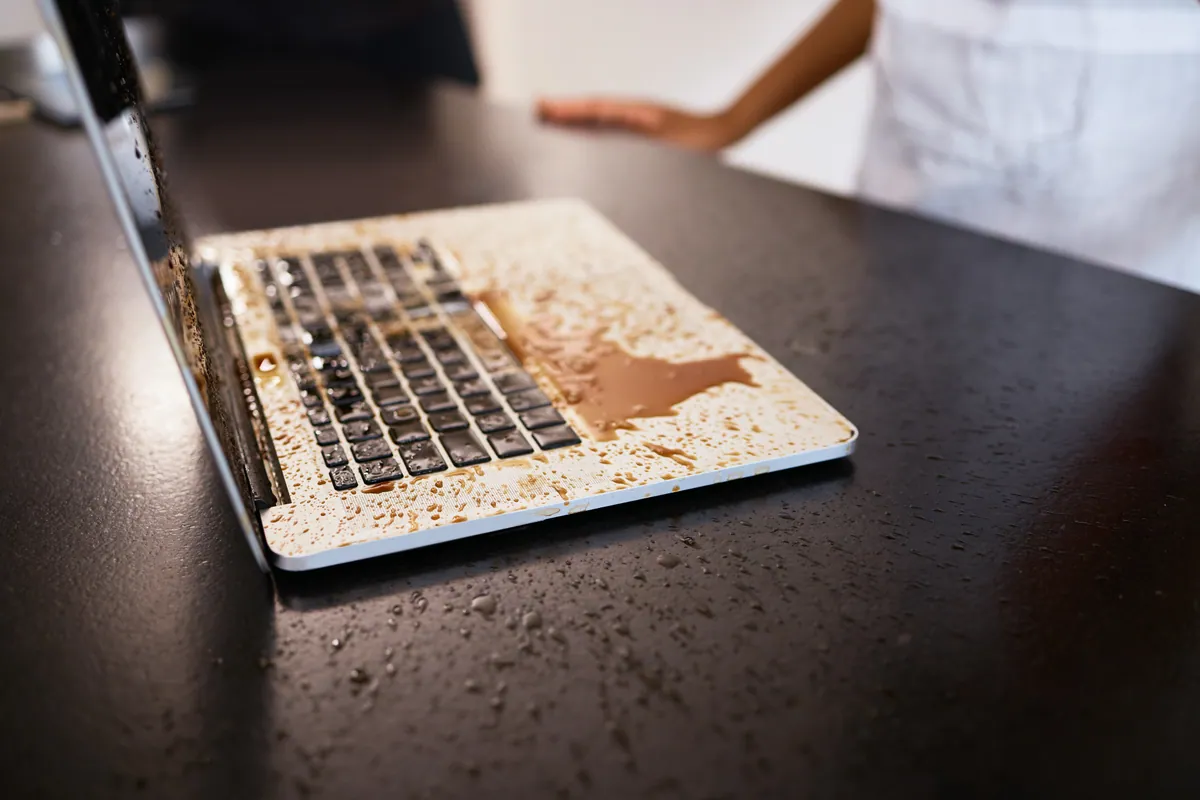
An HP laptop arrived at our Putney SW15 workshop after a liquid spill. The symptom the customer had noticed was the trackpad: it had stopped responding.
They’d done the sensible thing in bringing it in rather than persevering with it, and they asked us to open it up and see how bad it was — fix it if the damage was minor, quote if it wasn’t.
That’s the right way to approach a spill, because the honest answer is that nobody can tell you how bad a liquid-damaged laptop is without opening it. The external symptoms bear almost no relationship to the internal damage. A machine that seems to be working fine can be quietly corroding, and a machine with one dead component can be otherwise untouched. It has to be looked at.
Sound like your problem?
Bring it to our Putney workshop or message us a photo and we will give you a straight answer and a quote before any work starts.
Our Diagnosis
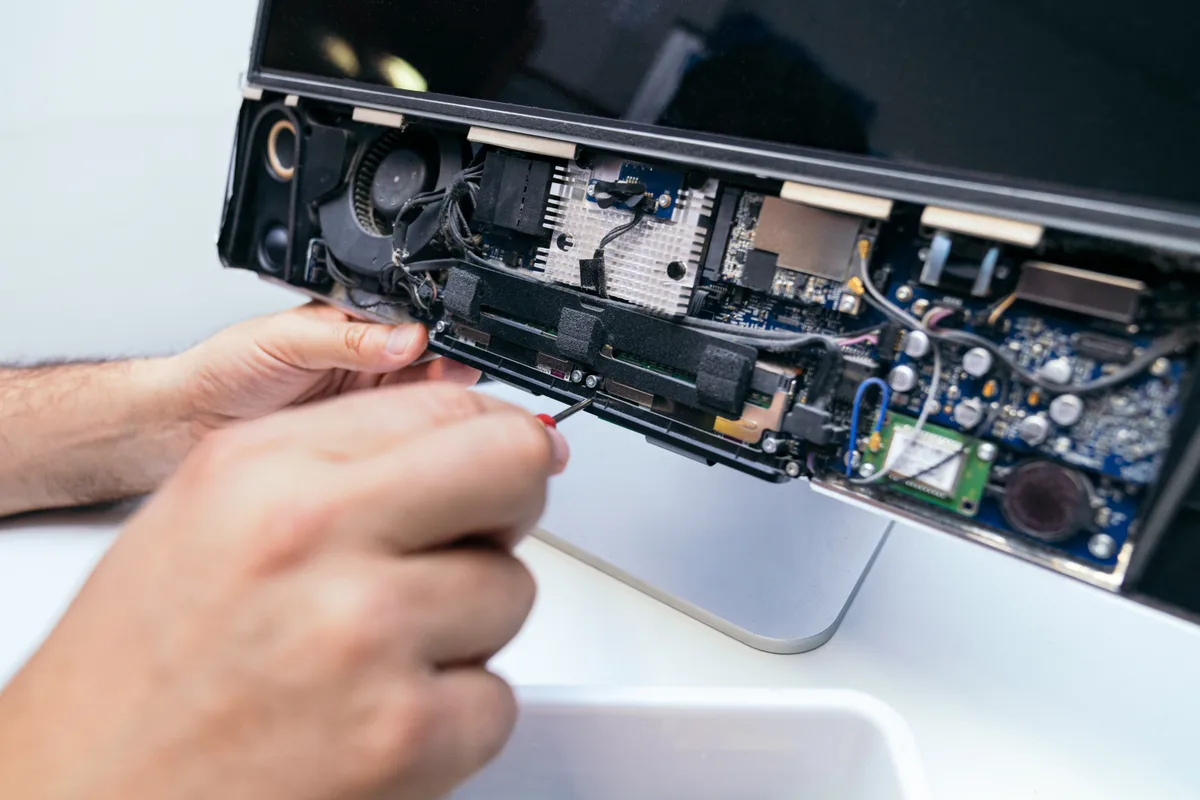
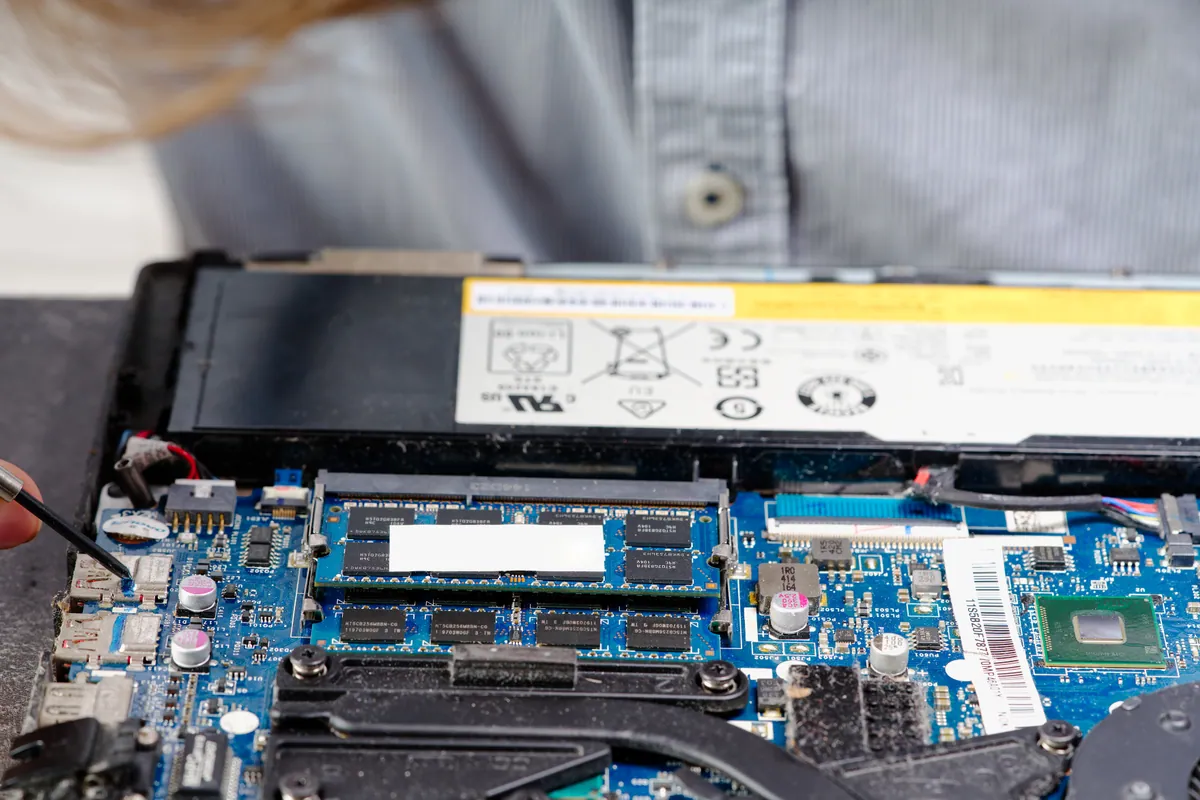
We opened the laptop and the picture was worse than the trackpad symptom suggested. There were signs of liquid across the motherboard and other components, not confined to one area, and visible corrosion had already started on components.
The first action was immediate and took priority over any diagnosis: we disconnected the battery. This matters more than anything else that happens on a liquid-damage job. Corrosion between two points on a circuit board is driven by voltage, and as long as the board is powered — which it is, from the battery, even with the laptop switched off — the damage continues. Isolating the battery stops the clock. Everything else can wait; that can’t.
With the machine safely dead we could assess properly, and then hit the finding that shaped the whole job: replacement parts for the model were not available. Not expensive, not slow to arrive — not manufactured any more.
That changes the arithmetic completely. On a current model, liquid damage of this kind is a conversation about cost: replace the affected parts, weigh that against the machine’s value, decide. With no parts in existence, that conversation doesn’t happen. Either the original board can be recovered, or the laptop is finished.
How We Fixed It
With a part swap off the table, the remaining option was to clean the original board properly and see whether what was underneath the corrosion still worked.
We quoted an ultrasonic clean on that basis. The process submerges the board in a cleaning solution agitated at high frequency, which lifts contamination and corrosion residue out of places no manual cleaning can reach — under chip packages, beneath connectors, inside the fine gaps of surface-mount components. Wiping a board down cleans what you can see; the damage that kills laptops weeks later is what you can’t.
We were deliberate about how we quoted it, because the honest position here is that it might not work. Corrosion that has already eaten through a track or destroyed a component isn’t reversed by cleaning — cleaning stops the process and removes the contamination, but it can’t restore what’s already gone. So the quote was conditional: charged only if it brought the machine back.
That structure isn’t generosity, it’s the only fair way to price an attempt whose outcome genuinely isn’t knowable in advance. The customer takes no risk on a repair that fails, and we take the risk on our own assessment of whether it’s worth trying.
The Result
The customer got a clear-eyed assessment rather than an optimistic one: their laptop’s parts no longer exist, cleaning is the only remaining route, and it will cost nothing if it doesn’t succeed.
We’d rather deliver that than the alternative we see quite often — a customer who has paid for a diagnostic somewhere, been told a part is needed, and is waiting on something that was discontinued years ago.
Why This Happens
Liquid and laptops fail together in a specific and predictable sequence, and understanding it explains why the advice around spills is what it is.
The initial spill rarely does the fatal damage. What kills the machine is electrochemical corrosion in the days and weeks afterwards. Any liquid other than pure water conducts, and once it bridges two points at different voltages on a powered board, metal begins migrating between them. Sugary drinks are the worst offenders — they leave a sticky residue that stays conductive long after the liquid seems to have dried, and they keep attracting moisture from the air.
This is why “I left it to dry and it seemed fine” is such a common and such a misleading account. The machine often does work afterwards, sometimes for weeks. The corrosion is progressing the whole time, and the eventual failure looks unrelated to a spill everyone has half forgotten.
It also explains why rice does nothing useful. The problem was never trapped water needing absorption; it’s contamination sitting on the board conducting where it shouldn’t. Rice doesn’t reach inside a sealed laptop, and every day spent waiting for it to work is a day of corrosion. If you spill something on a laptop, the useful actions are: turn it off immediately without trying to save anything, don’t turn it back on to check, and get it opened and the battery disconnected as soon as you can.
The parts-availability angle is worth understanding as well, because it catches people out on perfectly good machines. Laptop motherboards are model-specific, and manufacturers stop producing them a few years after a model is discontinued. Once existing stock is gone, it’s gone. A five-year-old laptop in excellent condition can be unrepairable by parts replacement purely because nobody makes the board any more — which is precisely why board-level cleaning and repair are worth doing rather than writing machines off.
Local Help in Putney SW15
If you’ve spilled something on a laptop, the most valuable thing you can do is act quickly — switch it off, leave it off, and get it to us. The difference between a spill seen the same day and one seen a fortnight later is often the difference between a clean and a write-off.
We’re on Lower Richmond Road in Putney, and we’ll open the machine and tell you honestly what we find, including when the answer is that it isn’t worth saving. Call 020 7610 0500 or arrange liquid damage repair in Putney.