What Was Happening
The HP arrived from a Putney SW15 owner in that unnerving state where a laptop is neither dead nor alive. Press the power button and its light would flash — a sign of something stirring — but the machine never actually booted. No start-up, no logo, no desktop; just a flicker of life that went nowhere. The owner asked us to fix it if the fault was minor, and to diagnose and quote if it turned out to be a hardware problem.
That flashing-but-not-starting behaviour is a particular kind of frustrating, because it looks worse than a laptop that’s simply dead. There’s clearly power reaching it — so why won’t it start? The answer, more often than people expect, isn’t in the power system at all.
Sound like your problem?
Bring it to our Putney workshop or message us a photo and we will give you a straight answer and a quote before any work starts.
Our Diagnosis
- Confirmed power was getting in. A flashing power light tells us the machine is receiving power and partly responding — so the problem usually isn’t the charger, the battery, or a total power failure. That’s useful, because it steers the diagnosis away from the obvious suspects and towards what happens after power arrives.
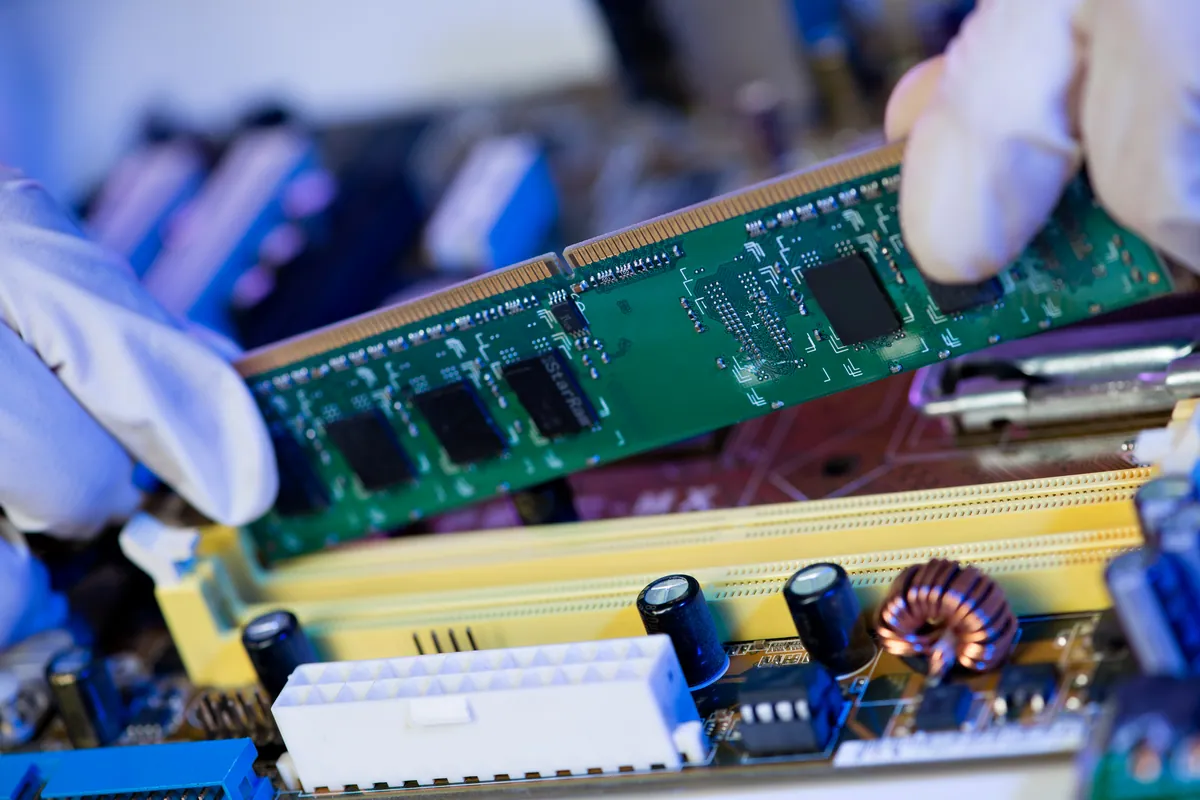
- Looked at what stops a powered machine from booting. When a laptop has power but won’t complete start-up, one of the prime suspects is the memory. A computer physically cannot boot without working RAM — it’s where the machine loads everything it needs to run — so faulty memory very commonly presents as a machine that powers up but goes no further.
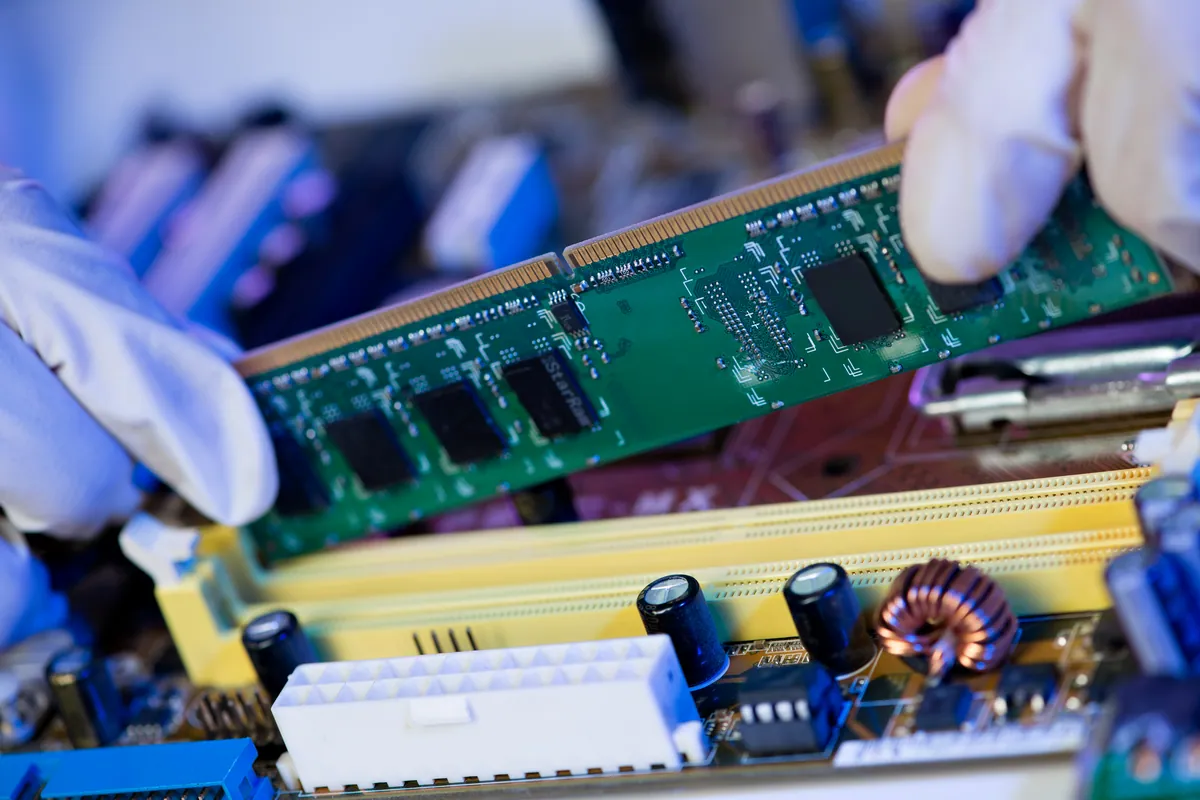
- Diagnosed faulty RAM. Testing pointed to the memory as the fault. Faulty RAM is confirmed by testing and swapping — establishing that the machine comes to life with known-good memory in place — which both proves the diagnosis and rules out chasing the wrong part.
How We Fixed It
- Replaced the faulty memory. We fitted replacement RAM in place of the faulty module, giving the laptop the working memory it needs to boot.
- Carried out a full internal service. Alongside the memory, the machine needed a proper internal service — attention inside the case to get it running cleanly rather than just swapping one part and closing it up. A no-boot that’s been struggling often benefits from that wider once-over.
- Confirmed it booted. With the new memory in and the service done, we verified the laptop powered on and booted through to the desktop properly, rather than flashing and stalling.
The Result
The HP went back to Putney starting up normally again — powering on, booting through, and behaving like a working laptop rather than one stuck flashing at the door. What had looked like a machine on its last legs was, at heart, one failed component and a service overdue. The owner kept a perfectly good laptop instead of replacing it over a fault that sounded far worse than it was.
Why This Happens
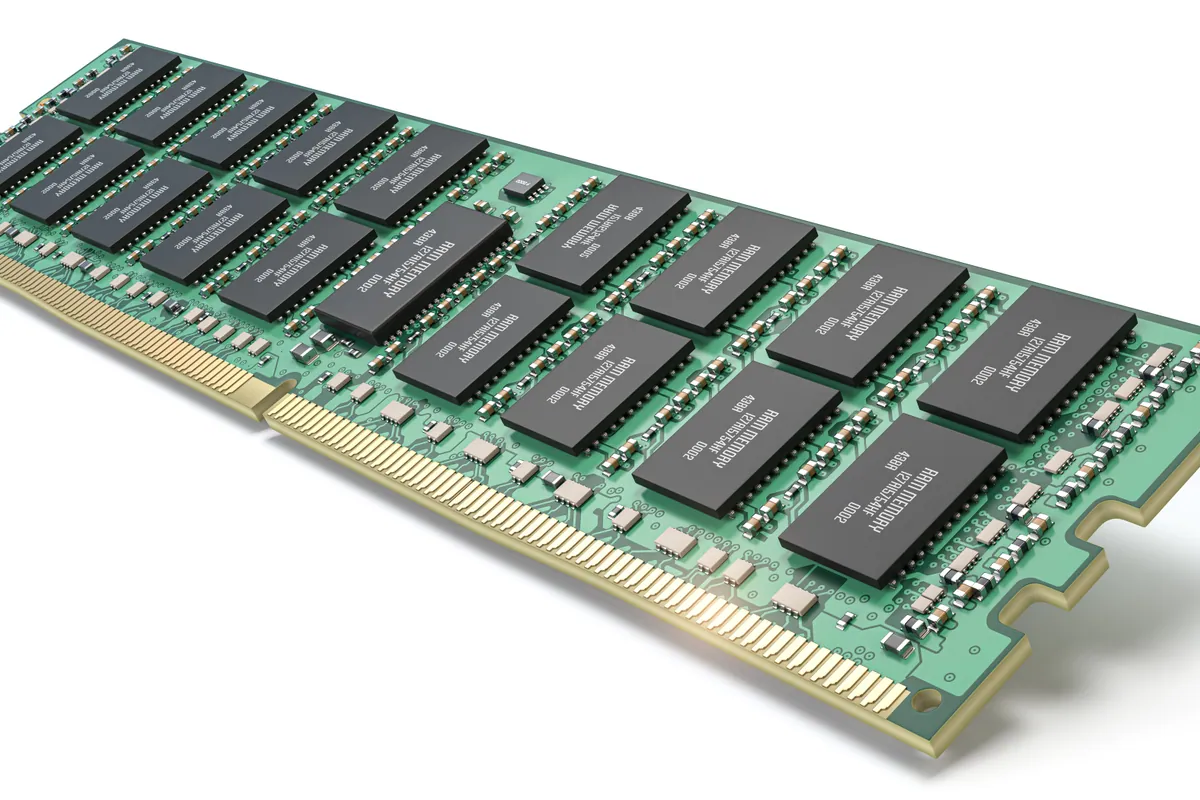
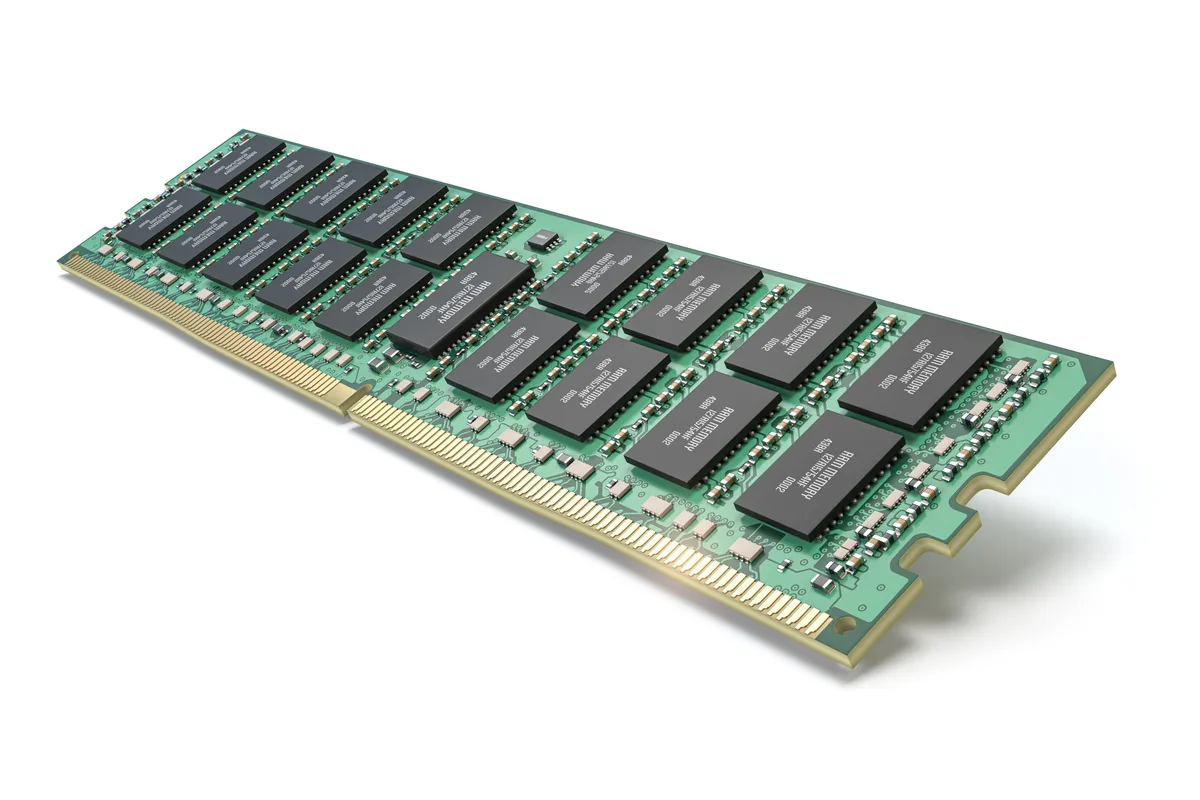
RAM — random-access memory — is the computer’s short-term working memory: the fast, temporary space where it loads the operating system and everything it’s actively doing. It’s distinct from storage, which keeps your files when the power’s off; RAM is the workspace the machine thinks in. And here’s the key point for a no-boot fault: without working memory, a computer cannot start. There’s nowhere for it to load the very first things it needs, so it powers up, fails to get going, and stalls — sometimes with a flashing light, sometimes with beeps, sometimes just a black screen.
Memory can fail like any other component. A module can develop a fault with age, heat, or simply bad luck, and when it does the symptoms range from random crashes and blue screens on a machine that still boots, right through to a total no-boot when the fault is bad enough. That’s why “it won’t turn on” and “the memory’s failed” can be the same story — and why a flashing-but-not-starting laptop is so often cured by the memory, not the power system.
The reassuring part is how fixable it is. Faulty RAM is diagnosed by testing and swapping — proving the machine runs with known-good memory — and cured by fitting a replacement module. On most laptops the memory is a serviceable part, so a fault that presents as a dead machine comes down to a single, replaceable component. It’s one of those repairs where the fix is far smaller, and far cheaper, than the frightening symptom suggests.
Local Help in Putney SW15
If your laptop flashes its power light but won’t boot, or powers up and then stalls before it starts, don’t write it off as dead — faulty memory is a common cause, and it’s very repairable. It’s worth having diagnosed properly rather than assumed to be terminal.
We diagnose no-boot faults, replace faulty RAM and service machines internally at our Putney workshop in SW15, and we’ll tell you honestly whether it’s a quick fix or a machine that’s genuinely had its day.
Call 020 7610 0500, drop in to SW15, or use the contact form.