What Was Happening
The HP arrived from a Wandsworth SW18 owner with a frustrating and slightly alarming habit: it would overheat and then shut itself off, with no warning. It tended to happen when the machine was working hardest — which is exactly when you least want your laptop to vanish mid-task. The owner asked us to diagnose it and quote for whatever it needed.
A machine that switches itself off feels random and ominous, as though it could be anything. It’s usually not “anything”, though. A laptop that shuts down under load is almost always doing something deliberate: saving itself from heat.
Sound like your problem?
Bring it to our Putney workshop or message us a photo and we will give you a straight answer and a quote before any work starts.
Our Diagnosis
- Recognised the pattern as thermal, not random. Shutdowns that cluster around heavy use are the signature of a thermal fault. When a laptop’s temperature climbs past a safe limit, its firmware cuts the power to protect the processor — a hard shutdown that looks like a crash but is actually a safety mechanism.
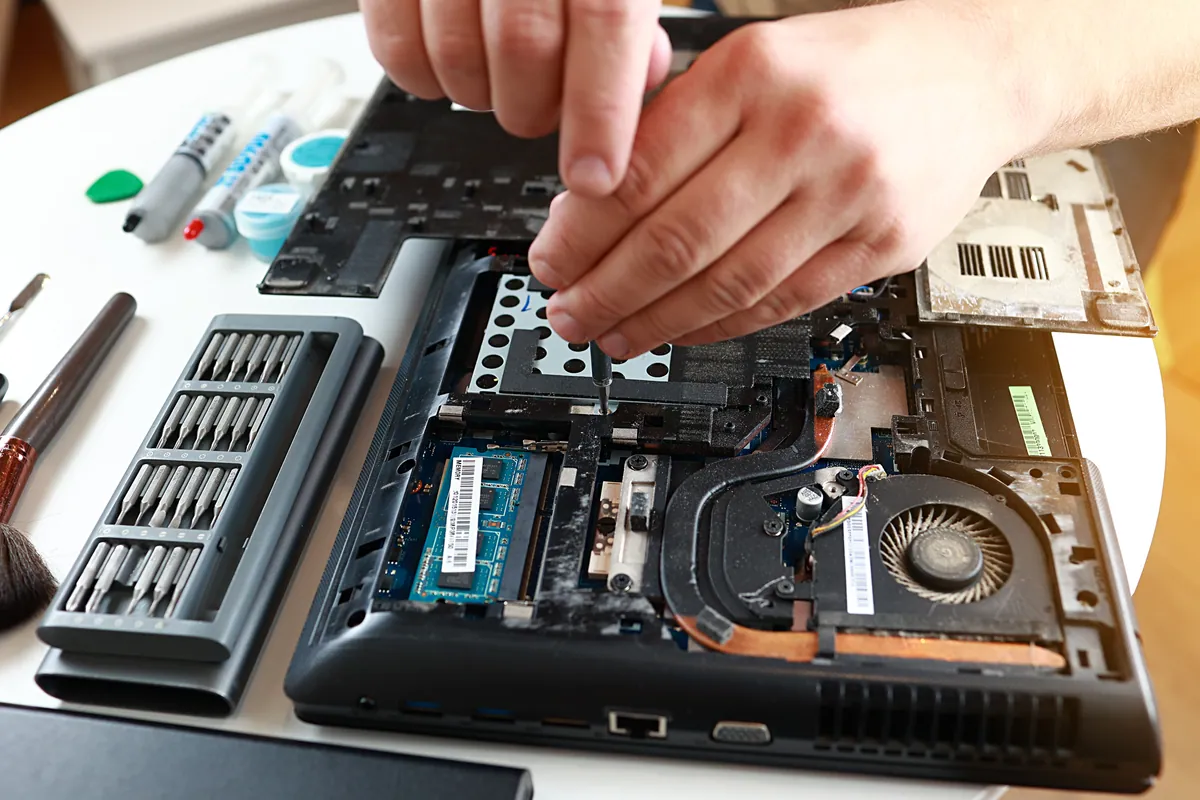
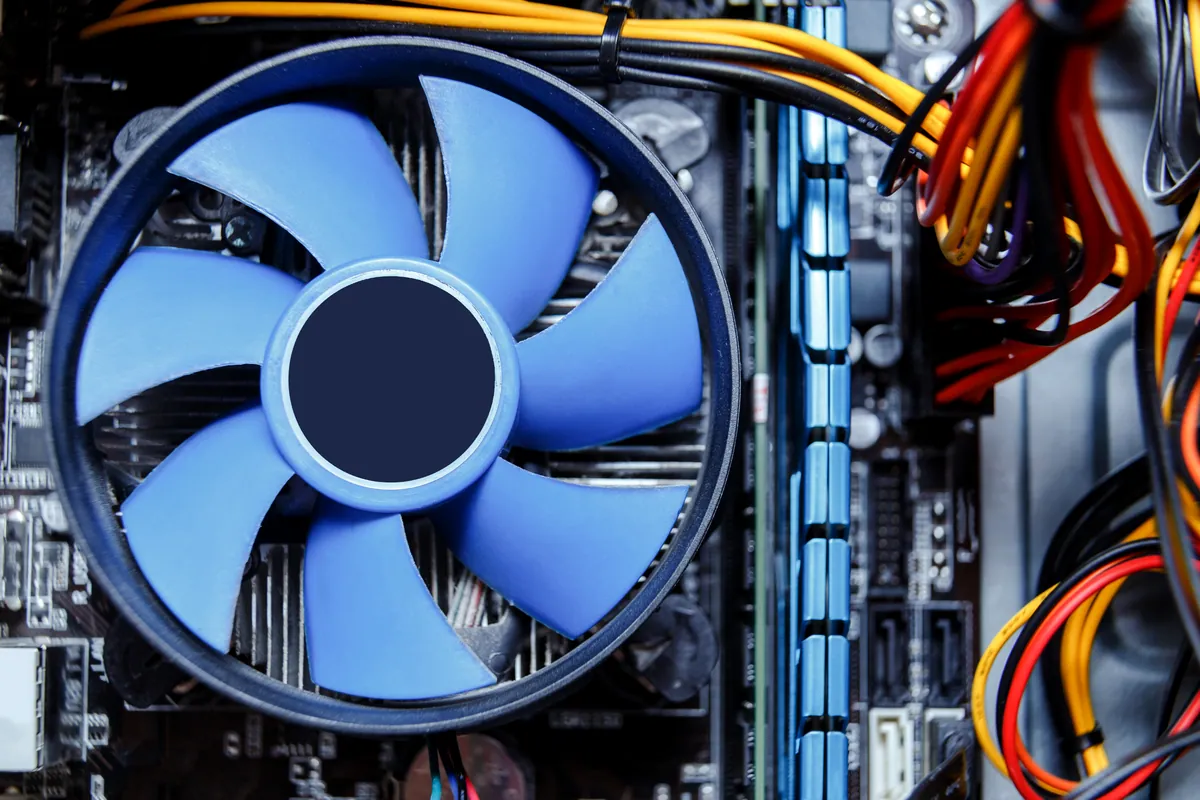
- Inspected the cooling system. The job of the fan and heatsink is to carry heat away from the processor and expel it. Here that system had failed to do it — the cooling assembly was no longer shifting heat effectively, so temperatures ran away under load and tripped the shutdown.
- Confirmed cooling as the fault to fix. With the thermal cause established, the repair was clear: restore the machine’s ability to cool itself, rather than chasing phantom software or power gremlins.
How We Fixed It
- Replaced the fan and heatsink assembly. We fitted a new cooling assembly so heat could once again be drawn off the processor and pushed out of the machine properly.
- Restored good thermal contact. Effective cooling depends not just on the fan and heatsink but on the thermal interface between the heatsink and the chip, so that contact was made good as part of the job.
- Verified it held up under load. The real test of a cooling repair is sustained demand, so we confirmed the machine ran under load without temperatures running away or the shutdown tripping.
The Result
The HP went back to Wandsworth able to work hard without suddenly switching off. The shutdowns — which had made the machine unreliable for anything demanding — were gone, because the underlying heat problem that triggered them had been fixed rather than worked around.
Why This Happens
Every modern laptop has a thermal safety limit, and crossing it triggers an automatic shutdown. That’s a feature, not a fault: the alternative to shutting down is letting the processor cook itself, so the firmware pulls the plug to prevent damage. The fault lies in why the machine reached that limit in the first place — and the answer is nearly always the cooling system.
Three things degrade cooling over a laptop’s life. Dust is the big one: fans and heatsink fins clog with fluff and grime until airflow is choked and heat can’t escape. Thermal paste — the compound that carries heat from the chip to the heatsink — dries out over years and stops conducting well. And fans themselves wear out or fail. Any of these lets temperatures climb faster than the machine can shed them, and under load it hits the limit and shuts down. The fix is to restore the cooling: clean or replace the fan and heatsink and renew the thermal contact. It’s worth doing promptly, too — a laptop that repeatedly runs hot enough to shut itself off is subjecting everything inside to stress it wasn’t meant to endure. Sort the heat, and the reliability comes back with it.
Local Help in Wandsworth SW18
If your laptop runs hot and then shuts itself off — especially when you’re doing something demanding — that’s a cooling problem announcing itself, not a machine failing at random. It’s very fixable, and worth doing before the heat takes a toll on the rest of the components.
We diagnose and repair overheating laptops from our Putney workshop, minutes from Wandsworth SW18, cleaning or replacing cooling systems and restoring proper thermal management.
Call 020 7610 0500, drop in to SW15, or use the contact form.