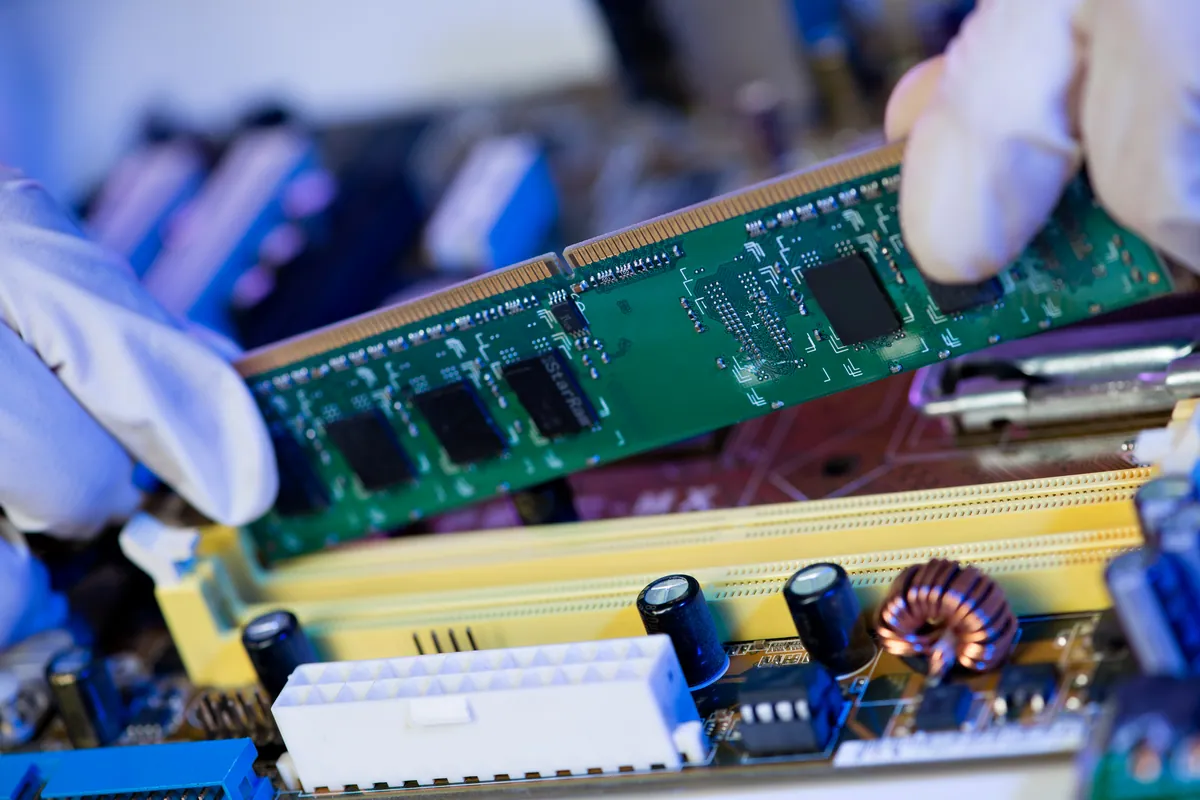
What Was Happening
The owner of an HP Victus in Chiswick W4 came to us with a straightforward goal and a sensible question. The goal: a smoother, more responsive machine. The question: was 16GB or 32GB the right amount of memory to add? Rather than guess — or upsell — they wanted advice before committing.
The HP Victus is a gaming and performance laptop, and memory is one of the components that most directly affects how smooth it feels when you’re running a game with a browser, chat and a dozen background tasks all competing for resources. But “more RAM” is only useful if it’s the right RAM, and that’s where a quick check beats a guess.
Sound like your problem?
Bring it to our Putney workshop or message us a photo and we will give you a straight answer and a quote before any work starts.
Our Diagnosis
This wasn’t a fault to find — it was a specification to get right and a sensible amount to recommend:
- Checked the exact memory the machine uses. Laptop memory isn’t one-size-fits-all: the module type and speed have to match what the laptop is built for, or the upgrade won’t work — or won’t run at full speed. We confirmed the correct specification before recommending anything, which also meant the owner brought the machine in only once we knew what it needed.
- Advised on capacity honestly. We laid out the difference between adding memory to reach 24GB and going all the way to 32GB, so the owner could weigh the extra cost against the real-world benefit for how they used the machine. The biggest number isn’t automatically the right buy.
- Chose the cost-effective route. Rather than throw away the existing 8GB, adding a correctly matched 16GB module to it gave a useful 24GB total at a lower cost than a full replacement set.
How We Fixed It
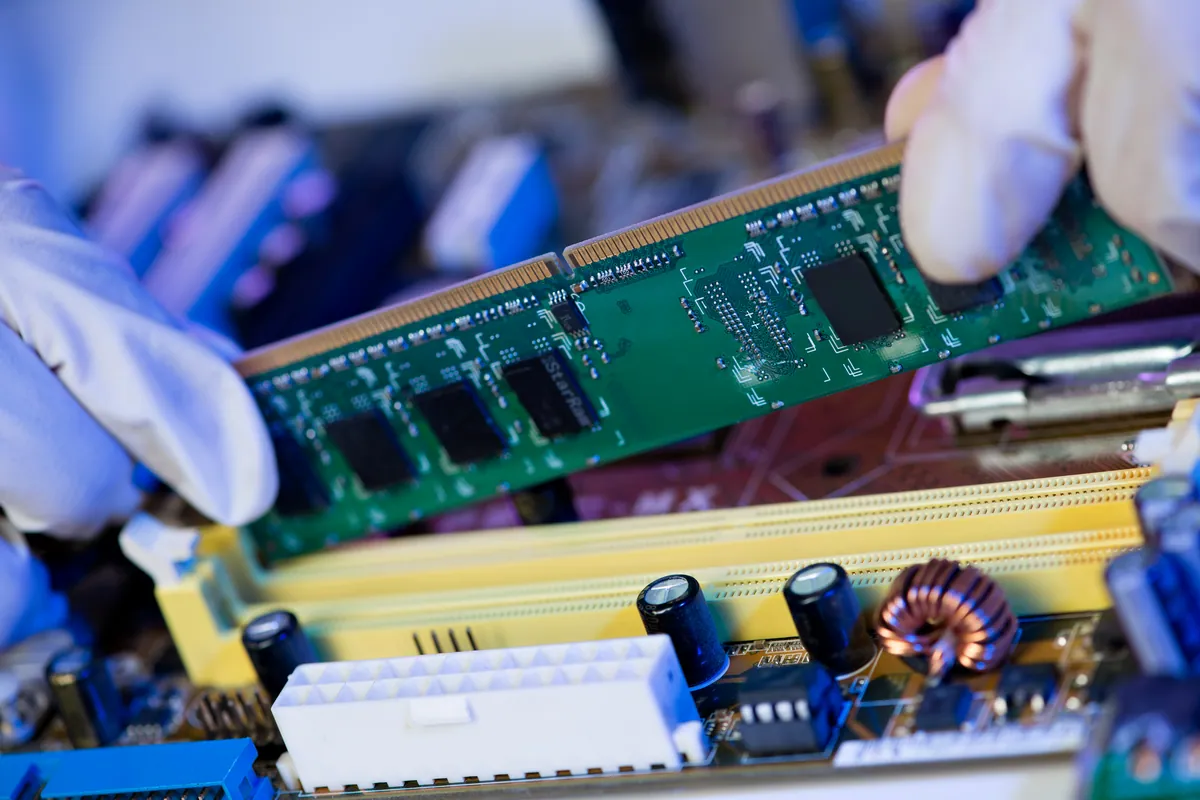
- Fitted a correctly specified 16GB module alongside the existing 8GB, taking the machine to 24GB in total.
- Matched the type and speed to the laptop, so the new memory worked properly with the machine rather than being forced to run slower or refusing to post.
- Confirmed the machine recognised the full amount and ran stably before handing it back.
The Result
The HP Victus went back to Chiswick W4 with 24GB of memory — a clear step up for a laptop that had been feeling the squeeze under gaming and multitasking, achieved at a lower cost than a full 32GB swap. The owner got the advice they came for and an upgrade sized to how they actually use the machine.
Why This Happens
Modern games, browsers and background apps are hungry for memory, and a laptop that shipped with a modest amount starts to feel it: alt-tabbing stutters, big games and a browser together push the machine to lean on much slower storage as overflow, and everything feels sticky. Adding memory relieves that pressure and is often the single cheapest upgrade that makes a machine feel new again.
Two details decide whether it goes well. First, the specification: laptop memory has to match the type and speed the machine is designed for. Second, the configuration: adding a 16GB module to an existing 8GB gives 24GB, and where the two capacities differ the memory runs in a mixed arrangement rather than perfectly matched pairs. That’s still a big, worthwhile improvement over being short of memory — but it’s the kind of trade-off worth understanding, which is why we talk it through rather than just fitting the biggest stick and taking the money.
Local Help in Chiswick W4
If your laptop stutters when you’ve got a game and a few other things running, more memory is often the cheapest fix that makes a real difference — as long as it’s the right memory for your machine.
We advise on and fit RAM upgrades for laptops and gaming machines from our Putney workshop, a short trip from Chiswick W4, and we check the correct specification before you commit to anything.
Call 020 7610 0500, drop in to SW15, or use the contact form for advice on your machine.