What Was Happening
A customer in Barnes SW13 brought us an HP laptop that was not turning on at all. No lights, no fan noise, no response to the power button on battery or on the charger — as complete a shutdown as a laptop can manage. The instruction that came with it was short: fix it.
“Won’t turn on” sounds like a verdict, but from the workshop side it’s the opening of a negotiation with the machine. The questions that actually decide what happens next are what a repair would cost on a laptop of this age, and what’s sitting on the drive. On this job, the second question turned out to be worth far more than the first.
Sound like your problem?
Bring it to our Putney workshop or message us a photo and we will give you a straight answer and a quote before any work starts.
Our Diagnosis
The first checks on any completely dead laptop are the cheap ones, because the most common causes are also the least expensive: a failed charger, a battery that has given up, a power connector that no longer makes contact. We work through those before anything else precisely because “dead laptop” quite often means “dead charger”, and nobody should pay for more than that.
Not this time. The fault was inside the machine itself, and that changes the arithmetic. Once a laptop of this vintage needs internal power-side work, the cost of putting it right starts closing in on what the whole computer is worth — and everything around the fault is the same age as the fault.
So we gave the customer the verdict straight: this one wasn’t worth fixing, and we’d rather say so than take the job. Our diagnostic fee is absorbed into the work when a repair goes ahead, so an honest “don’t repair it” costs a customer the assessment and nothing more.
What we could do was try for the data. Try is the operative word. The drive in a laptop is its own component with its own job, and the faults that stop a machine powering up mostly happen elsewhere — but nobody can promise that from the outside, and a workshop that guarantees a recovery before opening the machine is guessing at your expense. So the offer was structured the way we always structure it: we attempt the recovery, and it is only charged if it succeeds. If the drive had turned out to be as dead as the laptop, there would have been nothing to pay for the attempt.
How We Fixed It
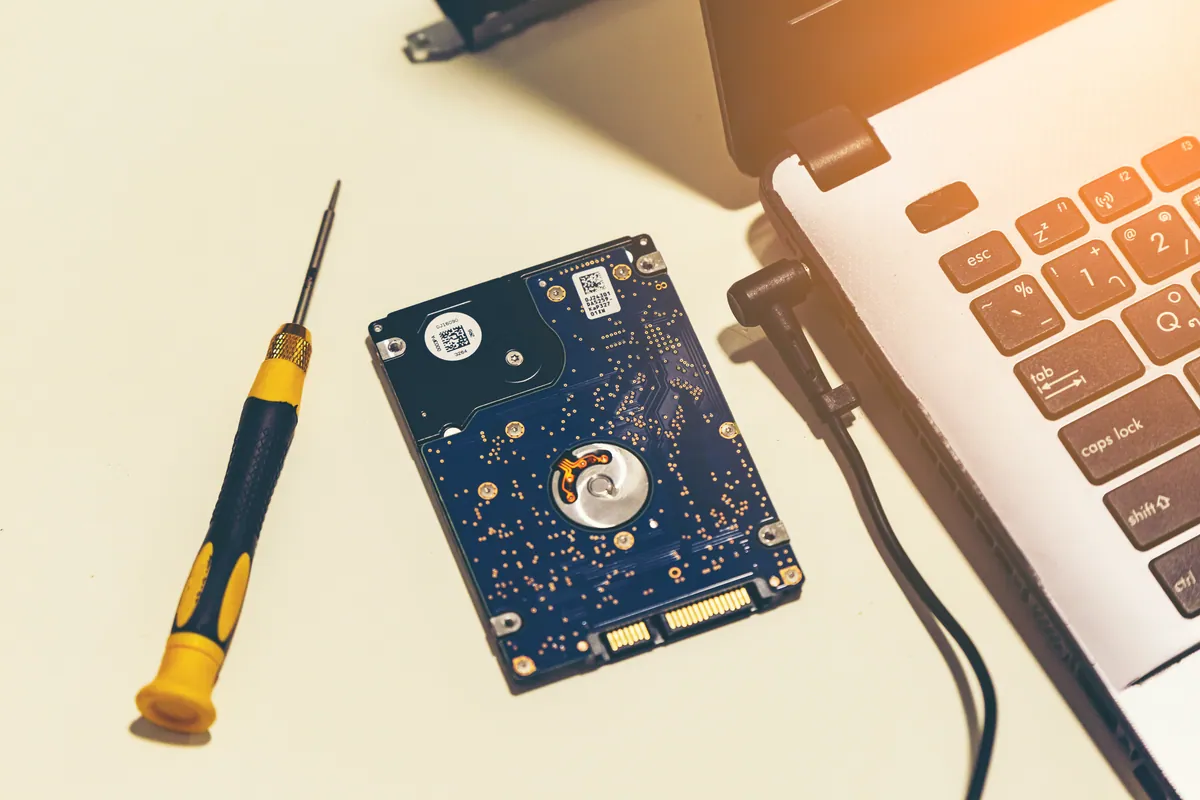
The drive came out of the HP and was read directly on the bench. It behaved, which confirmed what the symptoms had suggested: the fault that killed the machine had never touched the storage. We copied the full contents off and checked the result was complete and readable before calling it a success.
Then the job grew. With the first recovery confirmed, the customer came back with four more laptops and asked for the same thing on each. Every machine was quoted individually on the same basis — per device, payable only where that device’s recovery succeeded — so there was no gamble on the batch. A machine that gave up nothing would have cost nothing.
We worked through them one at a time, taking a full copy from each and keeping every machine’s files in its own clearly labelled set, so five computers’ worth of history didn’t arrive home as one indistinguishable heap. All five recoveries succeeded, and the lot was handed over on external storage.
What we didn’t do is repair the HP, and that’s worth being plain about. No repair means no repair warranty enters into it — our repair work normally carries one, ninety days on most jobs — but the promise that matters on recovery work is a different one: if we can’t get your data back, you don’t pay for the recovery.
The Result
Five machines’ worth of documents, photos and files came back together, off hardware spanning years of replacements. The customer paid for five successful outcomes rather than five attempts, and not a penny went into a laptop that didn’t deserve it. The HP left as what it had quietly become: an empty shell, ready to be retired without taking anything of value with it.
Why This Happens
The economics deserve to be said out loud, because they drive more of our advice than any diagnostic tool does. Laptop parts are model-specific, board-level work takes skilled hours, and the value of the machine falls every year while the cost of fixing it doesn’t. Somewhere along that curve every laptop crosses a line where repair stops making sense — not because it can’t be fixed, but because the same money spent on a replacement buys more computer. A workshop’s job is to tell you which side of that line you’re standing on, before you spend.
The reason the data so often survives the machine is structural. A laptop is a collection of parts that fail separately, and the component holding your files plays no part in the business of switching the computer on. When the power side dies, the storage is usually just a passenger — unhurt, but stranded, because the machine around it can no longer read it. Pulled out and read directly, it gives everything up. That isn’t guaranteed: drives fail too, older mechanical ones especially, and a drive that has spent years spinning in a warm laptop can be closer to the end of its own life than anyone knows. That uncertainty is exactly why recovery is quoted attempt by attempt and charged only on success.
And the five-machine pattern is one we see far more often than you’d think. Households accumulate retired laptops the way lofts accumulate boxes: each replacement carries across the things in daily use and abandons the rest, and the old machine ends up holding the only copy of everything from its stretch of the family’s life. Nobody plans to go back for it. Then one machine dies with something on it that matters, the question finally gets asked, and the rest of the fleet surfaces from cupboards and drawers to have the same question answered. One dead laptop is often what it takes.
What to do with the old laptops in the drawer
Treat a retired laptop as a box of files, not a spare computer. Whether it still boots is beside the point — the contents are still on it either way, and they’re almost certainly the only copy.
The practical advice is to get the data off while it’s easy. A machine that still turns on is a simpler, cheaper proposition than one that doesn’t, and drives don’t improve with years of sitting idle. Once the files are off and verified, have the drive wiped — or removed — before the shell goes anywhere for recycling, and fold the recovered files into wherever you keep your current backups so they’re covered from then on. Recovery brings files back once; only a backup keeps them.
Local Help in Barnes SW13
If a laptop has stopped turning on — or there’s a stack of retired machines at home with years of files still trapped on them — bring the problem to us before writing anything off. You’ll get a straight answer on whether a repair is worth paying for, and if it isn’t, we’ll say so before you’ve spent anything beyond the assessment. Recovery work is quoted per device and only ever charged when it succeeds.
Barnes sits right next door to Putney, so our workshop on Lower Richmond Road is only minutes away. Call 020 7610 0500 or start with data recovery in Barnes — and if there’s more than one machine, bring them all; each one is assessed and quoted on its own.