What Was Happening
The 21.5-inch iMac arrived from a Putney SW15 owner refusing to boot. It wouldn’t come up into macOS — the machine that had been working was now stuck, unable to get to the desktop. The owner asked us to diagnose it and quote, sensibly wanting to know the cause before deciding what to do with an all-in-one that isn’t cheap to replace.
A desktop that won’t boot could be several things — storage, the operating system, memory, or the board itself. But on an iMac of a certain generation, one particular cause is common enough to sit near the top of the list, and it’s one people rarely guess: the graphics chip.
Sound like your problem?
Bring it to our Putney workshop or message us a photo and we will give you a straight answer and a quote before any work starts.
Our Diagnosis
- Separated “won’t boot” from “won’t display”. The first thing to establish is whether the machine truly isn’t starting, or whether it’s running but can’t put an image on the screen — because a graphics fault can look exactly like a boot failure. The pattern here pointed away from a simple software or storage problem.
- Suspected the GPU. On several iMac models, the graphics chip (GPU) is a known weak point — it can fail after years of heat cycling, causing black screens, graphical corruption, or a machine that won’t boot properly at all. The symptoms lined up with a failing GPU rather than a dead drive or corrupt system.
- Confirmed the graphics chip as the fault. With the diagnosis narrowed to the board, we identified the failed GPU as the cause. That’s the decisive moment: it meant the fix was a board-level chip replacement, not a new machine — and not the storage or OS, which were fine.
How We Fixed It
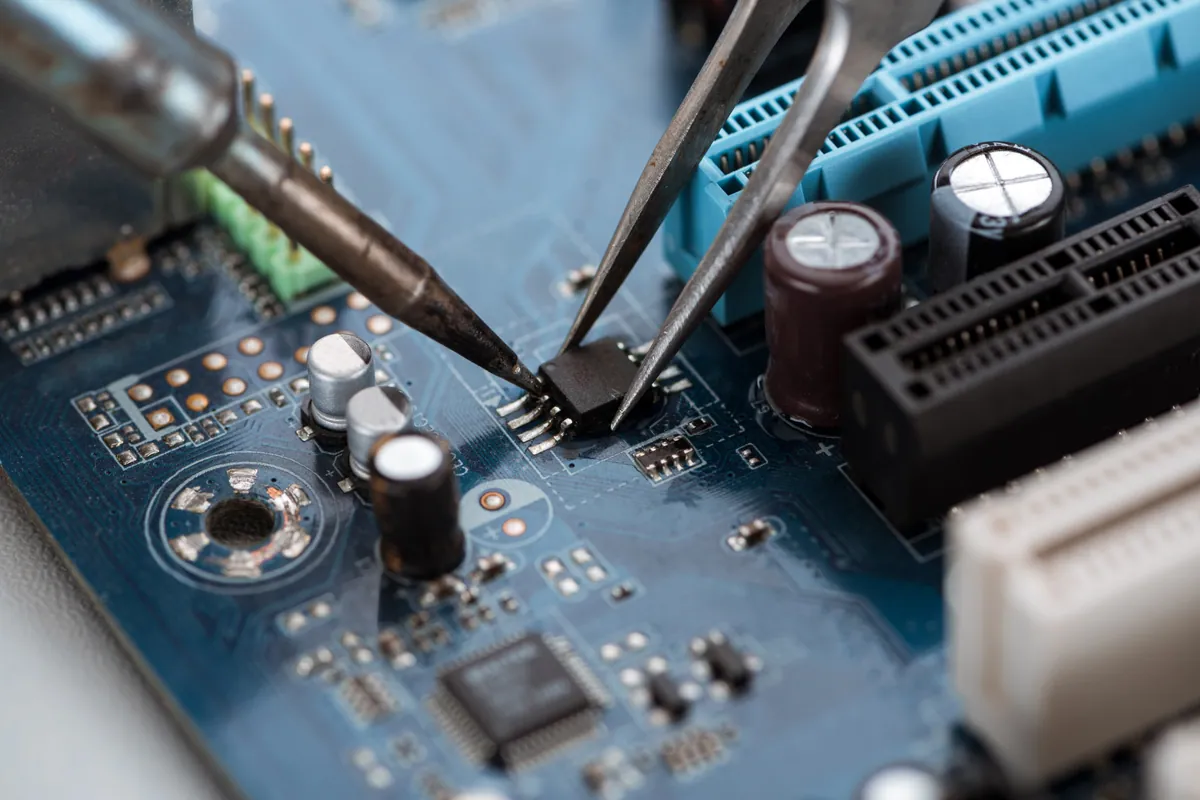
- Replaced the graphics chip at board level. We carried out the component-level work to remove the failed GPU and fit a brand-new chip in its place — restoring the iMac’s graphics and, with it, its ability to boot and display normally.
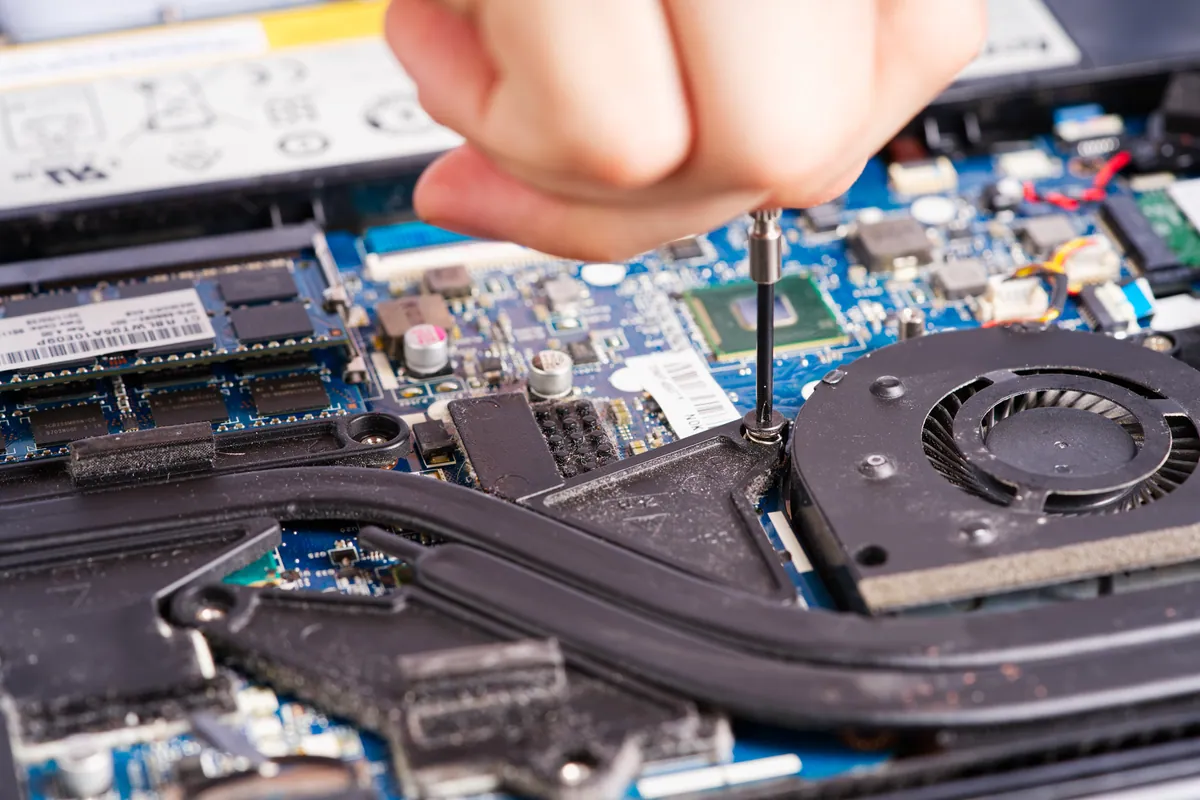
- Reassembled the all-in-one carefully. Getting into a 21.5-inch iMac means separating the bonded display to reach the logic board, so part of the job is reseating and re-bonding the screen cleanly afterwards.
- Tested and warranted the repair. We confirmed the machine booted and displayed correctly, and the new graphics chip was covered by a one-year warranty — the confidence that comes with a proper board-level fix rather than a bodge.
The Result
The iMac went back to Putney fully working — booting cleanly and displaying properly, the graphics fault gone. What had presented as a dead machine was a single failed chip on an otherwise healthy computer, and a board-level repair with a year’s warranty saved the owner the cost of replacing a large, still-capable all-in-one. Everything on it — data, storage, the rest of the hardware — was untouched and intact.
Why This Happens
The GPU, or graphics chip, is the part of the machine that produces everything you see on screen. It’s a hard-working component that runs hot, and on some iMac generations it’s a known weak point: after years of heating and cooling, the tiny solder connections that hold the chip to the board can fatigue and fail, or the chip itself gives out. When that happens, the effects range from graphical glitches and artefacts on screen, to a black display, to a machine that appears not to boot at all — because without working graphics, it can’t show you it’s alive.
That last symptom is what fools people. A GPU failure often looks identical to a dead machine or a failed hard drive, so owners assume the worst and consider scrapping an iMac that is, in truth, almost entirely fine. The processor, the storage, the memory — all healthy. Only the graphics chip has failed, and that’s a repairable part.
Replacing it is genuine board-level work: removing the failed chip and fitting a new one on the logic board, rather than swapping a module you can simply unplug. It’s specialist, and it’s precisely the kind of repair that keeps an expensive all-in-one out of landfill. The alternative Apple-era answer — replace the whole logic board or the whole machine — costs far more, when the actual fault is one component. Understanding that graphics failure is a known, fixable weakness on these iMacs is what turns a frightening “it won’t turn on” into a straightforward repair.
Local Help in Putney SW15
If your iMac won’t boot, shows a black screen, or is displaying strange lines and corruption, don’t assume it’s finished — a failed graphics chip is a common and repairable cause, and your data and the rest of the machine are very likely fine.
We carry out board-level GPU and logic-board repairs on iMacs at our Putney workshop in SW15, and we’ll diagnose the real cause before you consider replacing an expensive machine.
Call 020 7610 0500, drop in to SW15, or use the contact form.