What Was Happening
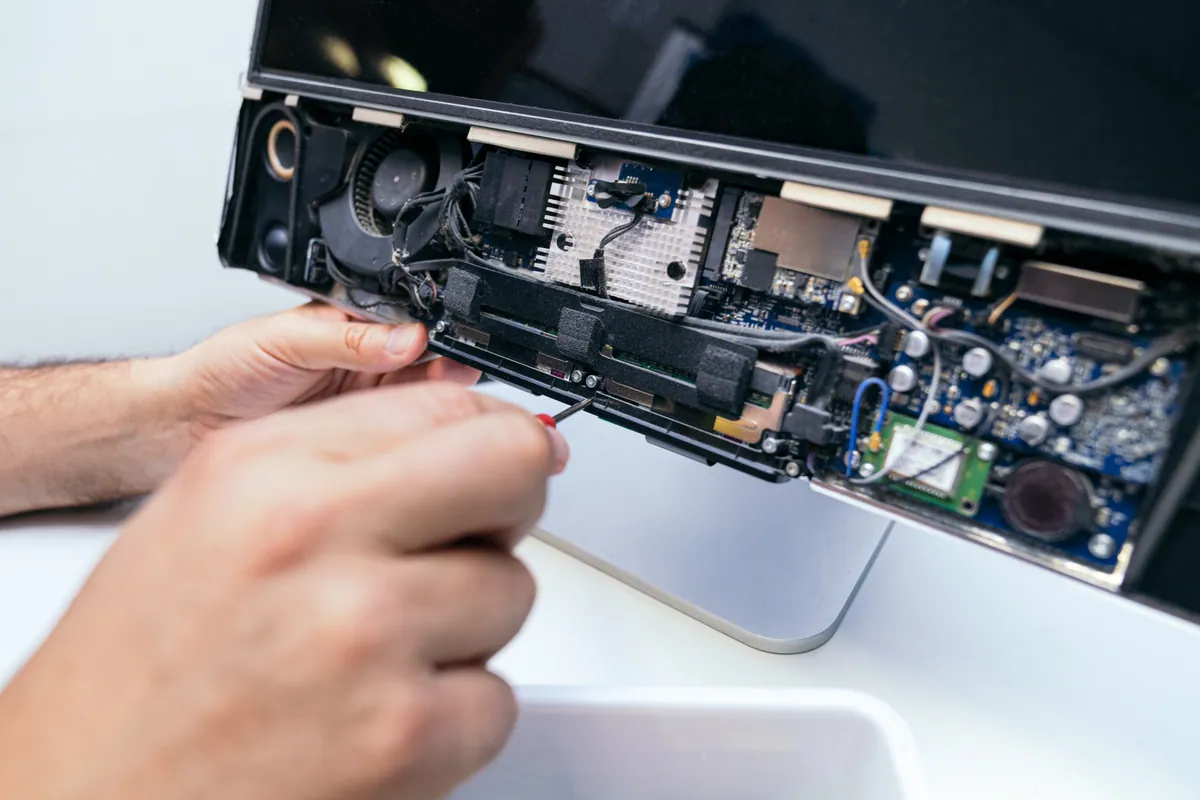
The iMac arrived from a Putney SW15 owner having got steadily worse over time. It had been slow for a while — the familiar creep of an all-in-one that used to be snappy and had become a test of patience — and now it had crossed a line: it wouldn’t boot into macOS at all. There were signs of a storage problem underneath, the kind of thing that turns “slow” into “won’t start”. The owner asked us to fix it if it was a software issue, and to be in touch before doing anything drastic.
Crucially, when we spoke, one detail changed everything: the owner had a backup drive. That single fact turned what could have been a stressful data-recovery job into a clean, straightforward repair — and it’s the reason this story has a happy, uncomplicated ending.
Sound like your problem?
Bring it to our Putney workshop or message us a photo and we will give you a straight answer and a quote before any work starts.
Our Diagnosis
- Placed the fault in the system, not the hardware. An iMac that has slowed over time and then stopped booting most often has a software or storage problem — a corrupted operating system, a cluttered installation, or a drive that’s struggling — rather than a dead machine. The pattern here fit that: gradual slowdown, then a failure to boot.
- Confirmed the backup, and let it shape the plan. The best fix depends entirely on whether the data is safe elsewhere. Because the owner had a backup drive, we didn’t have to nurse the failing installation to coax the data out — we could wipe and rebuild cleanly, knowing the data would come back from the backup. That’s a far better outcome than working around a broken system.
- Chose a clean reinstall over a patch. When a system has degraded to the point of not booting, repairing it in place often just carries the underlying mess forward. With a backup in hand, a clean wipe-and-reinstall gives the machine a genuinely fresh foundation — the more thorough and longer-lasting fix.
How We Fixed It
- Wiped the machine and installed a fresh macOS. We cleared the struggling installation and put a clean copy of macOS on the iMac — a fresh, uncluttered system with none of the corruption that had built up.
- Restored the data from the backup drive. With the clean system in place, we transferred the owner’s data back from their backup drive, so they returned to their files rather than an empty machine.
- Verified it booted quickly and reliably. We confirmed the iMac started up properly, ran quickly, and had the data back where it belonged before it went home.
The Result
The iMac went back to Putney quick and reliable again — booting properly, running cleanly, and with the owner’s data restored from their backup. A machine that had been both frustrating and, latterly, unusable was given a fresh start rather than being replaced. And because the data was safe on a backup throughout, the whole thing was painless: no scramble to rescue files, no anxious “did we get everything?” — just a wipe, a reinstall, and a restore.
Why This Happens
Operating systems degrade over time. Years of installing and uninstalling software, updates layered on updates, and general clutter leave a system slower and more fragile than it was when new — and eventually a corrupted system file or a struggling drive can tip it from “slow” into “won’t boot”. On an all-in-one like an iMac, where the computer and screen are one sealed unit, that can feel especially alarming, because there’s no obvious box to open and the machine looks like an expensive paperweight. But the fault is usually in the software or the storage, not the whole computer — which means it’s fixable.
The cleanest fix for a system that’s degraded this far is a wipe and a fresh install. Repairing a broken installation in place can work, but it often drags the old problems along with it; starting fresh clears them out entirely and gives the machine the clean foundation it had when new. The one thing that decides whether that’s a quick job or a nervous one is your backup.
And that’s the real lesson of this repair. Because the owner had a backup drive, wiping the machine held no fear — the data was safe, and restoring it was a simple step. Without a backup, the exact same fault becomes a data-recovery job with no guarantees. A backup, ideally one that runs automatically, is what turns “my computer won’t start and my files are on it” into a shrug. This iMac is the advert for keeping one.
Local Help in Putney SW15
If your iMac or desktop has slowed to a crawl or stopped booting, it’s very often a software or storage problem rather than the end of the machine — and a clean reinstall can make it feel new again. If you’ve got a backup, the fix is quick and painless; if you haven’t, it’s worth talking to us before anything is wiped.
We repair Macs and PCs, reinstall operating systems and restore from backups at our Putney workshop in SW15, and we’ll always protect your data as the first priority.
Call 020 7610 0500, drop in to SW15, or use the contact form.