What Was Happening
The owner of an iMac in Battersea SW11 brought it in with two complaints that sounded unrelated. First, the machine had become unbearably slow — the spinning beachball on almost everything, minutes to do what used to take seconds. Second, and more frightening, their email folders in Outlook had simply gone: years of filed messages, apparently vanished.
They understandably feared the worst about the email. But when a machine is both crawling and behaving strangely with its data, the two symptoms are often the same underlying problem wearing two hats — and that shapes where you look first.
Sound like your problem?
Bring it to our Putney workshop or message us a photo and we will give you a straight answer and a quote before any work starts.
Our Diagnosis
- Read the slowness as a storage problem. An all-in-one desktop that has degraded to beachball-on-everything is the classic signature of a mechanical hard drive at the end of its useful life. As these drives age and fill, read and write speeds collapse, and the whole machine grinds — no matter how capable the rest of it is.
- Connected the Outlook symptom to the same cause. A drive that has become slow and unreliable to read from doesn’t just make things sluggish; it can also make applications behave oddly, including email clients failing to load folders they can no longer read cleanly. The “missing” folders pointed at the drive, not at deleted mail.
- Confirmed the fix was storage, not a new machine. The iMac itself was still a perfectly good computer. The bottleneck was the disk. That meant the right answer was to replace the storage with an SSD and migrate the data — not to write the machine off.
How We Fixed It
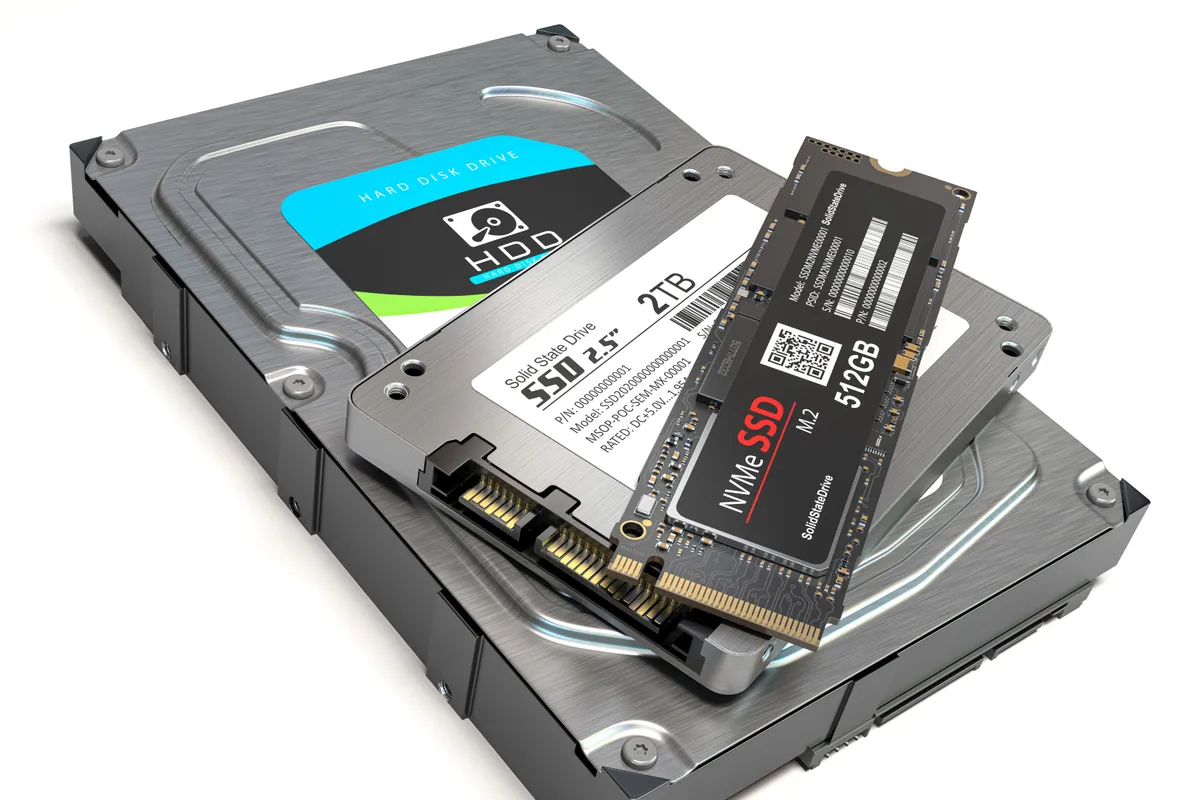
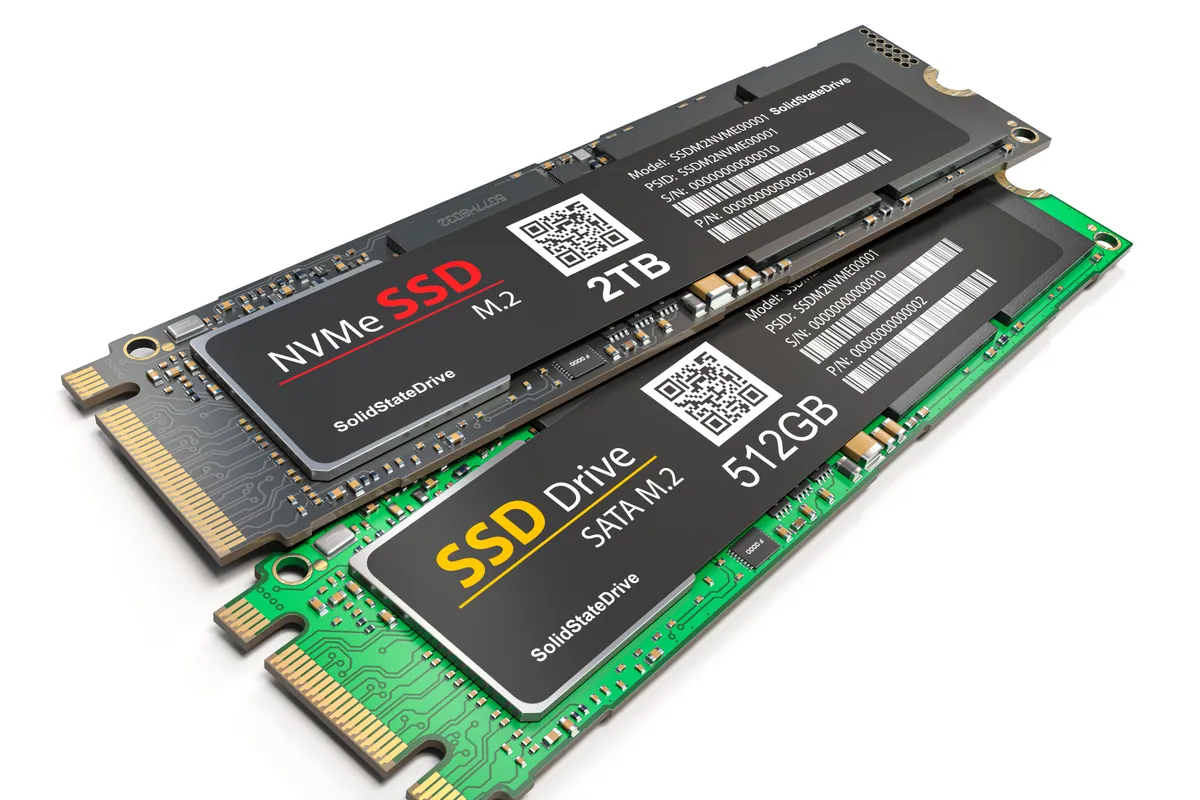
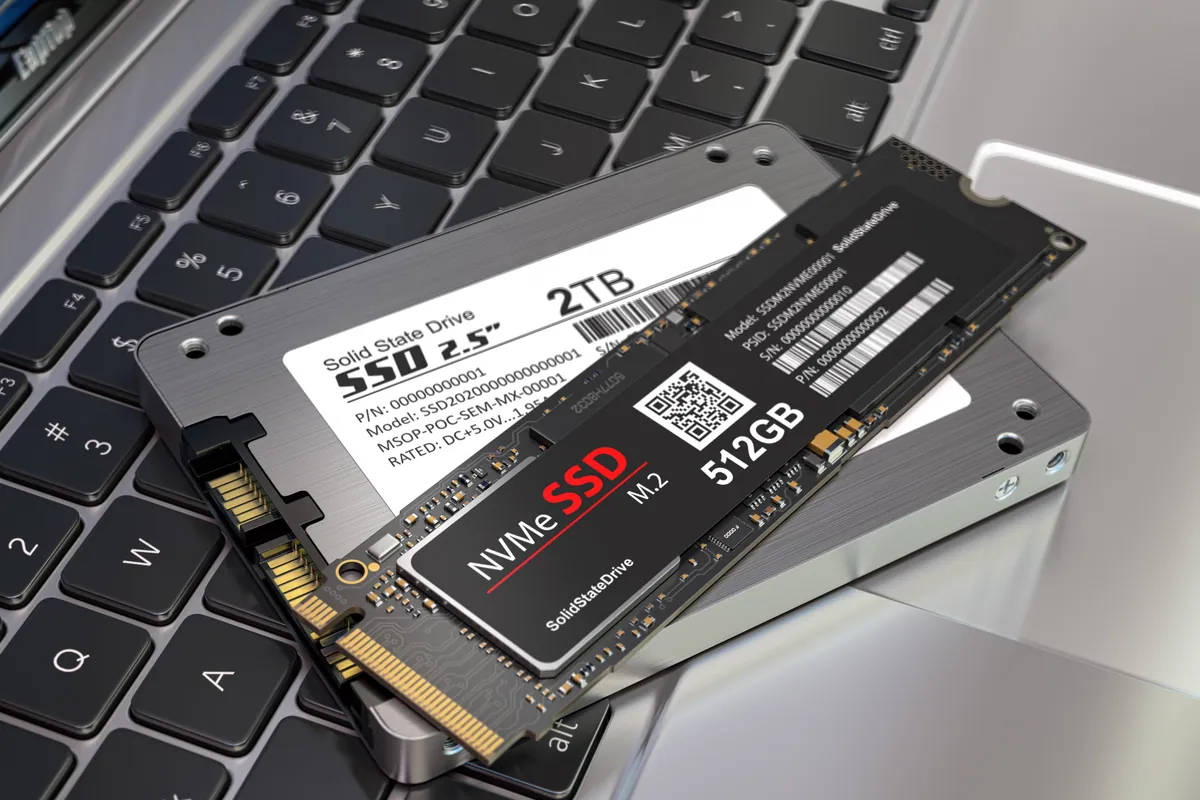
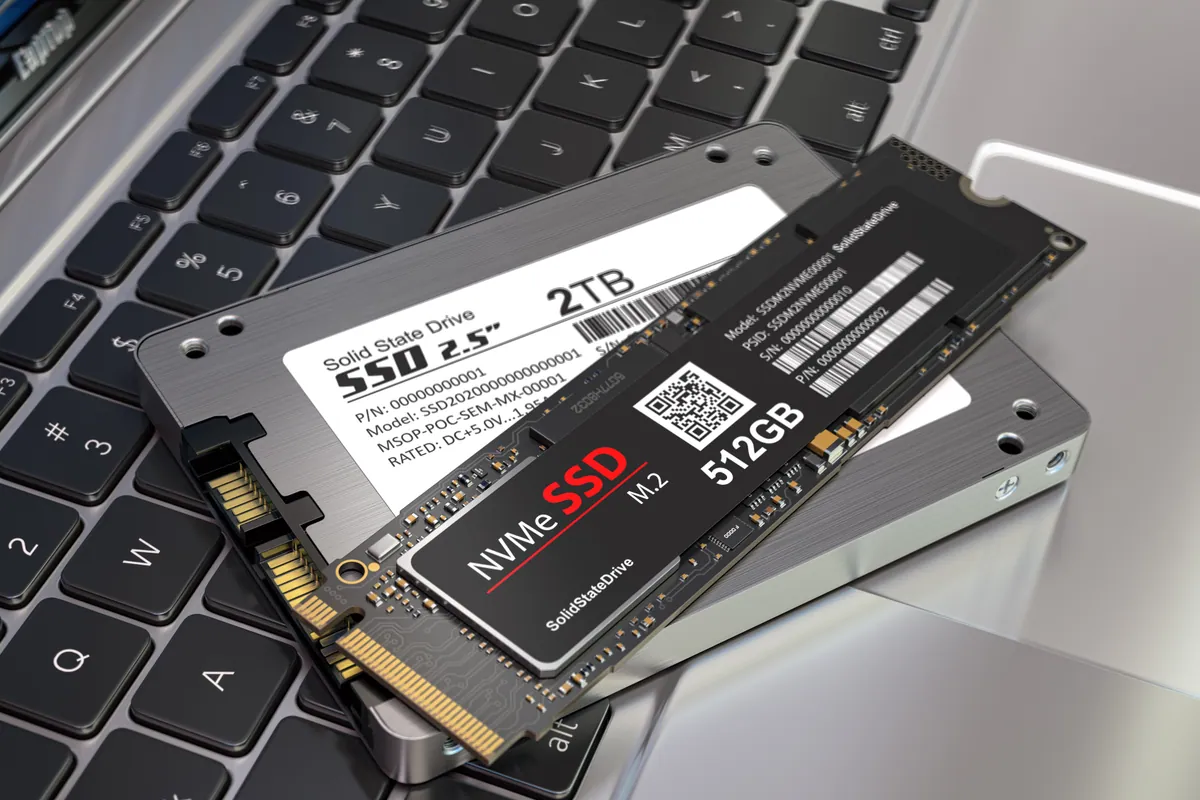
- Fitted a 1TB SSD. We replaced the tired mechanical drive with a solid-state drive. SSDs have no moving parts and read data many times faster, which is precisely the bottleneck an old iMac is hitting.
- Installed a fresh copy of macOS. A clean, current operating system on the new drive gave the machine a proper foundation rather than carrying old corruption across.
- Migrated the data — and recovered the folders. We moved the owner’s files and email across carefully onto the healthy new storage. With the data sitting on a drive that could be read properly again, the Outlook folders that had “disappeared” came back into view.
The Result
The iMac went back to Battersea transformed. What had been a machine the owner was ready to give up on now booted quickly, opened applications instantly, and — the part that mattered most to them — showed their email folders again, intact. No new computer required; the one they already owned was simply given the one upgrade it desperately needed.
Why This Happens
Of all the reasons a computer feels old, a mechanical hard drive is the biggest and the most fixable. These drives store data on spinning platters read by a moving head, and that mechanism is slow by modern standards and wears out over time. As the drive ages and fills up, everything the machine does — booting, opening apps, saving files — queues behind that one slow component. The processor and memory sit idle, waiting. The result is a machine that feels hopelessly past it when in fact only one part is.
Swapping that drive for an SSD removes the bottleneck completely. With no platters to spin or head to move, data is available almost instantly, and the whole machine wakes up. It is genuinely the difference between a computer you resent and one you’d happily keep for years more.
The Outlook wrinkle is a useful lesson too. When a drive is struggling to be read, the software living on it starts to misbehave in ways that look like data loss — folders that won’t appear, files that won’t open — when the data is often still there, just unreadable from failing storage. Moving everything onto a healthy SSD frequently resolves those “losses”. It’s also a reminder of why a backup matters: if a drive fails outright rather than merely slowing, “missing” becomes “gone”, and an upgrade is no longer enough to bring it back.
Local Help in Battersea SW11
If your iMac or PC has slowed to a crawl — or has started losing track of email folders and files — don’t assume it’s finished. Very often it’s the hard drive, and an SSD upgrade brings both the speed and the data back for a fraction of the cost of a new machine.
We fit SSDs and migrate data from our Putney workshop, just across the river from Battersea SW11, and we’ll tell you honestly whether an upgrade will fix your machine or whether it’s genuinely time to replace it.
Call 020 7610 0500, drop in to SW15, or use the contact form.