What Was Happening
The 21-inch iMac came in from a Balham SW12 owner running slowly enough to be a genuine worry. On an all-in-one like an iMac, a bad slowdown can point in two very different directions: a tired hard drive, which is cheap to fix, or a logic-board fault, which is not. The gap between those two outcomes — in both cost and effort — is exactly why the diagnosis has to come before the quote.
It would have been easy, and lucrative, to look at a struggling iMac and quote for a logic-board repair. We don’t work that way. When an expensive part is a possible cause rather than a proven one, the right move is to rule out the cheap explanations first.
Sound like your problem?
Bring it to our Putney workshop or message us a photo and we will give you a straight answer and a quote before any work starts.
Our Diagnosis
We deliberately tested from the cheapest possibility upward, so nobody paid to replace a part that turned out to be fine:
- Named the two candidates honestly. A logic-board fault was on the table, and we told the owner so — along with the fact that it would be the costly outcome. But it was a candidate, not a conclusion.
- Ruled out software and storage first with a clean install. Before committing to any board work, we wiped the machine and installed a fresh operating system. This is a fast, low-cost test with a clear result: if the iMac comes back cleanly on a fresh system, the board is doing its job and the fault was software or the drive — not the expensive part.
- Read the result. The iMac came back cleanly. That cleared the logic board and pointed the finger squarely at the storage and the old system — the cheap, fixable end of the spectrum.
That single step — proving the board before condemning it — is what turned this from a potential board quote into a routine, affordable upgrade.
How We Fixed It
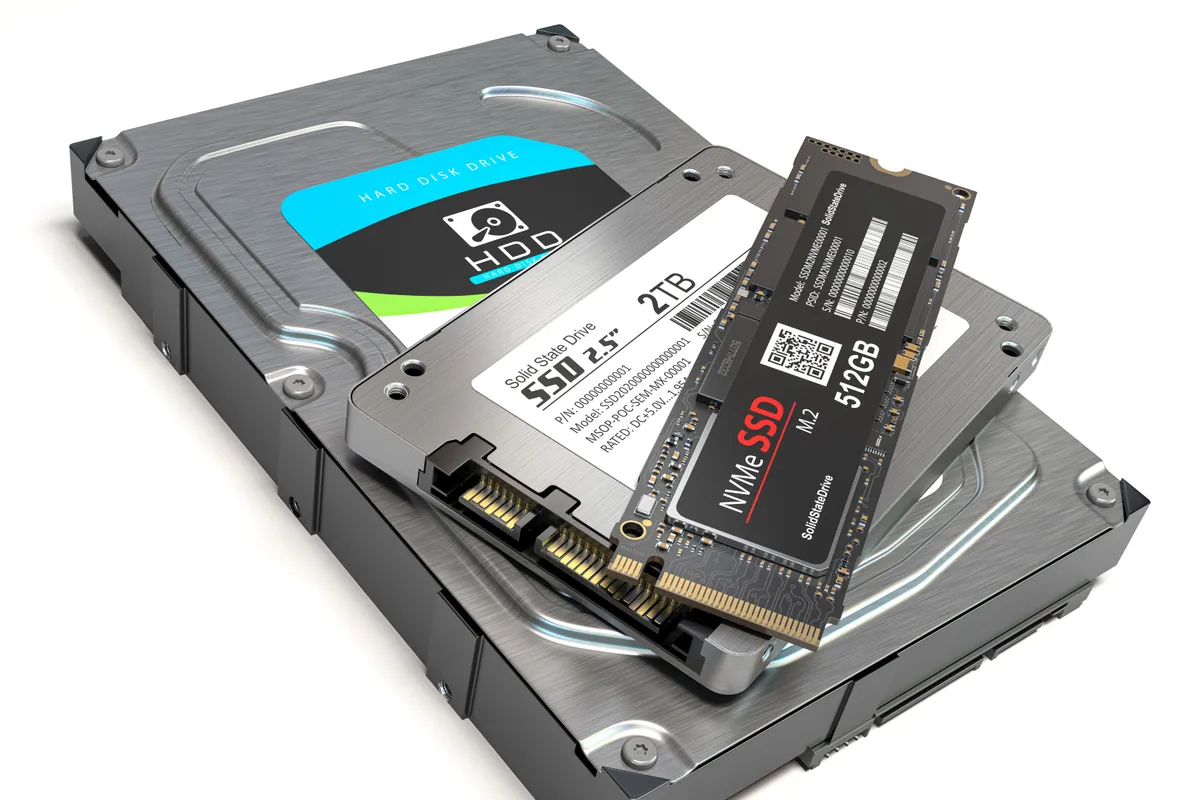
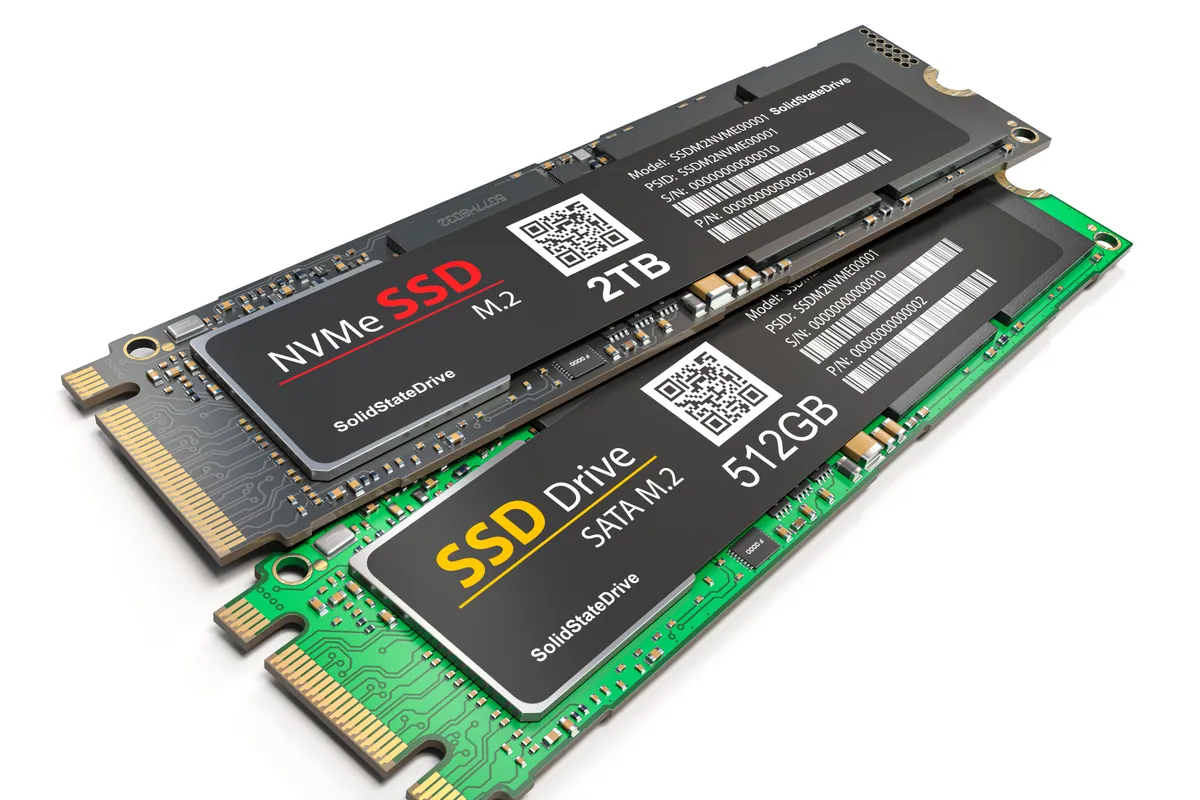
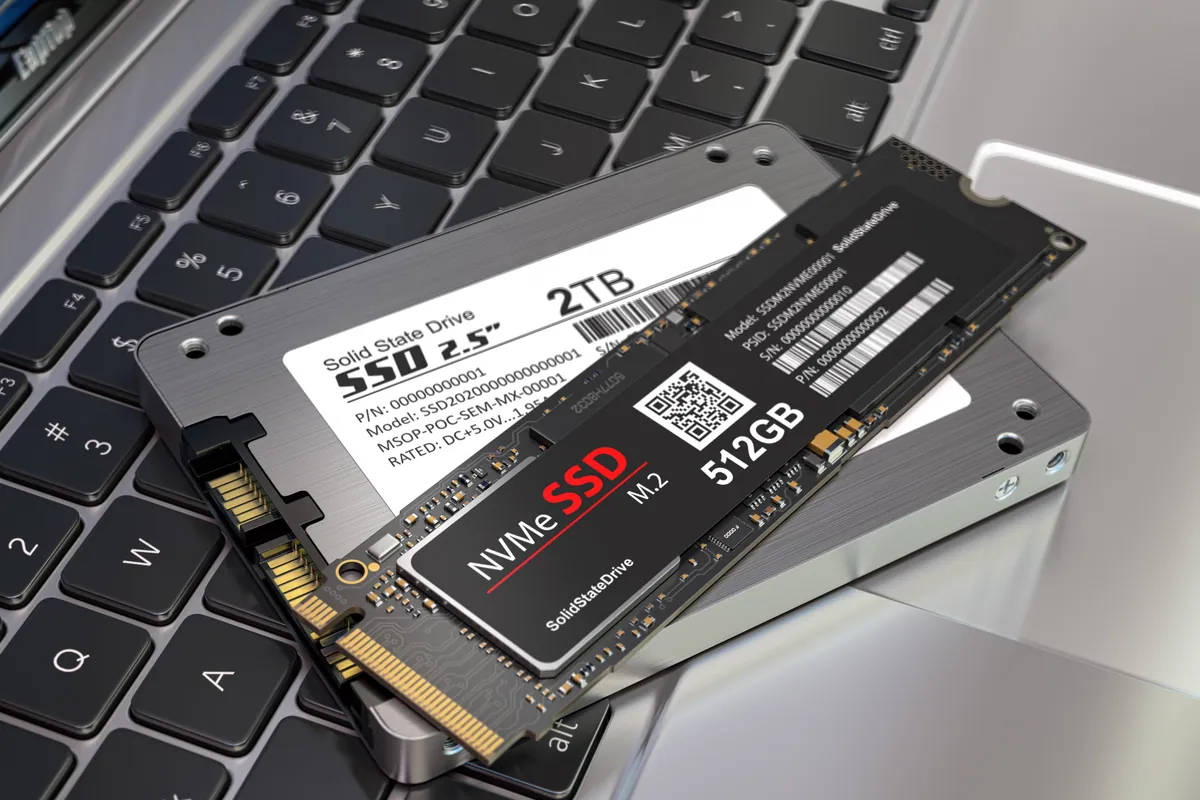
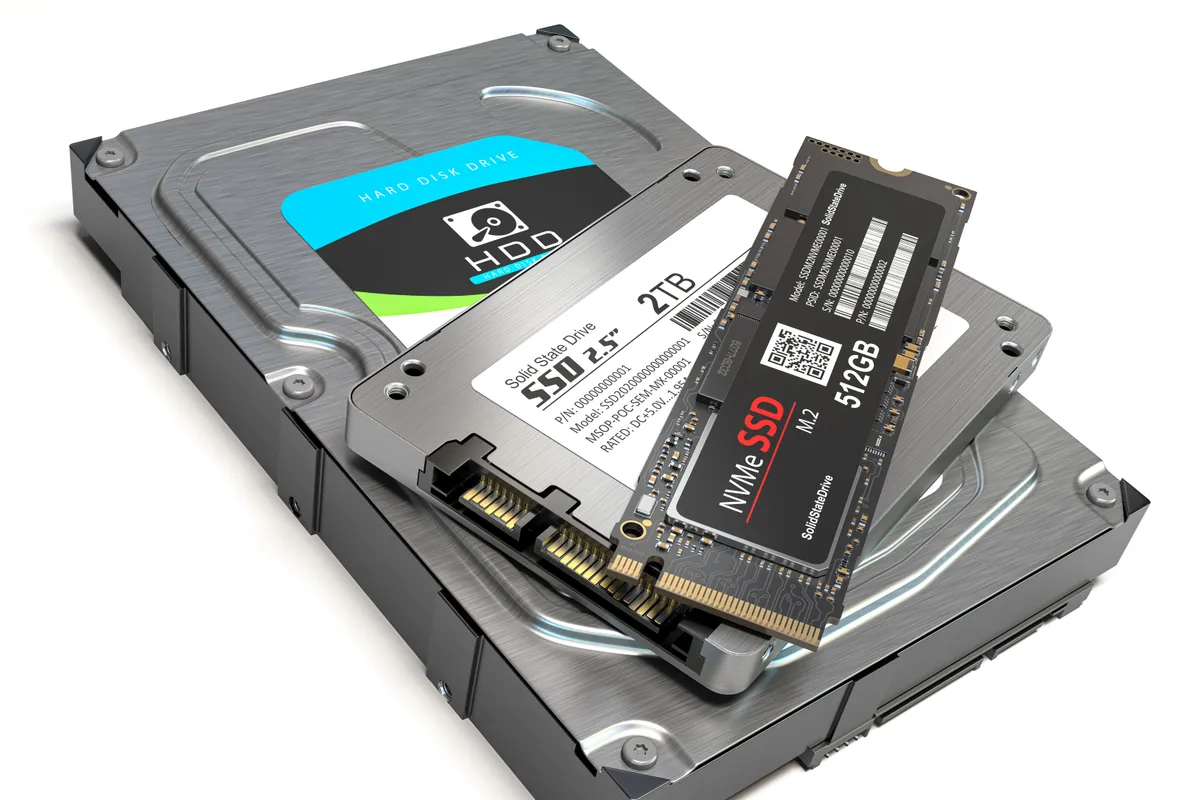
- With the board cleared, we fitted a 240GB SSD with a fresh operating system, replacing the slow mechanical drive that had been holding the machine back.
- We tested the machine to confirm it was running properly and quickly on the new drive before it went back.
No board work, no inflated bill — just the repair the evidence actually supported.
The Result
The iMac went back to Balham SW12 revived and working, at the cost of an SSD upgrade rather than a logic-board repair. The owner avoided paying for an expensive fault the machine didn’t have, because we proved the board was sound before touching it.
This is diagnostic discipline doing its job: the honest, cheaper answer, arrived at deliberately rather than by luck.
Why This Happens
Older iMacs shipped with mechanical hard drives, and those drives are the usual reason a once-snappy all-in-one becomes painfully slow. As the drive ages, macOS spends more and more time waiting on it, and the whole machine feels like it’s wading through treacle. It’s a storage problem wearing the disguise of a dying computer.
The trap is that a badly slow iMac can also be an early sign of a board fault, so the symptoms overlap. Without a deliberate test to tell them apart, it’s tempting — for a less careful workshop, or a worried owner — to assume the worst and pay for it. A clean install is the cheap referee: it settles which of the two you’re dealing with before any money goes on the expensive one. And when the answer is “the drive”, an SSD is the transformation — an iMac that was ready for the scrap heap becomes fast enough to keep for years.
Local Help in Balham SW12
If your iMac has slowed to a crawl, don’t assume the worst and don’t let anyone quote you for a logic board before the cheap causes are ruled out. More often than not it’s the hard drive, and an SSD upgrade brings it right back.
We diagnose and upgrade iMacs from our Putney workshop, a short trip from Balham SW12, and we prove where a fault actually lives before quoting for the expensive fix.
Call 020 7610 0500, drop in to SW15, or use the contact form.