What Was Happening
A Lenovo laptop arrived at our Putney workshop from a customer in SW15 with one instruction: get the data off it.
That’s a narrower brief than a repair, and in some ways a harder one to accept. A repair has a definition of done: the machine works again, or it doesn’t and you say so. A recovery carries no such certainty at the counter, because the answer depends on the condition of a component nobody has looked inside yet. We can promise effort and an honest verdict. We can’t promise files, and any workshop that does before opening the machine is telling you what you want to hear.
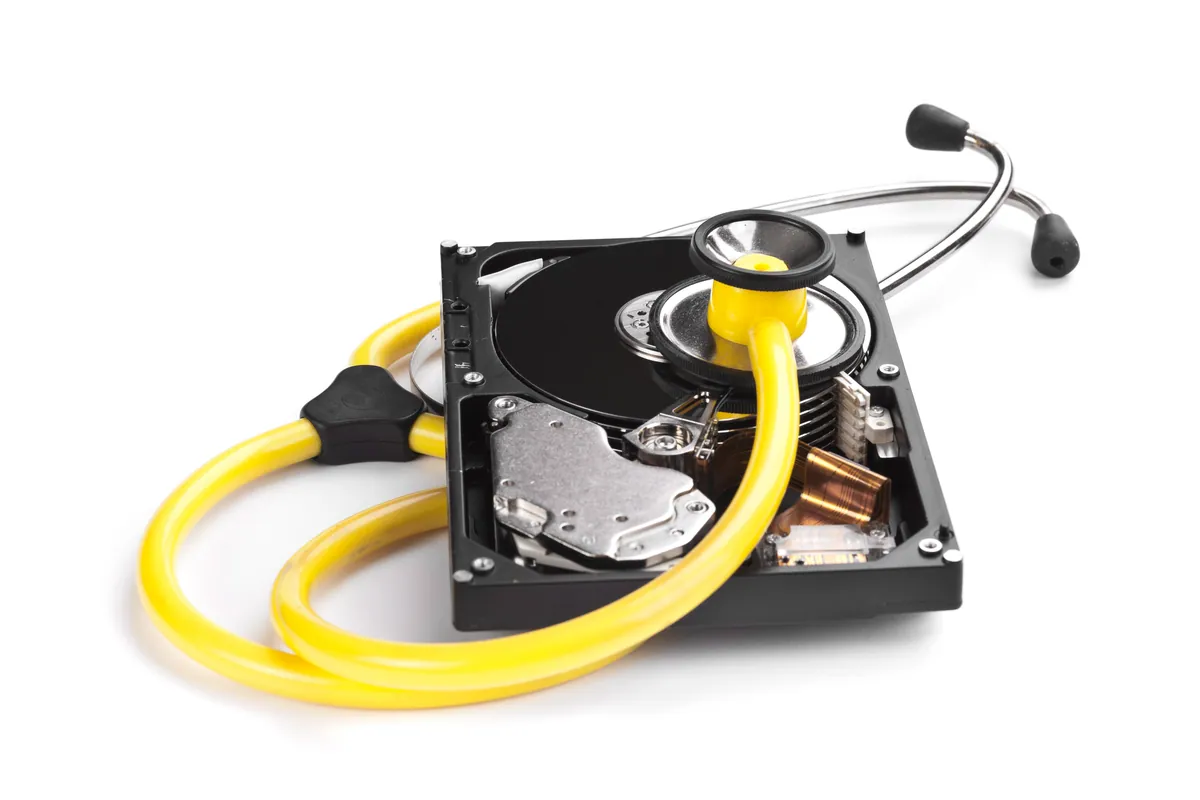
When we got the Lenovo apart there was a detail that reshaped the job: it had two drives, not one. A mechanical hard disk and a solid-state drive side by side — the configuration plenty of mid-range laptops were built with, the SSD to make Windows feel quick, the hard disk to hold everything else without pushing the price up.
Two drives meant two recovery questions. They didn’t get the same answer.
Sound like your problem?
Bring it to our Putney workshop or message us a photo and we will give you a straight answer and a quote before any work starts.
Our Diagnosis
The first decision on any recovery is where to do the reading, and it’s almost never inside the machine the drives came out of.
Start a laptop with a suspect drive still fitted and the operating system goes to work on it immediately: indexing, writing logs, updating timestamps, running its usual start-up housekeeping. On a healthy drive none of that matters. On a failing one, every write is a chance to land on top of something we were about to rescue, and every start-up is one more spin-up a dying disk might not come back from. The most useful thing a customer can do before bringing a machine in is stop switching it on.
So both drives came out of the Lenovo and were read on separate bench hardware, with nothing written back to them.
The hard disk read. Not instantly and not without patience, but it read — the file system was navigable and the contents came off it. That happens more often with mechanical disks than people expect, given how fragile they sound.
The solid-state drive did not. It was faulty in the way that ends a conversation rather than starting one: no partial result, no “we got the photos but lost the documents”. Nothing at all.
We want to be precise about the limit of what we can honestly claim there. A drive that won’t read on the bench hasn’t necessarily destroyed what it held — it means the data is out of reach of a general repair workshop. Past that point the work becomes specialist recovery at a dedicated data-recovery lab, chip-level work on a different cost scale, with their own odds and no guarantees either. Nor can we say which part of that SSD gave way: on a drive that won’t respond you often can’t tell from the outside, and guessing to make the story tidier would be inventing detail we don’t have.
How We Fixed It
The work split cleanly in two.
The hard disk. We copied its readable contents off — the lot, rather than a selective grab at the folders someone assumes they care about. People’s important files are rarely all in one tidy place, and choosing on their behalf is how you leave behind the one thing that mattered. That data went back to the customer on external storage rather than onto the machine it came from, which is how we hand recoveries over as a matter of course.
The solid-state drive. We attempted it, we got nothing, and it wasn’t charged for.
That last point isn’t a gesture, it’s standing policy: we charge for data recovery only when the recovery succeeds. It exists for jobs shaped exactly like this one, where the honest result is partial. The customer paid for the drive that came back and nothing for the drive that didn’t — and knew that was the arrangement before we started.
The Result
The customer left with the full contents of the Lenovo’s hard disk, and a straight answer about the SSD: nothing was coming off it here, and only specialist chip-level recovery would take it further.
That’s a partial success and we’d rather call it one. It would be easy to write this up as a rescue and leave the failed drive out, but the failed drive is the more useful half of the story for anyone deciding whether to bring a machine in.
The commercial position is simple. Where we carry out an actual hardware repair, our standard workmanship warranty runs to 90 days, and accidental damage is never covered under it — a warranty covers the part and the work, not a second mishap. A recovery is judged differently, because the only thing that counts is whether the files came back. That’s why we only charge when they do.
Why This Happens
The two-drive laptop is worth understanding, because it quietly decides how much trouble you’re in when one of them dies.
The design logic was sound: solid-state storage was fast but expensive per gigabyte, so manufacturers fitted a modest SSD for Windows and the programs, plus a roomy hard disk for everything else. What most owners never take in is that Windows keeps the user profile — Desktop, Documents, Pictures, Downloads — on the system drive by default. Unless someone deliberately moved those folders, the irreplaceable material sits on the SSD while the bulk archive sits on the hard disk. The smaller drive is usually holding the things you’d actually grieve over.
The two types also fail very differently, which makes most people’s instinct half right and half dangerous.
A mechanical hard disk is spinning platters and moving heads. It sounds precarious and it does wear out, but it usually deteriorates progressively: reads slow, sectors go bad, the machine hangs while the drive retries, sometimes there’s an audible click. It warns you, and even a fairly unwell disk will often surrender most of its contents to patient reading. The exception is a seized motor or a head crash, which goes straight to specialist-lab territory.
An SSD has no moving parts, so it seems the safer place for your data, and on reliability alone that’s largely true. The catch is how it fails — rarely with a noise or a slowdown, usually as a drive that worked yesterday and isn’t detected today. Data on an SSD also isn’t laid down in the order the operating system sees it. The controller keeps a translation map between the layout Windows works with and the physical memory cells, shuffling data about to spread wear evenly. When the controller dies, those chips can be perfectly intact and still unreadable, because the map that made sense of them has gone with it: a library with every book on the shelves, the catalogue burnt, and nothing written on the spines.
So an SSD is less likely to lose your data, and much less likely to give it back if it does.
What Decides Whether a Recovery Succeeds
Nobody can quote odds over the phone, but a few things move them. A logical fault — deleted files, a formatted volume, a corrupted file system on a drive that still responds — is usually good news, while a drive that won’t identify itself at all is a far worse category. Hard disks fare better than SSDs, for the reasons above. Every boot since the trouble started writes to the drive, and on a failing one that isn’t neutral. And recovery software is the well-meaning move that does the most damage: installing a tool onto the very drive you’re trying to rescue, then writing its output there too.
None of that produces a number before we’ve looked, and we won’t invent one.
Local Help in Putney SW15
If you’ve lost access to files on a laptop or desktop, the most useful thing you can do is stop using the machine and bring it in — not tomorrow, and not after a few more attempts at starting it.
We handle recovery in our own workshop on Lower Richmond Road in Putney: failing hard disks, drives pulled from machines that died around them, deleted and reformatted volumes, and dual-drive laptops like this one. Where a drive is beyond what a general workshop can do, we’ll say so plainly and point you at specialist recovery rather than run up hours on something that won’t work. Whatever the drive turns out to be, you’re only charged if the recovery succeeds.
Call 020 7610 0500, drop in to SW15, or arrange data recovery in Putney through the contact form.