What Was Happening
The Lenovo arrived from a Kensington SW7 owner refusing to boot. It wouldn’t start into its operating system — or, ultimately, come to life at all. The owner asked us to fix it if the fault was minor, with the unspoken hope that lay behind the visit: whatever happened to the machine, they needed what was on it.
That hope is the right instinct. A laptop that won’t turn on triggers two separate fears — losing the machine, and losing everything on it — and people often assume the two are the same thing. They usually aren’t, and separating them is the first useful thing we can do.
Sound like your problem?
Bring it to our Putney workshop or message us a photo and we will give you a straight answer and a quote before any work starts.
Our Diagnosis
- Established it wasn’t a trivial fault. We checked the simple explanations first — power, charger, a stuck boot — but the machine was genuinely dead, not merely stuck. This was a hardware failure, not a software hiccup.
- Traced it to the motherboard. The fault was on the motherboard: the main board that everything else depends on. When that fails, the machine won’t run no matter how healthy the rest of it is.
- Hit the wall that decides these jobs — parts. The Lenovo was old enough that replacement board parts were no longer available. That’s the honest end of the road for a repair: without the parts, the laptop can’t be economically fixed, and pretending otherwise would waste the owner’s money. So we changed the goal from save the machine to save the data — and there, the news was good, because the storage drive itself was perfectly healthy.
How We Fixed It
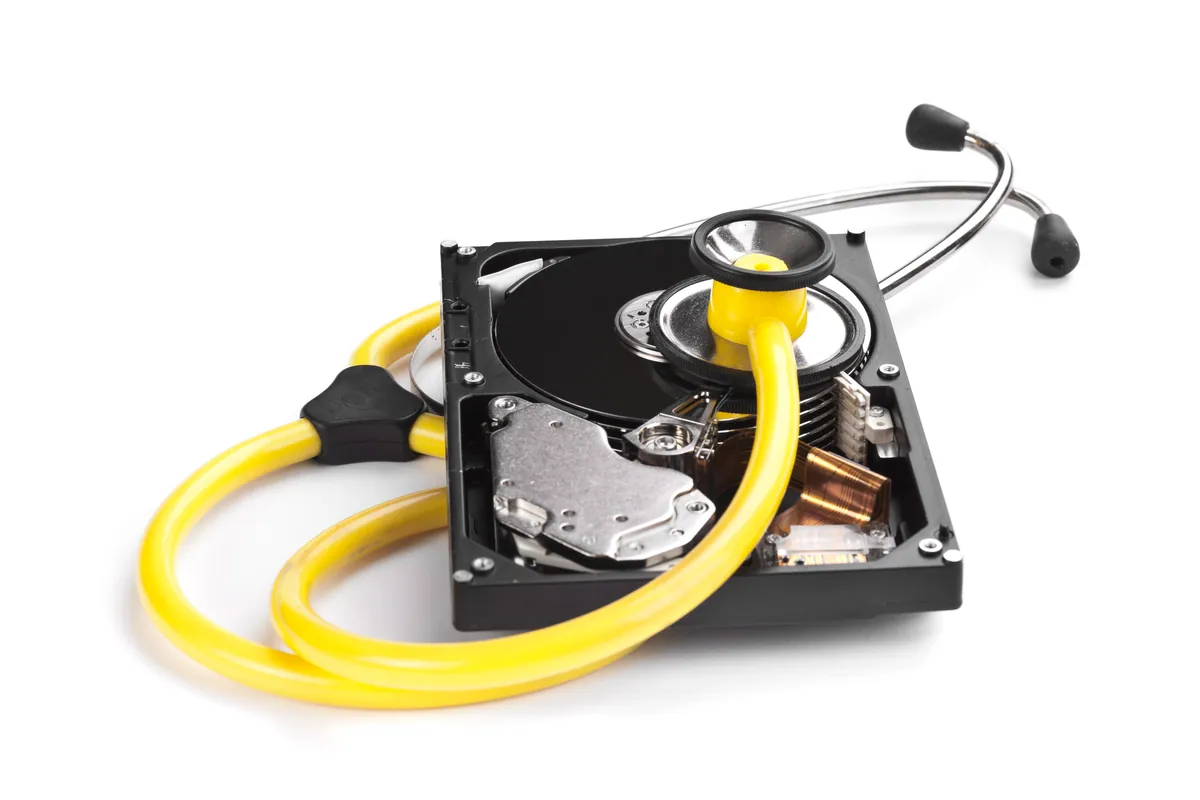
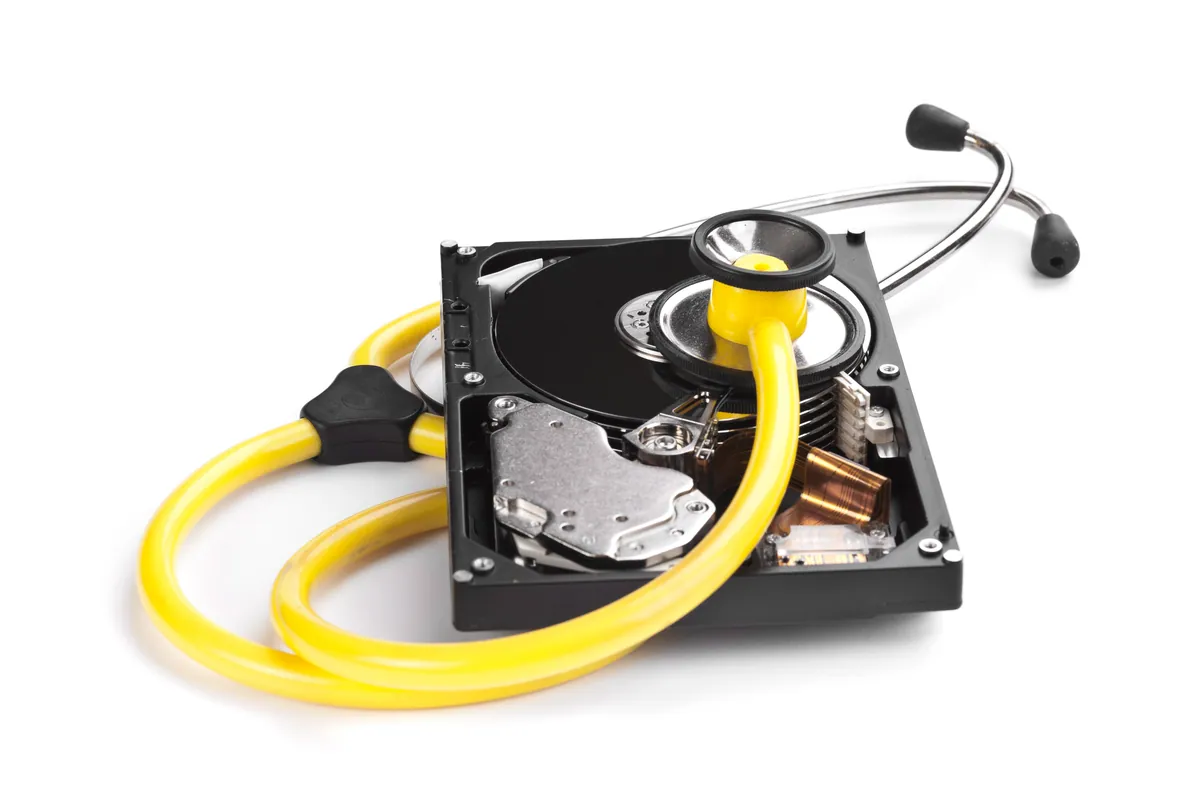
- Separated the drive from the dead machine. Because the failure was the board and not the storage, the owner’s drive — and everything on it — was intact. We removed it from the laptop that could no longer read it.
- Recovered the data externally. We read the drive independently of the dead machine and extracted the owner’s files — around 130GB in all.
- Handed it back on an external drive. We transferred the recovered data onto an external hard drive, so the owner had all their files in a form they could plug into whatever machine came next.
The Result
The verdict on the laptop was blunt and honest: it couldn’t be saved. But the outcome that actually mattered was the happy one — every bit of the owner’s data, around 130GB of it, came back, safely off the dead machine and onto a drive they could keep. They lost a piece of hardware that was near the end of its life anyway; they didn’t lose their documents, photos or files. That’s very often the best and most honest result we can deliver, and it’s a far better one than a costly, doomed attempt to repair an unrepairable board.
Why This Happens
The single most useful thing to understand about a laptop that won’t turn on is that “the computer” and “your data” are two different things. Your files live on the storage drive. Everything else — the board, the processor, the power circuitry — is the machinery that reads that drive and puts your files on the screen. When a laptop dies, it’s very often that machinery that has failed, while the drive, and your data, sits there completely intact. The data isn’t trapped because it’s damaged; it’s trapped because the machine that reads it has stopped working.
That’s why a dead laptop is so often a data-recovery job rather than a data-loss disaster. Take the healthy drive out, read it on working equipment, and the files come straight off. The awkward cases are the ones where the drive itself is what failed — but that wasn’t the situation here.
The harder truth in this story is about repairability. Older machines reach a point where replacement parts simply aren’t made or stocked any more, and a board fault becomes unfixable at any sensible cost. We think the right thing to do at that point is say so plainly, rather than sell a repair that can’t work — and to put all the effort into rescuing the data instead. It’s also the clearest possible argument for a backup: if this owner had had one, the dead laptop would have been a mild inconvenience rather than an anxious trip to the workshop. A simple backup routine turns “will I lose everything?” into “I’ll just get another machine”.
Local Help in Kensington SW7
If your laptop won’t turn on, don’t assume your files are gone with it — the data is usually on a healthy drive, separate from whatever failed. And if a machine turns out to be beyond repair, we’ll tell you straight and focus on getting your data back rather than chasing a fix that isn’t there.
We recover data from dead and failing machines at our Putney workshop, a short journey from Kensington SW7, and we can set you up with a backup so it never comes to this again.
Call 020 7610 0500, drop in to SW15, or use the contact form.