What Was Happening
The owner’s Lenovo mini desktop had become frustrating to use. On its own, doing one thing at a time, it was fine — but the moment they had a few applications open, a stack of browser tabs, and something running in the background, it slowed to a crawl. It wasn’t broken; it was struggling. They brought it into our Putney workshop to ask the sensible question: is this worth upgrading, or do I need a new machine?
Sound like your problem?
Bring it to our Putney workshop or message us a photo and we will give you a straight answer and a quote before any work starts.
Our Diagnosis
The pattern here is a familiar one, and it’s worth confirming rather than assuming:
- The slowdown tracked the workload, not the task. Fine with one app, slow with many — that’s the signature of a machine running out of memory. When RAM fills up, the computer starts shuffling data to and from the much slower storage drive to cope, and everything grinds.
- Checked memory use under the customer’s real workload. With their typical mix of apps and tabs open, the machine was hitting its memory ceiling and paging to disk.
- Confirmed the rest of the machine was worth keeping. The processor and storage were adequate for what the owner needed. This wasn’t a computer at the end of its life — just one short on memory, which is exactly the situation where an upgrade beats a replacement.
Root cause: not enough RAM for the workload.
How We Fixed It
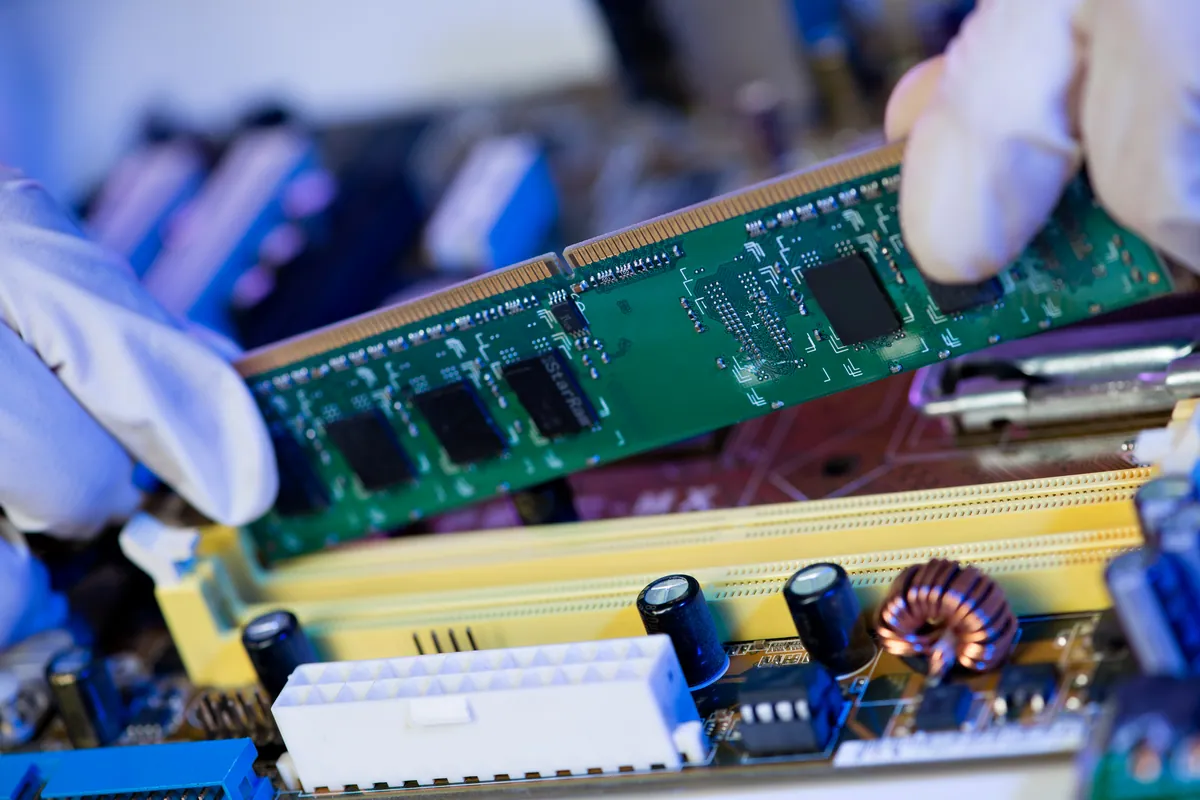
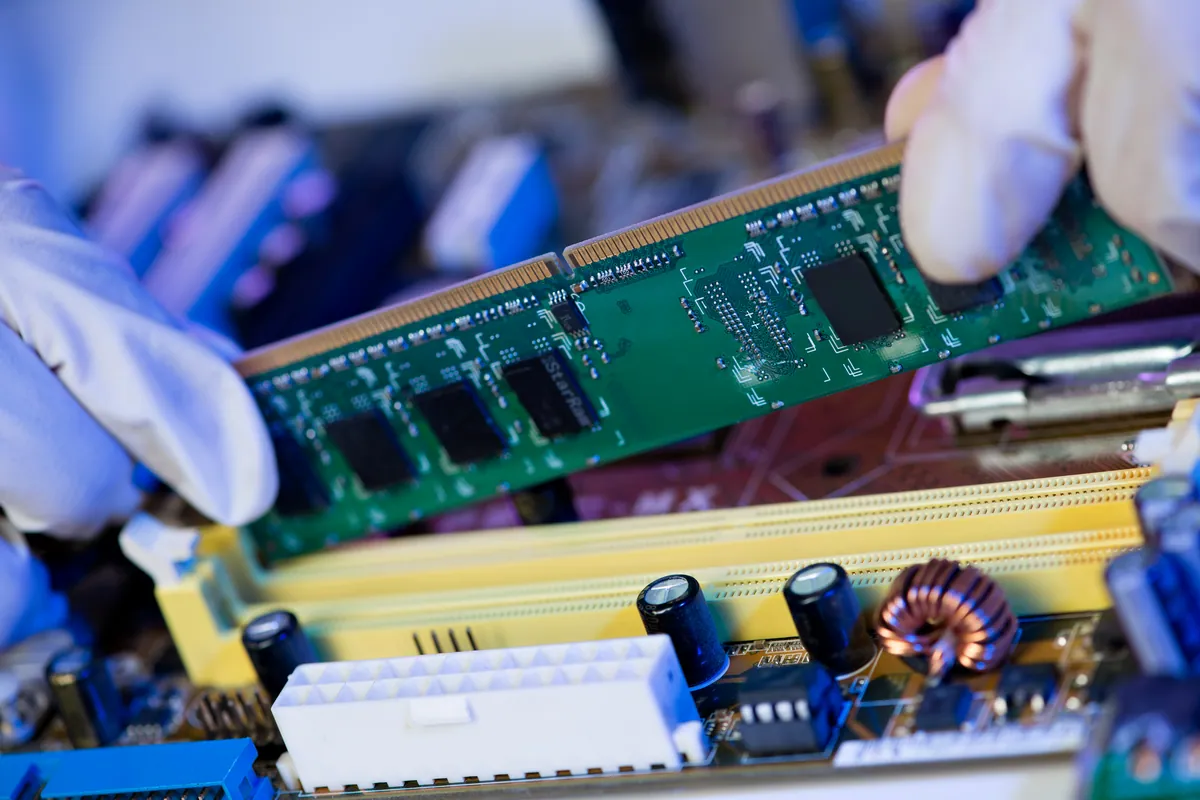
- Upgraded the memory to 32GB, giving the machine comfortable headroom for the customer’s multitasking with room to spare for the future.
- Tested under a realistic load — multiple applications and plenty of browser tabs open at once — to confirm it now stayed responsive instead of stalling.
The Result
The Lenovo handles everyday multitasking smoothly again, for a fraction of what a replacement would have cost — and with none of the upheaval of moving to a new machine and setting everything up from scratch. A quick turnaround.
Why This Happens
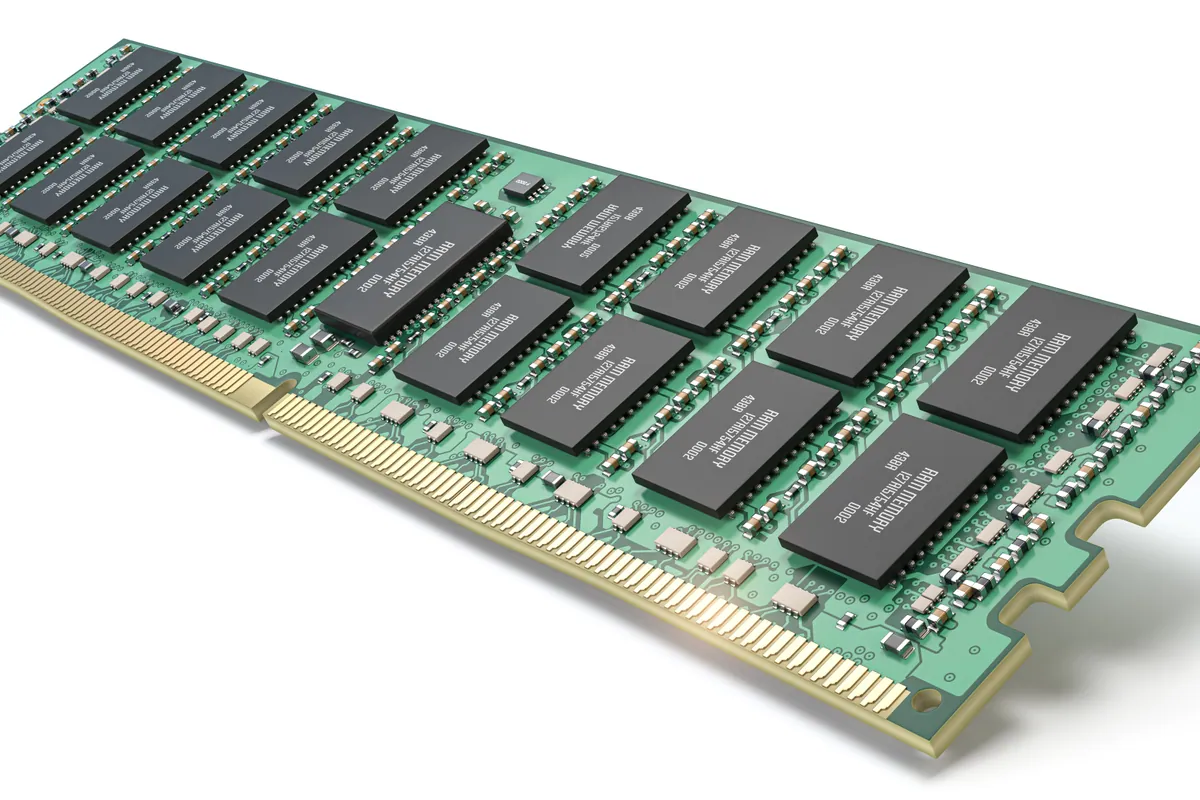
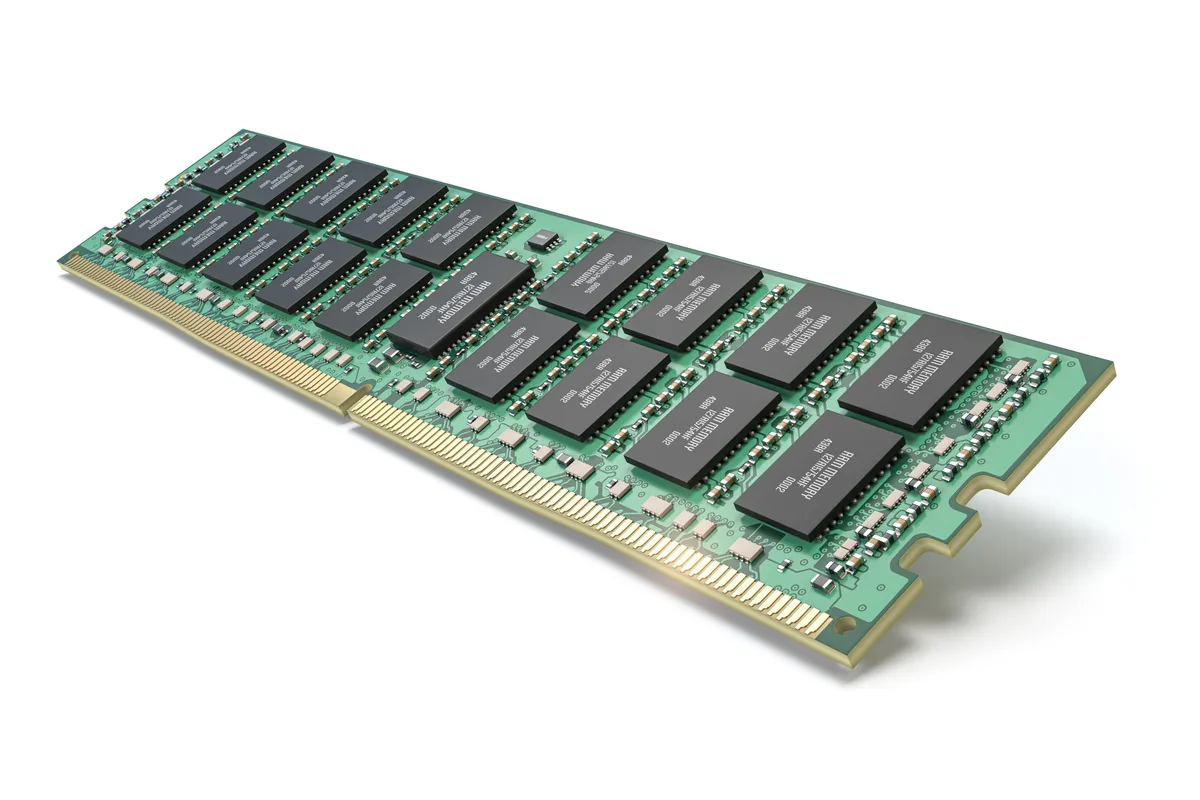
RAM is the fast working space your computer uses for everything you have open right now. When there’s enough of it, your apps and tabs sit ready in memory and switching between them is instant. When there isn’t, the system falls back on the storage drive as overflow — a process called paging — and because even a fast drive is far slower than memory, that’s the lag you feel when everything bogs down.
It tends to creep up over time rather than break suddenly. Software and websites use more memory than they did a few years ago, so an amount of RAM that felt generous when the machine was new can quietly become the limit later, even though nothing has actually gone wrong.
The honest limit worth knowing: more RAM only helps if RAM is genuinely the bottleneck. If the real drag is a slow mechanical hard drive, an ageing processor, or a software problem, adding memory won’t fix it — which is why we check where the bottleneck actually sits before recommending anything. On a machine that is memory-limited, though, a RAM upgrade is one of the best-value improvements there is: often the difference between “buy a new PC” and “keep this one running well for another few years”.
Signs your PC might need more RAM
- It slows dramatically once you have several apps or lots of browser tabs open
- It’s fine straight after a restart, then degrades through the day as things pile up
- The disk stays busy while you multitask, as the system pages memory to storage
- Switching between open applications lags, rather than being instant
If that sounds like your machine — and the rest of it is otherwise fine — a memory upgrade is usually the cheapest and most effective fix.
Local Help in Putney SW15
If your PC has slowed to a crawl and you’re weighing up repair against replacement, bring it into our Putney workshop. We’ll find out whether memory is the real limit — or whether it’s storage, the processor, or software — and recommend only the upgrade that will actually make a difference.
Call 020 7610 0500, drop in to SW15, or use the contact form.