What Was Happening
The MacBook Air arrived from a Richmond TW9 owner in the state a lot of well-loved Macs reach after a few years: still fundamentally a good machine, but let down by the parts that wear. The battery had stopped holding a useful charge, so the laptop died whenever it left the mains. The charger had failed too. And the owner, sensibly, wanted the software given a clean start rather than carrying years of accumulated clutter forward — there was no data on it they needed to keep.
The question behind the visit was the one we hear a lot about older MacBooks: is this worth doing, or should I just buy a new one? Our job was to answer that honestly.
Sound like your problem?
Bring it to our Putney workshop or message us a photo and we will give you a straight answer and a quote before any work starts.
Our Diagnosis
- Confirmed the battery was spent, not faulty. A battery that no longer holds charge after several years hasn’t broken — it’s reached the end of its cycle life, which is entirely normal. We confirmed that’s what we were dealing with: a consumable that had simply run its course and needed renewing.
- Checked the charging side. With the charger failed as well, we made sure the fault really was the charger rather than the MacBook’s charging circuitry — so the owner wasn’t buying a new charger only to find the machine still wouldn’t charge.
- Judged the machine worth refreshing. The core of the laptop — its board, screen and storage — was sound. That’s the deciding factor: when the expensive parts are healthy and only the wear items are tired, a refresh makes far more sense than a replacement.
How We Fixed It
- Fitted a new battery. A fresh battery restored the MacBook’s ability to run unplugged and hold a proper charge — the single change that turns a mains-tethered laptop back into a portable one.
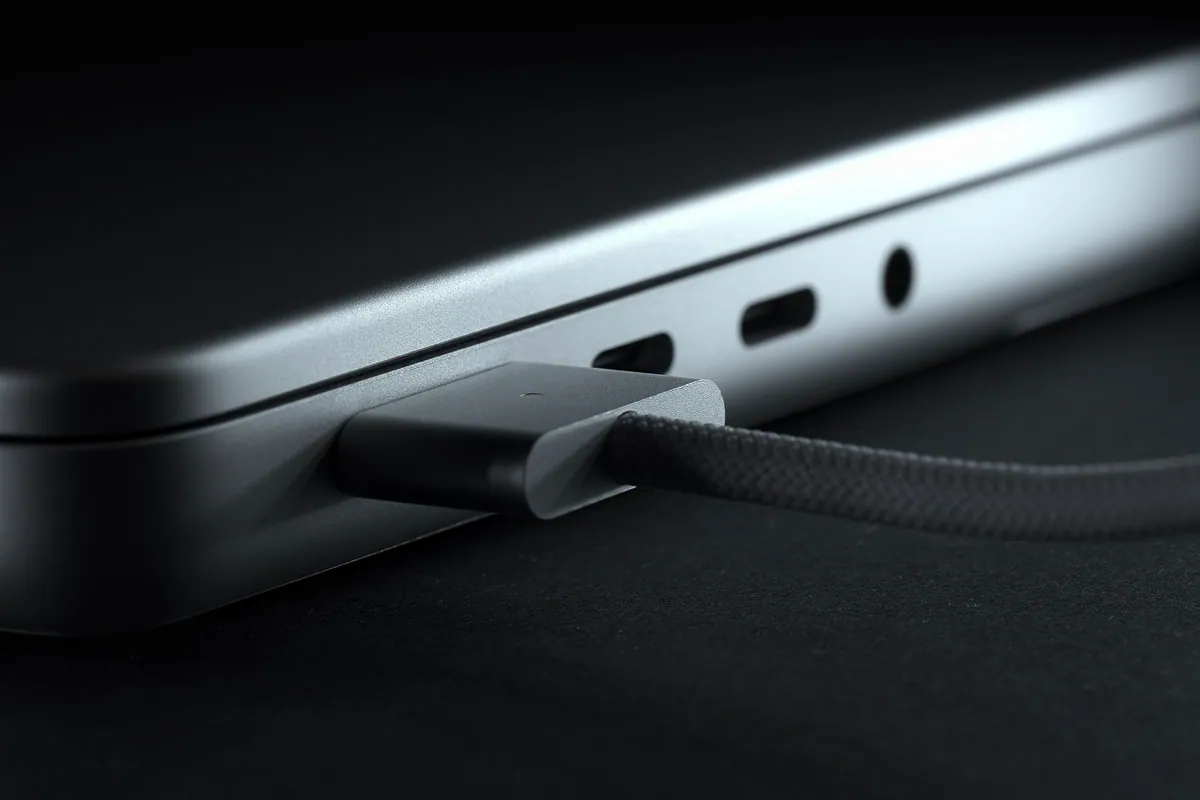
- Supplied a genuine MagSafe charger. We replaced the failed charger with a correctly-rated MagSafe adapter, so charging was reliable and safe rather than a gamble on a cheap substitute.
- Installed a clean macOS. With no data to preserve, we wiped and installed a fresh, current version of macOS — a clean slate that runs better than the cluttered system it replaced.
The Result
The MacBook Air went back to Richmond effectively renewed: holding charge, charging reliably, and running a clean operating system. For a fraction of the price of a new machine, the owner got a laptop that felt new again — and kept a perfectly good computer out of the bin. That’s the outcome that makes refreshing an older Mac so often the right call.
Why This Happens
Two of the three things on this job were consumables, and it’s worth being clear about that because it reframes how you think about an ageing laptop. A battery stores charge through a chemistry that degrades a little with every charge cycle. Apple rates these batteries for a set number of cycles, and once a battery is past that, it holds less and less until it barely holds anything — the machine dies the instant it’s unplugged. That isn’t a defect; it’s the expected life of the part, and replacing it is routine maintenance, not major surgery.
Chargers wear too, and MagSafe cables in particular take strain at the connector and where the cable flexes, so they can fray or fail over years of use. When they go, it’s tempting to grab the cheapest replacement online — but an underrated or poor-quality charger is a frequent cause of unreliable charging and is a false economy. A genuine, correctly-rated adapter is worth the difference.
The clean macOS install is the finishing touch. Years of use leave a Mac’s system cluttered and slower than it needs to be. When there’s no data to keep, wiping and reinstalling gives the machine a genuinely fresh foundation. Put the three together — new battery, proper charger, clean system — and an old MacBook Air that felt finished becomes a machine good for several more years, which is very often the smarter buy than a new one.
Local Help in Richmond TW9
If your MacBook won’t hold charge, or the charger’s given up, don’t assume the laptop itself is done. On an otherwise healthy machine, the battery and charger are wear items — replaceable, affordable, and usually well worth it before you spend hundreds on a new Mac.
We refresh and repair MacBooks from our Putney workshop, an easy run from Richmond TW9, and we’ll tell you honestly whether yours is worth reviving or whether it’s genuinely time to move on.
Call 020 7610 0500, drop in to SW15, or use the contact form.