What Was Happening
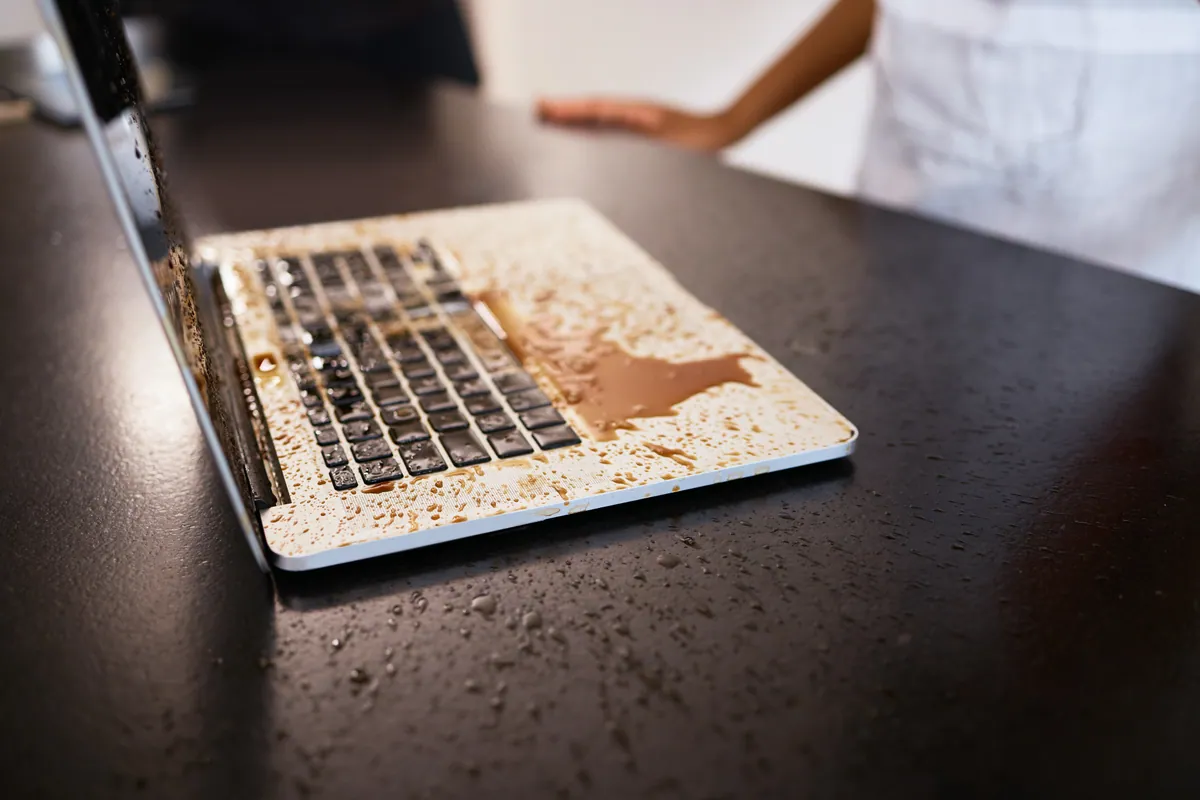
The MacBook Air reached us from a Fulham SW6 owner after a spill, with a symptom that’s actually encouraging once you know what it means. The machine still powered on — it booted, the screen worked, everything was alive — but the keyboard and trackpad had stopped responding.
That pattern matters. A liquid-damaged MacBook that won’t power on at all is telling you the board may be involved. One that powers on and runs, but has lost its keyboard and trackpad, is usually telling you the liquid stayed up in the top case and hit the input devices rather than tracking down to the logic board. The repair, and the cost, are worlds apart — so the first job was to confirm which situation this was.
Sound like your problem?
Bring it to our Putney workshop or message us a photo and we will give you a straight answer and a quote before any work starts.
Our Diagnosis
- Confirmed the machine was otherwise healthy. It powered on, held a display, and ran. An external keyboard and pointing device worked normally through the ports, which told us the rest of the machine — including the board’s USB and input handling — was fine. The fault was confined to the built-in keyboard and trackpad.
- Assessed the trackpad. The trackpad had liquid residue but was mechanically and electrically intact underneath it. It was a candidate for cleaning rather than replacement.
- Assessed the keyboard. The keyboard was the opposite. On this model the keys sit over a thin membrane, and once liquid gets under the keys and into that membrane it corrodes contacts you simply can’t reach to clean. Testing confirmed the keyboard was faulty in a way a clean wouldn’t fix.
Conclusion: board untouched, trackpad recoverable, keyboard not. That’s a localised liquid-damage repair, and a far better result for the owner than a board job.
How We Fixed It
- Trackpad clean. We cleaned the trackpad thoroughly, lifting the residue and restoring proper contact and click action. Tested afterwards, it tracked and clicked correctly — no replacement needed.
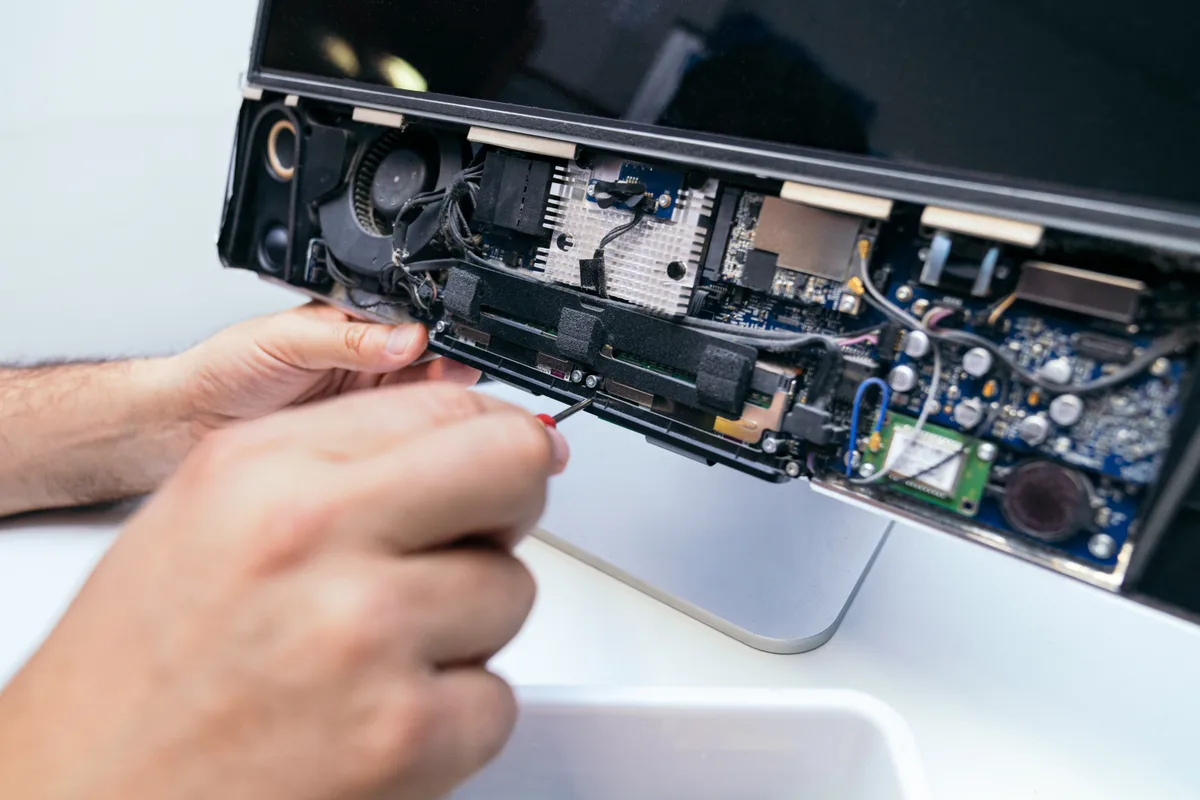
- Keyboard replacement. The keyboard on the 11-inch Air is integrated into the upper case, so replacing it is a strip-down job rather than a quick swap. We fitted a replacement, reassembled the machine, and tested every key individually to confirm each one registered.
- Full input test. With both devices back in service we ran a complete check — every key, and the full range of trackpad gestures and clicks — before signing the machine off.
The Result
The MacBook Air went back to Fulham SW6 fully working, with a responsive keyboard and a recovered trackpad. The replacement keyboard carried a 3-month warranty. Turnaround was short once the replacement part was to hand — a world away from the multi-day bench time a board refurbishment would have needed.
This is the outcome we like to be able to give: a spill that stayed localised, caught before it spread, fixed at the level of the actual fault rather than the worst-case one.
Why This Happens
On a MacBook the keyboard and trackpad sit in the top case, directly under where drinks get placed. A spill lands on them first. Whether it becomes a cheap repair or an expensive one comes down to gravity and time: if the liquid drains away or is drained out quickly, it may never reach the logic board underneath. If the machine is left flat and running, it wicks downward into the board and the job changes entirely.
The keyboard rarely survives because of how it’s built — the membrane under the keys traps liquid against fine contacts, and there’s no way to clean it in place. The trackpad, sitting slightly differently and often taking less of the spill, can more often be cleaned and saved. That’s why the same spill can cost one owner a keyboard and another owner a logic board.
Local Help in Fulham SW6
If you’ve spilled on a MacBook and it still switches on but the keyboard or trackpad has gone, that’s often good news — it points to a localised repair rather than a board job. The important thing is to get it checked before any liquid that’s still inside has time to travel.
We handle liquid-damage MacBook repairs from our Putney workshop, a short trip from Fulham SW6, and we start by establishing whether the board is involved — because that’s the fact that decides everything else.
Drop the machine in to SW15, call 020 7610 0500, or message us via the contact form.