What Was Happening
The MacBook Air arrived from a Streatham SW16 owner completely lifeless. It wouldn’t charge, and it wouldn’t turn on at all — no lights, no chime, no sign of life on the screen. The cause wasn’t a mystery in the way some faults are: there had been a liquid spill, and afterwards the machine simply stopped. The owner asked us to fix it if it was minor, and to diagnose and quote if it turned out to be a hardware problem, which — after liquid and a total loss of power — it almost always is.
A completely dead MacBook after a spill is one of the more heart-sinking faults to bring in, because it looks terminal. The screen stays black, the charger does nothing, and it’s natural to assume the machine is gone. Often, it isn’t.
Sound like your problem?
Bring it to our Putney workshop or message us a photo and we will give you a straight answer and a quote before any work starts.
Our Diagnosis
- Ruled out the simple power faults first. “Won’t charge and won’t turn on” can, in isolation, be a dead battery, a faulty charger, or a damaged charging port. Those are the cheap checks, and they come first. But context matters enormously here: a spill followed by total silence points past those and towards the board itself.
- Traced it to liquid damage on the logic board. The logic board is the main circuit board of the MacBook — the part every other component depends on. Liquid reaching it can short connections and start corrosion, and when that happens the machine loses power entirely, exactly as this one had. That was the fault: not the battery, not the charger, but damage on the board.
- Judged the board refurbishable, not scrap. The decisive question with a liquid-damaged board is whether the damage can be reversed at component level or whether it’s gone too far. Here the assessment was that the board could be refurbished — meaning the machine could be saved rather than replaced.
How We Fixed It
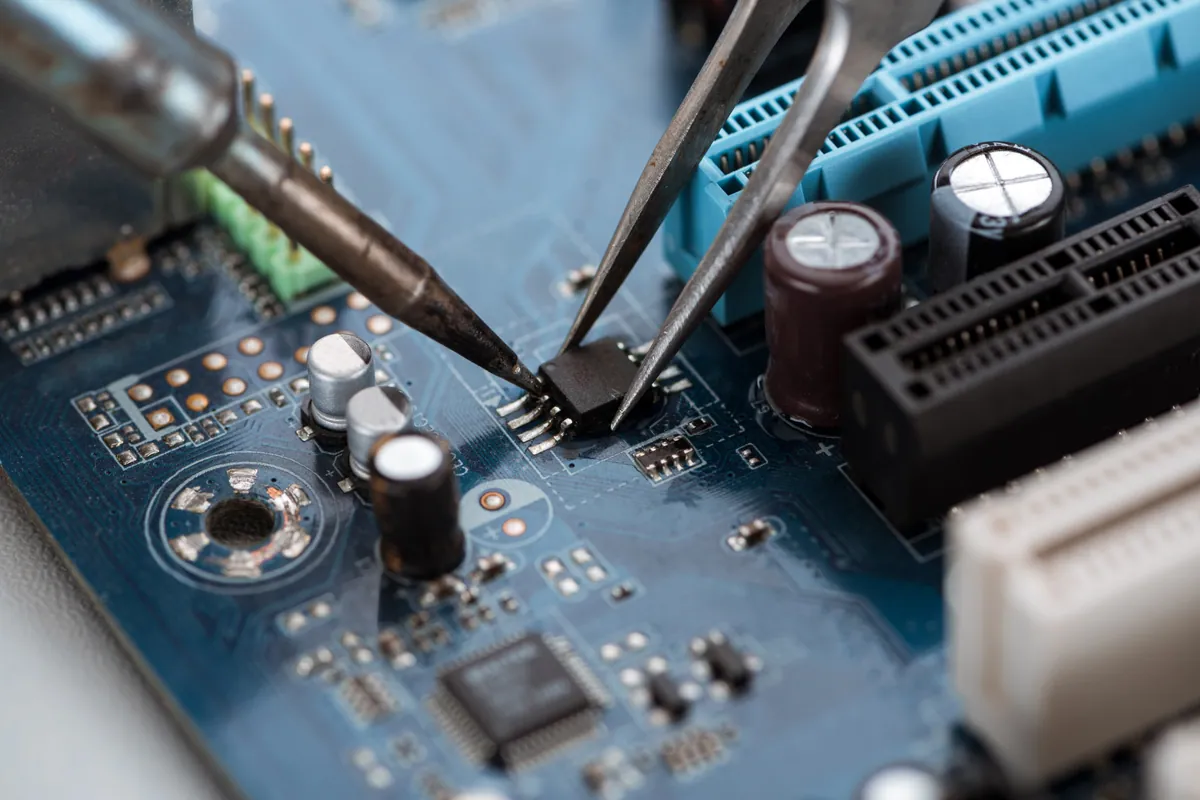
- Refurbished the logic board at component level. We carried out a component-level refurbishment of the liquid-damaged board — the detailed, close-up work of addressing the damage on the board itself and restoring it to working order, rather than swapping the whole board or the whole machine.
- Brought it back to life. With the board refurbished, the MacBook powered on and charged again — the dead machine returned to a working one.
- Backed it with a warranty. The repair came with a 90-day warranty. That matters especially after liquid damage, because it’s our confidence, in writing, that the board is genuinely sound again and not just briefly revived.
The Result
The MacBook Air went back to Streatham powering on and charging normally, its logic board refurbished and the repair covered by a 90-day warranty. A machine that had looked completely finished after a spill was, with component-level work, brought fully back — and the owner kept their MacBook rather than replacing it. Given how final a dead-after-liquid MacBook appears, it’s one of the more satisfying saves we do.
Why This Happens
Liquid and electronics are old enemies, and a laptop spill is one of the most common ways a machine ends up dead. The danger isn’t only the initial short when the liquid bridges connections it shouldn’t — it’s the corrosion that follows. Many spills aren’t pure water; tea, coffee, wine and soft drinks carry sugars, salts and acids that keep attacking the board’s tiny connections long after the liquid itself has dried. That’s why a MacBook can seem fine for a day or two after a spill and then die: the corrosion has been quietly doing its work.
When liquid reaches the logic board, the machine can lose power completely, because the board is what everything else runs through. It looks like the end — but a liquid-damaged board can often be refurbished at component level, addressing the affected areas and restoring the board rather than condemning the whole computer. It’s specialist work, and it’s what stands between a spill and a landfill. The honest caveat is that liquid damage is unpredictable: the outcome depends on what was spilt, how much reached the board, and how long it sat there — which is exactly why a warranty on the repair matters.
That unpredictability also points to what to do in the moment. After any spill, the safest response is to power the machine off immediately, unplug it, and resist the urge to keep trying the power button — every attempt to run a wet board risks more damage. Then get it looked at quickly. The faster a liquid-damaged machine reaches a workshop, the less time corrosion has to spread, and the better the odds of a clean save.
Local Help in Streatham SW16
If your MacBook has died after a spill — no charging, no power, nothing on screen — don’t assume it’s beyond saving. Liquid damage on the logic board looks terminal but is often refurbishable, and the sooner it’s seen, the better the outcome. Turn it off, leave it unplugged, and don’t keep trying the power button.
We carry out component-level logic-board and liquid-damage repairs on MacBooks at our Putney workshop, within reach of Streatham SW16, and we’ll give you an honest assessment before any work begins.
Call 020 7610 0500, drop in to SW15, or use the contact form.