What Was Happening
The MacBook Air arrived from a Fulham SW6 owner as about as unresponsive as a laptop gets: pressing the power button did nothing at all. No chime, no display, no fan — nothing. They asked us to look at it and fix it if it was minor, or quote if it was going to be a serious job.
A MacBook that shows no sign of life is the fault people most fear, because it feels terminal — and it comes with a second, quieter worry: even if the machine is gone, what about everything on it? On a modern MacBook Air, that worry is sharpened by a hardware reality we’ll come back to.
Sound like your problem?
Bring it to our Putney workshop or message us a photo and we will give you a straight answer and a quote before any work starts.
Our Diagnosis
- Ruled out the simple causes. Before assuming the worst, the basics: checking that the machine genuinely wasn’t drawing power or responding, rather than being stuck on a flat battery or a faulty charger. It wasn’t a trivial fix — the machine was truly dead.
- Traced the fault to the logic board. With the easy explanations gone, the fault pointed at the logic board — the single large circuit board that carries the processor, memory and storage, and everything that brings a Mac to life. A failure there stops the machine dead exactly as this one had.
- Planned a board-level repair. This is the decision point. On a MacBook Air, the storage and memory are soldered directly to that board, so you can’t simply swap a stick or a drive. Either the board is repaired at component level, or effectively the whole machine — data included — is written off. We judged the board repairable and set out to fix it rather than replace it.
How We Fixed It
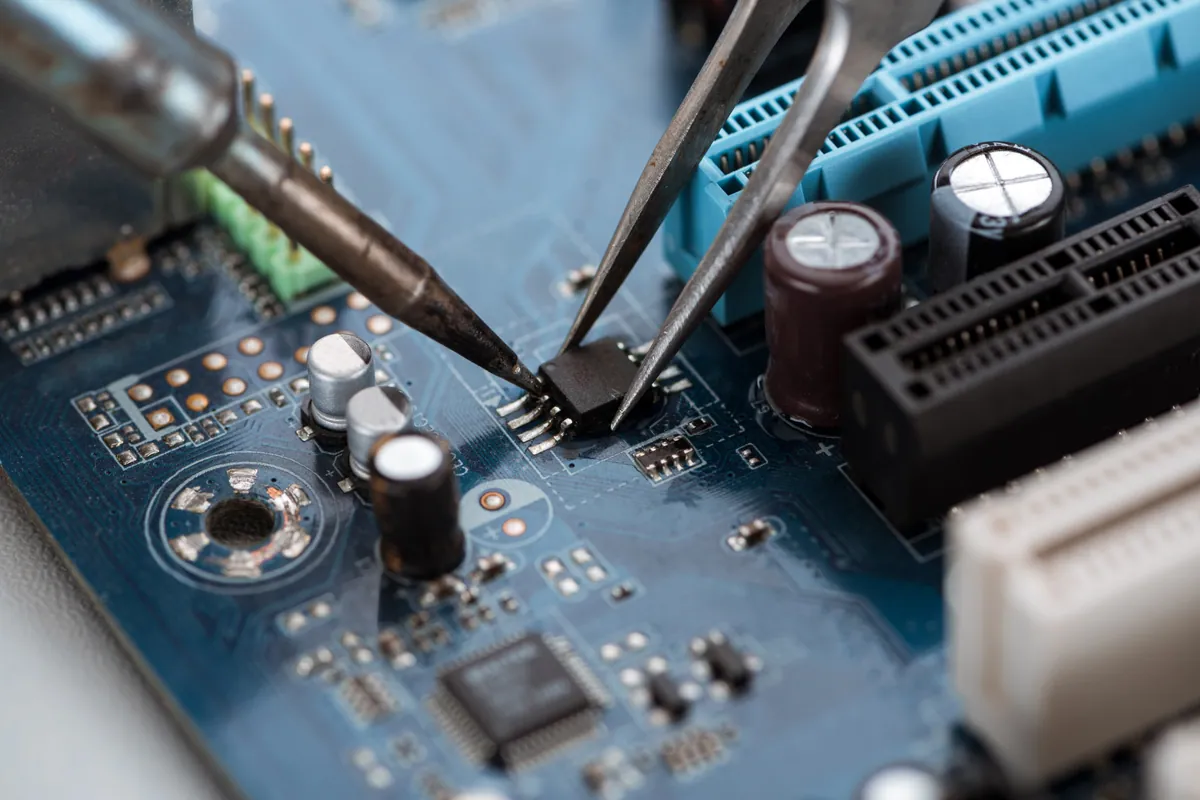
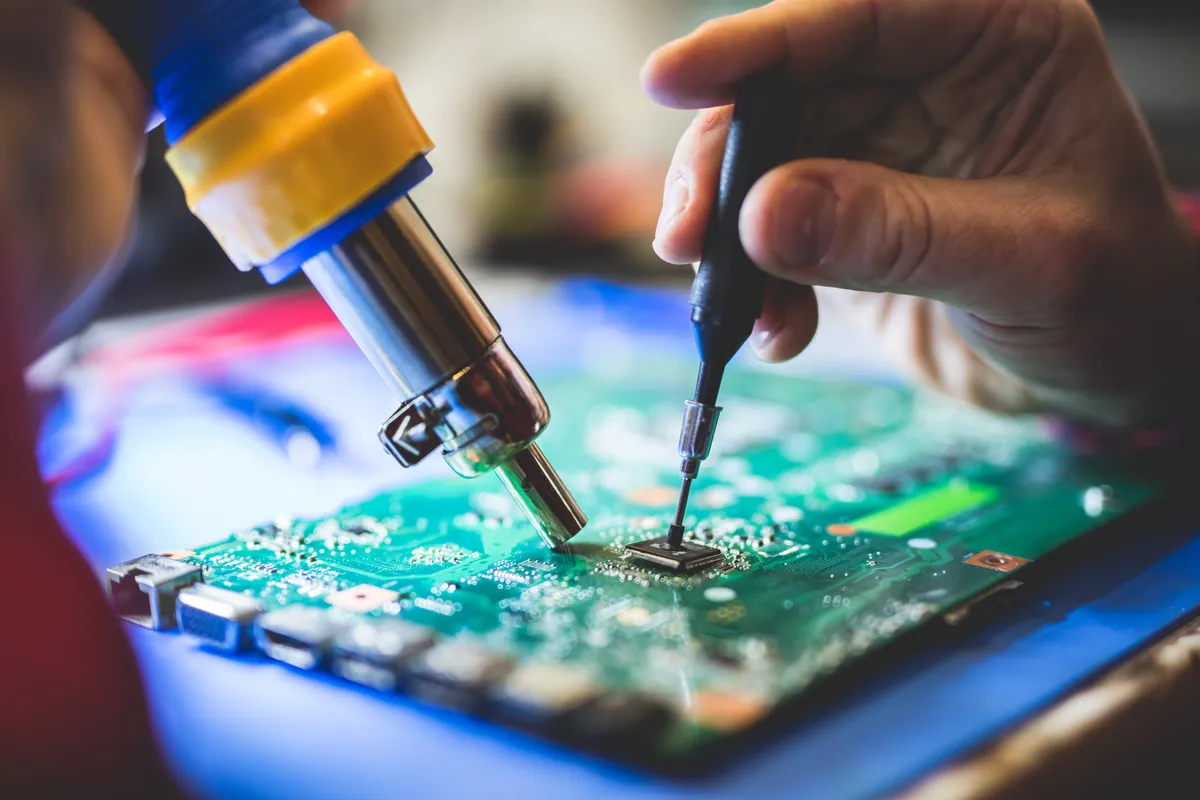
- Repaired the logic board at component level. We carried out the board-level work needed to restore power and get the machine running again, addressing the fault on the board itself rather than replacing the entire unit.
- Found — and worked around — a corrupt OS. With the board repaired and the machine powering up, a second problem surfaced: the operating system was corrupted. Rather than wipe blindly, we treated the data as the priority.
- Recovered the data, then reinstalled cleanly. We recovered the owner’s files from the corrupt installation first, and only then wiped the drive and installed a fresh copy of macOS — a clean, stable system, with the data safely preserved and restored.
The Result
The MacBook Air went back to Fulham alive and working, running a clean macOS, with the owner’s data intact. Board-level work of this kind takes time — around two weeks here, which is normal for the parts and the care involved — but the outcome was a repaired, usable machine and preserved files, rather than a dead laptop and a data-loss disaster. The repair carried a warranty, so the owner left with confidence rather than crossed fingers.
Why This Happens
The logic board is the heart of a MacBook — it holds the processor, the memory and, on modern models, the storage, all on one board. When something on it fails, whether from age, heat cycling over years, a tiny failed component or past liquid exposure, the machine can go completely dead with no warning. Because everything critical lives on that one board, a fault there feels like the end of the whole computer.
For older, upgradeable laptops, a dead board just meant fitting a replacement and moving the drive over. That escape route has largely closed on modern MacBooks: with memory and storage soldered to the board, there’s no drive to lift out and no simple part to swap. That’s exactly why component-level board repair matters so much on these machines. Done well, it can bring back a laptop — and the data trapped on its soldered-in storage — that would otherwise be a total loss.
And it’s why the sequence at the end was non-negotiable. Once a revived machine turns out to have a corrupt OS, the temptation is to wipe and start fresh straight away. But a wipe is permanent. Recovering the data first, then reinstalling, is the difference between “we fixed your Mac and kept everything” and “we fixed your Mac but your files are gone”. On a machine where the storage can’t simply be removed and read elsewhere, that discipline is everything.
Local Help in Fulham SW6
If your MacBook is completely dead — no chime, no display, no response — don’t assume it’s landfill and don’t assume the data is lost with it. On these machines the fault is often a repairable one on the logic board, and the files can very often be saved.
We carry out board-level MacBook repairs and data recovery from our Putney workshop, a short hop from Fulham SW6, and we’ll tell you honestly whether a board is worth repairing before you spend a penny on a replacement.
Call 020 7610 0500, drop in to SW15, or use the contact form.