What Was Happening
The MacBook Air had stopped starting up properly. Instead of reaching the login screen it stalled at startup — the kind of failure that means the Mac can’t find a working system on its drive: a progress bar that never completes, or a flashing folder with a question mark. The owner hadn’t dropped it or spilled anything on it; it had simply stopped getting into macOS one day. They brought it into our Putney workshop wanting it working again, and weren’t precious about the data on it.
Sound like your problem?
Bring it to our Putney workshop or message us a photo and we will give you a straight answer and a quote before any work starts.
Our Diagnosis
We work out whether a Mac that won’t boot has a software problem or a hardware one before quoting, because the two are very different jobs:
- Tried to start into macOS Recovery. Recovery loads from a separate part of the system and is the first thing to test. If a Mac reaches Recovery and can see its drive, the fault is usually software, and a reinstall sorts it. That’s the cheap outcome, and it’s always worth confirming first.
- Checked whether the internal drive was healthy and being detected. The internal storage wasn’t behaving as a healthy drive should — the tell-tale that the problem was the drive itself, not just a corrupted copy of macOS sitting on a good drive.
- Ruled out the simple reinstall. Because the drive itself had failed, reinstalling onto the existing drive wasn’t an option. The hardware had to be addressed first.
Root cause: a failed internal SSD.
How We Fixed It
- Fitted a replacement SSD. On this MacBook Air the storage was a replaceable module — which, as below, isn’t true of every Mac.
- Carried out a clean macOS installation on the new drive, brought it up to date, and set the machine up ready to use.
- On the data: the owner had confirmed they didn’t need anything recovered from the old drive, so this was a clean replacement rather than a recovery job. Where a customer does need their files and the drive has failed, we’re always straight about what can and can’t be retrieved rather than promising everything back.
The Result
The MacBook Air starts and runs normally again on the new SSD, set up and ready to go. Same-week turnaround.
Why This Happens
SSDs have no moving parts, so they fail differently from the mechanical hard drives they replaced. Rather than the gradual, noisy decline of a spinning disk, an SSD tends to fail at its controller or as its flash memory wears out — often with little warning. One day it’s fine; the next the Mac can’t read a valid system from it.
The part worth knowing as a Mac owner is the difference between models:
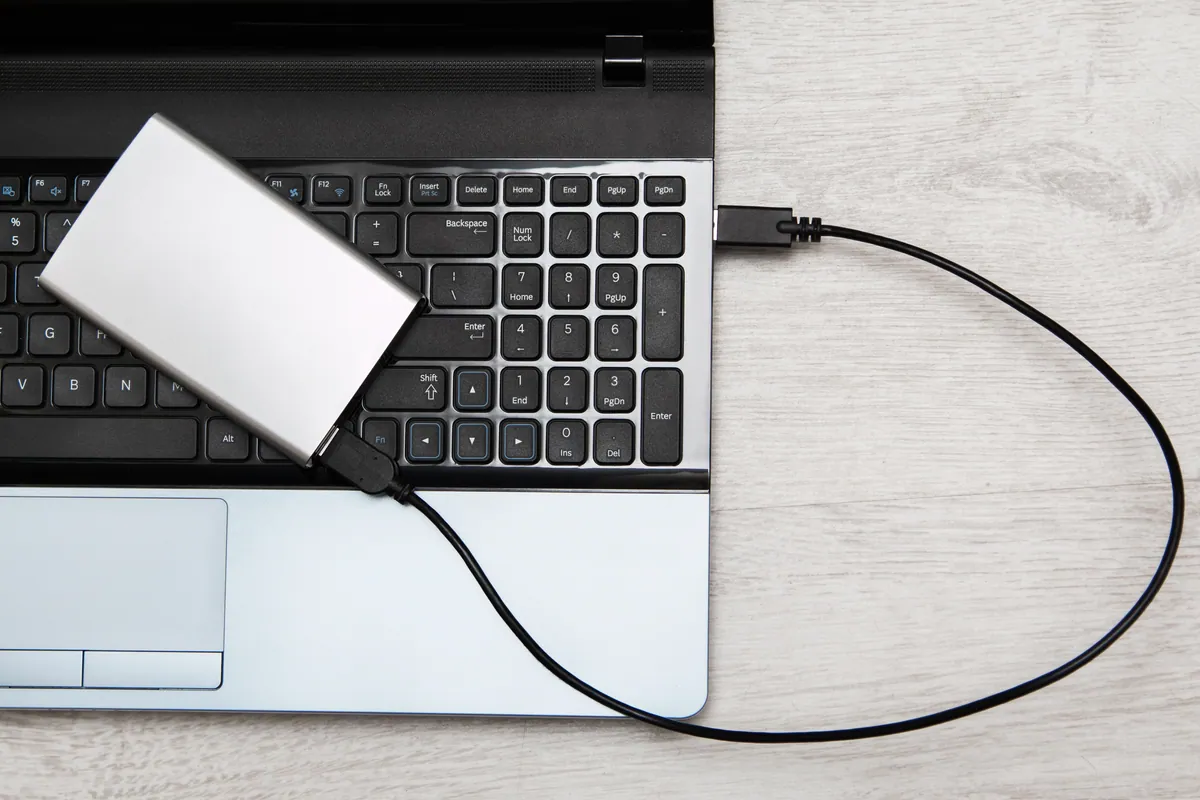
- Older MacBook Airs (and some older Pros) used a removable SSD module. A failure like this one is a drive swap — quick and comparatively inexpensive.
- Newer Apple Silicon Macs and later Intel models have the storage soldered to the logic board. A failed SSD on those is a board-level repair, or in Apple’s own model a whole-board replacement — far more involved and far more costly.
Knowing which you have changes the conversation entirely, which is why we identify the model and its storage type early.
Back up before the drive decides for you
Because SSD failure often arrives without warning, a backup is the real protection. A drive swap gets you a working Mac again quickly; only a backup gets your files back. Time Machine to an external drive, or a cloud backup, means a failed SSD is an afternoon’s inconvenience rather than a permanent loss. It’s the single best habit any laptop owner can have.
Local Help in Putney SW15
If your MacBook won’t get past the startup screen — a stalled progress bar, or the flashing question-mark folder — bring it into our Putney workshop and we’ll establish whether it’s a quick software fix or a failed drive before quoting. We’ll also tell you honestly whether your model has a replaceable drive or a soldered one.
Call 020 7610 0500, drop in to SW15, or use the contact form.