What Was Happening
The MacBook Pro had simply stopped charging. The owner, in Kensington SW7, described the familiar sequence: the battery ran down, plugging in did nothing, and eventually the machine wouldn’t power on at all. They had already tried a different charger and a different cable, which is exactly the right first step — and it ruled out the two cheapest causes before the machine ever reached us.
When a MacBook stops charging, the port is the obvious suspect. But on modern USB-C MacBooks the charging port is not a simple socket — the power it accepts is negotiated and routed by circuitry on the logic board itself. That means a “charging fault” can live in three different places, and only one of them is the port.
Sound like your problem?
Bring it to our Putney workshop or message us a photo and we will give you a straight answer and a quote before any work starts.
Our Diagnosis
We worked from the cheapest, least invasive checks upward:
- Charger and cable, confirmed. We re-tested with known-good Apple power adapters and cables on the bench. Still no charging. That matched what the owner had already found and moved the fault inside the machine.
- Port inspection under magnification. We checked each USB-C connector for bent pins, debris and burn marks. The connectors were physically sound — no obvious mechanical damage to explain a total charging failure.
- Bench power, current-limited. We applied power through the charge port from a current-limited bench supply and watched the current draw. The pattern pointed at the power-delivery section of the logic board rather than the connector — the board was not pulling charge current the way a healthy one should.
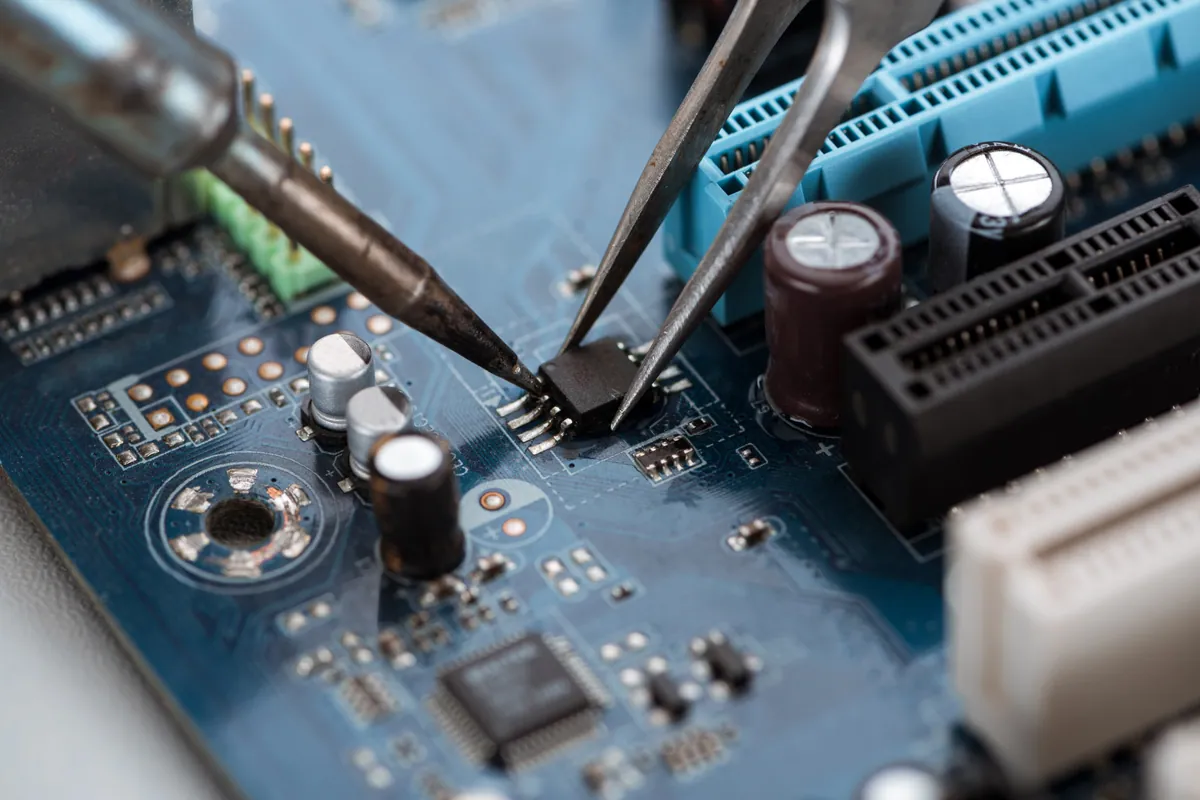
- Board-level inspection. With the fault localised to the power-delivery circuitry, we inspected the relevant components on the board for the tell-tale signs of a failed rail.
Conclusion: this was a logic-board fault, not a port swap. The right repair was a board-level refurbishment of the affected section — materially cheaper than replacing the whole logic board, and the correct call when the damage is localised.
How We Fixed It
The work was carried out at board level, with the battery disconnected throughout:
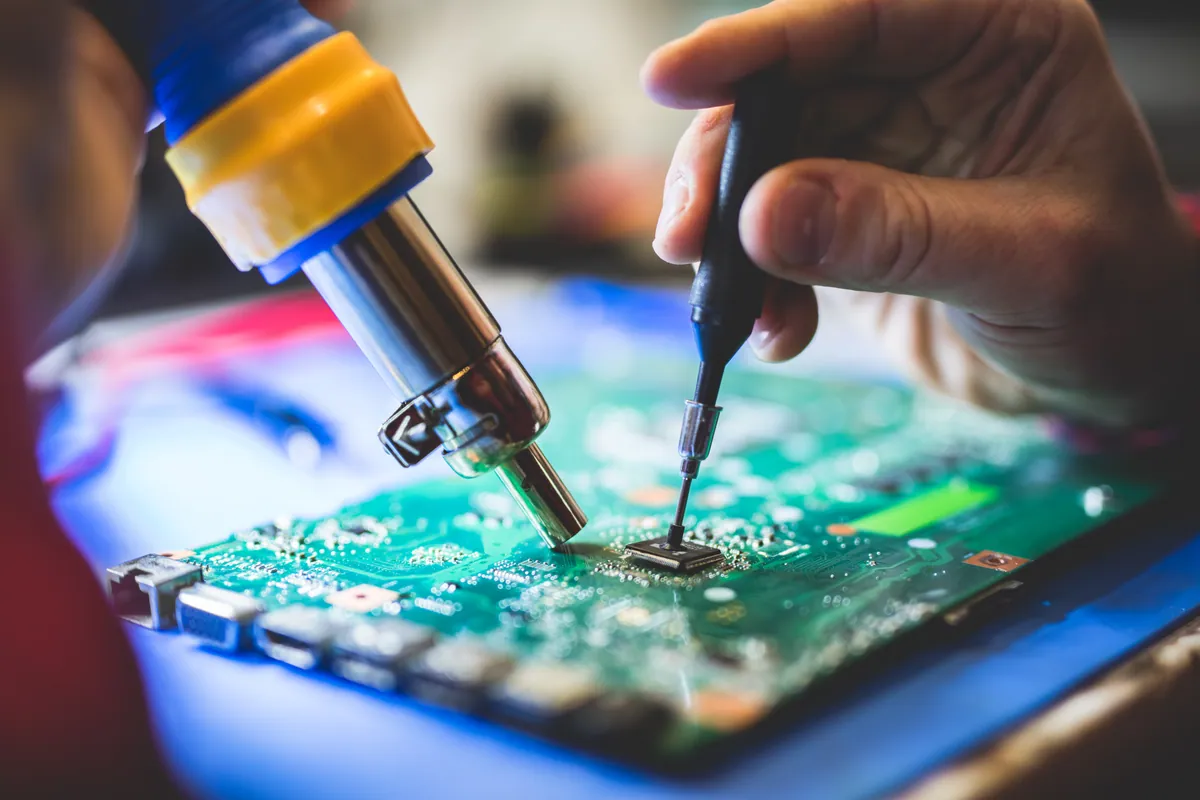
- We refurbished the affected power-delivery section of the logic board, repairing the circuit responsible for accepting and routing charge.
- The board was cleaned and inspected before reassembly, and every connector that had been disturbed was checked and reseated.
- Once rebuilt, we re-tested charging from empty, watching the charge curve over a full cycle to confirm the board was now negotiating and accepting power correctly.
Board-level work of this kind has a lead time — sourcing, the repair itself, and proper testing — so we quoted up to ten working days and kept the owner updated rather than rushing the verification.
The Result
The MacBook charged and powered on normally again. Battery charging was confirmed across a full cycle.
We were also honest about one residual limitation: after the refurbishment, one of the USB-C ports still would not move data at full capability, even though it charged. Data transferred reliably through the other port. We explained this to the owner before collection so they could make an informed decision, and they chose not to take up a separate data-migration option. We would always rather disclose a residual quirk than let a customer discover it a week later.
The board work carried a 90-day warranty.
Why This Happens
USB-C is a single connector doing several jobs at once — power in, power out, data, video. On a MacBook logic board, a dedicated set of components negotiates how much power to accept and then routes it to the battery-charging circuit. Those components sit close to the port and take the brunt of every awkward cable, cheap third-party charger and knock to the plug.
When they fail, the symptom is indistinguishable from a dead port to anyone without board-level test gear: the machine simply won’t charge. That’s why swapping the port — or worse, condemning the whole logic board — is often the wrong first move. A structured bench diagnosis tells you which of the three candidate faults you actually have, and board-level refurbishment fixes the most common one without the cost of a full board.
Should you repair or replace a MacBook logic board?
Two things decide it:
- How localised the damage is. A single failed charging rail is a strong candidate for refurbishment. Widespread liquid corrosion across the board is not, and we’ll say so.
- The value of the machine and its data. A board refurbishment that costs a fraction of a replacement board is usually worth it on a machine that’s otherwise sound. We give you the honest comparison rather than defaulting to the most expensive option.
Local Help in Kensington SW7
Charging faults on USB-C MacBooks are one of the most misdiagnosed repairs we see — the port gets blamed for what is often a board-level fault a socket swap won’t fix.
If your MacBook has stopped charging and you’ve already ruled out the charger and cable, the next step is a proper bench diagnosis. We carry out board-level MacBook work from our Putney workshop, a short hop from Kensington SW7, and we’ll tell you honestly whether it’s a refurbishment, a replacement, or not worth it.
Call 020 7610 0500, drop in to SW15, or use the contact form.