What Was Happening
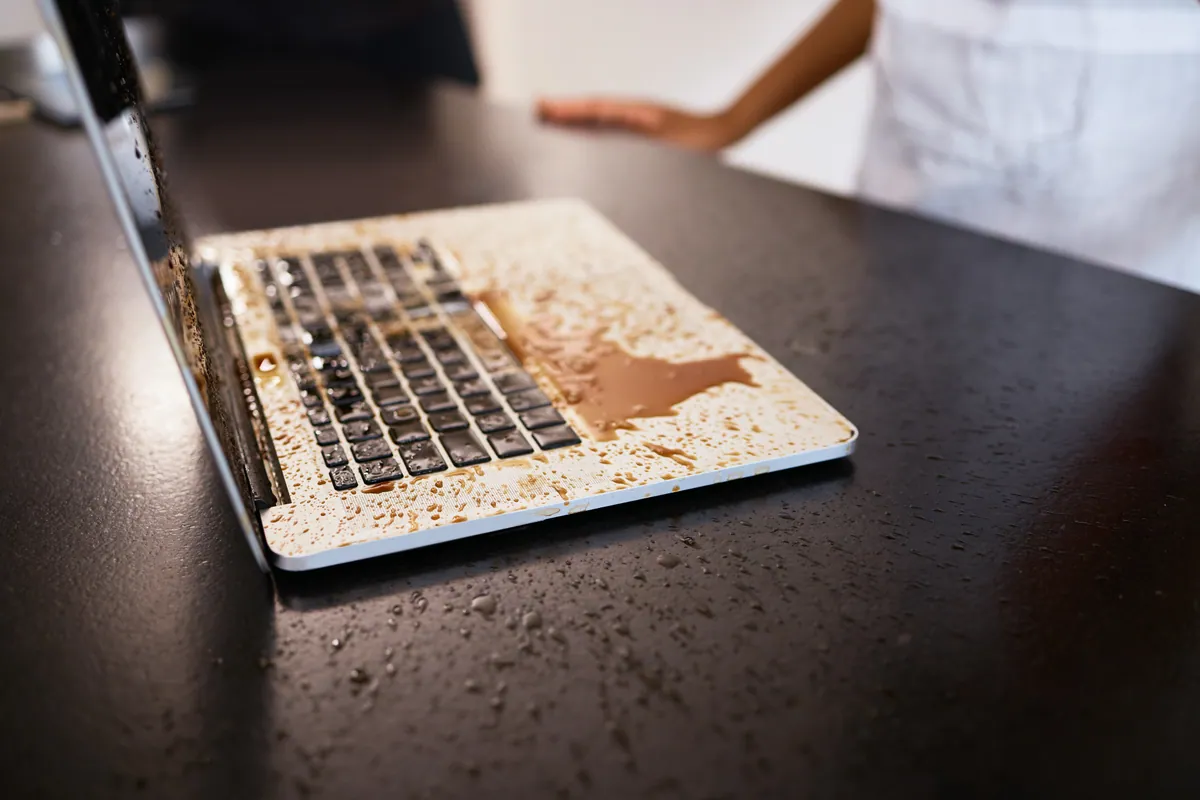
The spill was straightforward — a knocked drink, keyboard side, the machine was running at the time. It shut down on its own within seconds and would not power on again afterwards. The owner had done the right things in the right order: powered it down, turned it upside down to drain, and brought it in rather than trying to dry it themselves.
The wrong responses to a liquid spill we see frequently — and which make the outcome much worse — include putting the machine in rice, trying to dry it with a hairdryer, and (worst) trying to power it back on every few hours to “see if it has dried out”. Each of those steps causes additional damage.
Sound like your problem?
Bring it to our Putney workshop or message us a photo and we will give you a straight answer and a quote before any work starts.
Our Diagnosis
Liquid damage diagnosis is largely visual once the machine is open, with electrical confirmation:
- Disassembly with the battery disconnected as step one. The battery stays connected to the logic board even when the machine is “off” — any liquid bridge between two contacts is still drawing current and growing the corroded area while the battery has charge.
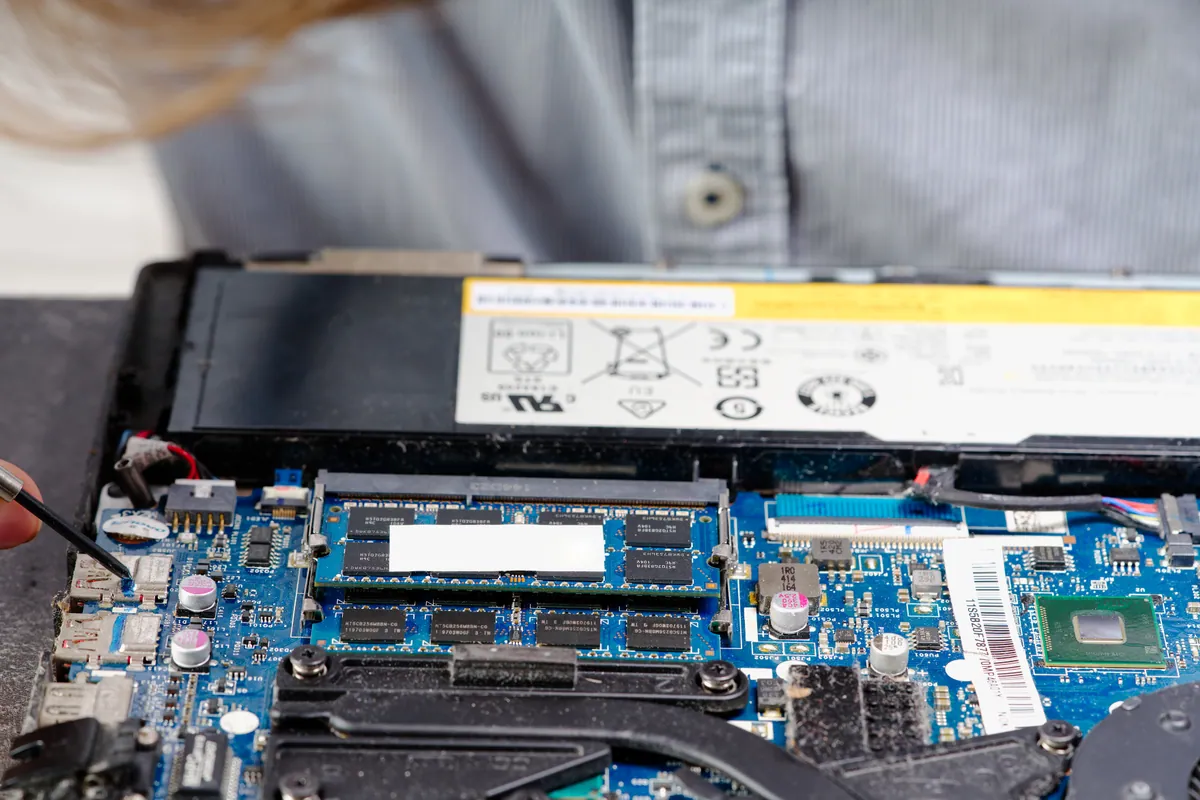
- Visual inspection under magnification. Looked for residue (the dried-out shadow of the spill), oxidation (green or white powdery deposits on copper traces), and discolouration around connectors. On this MacBook the spill had pooled around the keyboard connector and tracked down towards the SMC power-management area.
- Trace continuity testing. Tested key power rails for continuity to ground and for the expected supply voltage when battery and PSU were briefly connected. Found a short-to-ground on the rail that the SMC enables first when the power button is pressed. That short was the immediate reason the machine would not power on.
- Component-level inspection. Looked at the small inductors, capacitors and ICs around the suspect area. Two small ceramic capacitors had been bridged by liquid residue; one inductor showed corrosion on its solder pads.
Conclusion: damage was real but localised. Logic board was a candidate for refurbishment rather than full replacement.
How We Fixed It
Step 1 — battery disconnect, fully. Stays disconnected throughout the rest of the work. Many liquid-damage repairs fail because the battery is reconnected too early during testing.
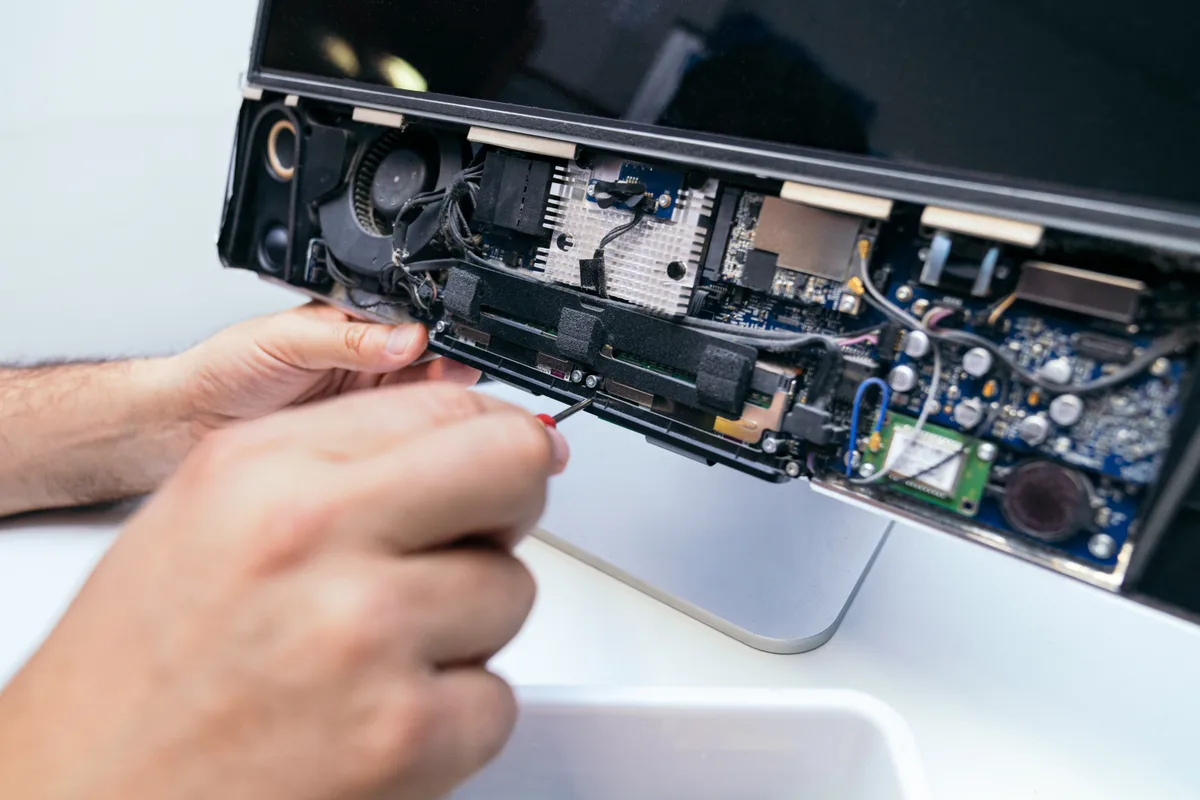
Step 2 — full strip-down of the logic board. Removed every component that sits on or connects to the board — screws, brackets, cooling, speakers, antennae, connectors. The board has to be free for the alcohol clean to do its job.
Step 3 — alcohol clean of the bare board. Isopropyl alcohol cleaning, appropriate to board work. Multiple short cycles rather than one long one, with the board inspected between cycles to see what residue is shifting. This is the step that removes the dried sugary residue from drink spills that would otherwise keep tracking moisture for weeks.
Step 4 — corrosion repair. Cleaned the corroded copper traces back to bare metal. Replaced two small ceramic capacitors that were no longer in tolerance, and refreshed the solder pads under the corroded inductor. None of this is a customer-visible component — it is the small surface-mount parts that decide whether the board lives or not.
Step 5 — connector clean. Every flex-cable connector that had been near the spill area got cleaned and inspected. Liquid often wicks along flex cables long after the initial spill, so the connectors that look fine immediately can be the source of intermittent faults weeks later. We rebake any contaminated flex cable terminations rather than leaving them.
Step 6 — controlled re-power. With battery still disconnected, applied bench power through the charge port at the correct voltage but current-limited. Watched for any unexpected current draw indicating a remaining short. Clean. Stepped through to a full power-on attempt: chime, display, login screen.
Step 7 — function tests. Every port (USB-C, HDMI if applicable, audio, MagSafe / charge), keyboard (every key), trackpad (clicks and gestures), Wi-Fi, Bluetooth, microphone, speakers, camera, fans, display brightness across full range, battery charge curve over a full cycle.
Step 8 — reassemble and a final overnight test under normal use before handover.
The Result
MacBook fully functional after the refurbishment. Every input and output tested clean. Battery charging cleanly to 100% and reporting accurate capacity. 6-month warranty on the logic-board work, covering any failure traceable to the refurbishment itself.
Three working days on the bench, dominated by the wait time between ultrasonic cycles and the overnight verification.
Why This Happens
Liquid damage MacBooks are a category of repair where what you do in the first hour decides almost everything. The right responses, in order:
- Power down immediately. Hold the power button. Don’t wait for a graceful shutdown.
- Disconnect from mains.
- Turn the machine upside down and open it to drain any liquid that hasn’t already gone in.
- Don’t try to power it back on to “check”.
- Don’t put it in rice, in a hairdryer, in an airing cupboard. None of these help; the rice myth in particular makes things worse because it loses you the few hours when a proper refurbishment has the highest success rate.
- Get it to a workshop that can do board-level work within 48 hours where possible. Corrosion continues spreading for days after a spill, and every day in storage makes the eventual job longer.
A spill that gets a proper refurbishment within a day or two often has an excellent success rate. A spill that sits unaddressed for a fortnight has often lost the patient.
Why we don’t just “replace the logic board”
Two reasons:
- Cost. A new Apple logic board on a modern MacBook Pro is several hundred to over a thousand pounds for the part alone. Component-level refurbishment is materially cheaper and usually works.
- Honesty. Recommending a board replacement when a refurbishment will do the same job is not good practice. We refurbish when we can and recommend replacement only when the damage is too widespread.
There are cases — extensive coffee or wine spills with the machine left running overnight — where a board is beyond refurbishment and replacement (or assessing whether the machine is worth fixing) becomes the honest answer. We will say so when we see it.
Local Help in Brixton SW2
Liquid damage is a category of repair where what you do in the first hour decides almost everything.
If you’ve had a spill, get the device powered down and to our Putney workshop as soon as you can — corrosion continues for days after the initial event.
Call 020 7610 0500 now, drop in to SW15, or use the contact form.