What Was Happening
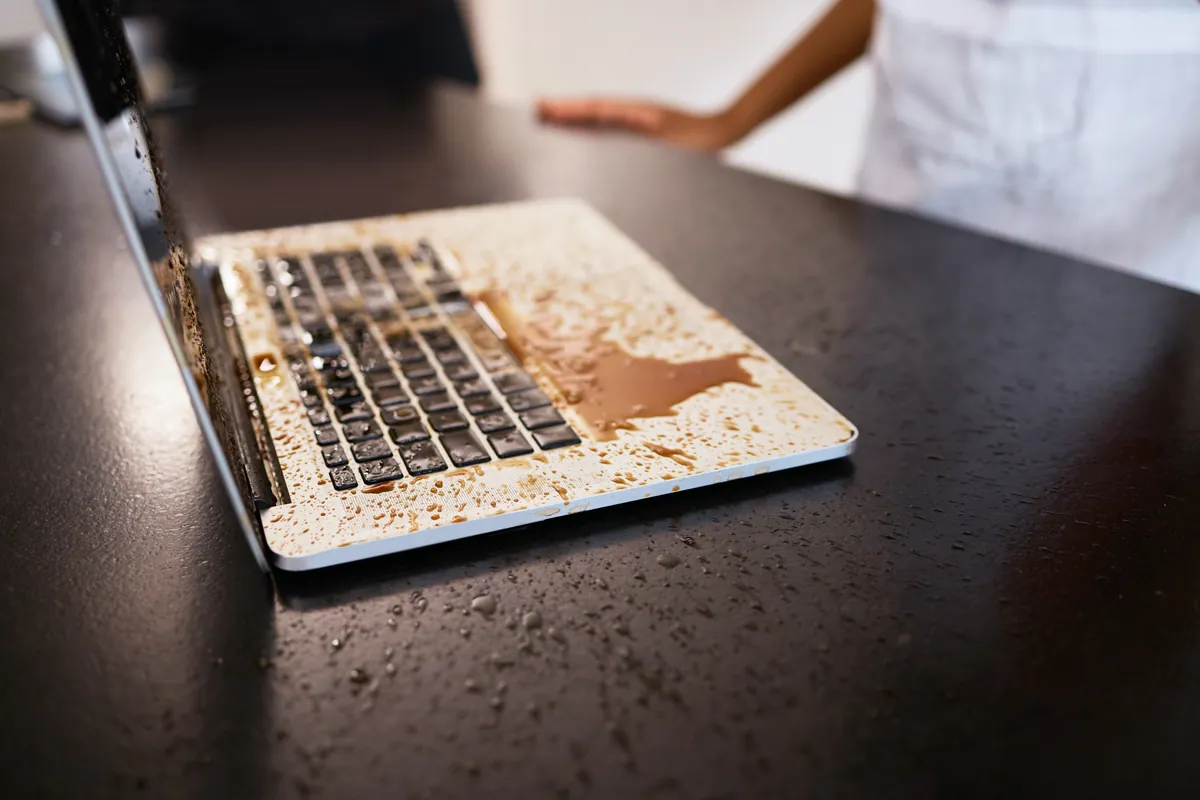
The MacBook came in from Kingston KT2 after a liquid spill, and the owner led with the thing that mattered most to them: the data was important. That single sentence shapes a liquid-damage job. It tells us the goal isn’t just “a working laptop” in the abstract — it’s this laptop, with these files, brought back rather than replaced.
Liquid and logic boards are an unforgiving combination. Even a modest spill can wick into the board and start corroding traces and components, and the damage keeps progressing for days after the event. By the time a liquid-damaged machine reaches a bench, the question is always the same: how far has the corrosion spread, and is the board saveable?
Sound like your problem?
Bring it to our Putney workshop or message us a photo and we will give you a straight answer and a quote before any work starts.
Our Diagnosis
Liquid-damage diagnosis is largely visual once the machine is open, backed by electrical checks:
- Battery disconnected as the first move. On a liquid-damaged board this is not optional — any liquid bridging two contacts is still drawing current while the battery has charge, and that’s what turns a small spill into a dead board. Disconnecting the battery stops the damage progressing.
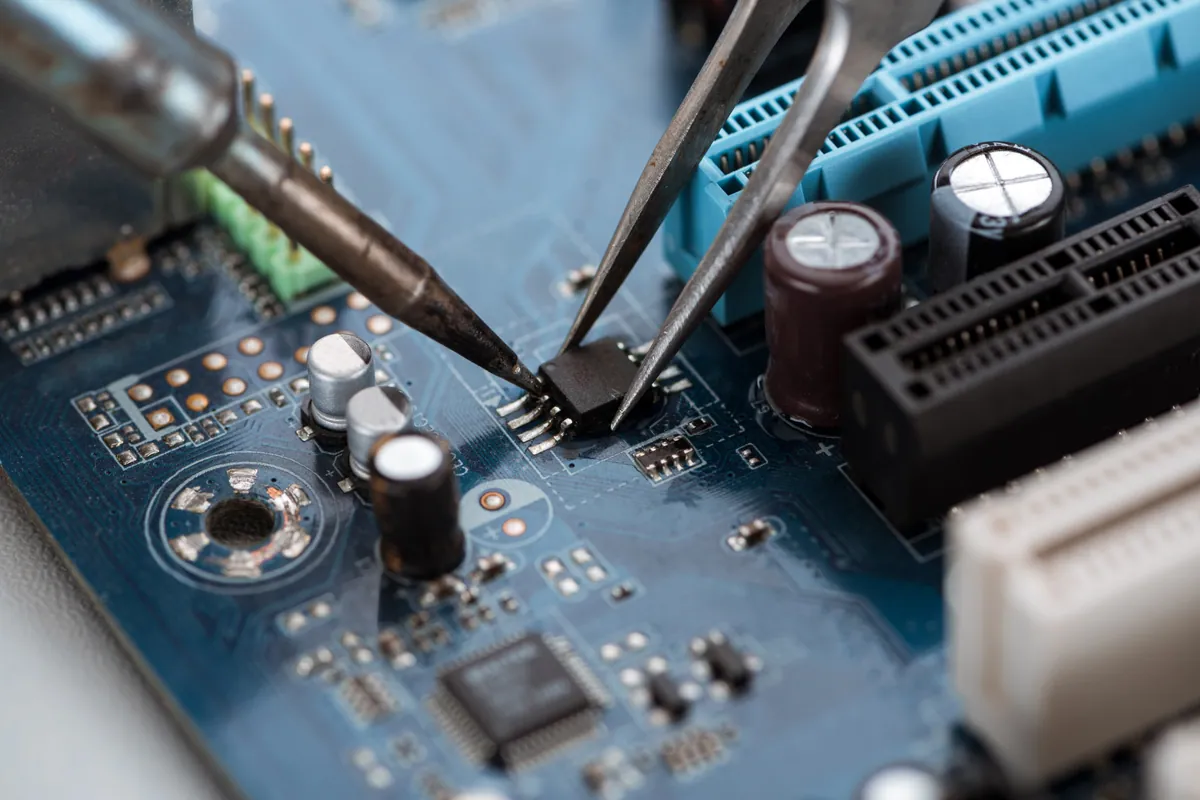
- Inspection under magnification. We looked for the dried residue that marks the spill’s path, and for the green-and-white powdery oxidation that shows where liquid has been attacking the copper. That maps out which parts of the board are affected.
- Assessing whether the board was saveable. The decisive question. Corrosion confined to a defined area is a strong candidate for refurbishment; corrosion spread across the whole board, with damage under the major chips, is not. Here the damage was localised enough to repair.
Because the data was the priority, refurbishing the original board was clearly the right route: revive the machine and the data comes back with it, rather than treating this as a drive-recovery-and-migrate exercise.
How We Fixed It
The core of the job was a board-level refurbishment:
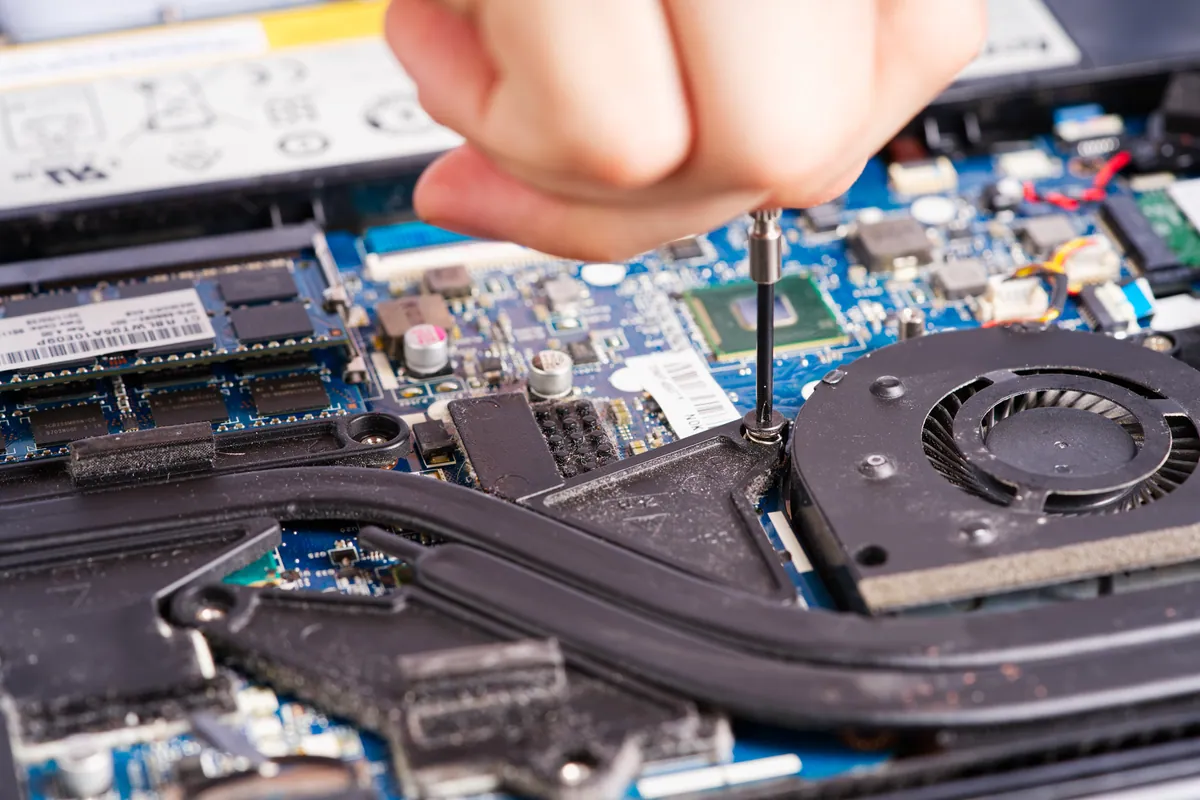
- Full disassembly with the board removed, so the clean could reach every affected area.
- Alcohol clean of the board to lift the corrosive residue — the sugary, conductive film a spill leaves behind that keeps tracking moisture and corroding traces long after the liquid itself has dried.
- Corrosion repair on the affected traces and pads, bringing the damaged sections back to sound connections.
With the board revived, the machine needed a screen to be complete and usable. We sourced a second-hand replacement screen and fitted it free of charge to finish the job. We were explicit about the trade-off: because that screen was a used part supplied at no cost, it carried no warranty — unlike the board work, which was covered for 90 days. The customer knew exactly what was and wasn’t guaranteed before collecting the machine.
The Result
The MacBook went back to Kingston KT2 as a working machine with the owner’s data intact — the outcome they’d asked for at drop-off. The logic-board refurbishment carried a 90-day warranty; the complimentary second-hand screen was fitted without warranty, as disclosed.
Why This Happens
The reason liquid kills MacBooks isn’t the water itself — it’s what the water leaves behind. Drinks carry sugars and salts that stay conductive as they dry, forming bridges across contacts that were never meant to be connected. Those bridges pass small currents, and where current flows through corrosion, the corrosion grows. That’s why a spill that seems survivable on day one can be a dead board by the end of the week, and why the machine should be powered down and brought in fast rather than left to “dry out”.
A board caught early, with the battery disconnected and a proper clean done before the corrosion spreads, has a genuinely good chance. A board left running, dried in rice, or repeatedly switched on “to check” has usually lost that chance.
What to do the moment you spill on a MacBook
- Power it down immediately — hold the power button, don’t wait for a tidy shutdown.
- Unplug it from the mains.
- Turn it upside down and open to let liquid drain rather than pool onto the board.
- Don’t put it in rice, don’t use a hairdryer, and don’t keep switching it on to test. None of these help; the rice myth in particular just wastes the hours when a proper refurbishment has the best odds.
- Get it to a workshop that does board-level work within a day or two. Time is the single biggest factor in the outcome.
Local Help in Kingston KT2
Liquid damage is the repair where the first few hours matter more than anything a workshop does later. If you’ve had a spill, power the machine down and get it to us quickly — corrosion doesn’t wait.
We do board-level liquid-damage MacBook work from our Putney workshop, an easy run from Kingston KT2, and we’ll tell you honestly whether a board is a refurbishment or beyond saving — and how to protect your data either way.
Call 020 7610 0500 now, or start with the contact form.