What Was Happening
The MacBook arrived from a Barnes SW13 owner completely dead — no power, no chime, nothing on the screen when they pressed the power button. It wasn’t charging its way back to life and it wasn’t responding at all. They asked us to diagnose it, fix it if the fault was minor, and quote if it turned out to be something bigger. With a MacBook that won’t turn on at all, it’s usually something bigger — and the first job is to find out exactly what.
We’re writing this one up honestly because it didn’t have a perfectly happy ending, and those cases are worth telling too. The machine was saveable. The data, as it turned out, was not — and understanding why is genuinely useful if you rely on a laptop.
Sound like your problem?
Bring it to our Putney workshop or message us a photo and we will give you a straight answer and a quote before any work starts.
Our Diagnosis
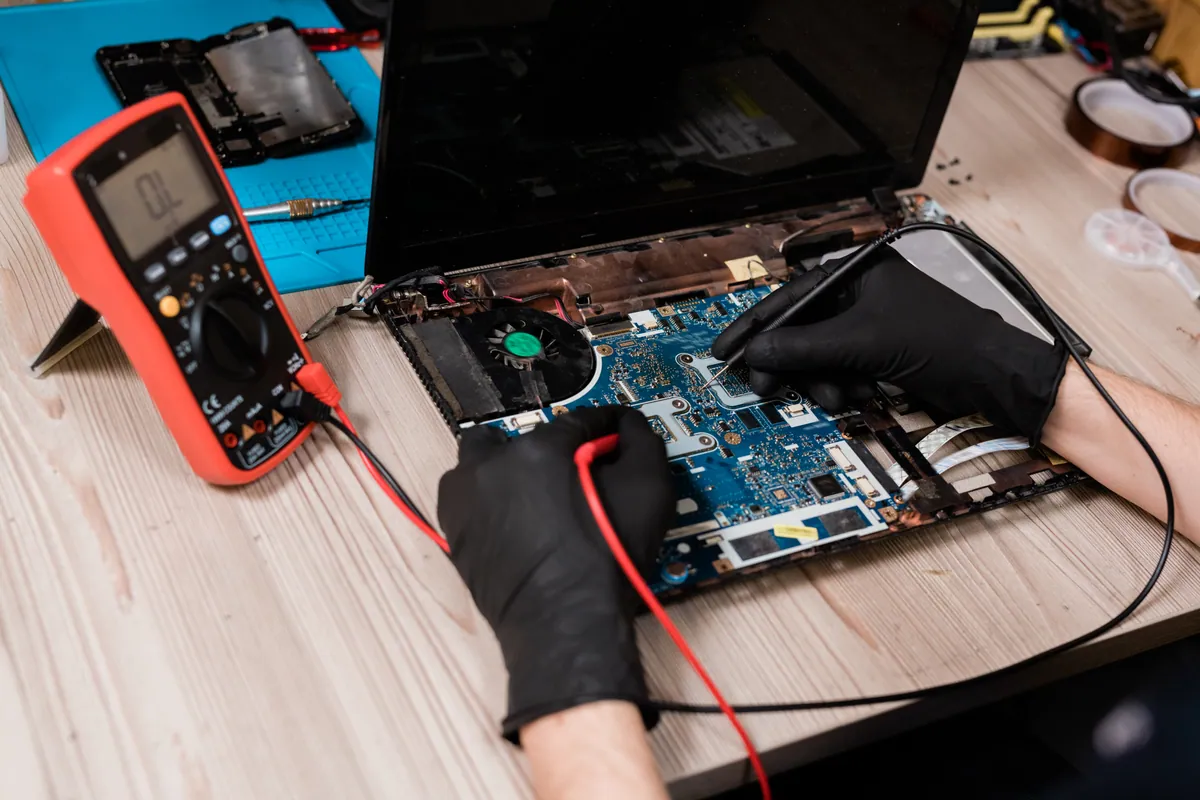
- Traced the no-power fault to the logic board. A MacBook that’s completely dead — no power, no response — most often has a fault on the logic board, the main circuit board everything else depends on. Testing pointed there: the board had failed, which is why the machine wouldn’t come to life.
- Found the storage had failed too. The board wasn’t the only casualty. The MacBook’s storage drive had also failed. That’s an important and unwelcome distinction, because the board and the storage are different components with different jobs — one runs the machine, the other holds your files — and here both had gone.
- Faced the hard part honestly. A failed storage drive is where data lives, and when the drive itself has failed, recovering what was on it may not be possible. We established early that the data was very likely unrecoverable, and made sure the owner understood that before we went further — because a repair that revives the machine doesn’t automatically bring the files back.
How We Fixed It
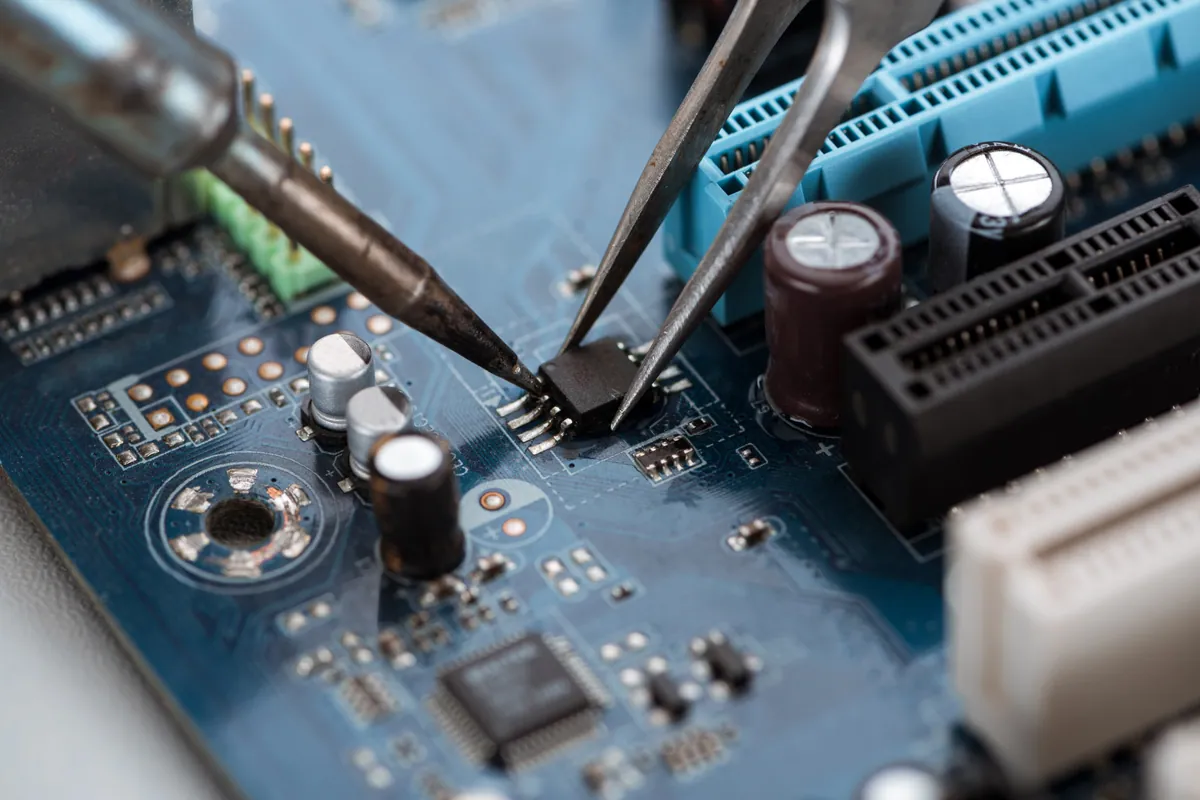
- Refurbished the logic board. We carried out a component-level refurbishment of the failed board, which brought the MacBook back to life — powering on and working again where before it had been completely dead.
- Warranted the board repair. The refurbishment came with a 90-day warranty, our confidence that the board itself is genuinely sound again.
- Couldn’t recover the data. This is the honest part: because the storage drive had failed, the data on it could not be recovered. We were straight with the owner about that rather than leaving them with false hope. The machine lived; the original files did not.
The Result
The owner got their MacBook back working — revived from completely dead by a board repair, and covered by a warranty. But they got it back without the data that had been on it, because the storage had failed alongside the board and that failure put the files beyond reach. It’s a genuinely mixed outcome, and we’d rather present it as one than pretend every story ends perfectly. The machine was worth saving and we saved it; the data was gone before it ever reached us.
Why This Happens
The most important idea in this whole case study is a distinction people rarely make until it costs them: repairing a machine and recovering its data are two different things. A laptop is made of separate components, and the part that makes it work (here, the logic board) is not the part that holds your files (the storage drive). Fixing one does nothing for the other. You can have a machine brought fully back to life sitting next to a drive whose contents are gone — which is exactly what happened here. “It’s working again” is not the same sentence as “your data’s back”.
It’s also not unusual for more than one thing to fail at once. A serious electrical fault, an ageing machine, or plain bad luck can take out the board and the storage together. When that happens, the board is often refurbishable — it’s a repairable component — but a storage drive that has physically failed is a different matter. Sometimes data can be read off a failed drive by specialists; sometimes, when the failure is severe enough, it simply cannot, at any price. There’s no technique that recovers data from a drive that’s truly gone.
Which leads to the one lesson worth taking from every case like this: the only thing that reliably protects your data is a copy of it somewhere else, made before anything fails. A backup — an external drive, a cloud service, ideally both, running automatically so you don’t have to remember — is what turns “the drive failed and my files are gone” into “the drive failed, so I’ll restore from my backup”. No repair can retroactively create a backup you didn’t have. The time to set one up is now, while everything’s working, because the machine can often be saved but the data can’t always be.
Local Help in Barnes SW13
If your MacBook or laptop is completely dead, it’s often more saveable than it looks — a logic board fault can frequently be repaired. But if the data matters, the honest advice is the same either way: bring it in promptly, and don’t count on the repair to bring your files back, because that depends on the storage, which is a separate thing.
We carry out board-level repairs and attempt data recovery from our Putney workshop, a short way from Barnes SW13, and we’ll always tell you the truth about what can and can’t be saved.
Call 020 7610 0500, drop in to SW15, or use the contact form.