What Was Happening
The MacBook had developed a pattern of intermittent shutdowns and occasional refusal to power on at all. The symptoms had no clear trigger — sometimes it worked perfectly for a day, sometimes it shut down within minutes of being woken. The customer had taken it to another repairer who had run diagnostics and quoted for a full logic-board replacement.
The replacement quote was several hundred pounds. The customer was reluctant to commit to that without a second opinion — partly the cost, partly because “replace the whole board” is the kind of recommendation that usually deserves a second look, particularly when the fault is intermittent.
Sound like your problem?
Bring it to our Putney workshop or message us a photo and we will give you a straight answer and a quote before any work starts.
Our Diagnosis
The difference between “this board needs replacing” and “this board needs refurbishing” is the location and extent of the fault. A widespread fault — multiple uncorrelated symptoms, damage across several areas — is usually a replacement. A localised fault — symptoms that trace back to one area — is usually a refurbishment candidate.
Diagnostic process for this MacBook:
- History intake. Asked the customer about events leading up to the fault. No liquid spill, no impact, no recent service. The fault had appeared gradually rather than overnight. That history points away from physical damage and towards component-level ageing.
- Power-on attempts under instrumentation. Connected the board to bench power through the charge port with current monitoring. Multiple cold-boot attempts: most successful, some hanging at the very start of the power-up sequence, one drawing current well above expected for a stalled boot. The “boot succeeds 80% of the time” pattern is characteristic of marginal power-management components — they work when conditions happen to be in their favour and fail when they aren’t.
- Thermal imaging during boot. Inspected the board for unusual heat patterns during the cold-boot sequence. Power-management area warmed faster than expected, with a localised hot spot around one of the SMC supply regulators that was not present on a reference board for the same model.
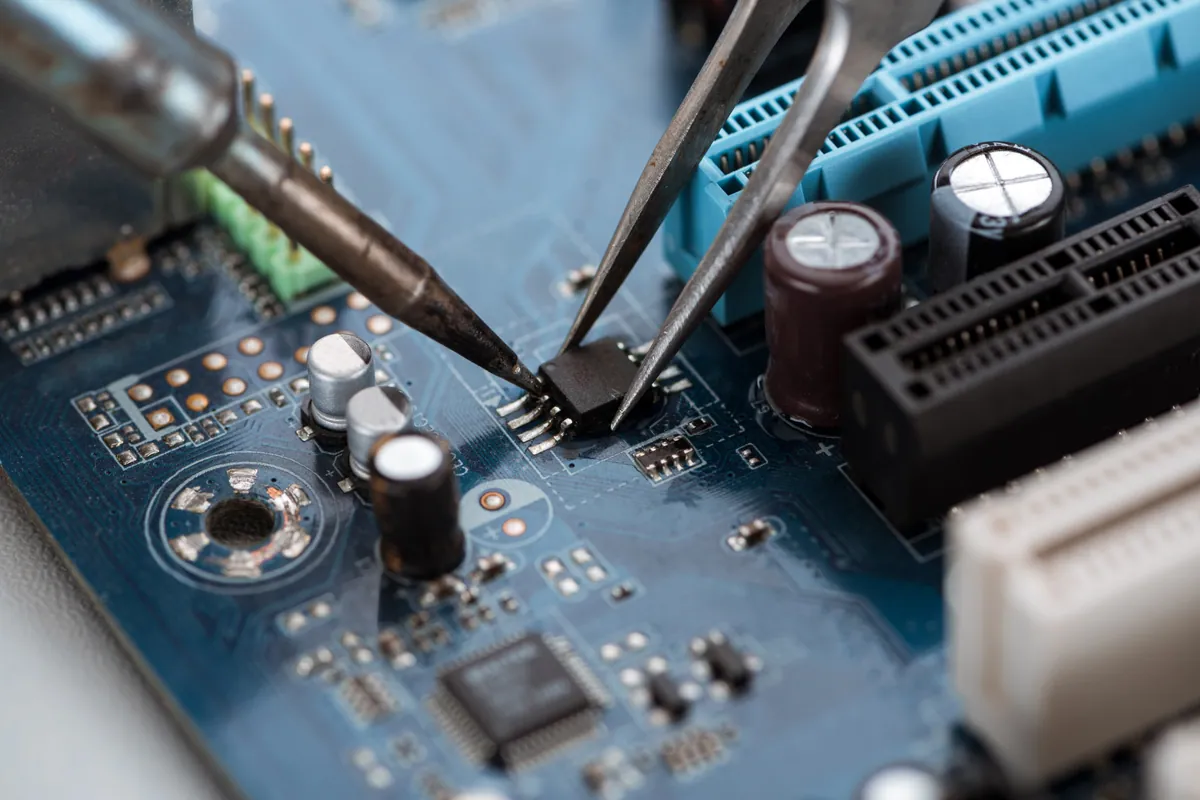
- Inspection under magnification. Looked at the hot-spot area. Found a capacitor that had visibly bulged slightly — easy to miss without magnification — and a couple of solder joints around the regulator that had the dull appearance of fatigued connections.
- Targeted electrical tests. Confirmed the suspect capacitor was out of tolerance, and the suspect solder joints had elevated resistance compared to known-good reference values.
Conclusion: localised power-management fault, well within the scope of component-level repair. Full replacement was overkill for this fault profile.
How We Fixed It
Step 1 — board out, battery disconnected. Standard preparation for any board-level work.
Step 2 — replaced the failed capacitor with a matched part — same value, same voltage rating, same temperature spec. Caps in this part of a logic board do not have generous tolerance, so using the correct part matters.
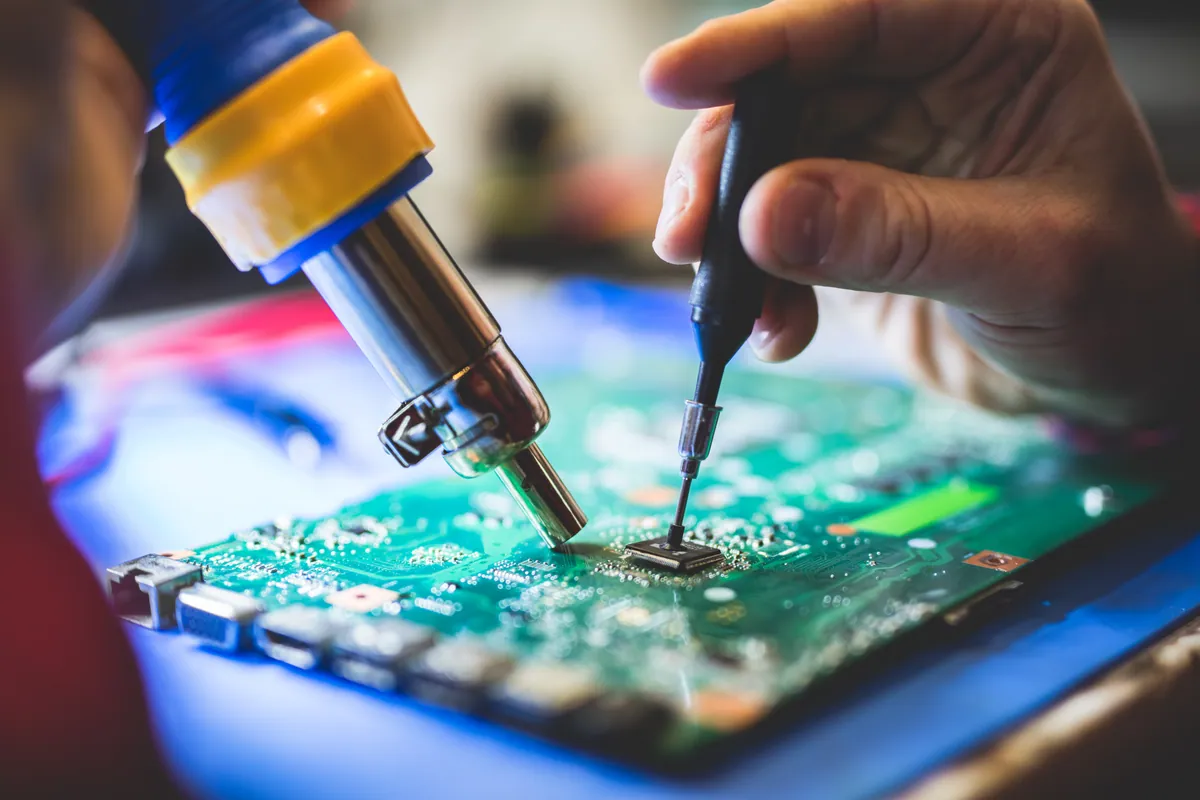
Step 3 — refreshed the marginal solder joints on the regulator and surrounding small components. Hot-air rework at the appropriate temperature profile; not “reflow the whole board” — targeted at the specific joints showing fatigue.
Step 4 — cleaned residue from the rework area with isopropyl alcohol and inspected the cleaned joints under magnification to confirm proper meniscus formation.
Step 5 — controlled re-power. Bench power through the charge port, current-limited, watching for any unexpected draw. Clean. Stepped through to full power-on. Successful first attempt and every subsequent attempt over the test cycle.
Step 6 — extended verification. Ran the board through 20+ cold boots over the next 24 hours, with the suspect area monitored for heat on several of them. Every boot succeeded; thermal profile during boot matched the reference board for this model.
Step 7 — reassembled into chassis. Reconnected battery, ran full function tests (every port, keyboard, trackpad, display, charging) and an overnight stability test under normal load.
The Result
Stable cold-boot on every attempt. No intermittent shutdowns over multiple days of bench testing. The MacBook returned to the customer with a 90-day warranty on the refurbishment work — meaning if the same area fails again within that window, we cover it.
Cost to the customer: materially less than the replacement quote, because we paid for one capacitor, a small amount of solder and a few hours of bench time rather than a full Apple-sourced logic board.
When refurbishment is and isn’t the right call
We do recommend full logic-board replacement when:
- Damage is widespread (extensive liquid damage left untreated for weeks, severe impact damage, multiple unrelated faults)
- The cost of the part is close enough to the labour cost of a complex refurbishment that the warranty value of a fresh board makes more sense
- The board has been previously refurbished by someone else and the work is making the diagnosis unreliable
We recommend refurbishment when:
- The fault is localised to one identifiable area
- The components in that area are accessible and replaceable
- The customer has been quoted for a full replacement elsewhere — it is almost always worth a second look
What we will not do is quote a refurbishment when the honest answer is replacement (or vice-versa). We charge for the diagnostic time and then quote accurately based on what we find.
Why This Happens
Intermittent faults are the hardest category of repair to diagnose, because by definition the symptom is not present at the moment you are looking for it. The right approach is to stress the suspect area under controlled conditions so the fault appears predictably:
- Monitor current draw during boot attempts
- Use thermal imaging to find hot spots that shouldn’t be there
- Test individual components under representative load
- Build a hypothesis from the pattern, then test it
The wrong approach is to swap components hoping one of them is the answer, or to assume the worst-case fix and recommend it. Both are common in less-rigorous workshops because they take less time. They also cost the customer more than they need to spend.
Local Help in Wandsworth SW18
Board-level work isn’t standard at every laptop repair workshop — but it’s often the difference between a repair and a replacement.
We refurbish MacBook and PC laptop logic boards where the fault is localised, and recommend full replacement only when refurbishment isn’t viable.
Drop in to our Putney workshop (SW15), call 020 7610 0500, or use the contact form for a second opinion on a board quote.