What Was Happening
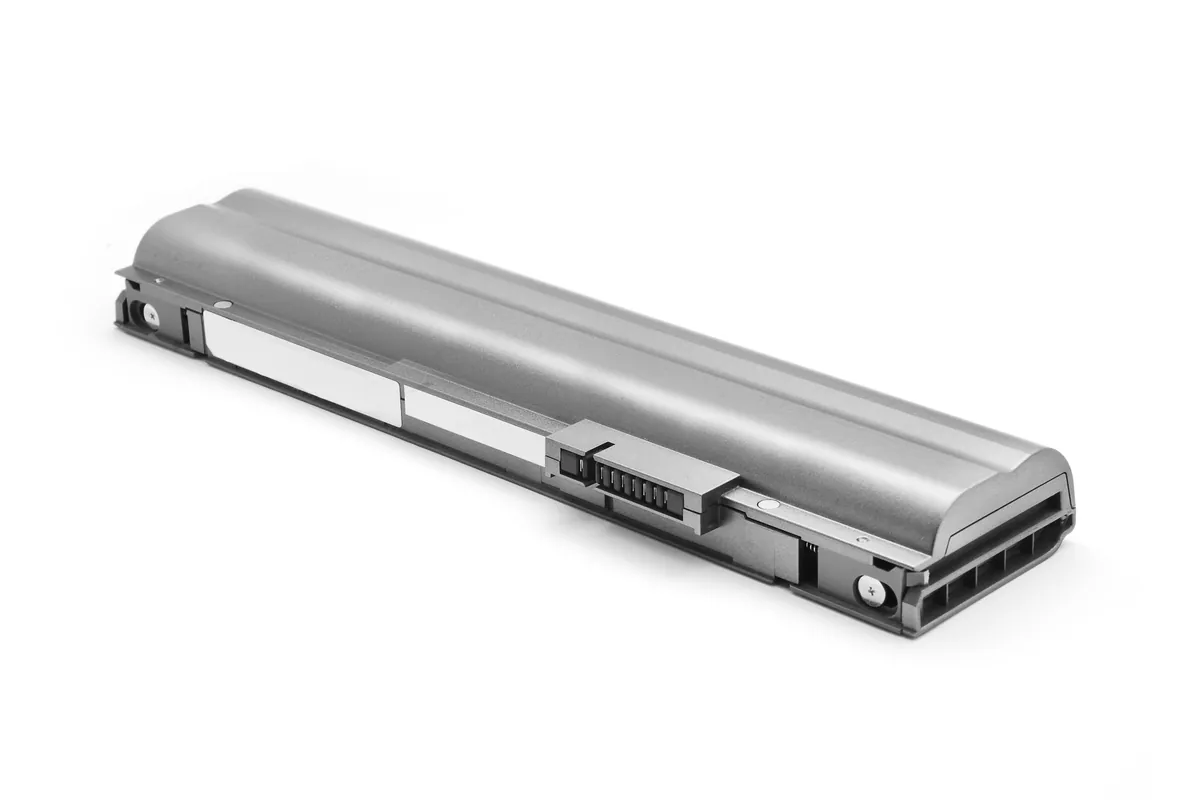
The MacBook Pro arrived from a Raynes Park SW20 owner being awkward about the most basic thing a laptop does: turning on. It wouldn’t start reliably, and its battery had stopped holding charge. The owner had decided on a clean slate — they didn’t need any of the data kept — and asked us to sort the machine out and set it up fresh.
Two things were tangled together here: a hardware problem (the battery) and a housekeeping wish (a clean start). Part of the job is separating those, so the fix addresses the actual fault and doesn’t just paper over it with a reinstall.
Sound like your problem?
Bring it to our Putney workshop or message us a photo and we will give you a straight answer and a quote before any work starts.
Our Diagnosis
- Tied the starting trouble to the battery. People assume a battery only matters for running unplugged, but a badly degraded one can also make a laptop reluctant to start at all — there simply isn’t enough stable power to boot cleanly. The dead battery and the unreliable starting were almost certainly the same problem.
- Confirmed the battery was spent, not a deeper fault. We checked that this was end-of-life battery wear rather than a charging-circuit or board issue masquerading as it — so the owner wasn’t paying for a battery that wouldn’t actually cure the symptom.
- Planned the clean install around the machine’s limits. With no data to preserve, a clean wipe was straightforward — but “latest macOS” has to mean the latest version this model can take. Part of the plan was installing the newest compatible system, not blindly grabbing the current one and leaving the machine unsupported or sluggish.
How We Fixed It
- Fitted a new battery. A fresh battery gave the MacBook stable power again — restoring both its ability to run unplugged and its ability to start cleanly and reliably.
- Did a clean macOS install. With the owner wanting nothing kept, we wiped the drive and installed the latest version of macOS the machine supports — a genuine clean slate rather than carrying old clutter forward.
- Verified it start-to-finish. We confirmed the machine powered on dependably, held charge and ran the fresh system properly before returning it.
The Result
The MacBook Pro went back to Raynes Park doing the basics dependably again: starting first time, holding a charge, and running a clean, current macOS. A laptop that had become unreliable enough to be frustrating was, underneath, just a tired battery and an old system — both routine to put right — and the owner got a machine that felt fresh rather than finished.
Why This Happens
A laptop battery is a consumable, and it’s worth being blunt about that because it changes how you think about an ageing Mac. The battery stores charge through a chemistry that degrades slightly with every charge cycle, and after enough years it holds less and less until it barely holds anything. The obvious symptom is a laptop that dies the moment it’s unplugged — but there’s a less obvious one that catches people out: a severely degraded battery can also make a machine start unreliably, because the system can’t draw the steady power it needs to boot. So “it won’t turn on properly” and “the battery’s dead” are often the same story, which is why replacing the battery fixed the starting trouble here.
Renewing a battery is routine — the electronic equivalent of new tyres, not a rebuild — and it’s a fraction of the cost of a new machine on a MacBook that’s otherwise sound.
The clean install is the other half. When you genuinely don’t need the old data, wiping and reinstalling is the best possible fresh start: it clears out years of accumulated clutter and leftover software and gives the machine a clean foundation. The one nuance is version. Every Mac has a newest macOS it officially supports, and the right move is to install that — current enough to be secure and capable, but not so new that the model can’t run it well. Get the battery and the system both right and an old MacBook Pro stops feeling like a machine on its last legs and starts feeling like one worth keeping.
Local Help in Raynes Park SW20
If your MacBook won’t start reliably, or dies the instant it’s off the charger, a worn-out battery is a very common cause — and a straightforward, affordable fix on an otherwise healthy machine. And if you want a clean start, we can wipe and set it up fresh at the same time.
We replace MacBook batteries and do clean macOS installs from our Putney workshop, a short hop from Raynes Park SW20, and we’ll always tell you honestly whether a Mac is worth reviving.
Call 020 7610 0500, drop in to SW15, or use the contact form.