What Was Happening
The MacBook Pro came in from a Chelsea SW10 owner with a specific and self-contained complaint: the machine itself was fine — it powered on, it ran — but the keyboard had stopped behaving properly. The owner’s instruction was measured: diagnose it, quote it, and fix it if it’s minor.
A keyboard fault is one of those problems where the symptom and the cause don’t always match. Keys that don’t type, type the wrong thing, or repeat can come from a genuine hardware failure — but they can also come from software settings, a stuck key, or debris. The value of the diagnosis is in not replacing a keyboard that didn’t need replacing.
Sound like your problem?
Bring it to our Putney workshop or message us a photo and we will give you a straight answer and a quote before any work starts.
Our Diagnosis
- Confirmed the machine was otherwise healthy. It powered on and ran normally, which told us this wasn’t a board or power problem dressed up as a keyboard fault. The issue was contained to input.
- Ruled out the causes that don’t need a new keyboard. Before condemning the hardware, we checked the things that can imitate a keyboard failure — software and settings, stuck or obstructed keys. None of those explained it.
- Confirmed the keyboard itself had failed. With the cheaper explanations cleared, the evidence pointed at the keyboard as a hardware fault — the case where replacement genuinely is the answer.
How We Fixed It
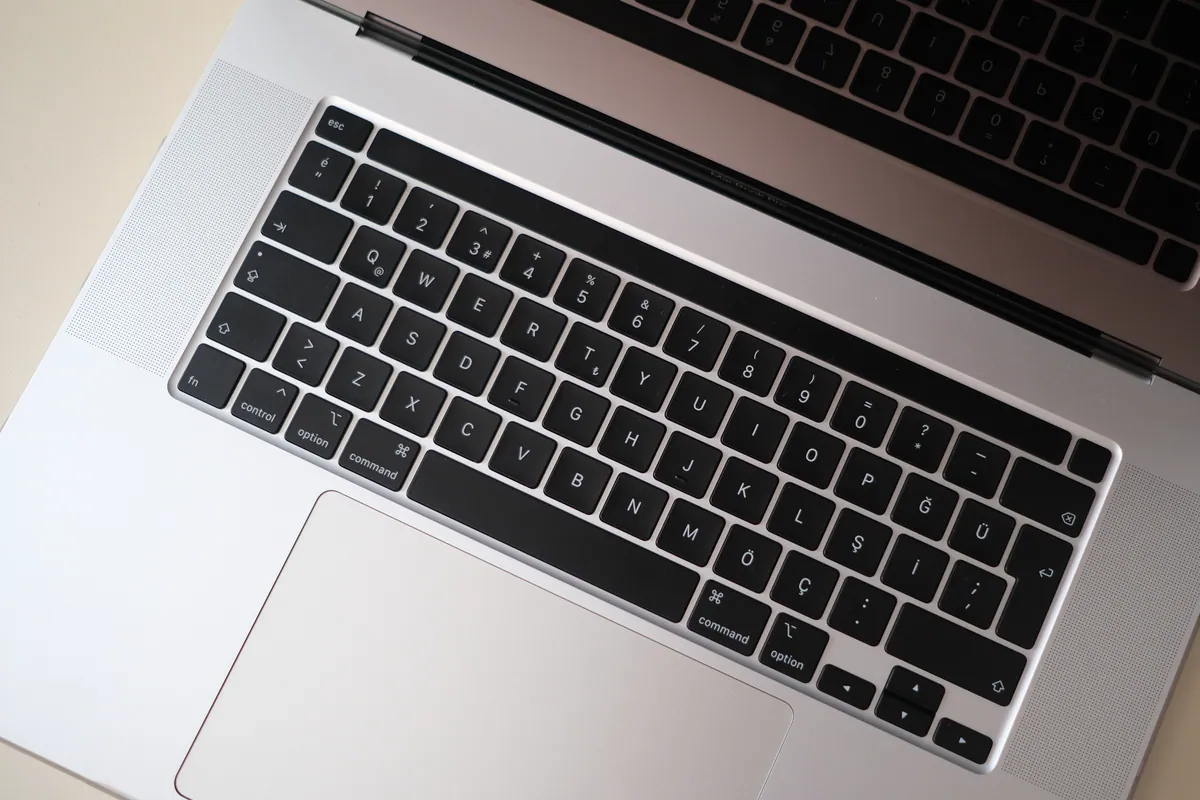
- Replaced the keyboard. On many MacBook Pro models the keyboard isn’t a standalone part — it’s integrated into the top case, so fitting a replacement is a full strip-down of the machine rather than a quick swap. We carried that out and reassembled the machine.
- Tested every key. A keyboard replacement isn’t finished when the part is in — it’s finished when every key has been pressed and confirmed to register correctly. We ran that full check before handover.
The Result
The MacBook Pro went back to Chelsea SW10 with a fully working keyboard, every key responsive. The rest of the machine, which had been fine throughout, was left exactly as it was — the repair was targeted at the one thing that had actually failed.
Why This Happens
MacBook keyboards fail for a handful of reasons: ordinary wear over years of typing, debris working under the keys, the effects of an old spill, or — on some model generations — a mechanism that was simply more failure-prone than Apple would have liked. Whatever the cause, the outcome is keys that stop registering, stick, or repeat.
The reason a replacement is a bigger job than it sounds is Apple’s construction. On many models the keyboard is riveted into the top case as a single assembly, so “replacing the keyboard” means replacing that whole assembly and rebuilding the machine around it. It’s precise work, which is exactly why the diagnosis matters — you want to be certain the keyboard is the fault before committing to a strip-down, not swapping an expensive assembly on a hunch.
Local Help in Chelsea SW10
If your MacBook’s keyboard has started dropping keys, sticking or typing the wrong characters, it’s worth having the cause confirmed before assuming the worst — sometimes it’s not the keyboard at all.
We diagnose and replace MacBook keyboards from our Putney workshop, a short trip from Chelsea SW10, and we test every key before we hand the machine back.
Call 020 7610 0500, drop in to SW15, or use the contact form.