What Was Happening
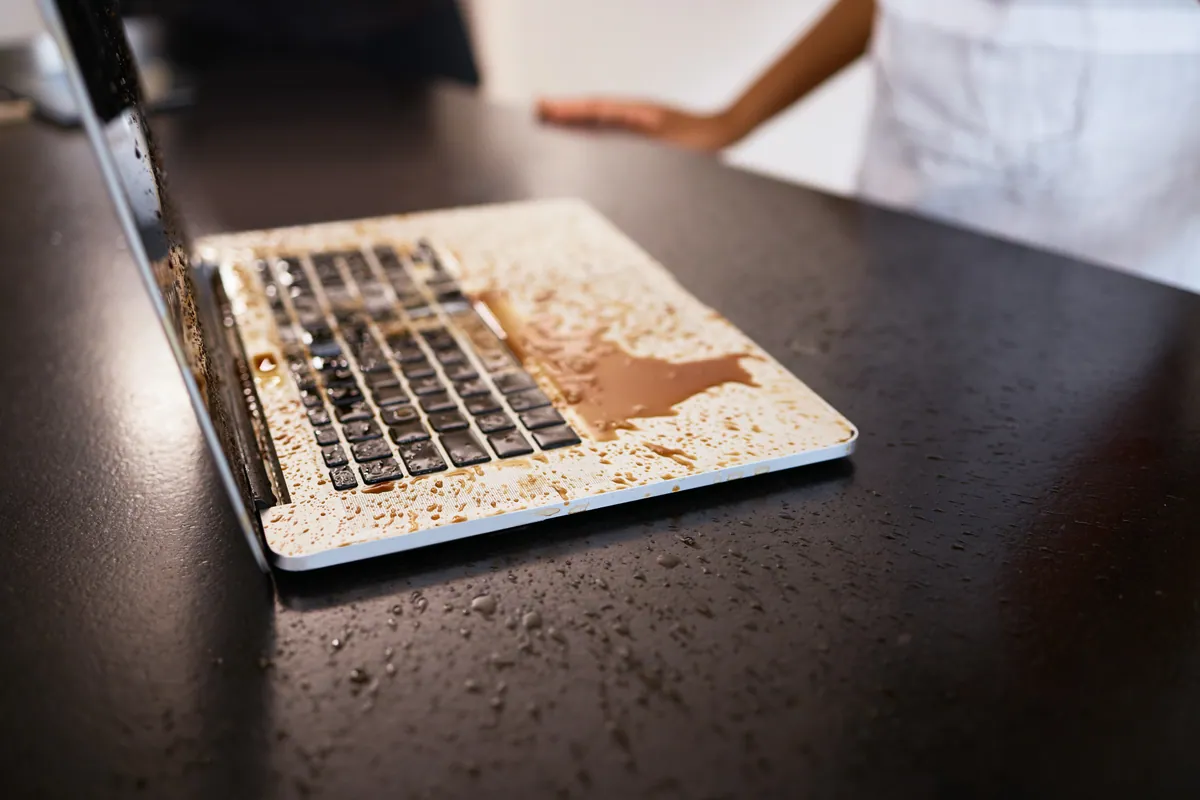
A MacBook Pro came in to our Putney SW15 workshop after a spill, with two symptoms most owners would not connect.
The first was noise. The fan ran hard from the moment the machine started and stayed there — no ramping up under load, no settling after a minute, just constant full speed on a laptop doing nothing at all. The second was that the keyboard had stopped responding.
The fan is the symptom that frightens people, and it is easy to see why: a laptop howling at full tilt sounds like something inside is overheating, and after a spill the natural assumption is that the liquid has cooked something. The keyboard was the practical obstacle — a laptop you cannot type on is not a laptop — but the fan was the more informative of the two, and it is the one we followed first.
Sound like your problem?
Bring it to our Putney workshop or message us a photo and we will give you a straight answer and a quote before any work starts.
Our Diagnosis
Two questions, in this order: why the fan was at full speed, and how far the liquid had travelled.
The fan first, because it is so widely misread. Fan speed on a Mac is not the operating system reacting to how busy it feels — it is set by a controller on the board that reads temperature sensors and decides how much cooling is needed. That controller is deliberately pessimistic: when it cannot get a reading it trusts, it assumes the worst and runs the fans hard, because a wrongly noisy Mac is a nuisance and a wrongly silent one is a dead one.
So a machine that howls from a cold start, while idle, having been quiet the day before, is usually not telling you it is hot. It is telling you it cannot read something it expects to read. Straight after a spill that narrows quickly: liquid bridging contacts, or corrosion that has already opened a circuit the controller depends on. The fan and the dead keyboard were not two faults that had unluckily arrived together — they were one lot of liquid, seen from two directions.
The second question governs cost and outcome: had the liquid stayed in the top case, or reached the logic board? The keyboard, the trackpad and the ribbon cables joining them to the board all sit above it, so a spill meets those first. Turned off promptly and drained, the board underneath can come through untouched; left flat and running, gravity finishes the job.
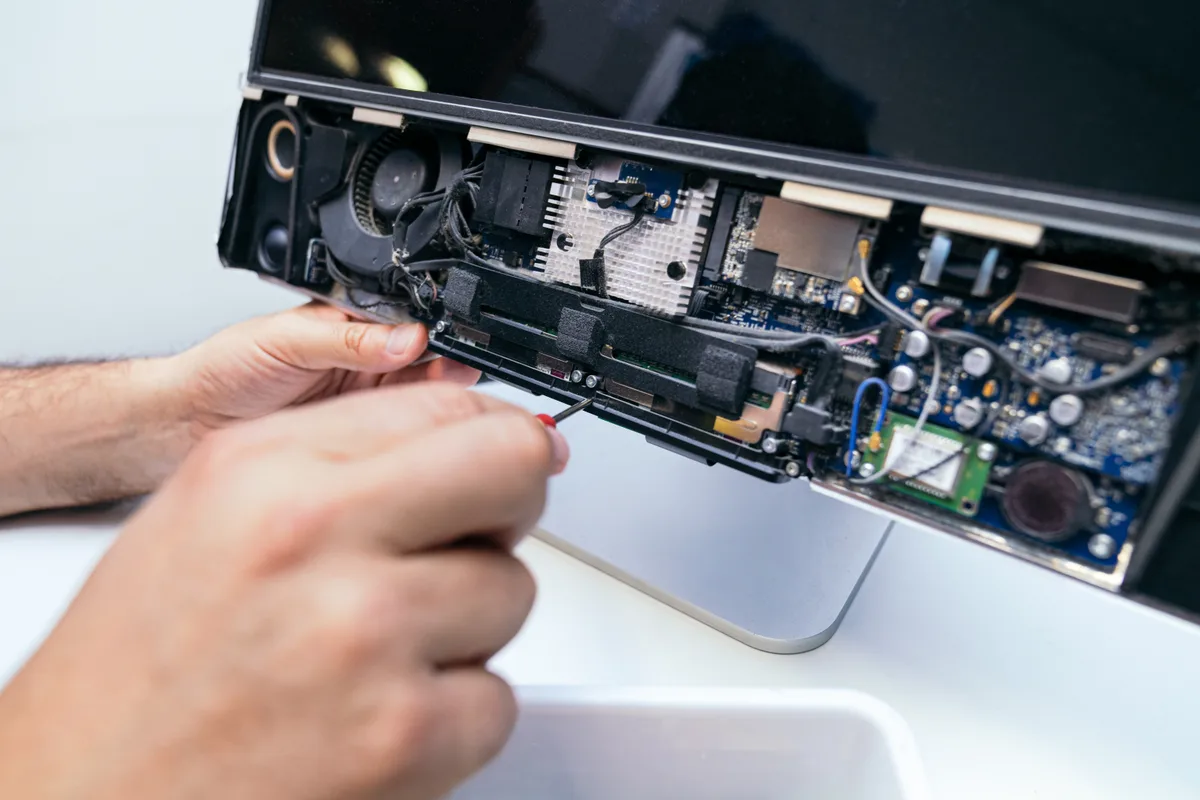
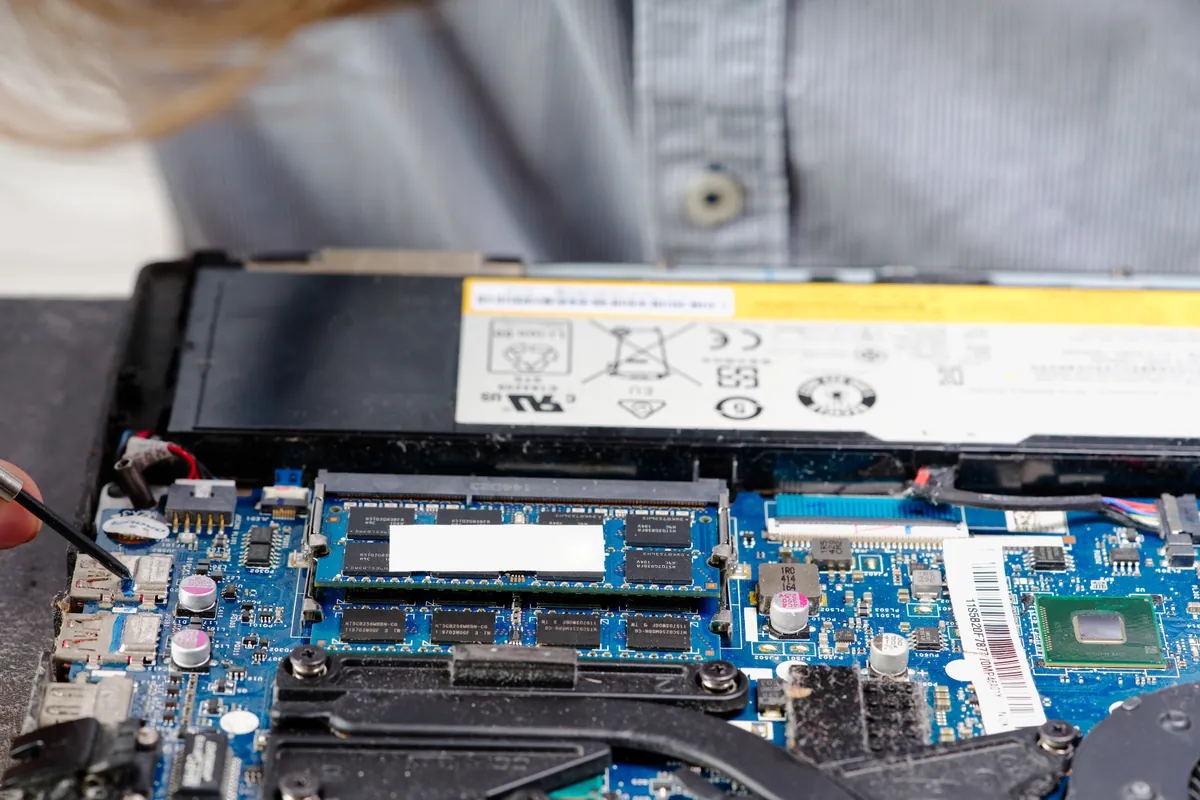
That cannot be judged through a closed lid, which is why the machine comes apart before any figure is discussed. The board goes under the microscope, because “it still switches on” and “the board is clean” are entirely different statements — residue that has not caused a fault yet is residue that will. Where the board is involved, it comes out and goes through the ultrasonic cleaner before any repair decision is made.
None of that was needed here. The damage was confined to the top case, and the work came down to three parts.
How We Fixed It
Three parts, and it is the third that is worth explaining.
The keyboard. Once liquid has got under the keys of a MacBook, cleaning is not a realistic option. The switch mechanisms are sealed into the assembly and the contacts that corrode sit behind a layer that cannot be reached without wrecking the thing you are trying to rescue. A keyboard in that state gets replaced, not revived.
The trackpad. A trackpad will sometimes survive a thorough clean, which is worth establishing before ordering a part. This one did not — common when a spill spreads across the palm rest rather than landing squarely on the keys.
The cable. This is the part customers never expect and some repairs quietly skip. The keyboard and trackpad do not wire straight into the logic board; they connect through thin flexible ribbon cables. Liquid travels along those by capillary action, wicking between the layers, settling against the conductors and drying there out of sight. A ribbon cable can look immaculate and still be corroding steadily at its contacts. Fitting new input parts onto a contaminated cable is a false economy and, three or four weeks later, a returning fault. It was replaced with them.
The machine was reassembled and tested as a whole: every key checked individually, the trackpad tracked and clicked across its full range, and the fan watched from a cold start and given time to settle rather than glanced at once and signed off.
The Result
The MacBook Pro went back to its owner with a working keyboard and trackpad, on input wiring replaced rather than reused.
The repair carries our standard 90-day warranty, covering both the parts and the workmanship. It does not cover accidental damage, and that is worth saying plainly rather than leaving in the small print: a second spill is a second repair. No warranty anywhere covers the same accident twice.
We should be equally straight about the fan, because there is a limit to what this repair can promise. Replacing the top-case parts and their cable takes the liquid-damaged hardware out of that circuit, and where that hardware was what the controller could not read sensibly, the noise leaves with it. Where corrosion has reached the sensor circuitry on the board itself, it does not — and that is a different job: board-level work, days on the bench, and our 90-day warranty behind it. On an older machine there is a point where that stops being worth the money, and we would rather have that conversation before the work starts than afterwards. A diagnostic fee applies to establish which of the two you are in, and it is absorbed into the repair if you go ahead.
One more honesty applies to every liquid-damage repair. A successful spill repair is not a machine restored to factory condition. Liquid goes where it likes, and a machine that leaves working can still develop a fault weeks later from residue somewhere nobody could reach. That is not a get-out clause; it is the nature of the damage.
Why This Happens
A MacBook’s layout explains most of this. The top case is a dense, shallow tray holding the keyboard, the trackpad, their cables and a good deal of low-voltage wiring, and it sits over the board like a lid. Anything spilled lands in that tray. That is why the input devices are so reliably the first casualties — and why a spill can produce symptoms with nothing to do with typing, such as fans, sleep behaviour or backlight oddities, because the same shallow space carries lines the machine uses to monitor itself.
The delayed part is what catches people out. The electrical damage happens in seconds; the chemical damage takes weeks. What gets spilled is almost never pure water — tea, coffee, wine and soft drinks all carry sugars, salts and acids, and when the water evaporates those stay behind as a film. That film pulls moisture back out of the air and keeps the corrosion ticking over long after the machine feels bone dry. It is why the “I dried it out and it was completely fine” story so often has a second instalment a month later.
What to Do in the First Ten Minutes After a Spill
- Power it off immediately by holding the power button in. Do not shut down through the menu, and do not restart it to see whether it still works — current through a wet board is what turns a survivable spill into a dead machine.
- Unplug the charger, and do not plug it back in to check anything.
- Stand it upside down with the lid open, in a tent shape on a towel, so gravity works against the board rather than pulling liquid towards it.
- Skip the hairdryer and the bag of rice. A hairdryer drives liquid further in and bakes sugar residue onto surfaces that then take far more work to clean. Rice deals with humidity in the air, not a puddle already inside a laptop.
- Do not wait and see. The clock that matters is the corrosion clock, and it starts the moment the liquid lands.
- If it will not come back on at all, treat the data as a separate question from the repair. Data recovery is its own piece of work, the odds depend entirely on what the liquid reached, and we only charge for it if it succeeds.
Local Help in Putney SW15
Putney is where our workshop is, and that matters more with liquid damage than with almost any other fault we see. Spill something on a Mac in SW15 and you can be at our counter within the hour — which genuinely changes the odds, because the difference between a top-case repair and a board job is often just how long the liquid was left to sit and travel.
We will open it, tell you honestly what the spill has reached, and say so if the sensible answer is that the machine is not worth repairing. That beats a hopeful quote.
Call 020 7610 0500, drop the machine in to our Lower Richmond Road workshop, or use the contact form — and bring the charger with it.